3ds Max | All

LockUnlock_Rotation_Lock_All.ms

2 votes

Enable all Rotation Locks for the selected objects

LockUnlock_Scale_Lock_All_Toggle.ms

1 vote

Toggle All Scale Locks for the selected objects

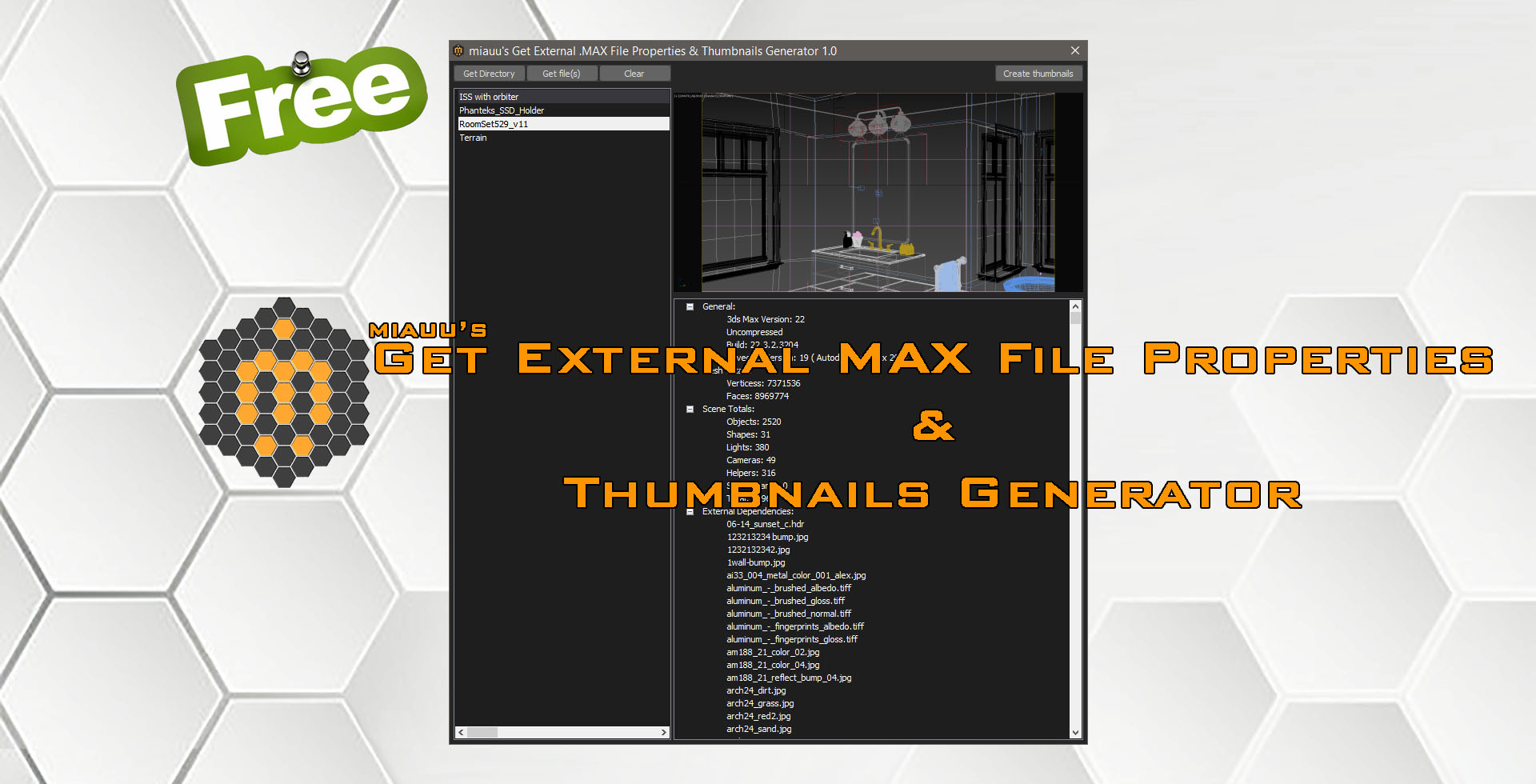
miauu's Get External .MAX File Properties & Thumbnails Generator

1 vote

miauu's Get External .MAX File Properties & Thumbnails Generator allows you to:

How to use the script "Material Renamer v1.1"

0 votes

This tutorial shows how to use the "Material Renamer v1.1"

Lesson 13 - 3DS Max - Total Beginners - Intro To TurboSmooth - Part 1

0 votes

In this tutorial, we will learn about TurboSmooth modifier, what's for, how it works, how to use support edges to constraint the smoothing to specific parts of the model, and finally a quick explanation of why professionals recommend keeping your polygons as quads(= 4-sided polygons).

3DS Max - Edit Poly - Different Usage For Animate

0 votes

In this tutorial, we will see how we can use the Animate feature in the Edit Poly modifier so that we can, after adding another modifier on top of it, go back and change some of the values of the parameters, like for example, Bevel, Extrude, Inset, etc,...

Increase_SoftSelectFalloff_point1.ms

3 votes

This script will increase the falloff for the soft selection by .1

quadperson

6 votes

What this script does is it assigns a quadmenu to rightclick + alt/shift/ctrl combination. Example?

solver plane constraint

6 votes

"simpler way to assign target for your IK Solver Swivel Angle. Put this script in Animation>Constraints menu. If the selected object is not an IK Chain object - this action item will be greyed out."

3DS Max - Plugin - ZoomExtSelFix

1 vote

In this update, the script will work on sub-object selections. Also, a bug in the first version is fixed, when you switch to another mode other than the Modify Panel, the first version gives an error, this is fixed now in this 1.5 version.
To recap on why this plugin:
The default Zoom Extents Selected tool in Max has an issue when you're in a sub-object level but no sub-object element is selected, pressing Z(the default shortcut) causes Max to Zoom Extents on the whole scene instead of the selected object.

Syndicate content