3ds Max | All

DevMaxwell Material Converter

0 votes

I just going to leave here the script that comes with the trial version of Maxwell Render 4.2.4 just in case someone need it

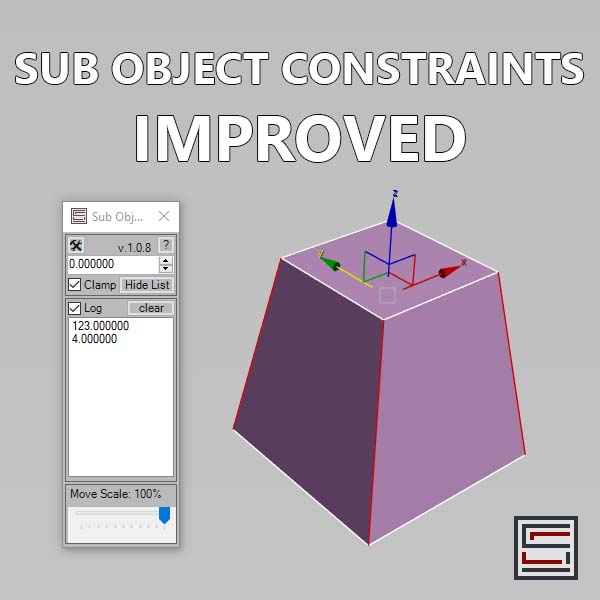
Sub Object Constraints Improved

2 votes

Description: Slide verts & faces along edge paths. Similar to the standard constraints, but works in both directions.

3DS Max - Tip - Attach Geometry With ProBoolean

0 votes

In this tutorial, we will learn about an alternative way to attach geometries, that will help us to keep things parametric.

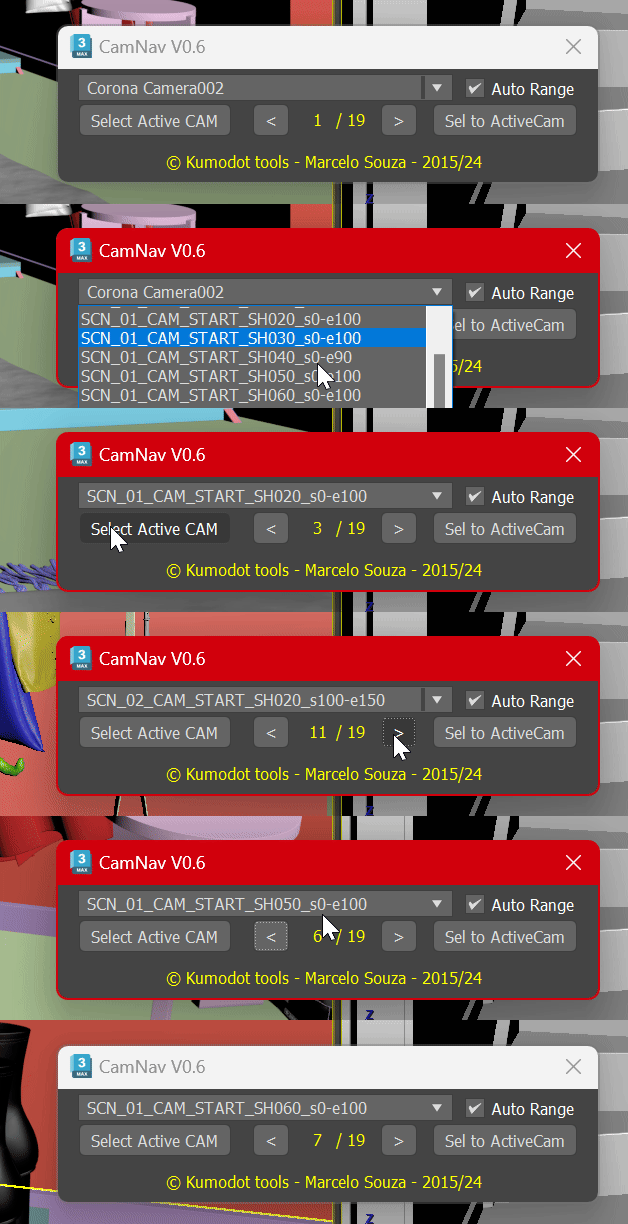
Camera List Navigator

-1 vote

3DS Max [Plugin Update] Multiple Sections v1.5

0 votes

In this version, I added the ability to clean the sections of unnecessary vertices. This feature works with the sections created by this plugin, and you can also use it with splines in the scene. Please watch this video to the end to learn about this new addition.

To learn about all the plugin's features, you can refer to the demo video for the first version:
https://youtu.be/4HX5wssIqSw

But download and install the updated version from here.

3DS Max - Invisible Sections Problem With Loft - Explained

0 votes

In this tutorial, we will look at the issue of invisible cross sections inside the Loft tool. This happens when you choose Editable Splines or shapes with Edit Spline modifier as a cross-section. I will explain why they happen, and what can we do in that scenario.

3DS Max - Quick Tip -Visually Switch Between Viewport

0 votes

In this tutorial, we will see how, when we're working on a single maximized viewport, we can quickly see the content of the other viewports, and switch to the one we want. This provides visual feedback, in case we forgot the name of the viewport we want to work in.

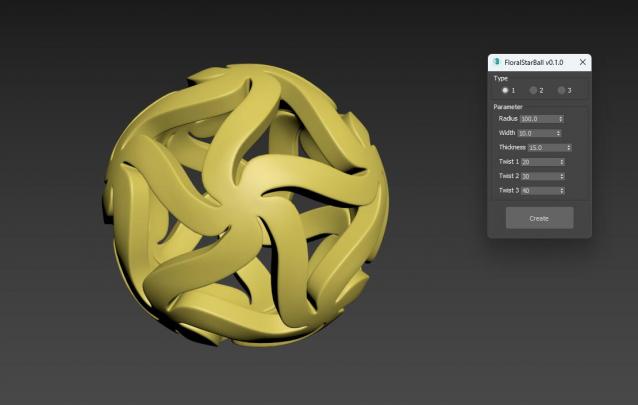
FloralStarBall

0 votes

Floral Star Ball for 3ds Max plugin, A beautiful variation of the classic star shaped sphere. The star shaped pattern is arranged in a floral style, giving objects a unique visual aesthetic. It will be an excellent addition to any Math Art collection, desktop exhibit, or even stress reliever for flexible plastic printing. One click generation surprisingly effortless!

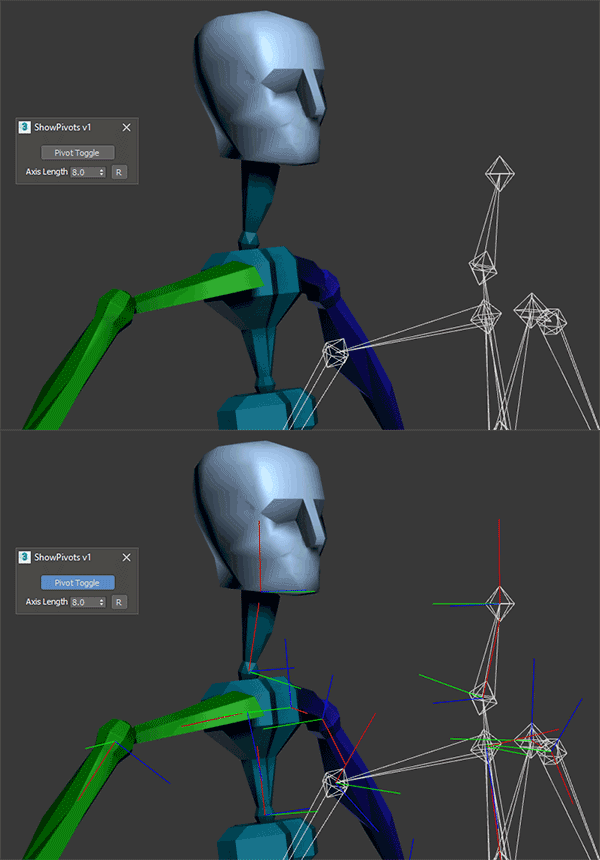
Show All Pivots Toggle

1 vote

Displays pivots for ALL visible objects in the scene via a toggle button, with the option of controlling the size of the axis. Great for troubleshooting animation rigs!

3DS Max - Tip - Capture / Restore Objects Transform

0 votes

In this 3DS Max tutorial, we will see how we save and restore the position and rotation of the objects, so that, later on, we can restore them back to their original state. Also, we will take a look at specific scenarios where this technique might have undesirable results.

Syndicate content