3ds Max | Scripts

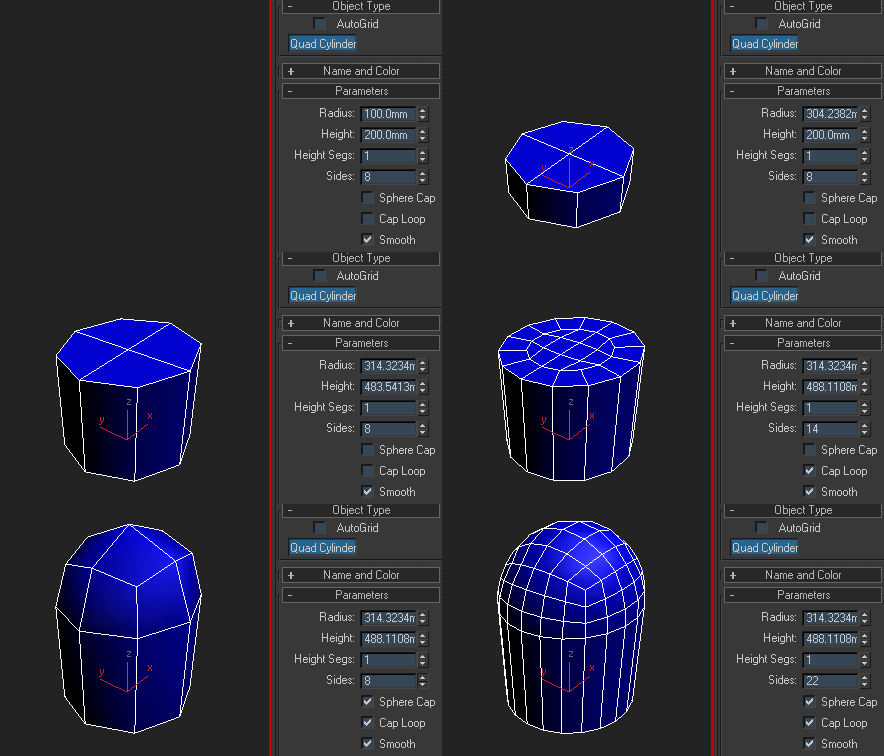
Quad Cylinder

17 votes

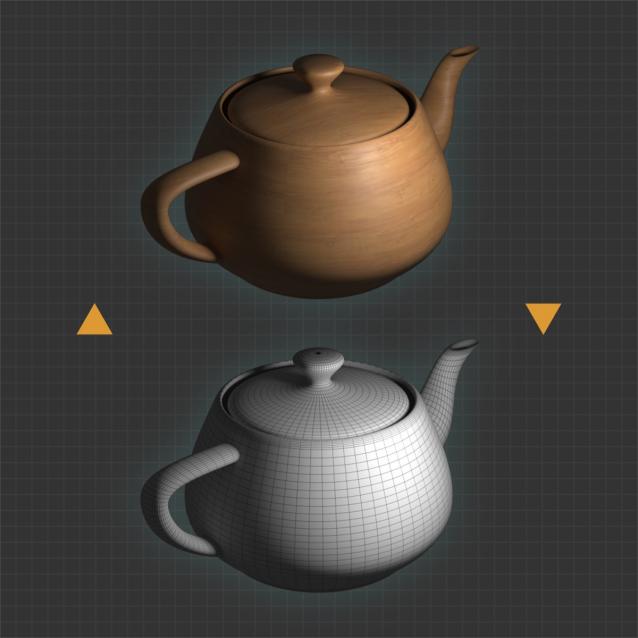
Since I've written a few functions to make my life easier while working on the Gear primitive (plus one that I later discarded, intended to fill holes), I figured I could just as well make a quad cylinder as a much simpler example how to tie these functions together. Enjoy and feel free to rip the code apart and reuse it.

Delete Modifiers

10 votes

••••••••••••••••••••••••••••••••••••••••••••••••••••••••••••••••••••••••••••••••••••••••••••••••••••• VERSION 2.0
This little tool provide advanced way for modifiers deletion, especially in complex scenes. Second version can be also used to:
- select group of object that share same modifiers
- turn on/off modifiers by user choise
Requested by draging

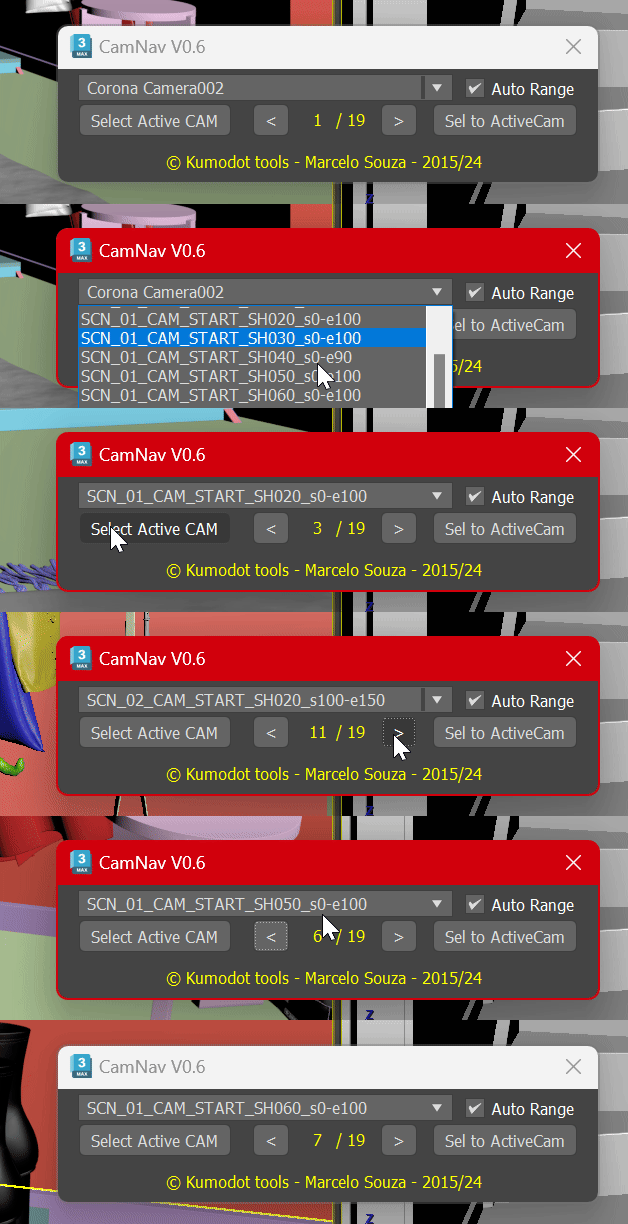
Camera List Navigator

-1 vote

Camera List Navigator

-1 vote

P_LockSelection

1 vote


P_LockSelection is a script that changes the LockSelection function to the Hold method from Toggle. At the same time, these are auxiliary scripts that match this. As a result, users will feel more comfortable operating the gizmo from a distance.

This might be helpful to anyone who manipulates gizmos.

For more information
https://www.canva.com/design/DAF1tIV5nMA/jGyhAjAuOzgx6ynRYqaUfg/edit?utm...

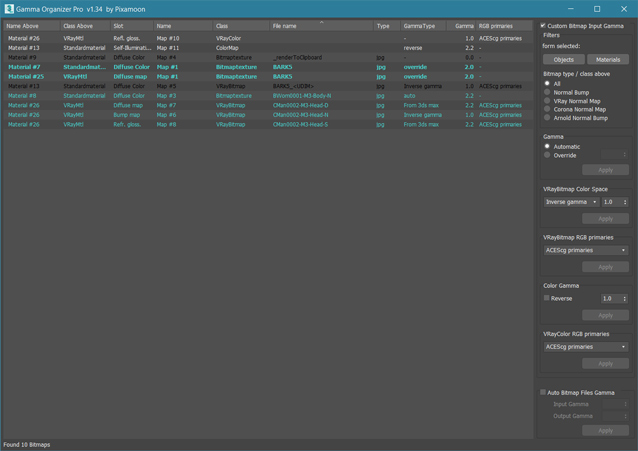
Gamma Organizer

32 votes

New  v1.36.00 Pro
- added support for new Color space type "Auto" in VRayBitmap (VRay 5.2)
- added support for RGB Primaries in VRayBitmap and VRayColor (VRay 5)
- added support for other maps with gamma settings  ColorMap, VRayColor etc.
.

This is script to change bitmap load gamma in whole scene or selected Bitmaps.
It can change gamma in all / selected bitmaps (now filtered by selected objects).

Vertex Aligner

1 vote

A 3dsMax Script for Aligning Vertices by 2 or 4 Points

it Works with [Poly/Mesh/Shapes].

Install: Drag and drop the downloaded mzp file to 3dsmax viewport or from Scripting Menu/Run Script. after that you can find it in _My Sceripts_ Category, you can add it to quad menu or toolbar or assign shortcut to it.

How It Works:

Texel Density Tool

5 votes

A small tool for working with your texel density and scaling your UV-shells.

Some features:
Has a minimalistic Interface (similar to Maya)
Can Get and Set texel density.
Saves all of your settings (including window position) every time you close it.
Shows the most understandable values (px/m).
Works with different system untis (including non-metric).
Can scale UV-Shells horizontally or/and verically using custom pivot.

Requires Unwrap UVW modifier applied and active.

Works bad when:
UV-Shell is not convex (has no seams).

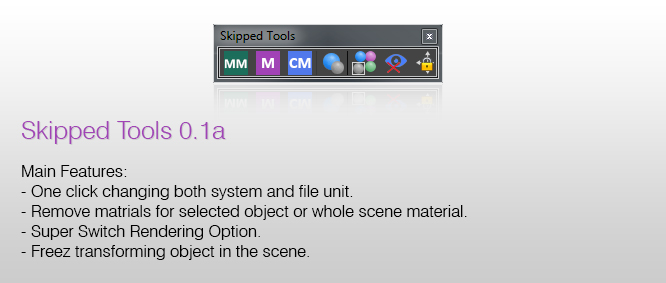
Skipped Tools

4 votes

introduction:

Skipped tools is a collection of scripts that are highly needed in daily works to quickly access some features in 3ds max, for example you can change both the system and file unit with a single click, or a kind of switch rendering option that makes an object unrenderable, and turning its visual style to xray mode for quick accessing that object and navigating it inside the scene ..

Features:

Material Quick Override (free)

1 vote

A small macro that helps you quickly toggle Global Material Override mode off and on. It’s convenient for artists who need to switch between modes to check the current scene. Supports Corona Renderer and V-Ray. Hold shift while clicking the toolbar button to add CoronaWire or VrayEdgeText to the material used as an override.

Syndicate content