3ds Max | Scripts

AvizStudio Tools - ATree3D

139 votes

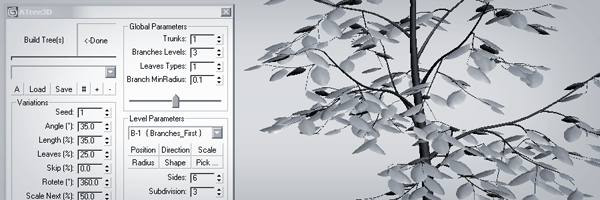
ATree3D is simple to use 3D plants generator for architectural visualizations. With this script for 3ds max you can create trees, bushes, flowers and grass. You can use it for low or high polygon models with precise control of the level of details on each sub-element. Script works inside of the 3ds max viewport and show instant preview of your changes.

If you like this script please share your plants and trees(.at3d files) with the community.

Grider

25 votes

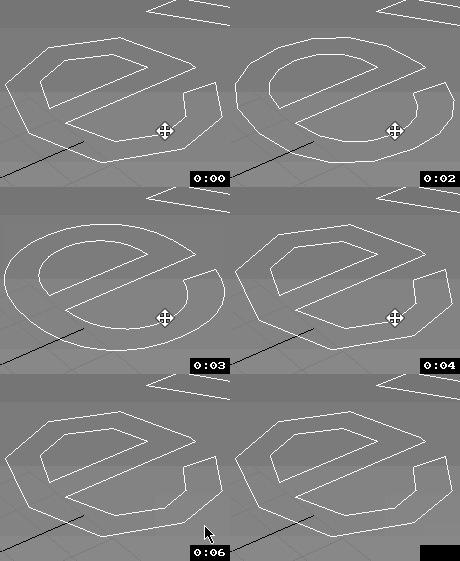
this script cuts object by user defined grid

version beneath v0.3 wasnt released

v0.3:
- work at any combination of axes
- cut by segment lenght or edges count
- always recalculate segment lenght to keep it same in hole object

Uni-Grow-Shrink

8 votes

2.7.3 Fixed Decrease steps in splines
2.7.2
Fixed bug of grow subobjects and conflicts of functions
add

2.7
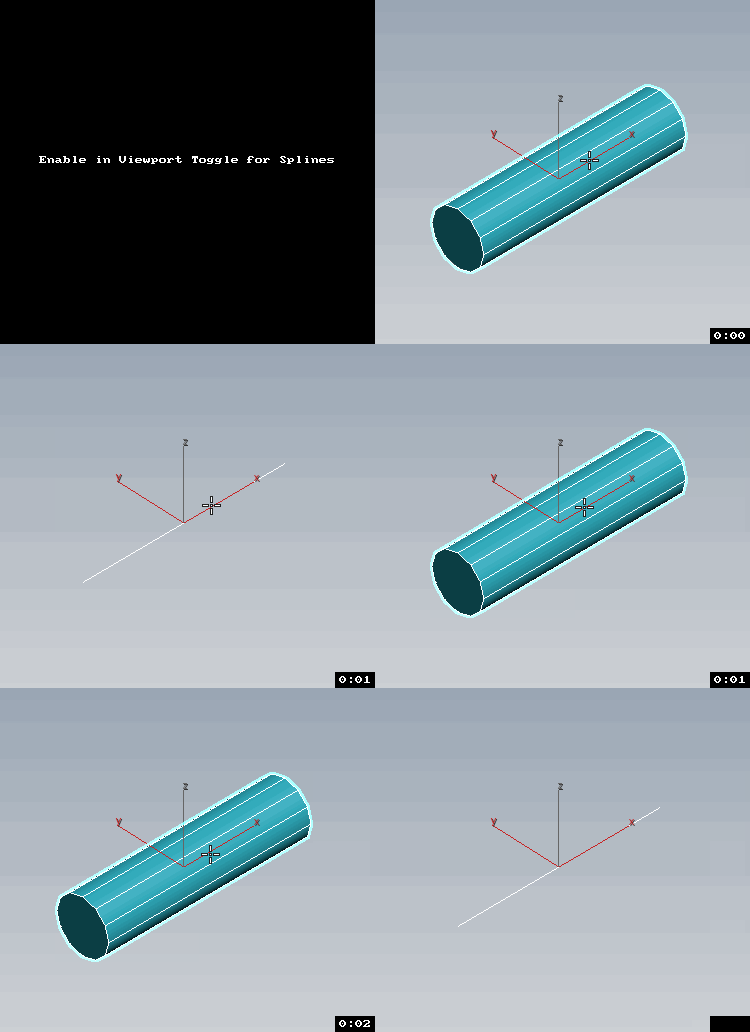
Esc+Grow = Splines as mesh with Thickness Toggle

v2.6
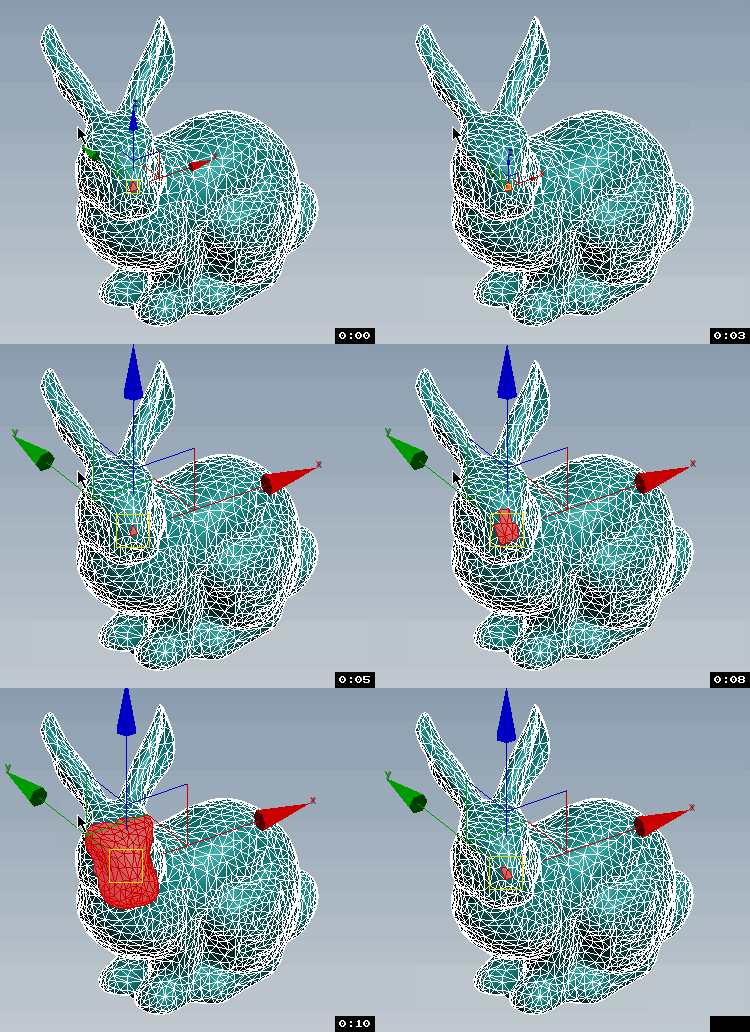
Transform Gizmo Size Up/Down If Esc + Any Button of Script pressed.

Max Defaults

13 votes

Objects and modifiers defaults

  - New version - save defaults / presets and automatically load them on create object or add modifier
  - up to 8 defaults / presets - just Ctrl, Alt, Shift combination
.
  - Now also without Ctrl, Alt, Shift
.

This script saves and loads not accessible Max Defaults. It automaticaly starts with your 3ds Max and works in background.

It saves selected values of modifiers as your defaults / presets and load them while adding new modifier

It can copy / paste modifier properties to other max instance !

Find Coinstances

26 votes

Find CoInstances works in two ways:

1. With Multiple Objects selected it will find objects that are cloned on top of each other resulting in animation flickering

2. With a Single object selected it will find and select faces that are coinstanced

Extend Borders

25 votes

[UPDATE!] See description below for more

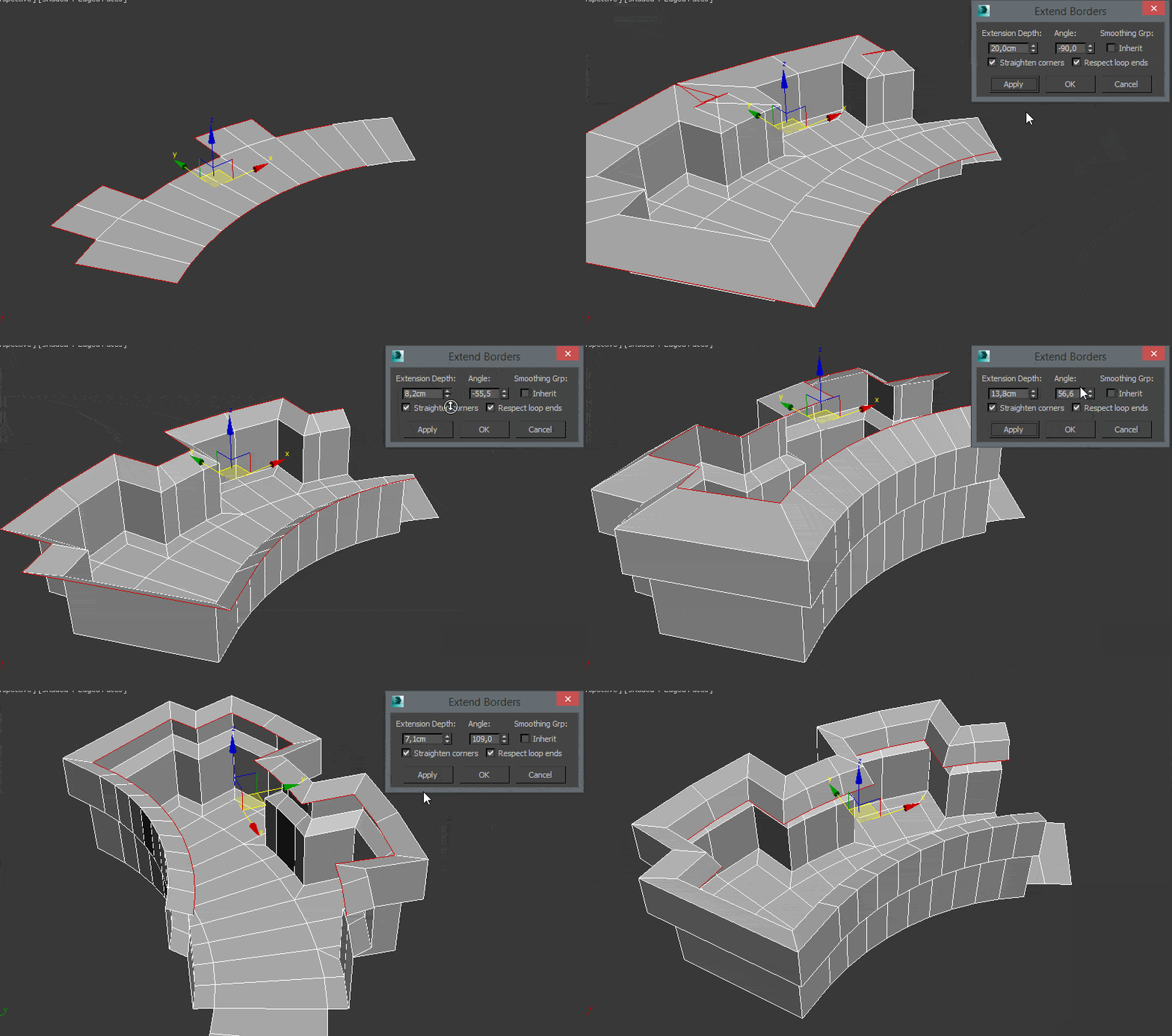
This Tool is useful for extruding border edges of an editable poly. You can also add a tilting angle and choose to use corrected corners.

Augment plugin for 3dsMax

1 vote

Augment is an augmented reality mobile app that lets you visualize your 3D models in real time, real size, in your direct environment.

You just need to upload your models on the web platform: http://manager.augmentedev.com/#/login, and they will be synchronized on your mobile device with the Augment mobile app.

There is also a plugin for 3ds Max to export your 3D models directly to Augment and visualize them straight away in augmented reality, with nice Mental Ray and V-Ray texture baking.

You can download it here: http://augmentedev.com/help/3ds-max/#exporting-with-the-plugin

Convert to MultiScatter

11 votes

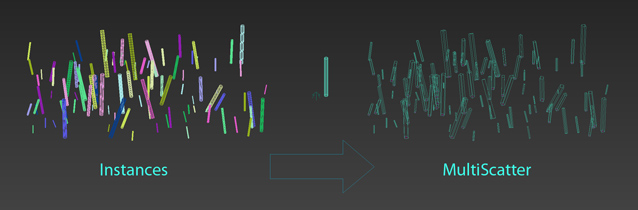
This is only rough idea how to convert objects to MultiScatter

First it creates new distribution object and then MultiScatter distributes objects on it.
It keeps transform (position, scale and rotation) of objects

I/O Morpher

1 vote

Exports or imports morpher data to or from a morpher.

Useful for copying morpher information from one file to another or from one head to another.

Pre-Render Script over network - Working method!

0 votes

For my specific reason I needed to send a render of a selected object. I've been trying unsuccessfully to send a job to render over the network using the "setRenderType #selected" active to render a selected item only.
(in combination with VRay's "renderers.current.imageSampler_renderMask_type = 2")

Problem is - once it gets to the network, my object is no longer selected.

So I delved into the Pre-Render script. However, even though I managed to create a small single-line script that selects my object and set it to run before the render (pre-render) - Max would constantly ignore it:

Syndicate content