3ds Max | Scripts

3ds max 2016 to 2021 UI Locker

2 votes

this scrip simply lock or UnLock UI by Alt keyboard shortcut

Align Objects To Direction (vector)

4 votes

Align Objects To Direction allows you to align the X, Y or Z axis of each of the selected objects to the direction(vector), defined by two picked in the scene points. SNAP will be turned ON automatically.

Select By Measuring

5 votes

This tool will allow you to select objects by the size of the bounding box, surface area or volume.

extrudeFaceZero

2 votes

a simple script, that extrudes selected faces of an editable poly by zero, ready to move them (no mess with extrude tool). use a hotkey like alt_E for it.

BodyObject Quality upgraded (RenderViewportMesh On/Off)

-4 votes

This is that script -> http://www.scriptspot.com/3ds-max/scripts/bodyobject-quality

But with enabled option to switch RenderViewportMesh property of BodyObject's.

NURMS Toggle All

4 votes

"Toggles the Use NURMS Subdivision setting of all editable poly objects. This is useful if you have scenes with heavy poly count in poly objects and want to speed up viewport display"

PG.CamSelect

8 votes

.

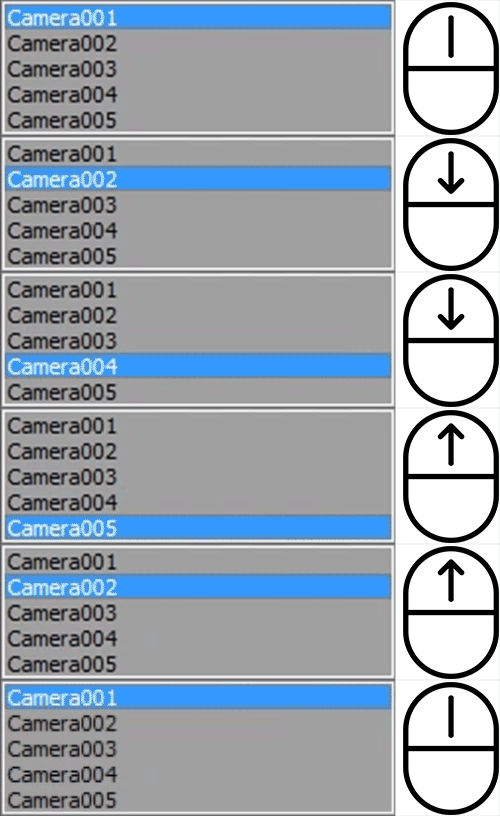
Change camera quickly with your mouse wheel.

After instalation, script is availabile in "Pawel Grzelak" category.

How to use:
• Hit the keyboard shortcut
• Scroll your mouse to change camera
• Left click to accept
• Right click to select camera object
• Right click + Shift to select camera target
• Esc to return to previous camera

SubSpline

1 vote

SubSpline 3dsmax script - banner

Total Control of Spline Subobjects


Description

SubSpline is an Advanced Subobject Selector & Material IDs Editor for spline shapes in Autodesk 3dsMax.

Easily expose on screen the vertex numbers and material IDs for all your selected shapes, with a simple toggle button.

Create Camera from View

5 votes

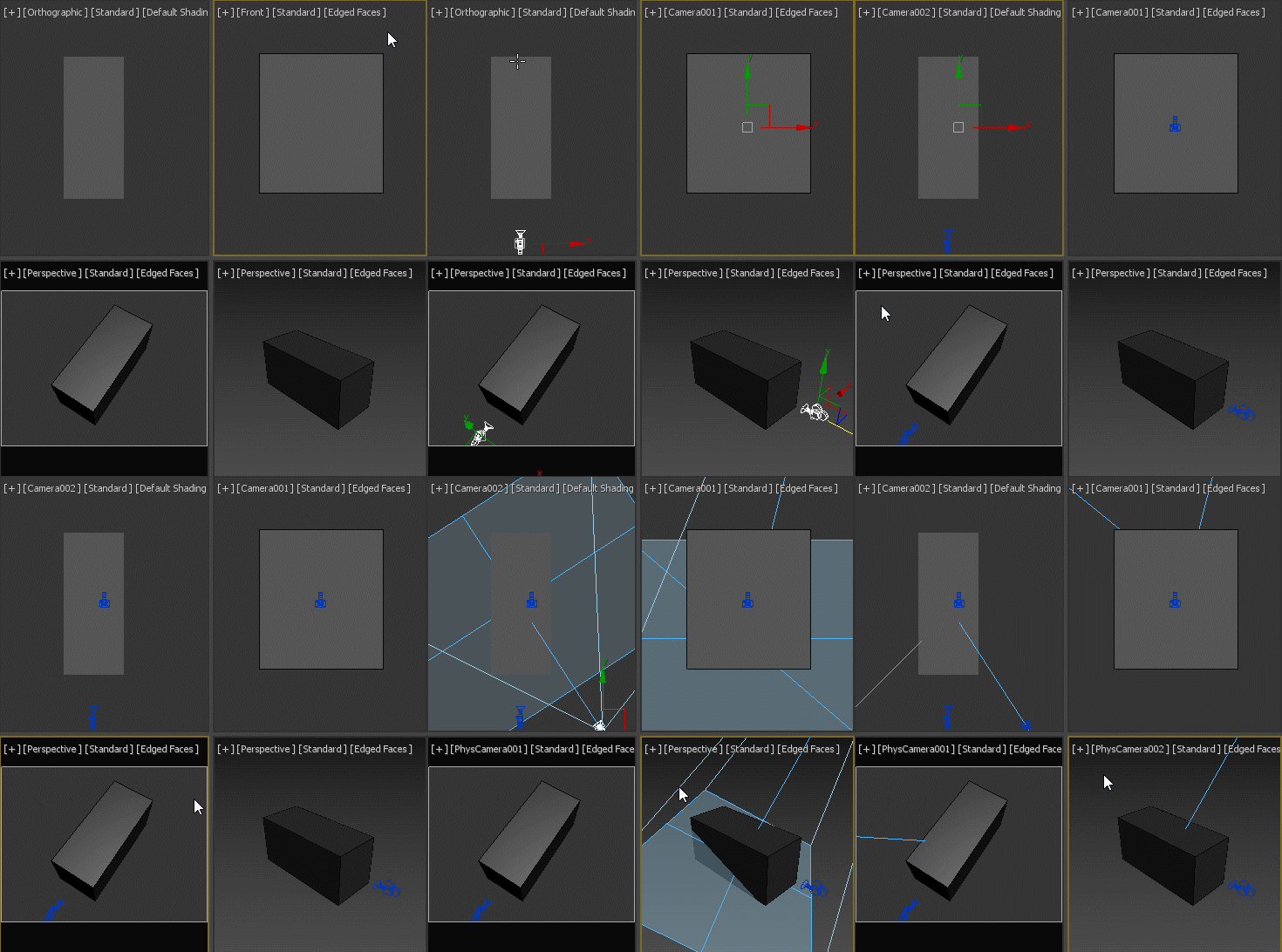
If no camera is selected, creates a new camera from any view type, no matter if it's perspective view, ortho view or front/back/left/right/top/bottom. If a camera is selected, aligns that camera to current perspective view. Intended to replace the macro assigned to Ctrl+C by default.

Arrow

18 votes

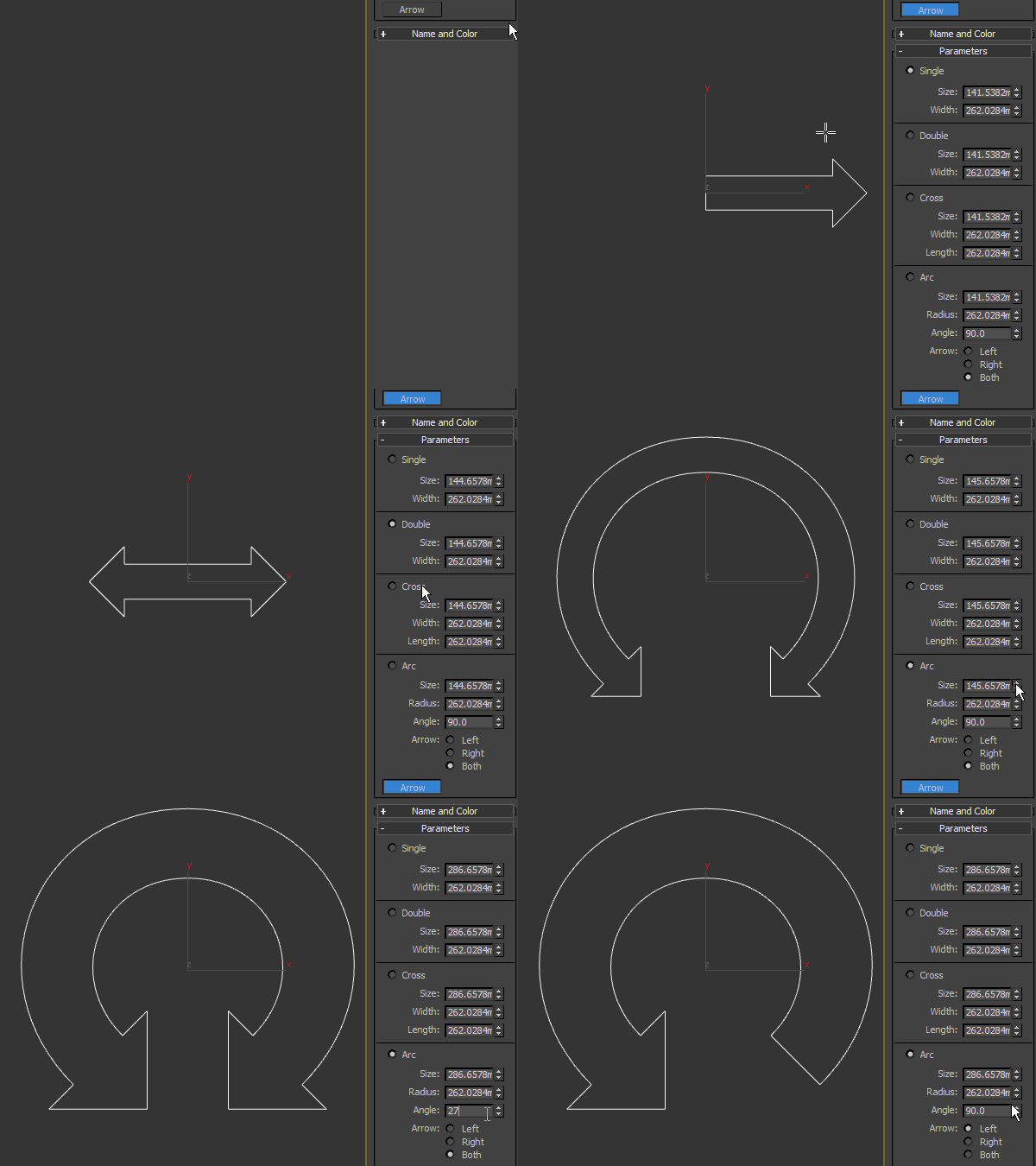
Arrow spline primitive, useful as a control object in rigging. Works only in 3ds max 2016 SP2 and higher.

Syndicate content