3ds Max | Scripts

Grabviewport

8 votes


 UPDATES//

03/31 Update2: Added a Nodialog option that uses the last settings . Enable by shift+clicking the grabviewport button

03/31: Fixed camera Deletion with zdepth and fixed version check in some places

UniAttach-Detacher

21 votes

v3.07 Added fix for detached detach geometry if the source object had incorrect mesh issues.
Добавлено исправление отсоединённой detach-геометрии, если в исходном объекте были проблемы некорректной сетки.

Using single hotkey for Attach/Detach
Используя единственную горячую кнопку для Attach/Detach

miauu's Script Pack vol.1

14 votes

miauu's Script Pack is a set of scripts that will help you to make faster and easier some of the tedious task when you use 3ds Max.

miauu's Script Pack include:

ScreenEdge UI

59 votes

This script runs a script / changes a setting when you click on one of the edges of the UI (left, right, top) and even provides for alternates when pressing left/middle/right button and ctrol/shift/alt keyboard.


When you first run this script nothing is displayed on the screen. It doesn't have a UI per se, it just "works" after you run it.

library collector

17 votes

A simple script that can be used to merge individual .mat files (material libraries) into one big file. Pretty lame interface, but it gets the job done. Feel free to modify as needed.

Showcaser

0 votes

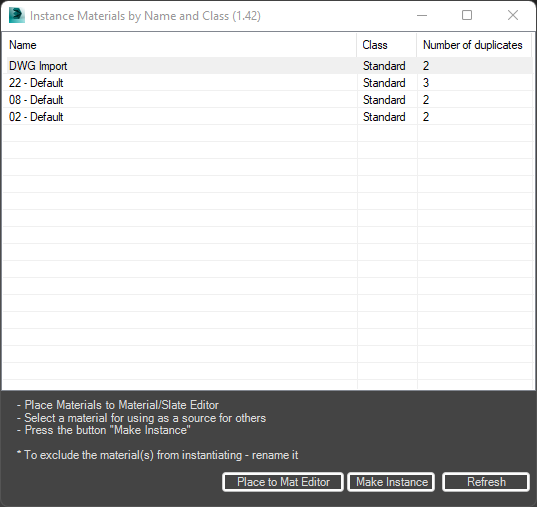
Instance Materials and Maps by Name and Class

-1 vote

Free 3ds Max script for fast clearing a scene from duplicates of materials and maps.
Often after importing a file from DWG, FBX, or other 3D formats, a lot of duplicated materials and maps appear in the scene.

This script will help clean up your scene from such materials and maps.
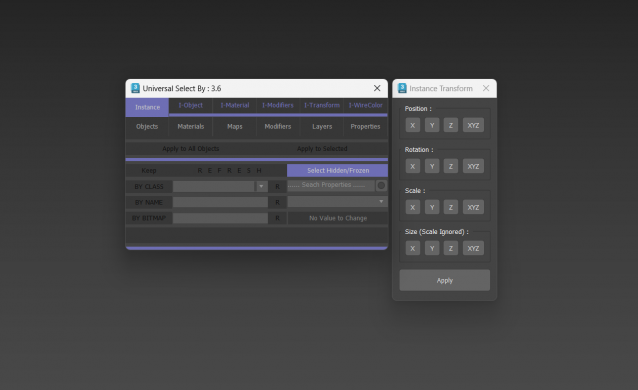
Universal Select By

9 votes

Biped Helper + Picker

7 votes

Biped Helper is a support interface designed to be used in conjunction with the main Biped panel.

It is intended to provide both quick access to existing Biped panel tools, as well as functionality that is not supported by the Biped panel.


See online guide in links section. 


Features include:

Bip2root

1 vote

Copies horizontal position of the biped onto the root object and links the biped to the root.

Two useful uses for this script:

  1. Use it to create a root for your biped (using the Static Root option) - so you can place your biped with animation anywhere in the scene without adding extra keyframes. Simply move the root instead of the biped itself.
  2. Some game engines require a moving root to calculate biped's position in the game environment space. With a moving root the biped itself actually stays in place and only the root moves.
Syndicate content