3ds Max | Scripts

Selection Manager (speed up you work in scene)

1 vote

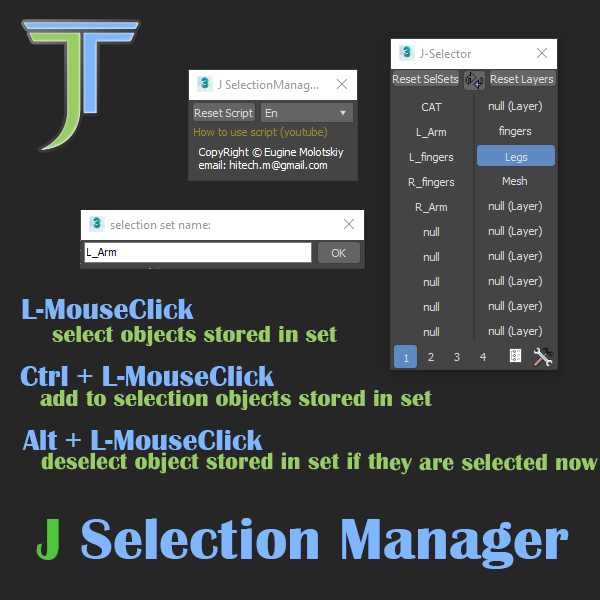
J Selection Manager

designed for speed up your work by optimizing the selection of objects and hiding/showing groups of objects

Pivot 2 edge

10 votes

v1.3e :slider for progress + Esc to exit + hide command panel

(進度顯示 + ESC鍵終止 + 多於10個物件就隱藏命令面板)

v1.2e :support multi object  and group

--------------------------------------------------

set Pivot(Z axis) to select edge (poly only).

1.select a poly edge (選一條 poly 的線)

Border Spline

2 votes

The free scripted shape plugin will generate a spline along all the borders of all the editable poly objects assigned to it. For non-editable poly objects, apply an Edit Poly or Poly Select Modifier to use with this shape plugin.

Architecture to Standard Material Converter

4 votes

This macroscript converts Architectural materials to Standard materials for use with VR exporters that require this setup.

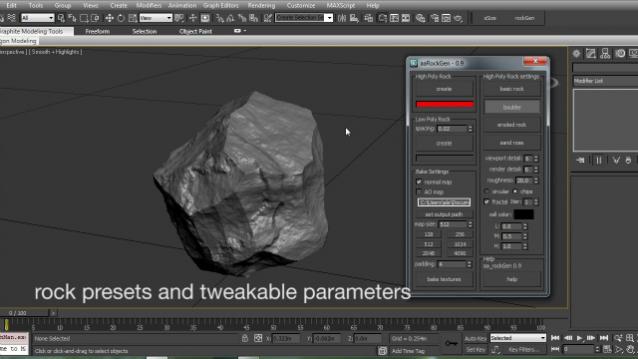
Rock Generator

264 votes

aa_rockGen 1.0 - maxscript procedural rock generator for production and real time environments.

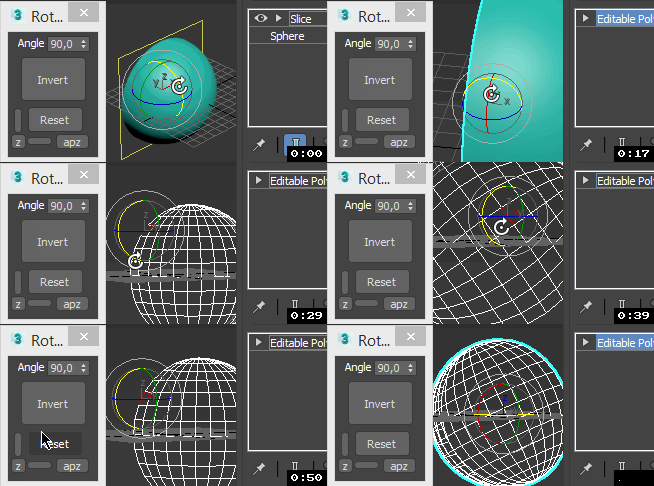
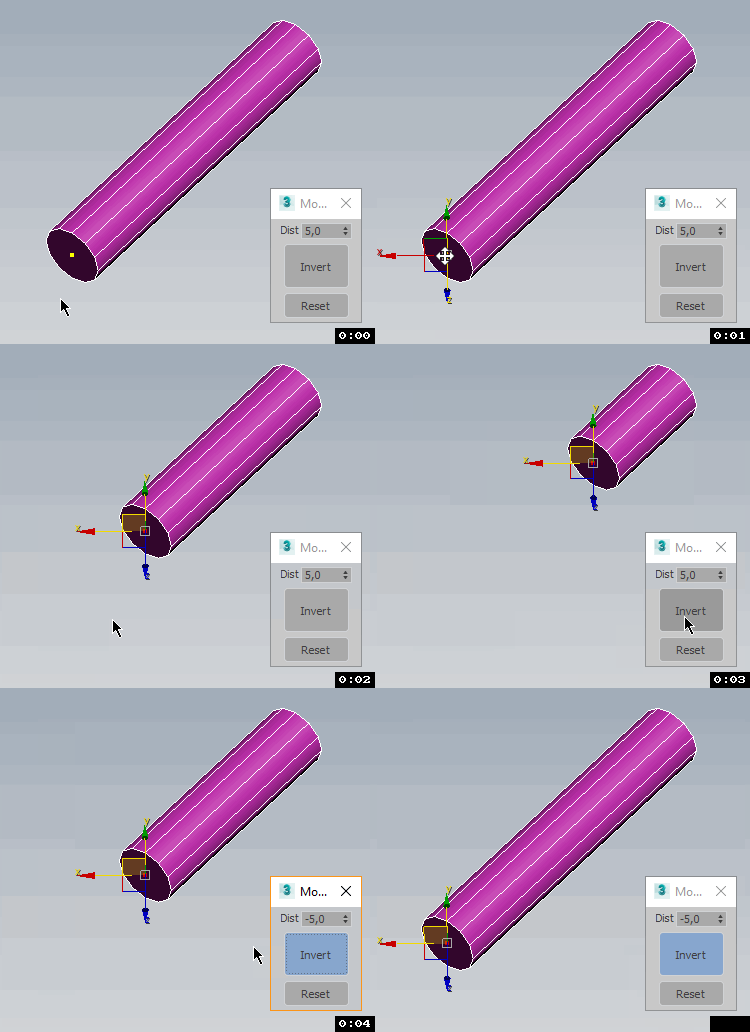
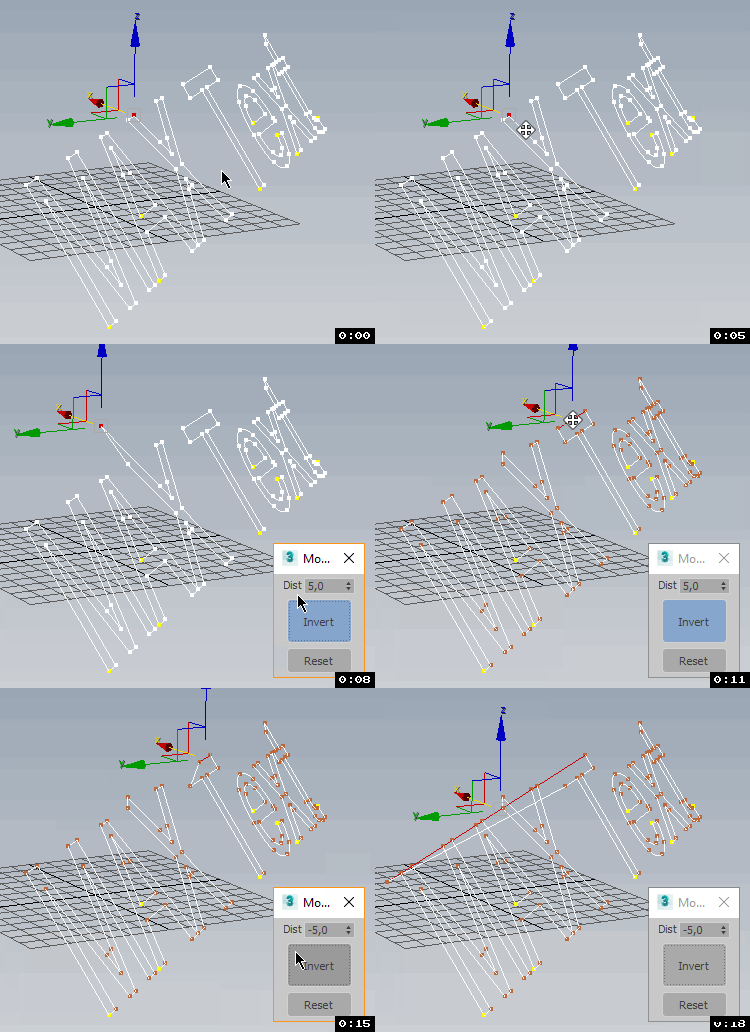
TransformbyStep

4 votes


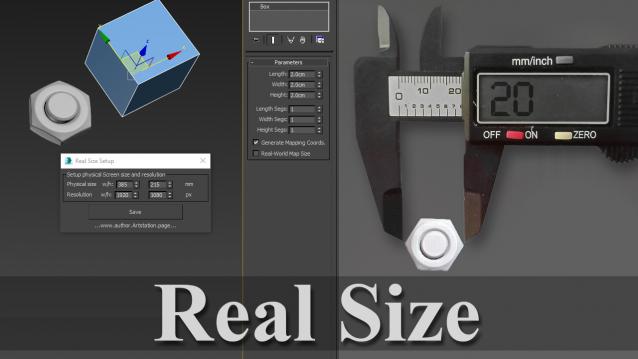
Real Size

0 votes

Script shows a 3d model in a real physical size.

Helpful to check size and proportions.

Installation: Drag`n`Drop on 3dsmax viewport.

Lightlister

3 votes

its based on the Lightlister that ships with vray which is based on the original that came with max.

the additions i made are.
- added support for corona lights, corona material and corona light material
- added tooltips to some parameters
- ability to edit ies files on vray, photometric and corona lights
- wider interface

tested on : 3DMax 2015 – 2016

Version:3.02

Stretchy Bones Converter

1 vote

Script for automating the process of getting 3dsMax's native stretchy bones into any game engine: creating a separate de-hierarchized bone structure that follows the motion of the base bone structure and automatically migrating skin weights on a mesh to those new bones.

USAGE:
Select the bones that you want to be affected with "Pick bones" button.
Select the affected mesh with a skin modifier with "Pick skinned object" button.
Press "Convert and reskin" button.

IMPORTANT:

Pivot placer

10 votes

With this script you can replace pivot where you want.
on the selected vertex, at the center of the selected edge or face, or at the center of the object.
You also can create a point as pivot.

Syndicate content