3ds Max | Scripts

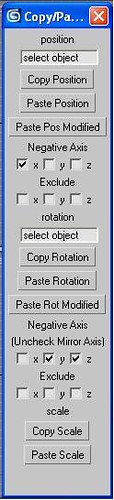
Copy Paste Transforms

40 votes

Adavanced Control over Copy, Paste and mirror of Transforms. Paste Transform onto the same object or multiple other objects. Good For Copy and pasting of poses on a rig. 

Copy Paste Transforms Screencap trimmed

LiveMeasure

14 votes

Measure and show edges length, segments length and faces area in real time. Work with Splines, Editable_Poly and  Editable_mesh objects and Edit_Poly modifier.
--        In Polygon/Element sub-object level will show the selected faces area in generic units only.
--        In Edge/Border sub-object level will show the length of selected edges in user defined units.

SimplyMaps

14 votes

Overview:
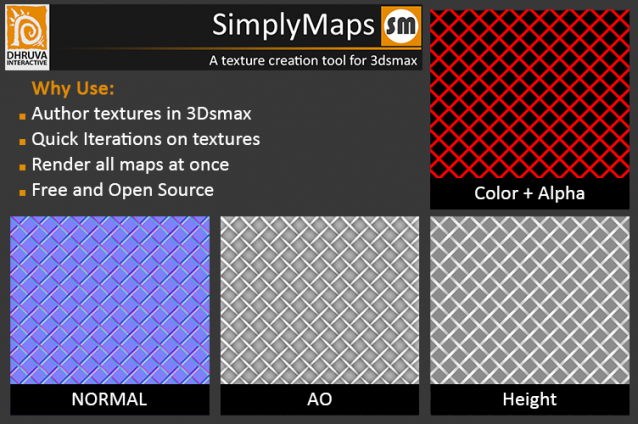
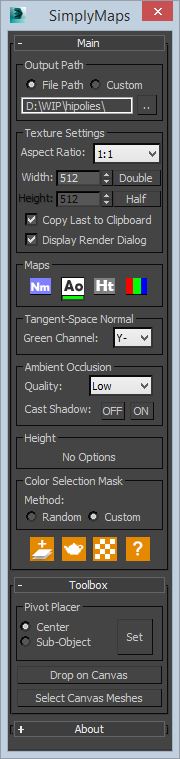
A simple tool to render out top down maps from 3dsmax. An ideal way utilizing the tool would be in creating tilable textures. Besides tilable textures, this will help in overlaying additional small scale details on already made in-game meshes in a much more straight forward fashion.

How to Install

UI:

Transform pivot point with a matrix3 tm

0 votes

I wrote this function a while ago for an exporter tool, where I needed to align the pivot of collisions objects with the transform of the master object. I couldn't find another way to "affect pivot only" (as in the UI) using maxscript, It will set the .transform (a.k.a. the pivot point) of a node to the provided matrix3. It gives more possibilities than the standard "affect pivot only:" from the user interface, as you have full control of the transformation matrix. Here's the function:

<code>

fn setTM obj tm =

(

Show/Hide Maps

0 votes

Simple utility to quickly show and hide texture maps in the viewport, on selected objects or the whole scene.

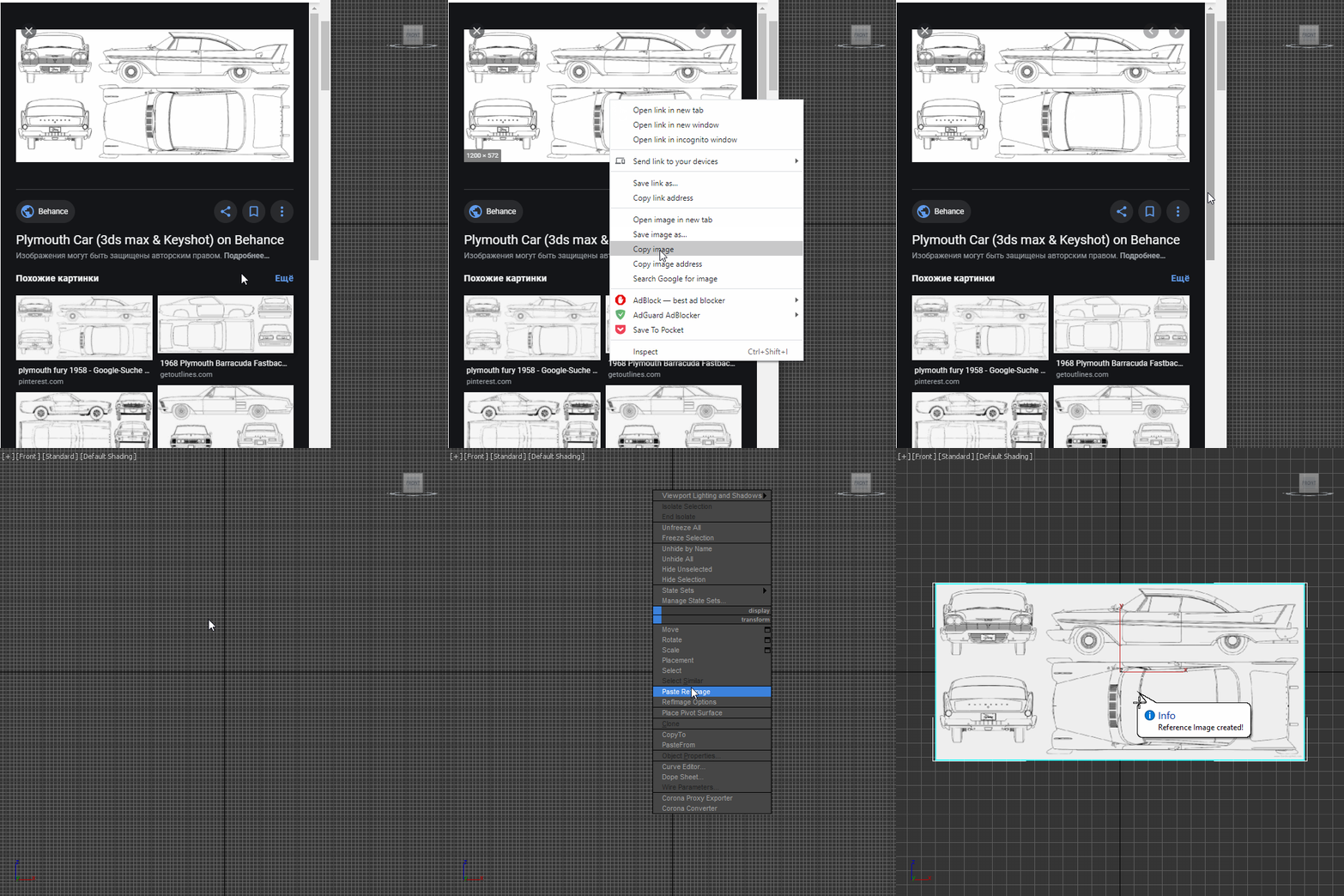
Paste RefImage

8 votes

Polypaint

2 votes

Import Objects with ZBrush Polypaint.

28/12/2020 - Updated to .3:
• Added support for multiple obj files !
• When installed it will change the obj import settings so you don't have to worry about that (restored when script dialog is closed, only when script is installed).
• If not installed you get asked to install it, so you don't have to right click.

Object Replacer

9 votes

I must stop using Soulburn Scripts because they delayed Max startup over 1,5 minutes so I decided to rewrite some of them to make them "light" :) The first one is Object Replacer... try it and let me know if something don't work or if you suggest some other functionality.

Installation:

just drag&drop to max and the you can find the script inside ProgressiveFX category

Changelog:

v1.4.1

- bugfixes

v1.4

- delete tab moved to top

- settings are now saved on change and loaded on startup

Cam Spline

9 votes

Cam Spline 1.0.0

Please note: This script was written and uploaded here before the release of 3dsMax 2013, which now includes an 'egg' spline shape.

What it does:
Cam Spline is an interactive, parametric spline tool which produces spline shapes based on two circles joined by two straight or curved lines, or a 'cam' shape. Cam Spline faithfully keeps the intersections at a true tangent, regardless of the diameter of the circles or the distance between them.

How to use:
The basics are really simple:

CrossCut

12 votes

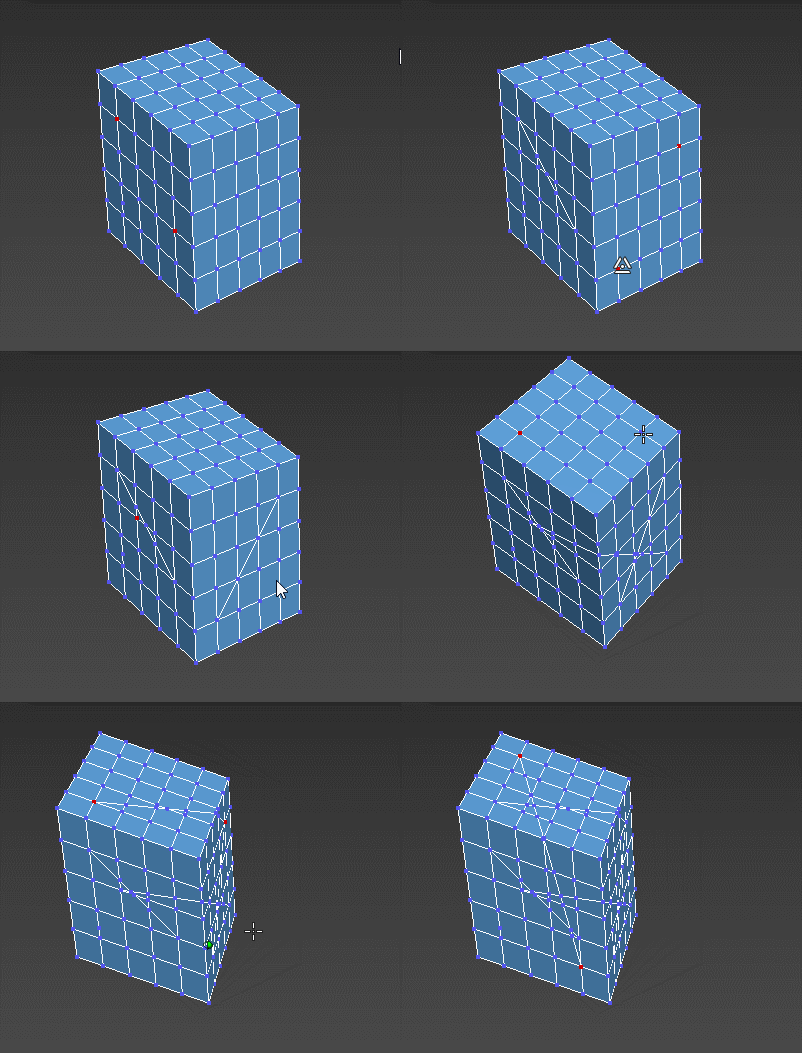
Cut-connect two selected verts or edges of the current Editable poly object.

Syndicate content