3ds Max | Scripts

3DS Max File Version - 2013 update!

3 votes

This VB-compiled tool serves just to test which version of Max was used to create the saved Max file. Since 3DSMax doesn't do a good job at writing its version in the file's properties - I use this tool to find out what version it was created in so I can go back to the proper 3DSMax to edit the file.

If you have multiple versions of Max installed and want to know what version you used on an old project - use this tool to find out.

AUTOUNIQUENAME

0 votes

Copy file to to C:\Program Files\Autodesk\3ds Max 20**\scripts\Startup\
And drop to viewport
Result:
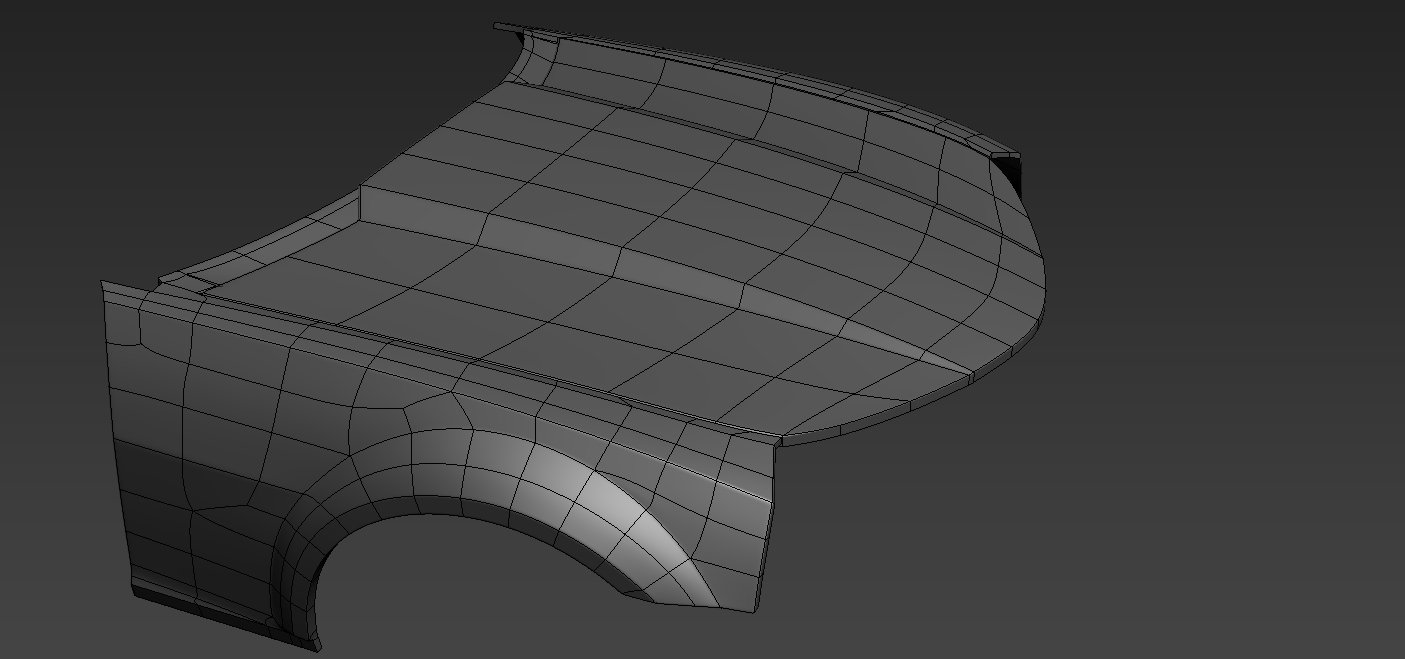
If suddenly there is such a situation that in the scene there are objects with the same name, with this script the selected object will change the name to a unique name with increment.
Another situation: After 3d scanning an iPhone received objects have the same name mesh and just so import several files in a row is not possible, you have to change the name. This script solves this problem.

Quick Selection

1 vote

Quick Selection is a handy utility that provides several methods for selecting and managing objects within the scene, including the following:

  • Selection by Category
  • Selection by Stored Objects
  • Selection by Selection Sets (independent of any Max file)
  • Selection by Pathname literals (stored in a text file)


See online guide in links section. 


Draw Order Toolkit

0 votes

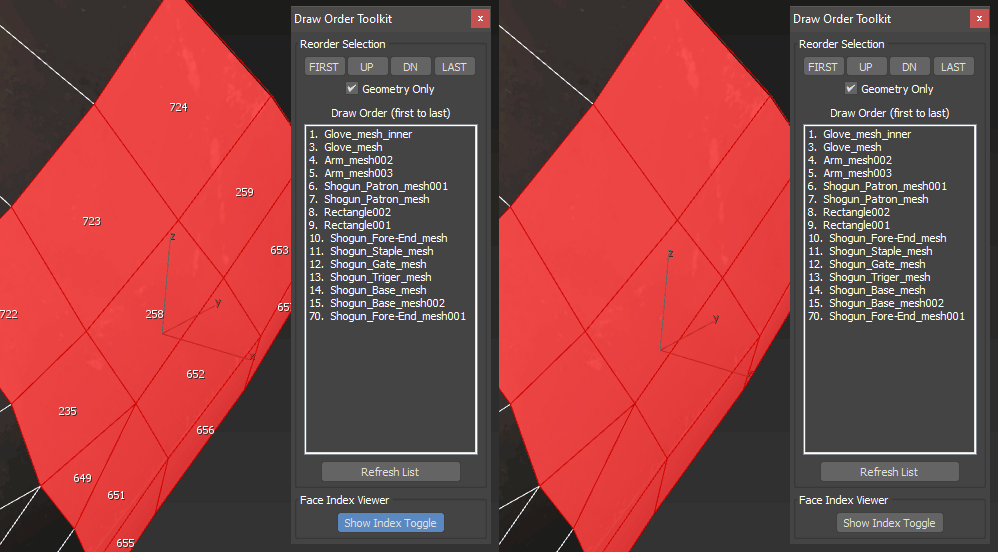
A set of tools for troubleshooting draw call or render order of items in your scene.  Particularly useful for game exports where transparency is involved and objects must render in a particular order.  Also includes a face index viewer.

Mixamo To Biped Converter V1.05

0 votes

This is updated version from previous MixamoToBiped_Converter tools.
you can get the tools here : https://ishaksuryo11.gumroad.com/l/fj...

what's new:
-add new functionality to convert mixamo character into biped rig.
-batch feature to convert multiple characters.
-rework the UI using tab system .
-fix fingers orientation when converting animation
-improve accuracy when matching shoulder/clavicle and foot bones.

notes:
This tools is specifically made for FBX character or animation downloaded from Mixamo website. it will not work for FBX file from other sources.

Auto Align UVWMap

2 votes

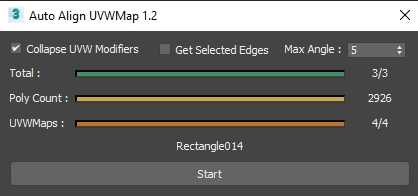
3dsMax Script for applying UVW Map Modifier Depending on Selected Edge or Longest Edge of each Face .

UPDATE 1.4 :

  • Fix UV Modifier Alignment .

  • Set Coordinate system to Local (getting wrong result on other coordsystems) .

UPDATE 1.3 :

  • Improve the Function of Grouping Faces by Angle .

Vray To Unity OneClick Converter

1 vote

Script for automatic conversion 3ds Max scene with V-ray renderer to Unity Engine (HDRP and URP).

Documentation: https://docs.google.com/document/d/19XJjX2VO_rHNIj4ZDcKPlwhYR0FFi8a77FyG...

Скрипт по автоматической конвертации сцены из 3ds Max V-ray в Unity (HDRP и URP)

Документация на русском : https://docs.google.com/document/d/122-TyKZj-STQIXhajocWSvXzTZeeRxgscq3P...

https://u3d.gumroad.com/l/3dsmaxVray2unityPRO PRO version without texture size limit.

Telegram Support Channel https://t.me/OneClickExporter

TurboSmooth Pro

14 votes

No more annoying support loops

TurboSmooth Pro is a modifier plugin for 3ds Max which produces nice smooth semi-sharp creases on your models, unlike the ugly creases that the standard TurboSmooth produces. Get it from https://mariussilaghi.com/products/turbosmooth-pro

Duplicurver

2 votes

Duplicurver is a game-changing Maxscript tool that brings the power and versatility of ZBrush's IMM (Insert Multi Mesh) Curve brush directly to Autodesk 3ds Max. This tool serves as a highly beneficial asset for artists and 3D professionals, allowing them to replicate and deform meshes along a path with unprecedented ease and efficiency.

3DS Max Plugin Update - Lights Switch V2.0

1 vote

This is an update for the plugin I wrote 6 years ago, called Lights Switch.
The reason behind the update was an e-mail from a user who had a small issue with a scene full of Cororna lights, where the script managed to turn all lights OFF, but for some reason failed to turn them ON again.
After inspecting the script, I recognized the bug and fixed it.

Basically, the script, when clicked, will go through all lights in the scene, and if any light is ON it will turn it OFF. On the other hand, if the script sees that all lights are OFF it will turn them all ON again.

Syndicate content