3ds Max | Scripts

PRT Updater/Manager

2 votes

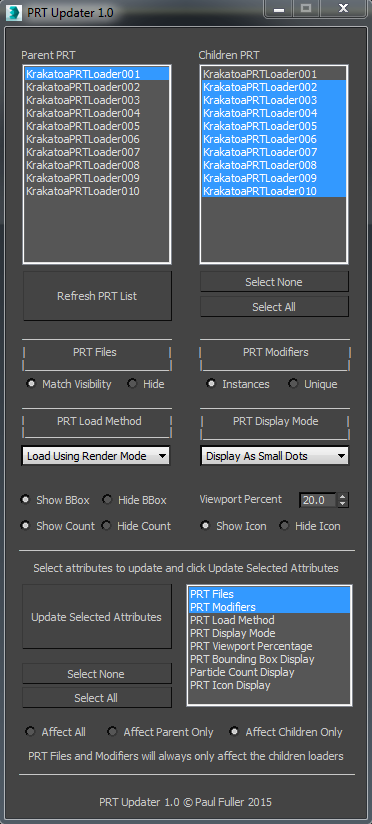
A tool I wrote to manage multiple PRT Loaders in a scene. It was especially useful for updating files when I was using one cache for multiple loaders with an offset, since Instancing wasn't an option. Aside from that, there are simple controls to update some of the main PRT Loader attributes quickly and on multiple loaders.

Here's a quick demonstration video of the tool >>> https://vimeo.com/130000485

Cheers!

Prune Scene (Cleaner/Antivirus)

11 votes

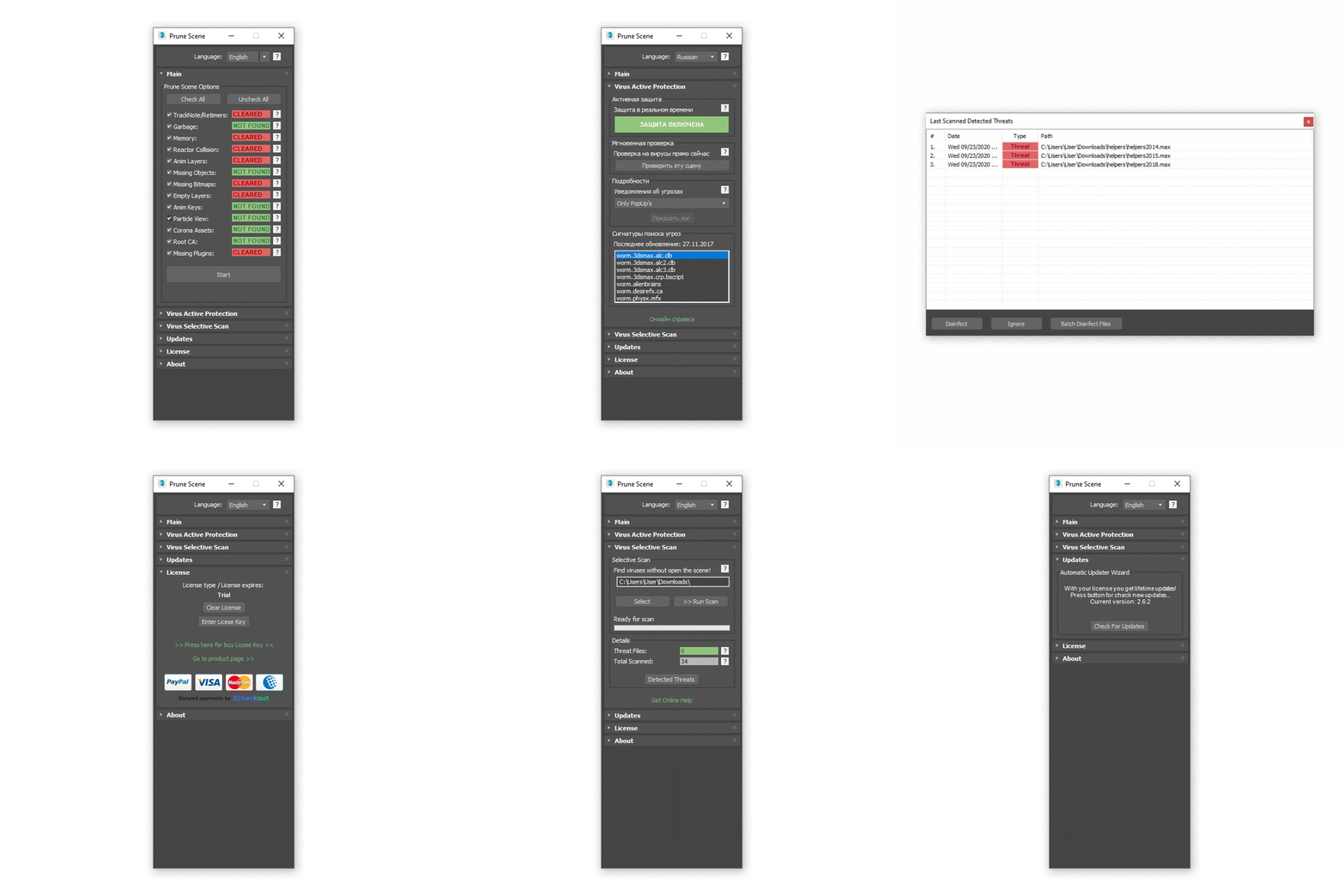
With Prune Scene you can clear your 3Ds Max scene from scripted viruses and accumulated garbage. This allows in some cases to greatly reduce the size and accelerate saving of scene.


More Info


Before usage read manual: Read Full Manual

PSD to JPG

14 votes

hi, this simple script converts PSD maps to JPG and saves them in the same path of original one and replaces old path with jpg one..
I hope it be useful

PSD to Material

3 votes

Converts a PSD file's layers into a material. This can either be done Manually - or Smartly. Manually gives you lists of the layers in the PSD file and allows you to choose which layer goes where. Smart does this for you by looking for keywords.

PSDPathUnwrapper

14 votes

This tool unwraps your mesh and exports the edges as paths in an Adobe Photoshop file - the unwrapped mesh is then easily used as a template for painting etc. and allows resizing of the psd file with no loss of precision in the accuracy of the paths.

PSD_to_3DS

6 votes

PSD_to_3DS allows you to texture objects and create textured planes directly from Adobe Photoshop.


Pulley Belt

10 votes

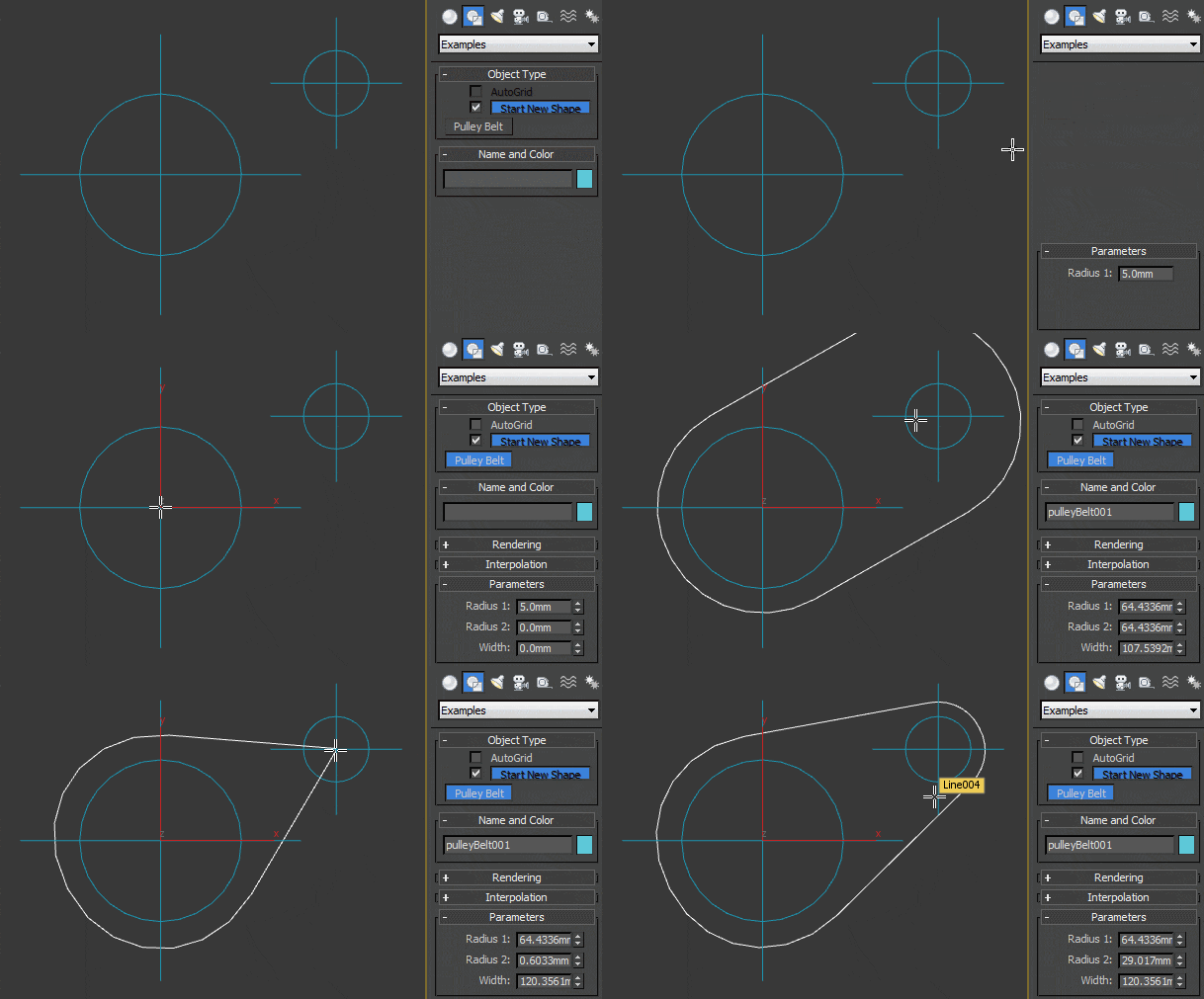
Technically you can probably call it a rounded isosceles trapezoid but it will be more useful as a base for path of bicycle chains or pulley belts. When both radii are the same and spline set to renderable, it could also be used as a simple chain link.

Pulse Prep

4 votes

If you have a bunch of motion files - perhaps from a motion capture session - that need to be applied to a single character created in Max 4 with Character Studio 3 and converted to Pulse3d you can use this script to help alleviate a bit of the drudgery.

PureShot

21 votes

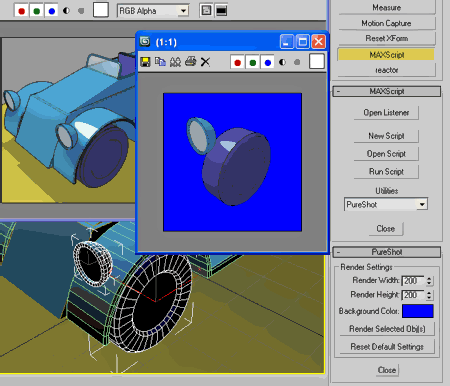
Quick render selected object(s) on pure background color
without mess renderer settings & while keep last rendered VFB intact.

PureShot

Purge Empty Layers

1 vote

This script deletes all empty layers. In max 2015 (at this time) it can keep ALL nested layers (user prompt) if any one of them has objects on it. In other words, if a user chooses "Yes" at the query, ONLY layers with NO children AND no objects will be deleted. All nested hierarchies are maintained down to the last layer that has objects in it. Choosing "No" at the prompt will unnest all layers and delete all empty layers. When using a version of max prior to 2015, the script will simpy delete any empty layers. There are no nesting options in previous versions of the Layer Manager.

Syndicate content