3ds Max | Scripts

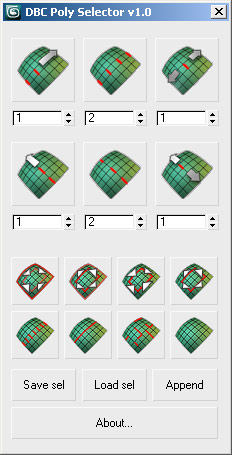
DBC PolySelector V1.0 (RC1)

14 votes

DBC PolySelector V1.0 (RC1)

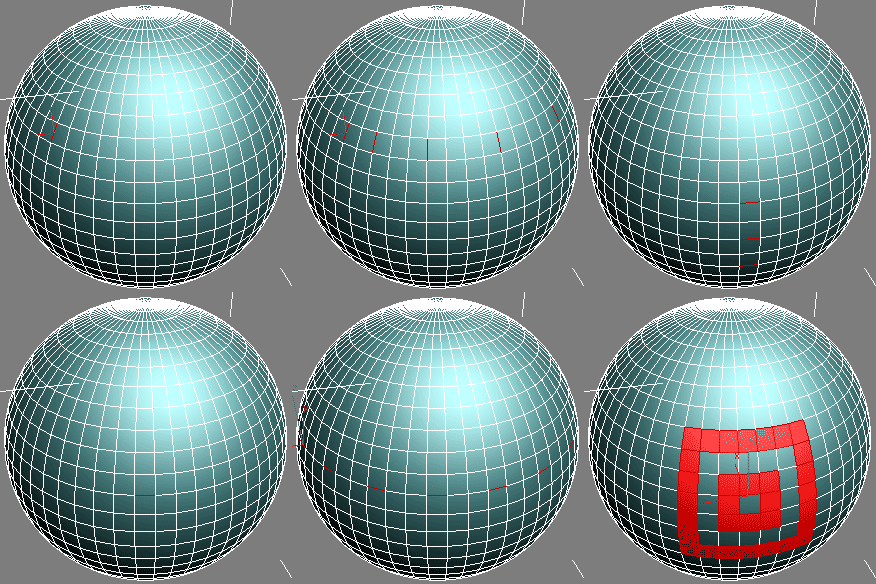
Screenshot Demo

DCP AO Maps

2 votes

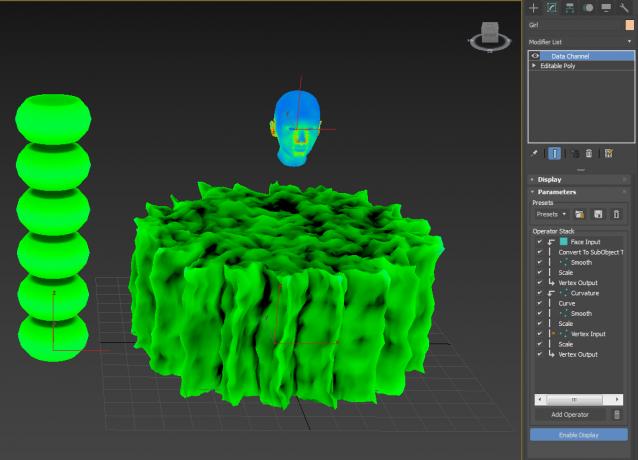
A couple of DCP, for AO maps. I don't claim to know what I'm doing...just click here, click there and see what comes up...

DCP DustMap

1 vote


DCM - Data Channel Modifier

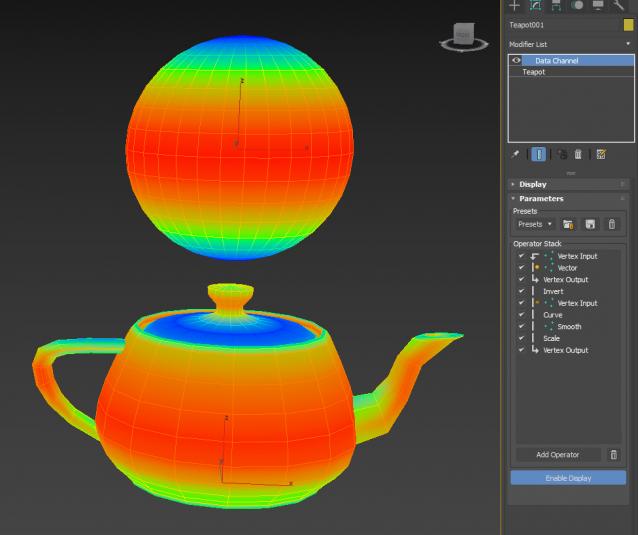
Produces a map for dust that settles on top of whatever faces that are top facing (world).

Extract preset to:

C:\Users\xxx\AppData\Local\Autodesk\3dsMax\2017 - 64bit\ENU\en-US\plugcfg\DataChannelPresets

Then in your DCM, load it as a Preset.

Of course, if you want your Dust 'fixed', simply change the Vector to Local instead of World...or if dust

is coming from a direction (rickety door in an old ghost town) then use Node Look At

DCP LookAway

0 votes

Why would you want to Look Away ? well, if you're 1 of 299 Spartans protecting Leonidas....you'd want to point your spear outwards away from Leo...madness ? Thiiiiiiiis isssss Sparta !!!

DCP Particle Speed

1 vote

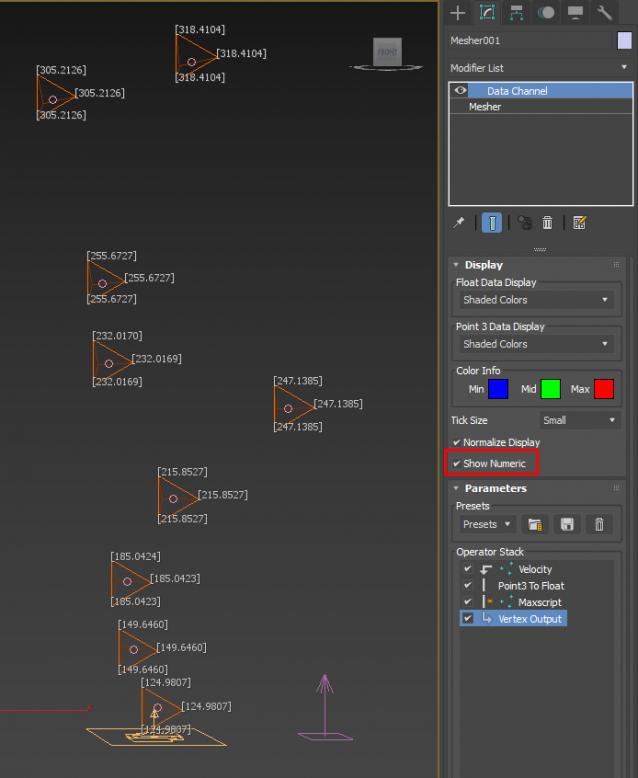
bit of a hack to display Particle Speed...where the particles ARE that is...

Extract preset to:

C:\Users\xxx\AppData\Local\Autodesk\3dsMax\2017 - 64bit\ENU\en-US\plugcfg\DataChannelPresets

Then in your DCM (on a Mesher that is, coz DCM needs a mesh to work on, it can't work directly with PF), load it as a Preset.

ver 1.01: Maxscript op now will use correct (auto) frame rate

DCP Rim Map

1 vote

When you have no backlights, fake it with Rim Map. Extract preset to: C:\Users\xxx\AppData\Local\Autodesk\3dsMax\2017 - 64bit\ENU\en-US\plugcfg\DataChannelPresets Then in your DCM, load Vu_RimMap as a Preset.

It is of course camera dependent, so make sure you pick a camera in the Vector Node.

DCP Select Sides

-1 vote

There's plenty of 'Select top/bottom facing' utilites...now a DCP to select side facing verts...

why ? dunno...sidejob ? sideburns ? that's beside the point, just do it sideways...

Extract preset to:

C:\Users\xxx\AppData\Local\Autodesk\3dsMax\2017 - 64bit\ENU\en-US\plugcfg\DataChannelPresets

Then in your DCM, load it as a Preset.

DCP Selection Passthru

2 votes

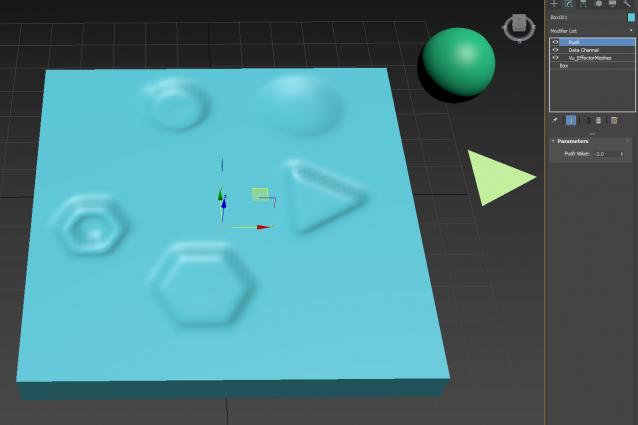
Use with MCG Effector Meshes and Push to get imprints, footprints...

Get MCG Effector Meshes here:

http://www.scriptspot.com/3ds-max/mcg/mcg-effector-meshes-dcp-sweat-map

Footprints video is of an earlier RnD...but you get the idea...I can't be arsed recording a new video...

Panther has kindly donated its time to help anyone trying to use this...naturally you need max 2017.1 and also have Vu_EffectorMeshes MCG installed

DCP Show Small Faces

0 votes

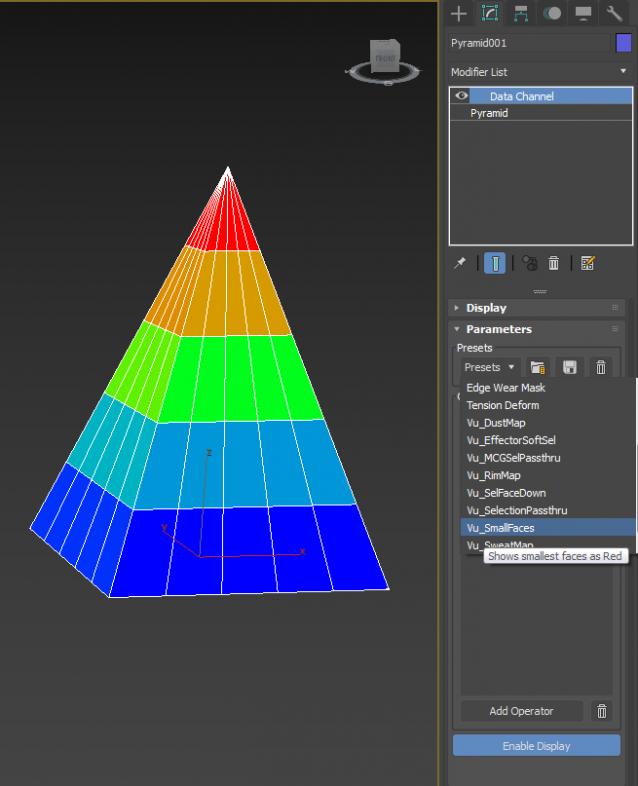
a little DCP to show small faces (...or big)

Syndicate content