3ds Max | Scripts

Select Objects By Sub-Material

0 votes

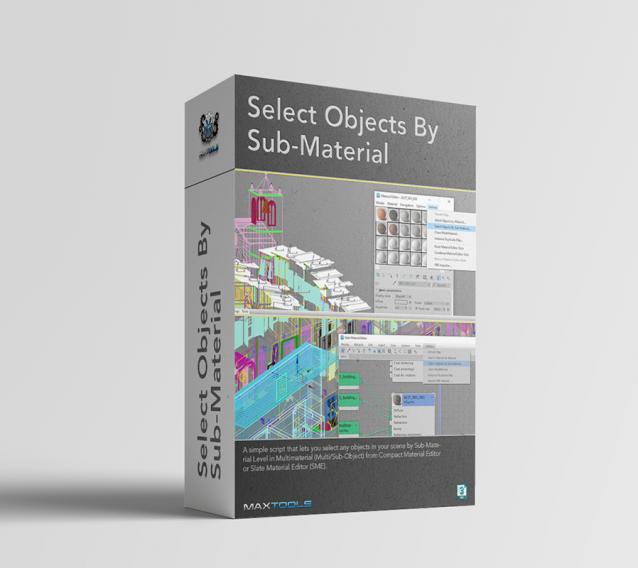
Select Objects By Sub-Material (SOBSM) is a simple free script that allows you to quickly select all objects in your scene that use a selected sub-material from a Multi/Sub-Object material.

Unlike the native "Select Objects By Material" tool, which only selects objects by exact main (parent) material match, this script analyzes material IDs assigned to faces/polygons. This allows you to select objects by a specific sub-material, even when a Multi/Sub-Object material is assigned to the entire object and the desired sub-material is only used on a portion of its faces.

The script works with both material editors in 3ds Max - the Compact Material Editor (Medit) and the Slate Material Editor (SME). Select a sub-material in any editor, run the script, and all objects that use this sub-material (on faces with the corresponding ID) will be selected.           

Material Properties Mass Editor

0 votes

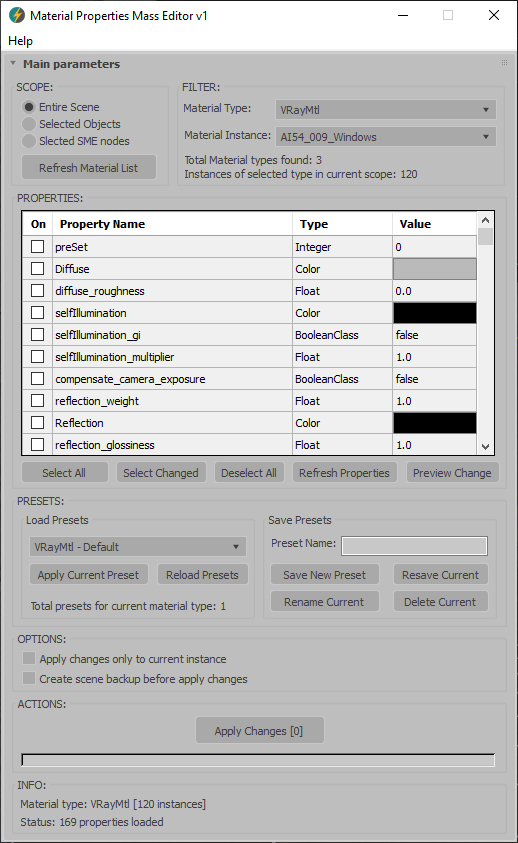
Material Properties Mass Editor (MPME) is the professional tool for batch editing of material properties in 3ds Max. Allows you to modify properties across multiple materials of the same type, including native 3ds Max materials and third-party render engine materials (V-Ray, Corona, Arnold, FStorm, Redshift etc.), and any other installed material types. Changes can be applied according to the chosen scope: entire scene (including Material Editor and SME), selected objects, or selected SME nodes. The script implements a preset system that allows you to save custom property sets as presets for later use, streamlining workflow across different projects and render setups.      

Current version: 1.0001

Mod Pinner

1 vote

Mod Pinner lets you pin any modifier to the top of the 3ds Max stack.

99 Dimensions by Sherif Hany

0 votes

99 Dimensions | v1.1 Release Notes

Set Edge Length

0 votes


Description:
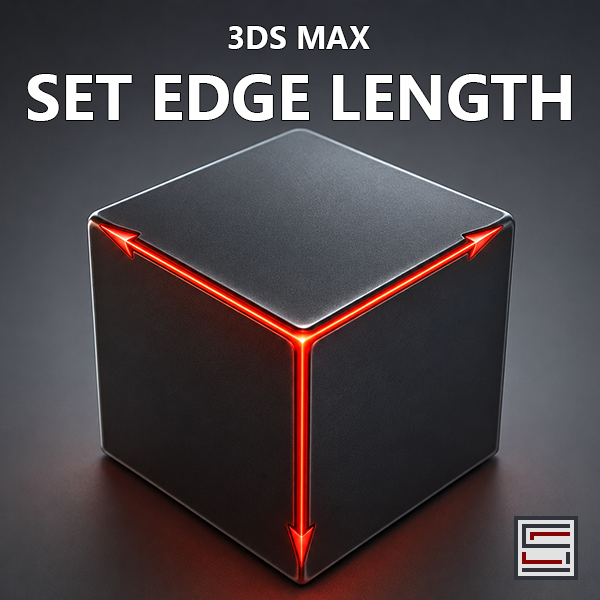
  Set selected edge length, total chain length, round edge lengths, increment/decrement selected edge groups,
  space selected chains equally, and align selected chains without spacing.

Outliner2-SF

2 votes

Outliner2-SF - the revived 3ds Max Scene Manager is ready !
The initial release of my 3ds Max 2027 compatible Outliner build is here.

I’ve just published a revamped and updated version of the well-known Outliner scene manager for 3ds Max. The original Outliner by P.J. Janssen has been a reliable tool for many years, but it has stopped being compatible with newer 3ds Max versions many years ago (starting around 3ds Max 2015)

* 3ds Max 2016 → 2027 support
* Native 3ds Max Layer Hierarchy (no whacky Custom Attributes)
* New Scene Explorer–style iconset

-Deleted-

0 votes

MultiSub Organizer

3 votes

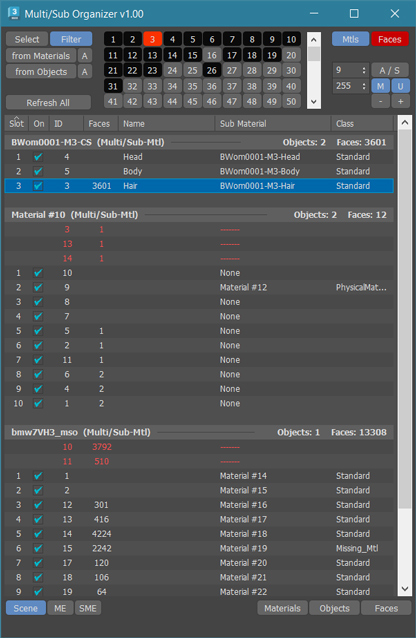
MultiSub Organizer is an advanced tool designed to organize large Multi/Sub-Object materials alongside their linked Face IDs within EditPoly or EditMesh

Key Features:

Synchronized ID Updates:
- Apply a new ID to both the material and the linked Face IDs simultaneously, ensuring your geometry and shaders stay perfectly in sync.

Screenshot Manager for 3ds Max

0 votes

Screenshot Manager for 3ds Max

Screenshot Manager is a powerful, lightweight utility designed to streamline the process of capturing viewports in 3ds Max. Whether you need a quick progress shot or a batch of high-resolution frame sequences for a client review, this script automates the tedious steps of manual saving and configuration.

Master Scene Cleanup (Empty Nodes, Zombie Tracks & Memory Flush)

0 votes

Master Scene Cleanup is a single-dialog utility that bundles four common 3ds Max scene-maintenance tasks into one toolbar button. Bloated .max files, mysterious slowdowns, and inflated save times are often caused by leftover empty geometry, dormant Track View managers ("zombie tracks"), and unflushed memory — this script targets all of them in one pass, with checkboxes so you can pick exactly which operations to run.
What it cleans:

Syndicate content