3ds Max | Scripts

Isolate By Material V2.0

0 votes

An update of the script called Isolate_By_Material. This new version uses the Isolate functionality as opposed to the hide functionality used in the first version, which is more logical since sometimes you have some hidden objects before you isolate the objects and you don't want to unhide them just to bring back the objects.

You can download the script from the description area on YouTube

(script) 2600 presets of sun, sky, and clouds for Corona Renderer

1 vote


Timeline Extended

0 votes

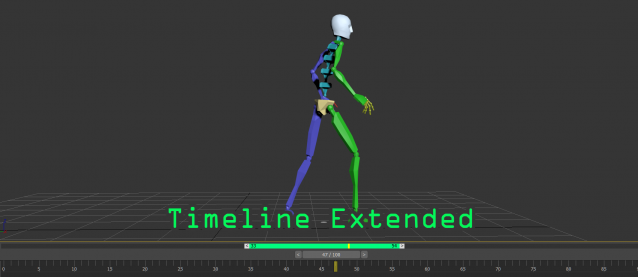
A timeline extended tools for easily playback on specific range, this tool was created by the ideas of pro animator.
This tool is very useful for those who are doing animation and want to have extra control to focus on specific time range.
Here is the main features:
- allow to playback sub-range of animation without changing the timing configuration
- drag the range panel(green bar) to quickly adjust the position
- quickly adjust the sub-range duration by dragging the start/end handles

Spline to Stylized Hair

3 votes

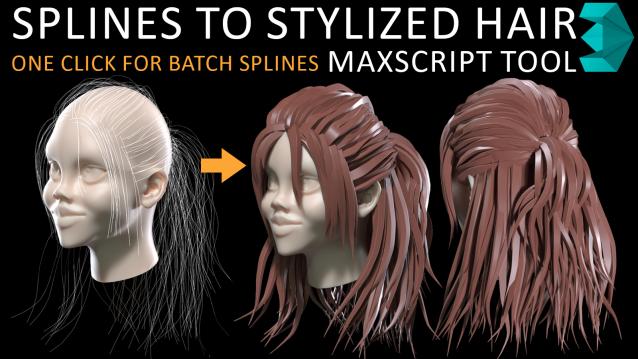
in my hairstyle workflow i tried to turn each spline to stylized hairs but there was limitations such as lack of ability to deform a hair mesh along to all individual spline at once so i have made this MAXSCRIPT tool for helping myself turn a batch of splines to stylized hairs in one click. also there is multiple parameters for tweak hair segments ,thickness and rotation. i decided to publish this as a useful and time saving product 

Save Selected With Maps

6 votes

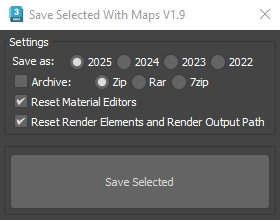
It will collect/relink all selected objects bitmaps to the chosen folder, even if the bitmaps are just flagged "found" in the asset tracker, and it will save your selected objects to that same folder.

If path are missing or unsolved those maps will keep their missing or unsolved path, it will be easier to try to find them.

It is compatible with Vray bitmaps, Corona bitmaps and IES files in Standard, Photometric, Vray and Corona Lights.

Rotate To Grid

3 votes

What this script do:

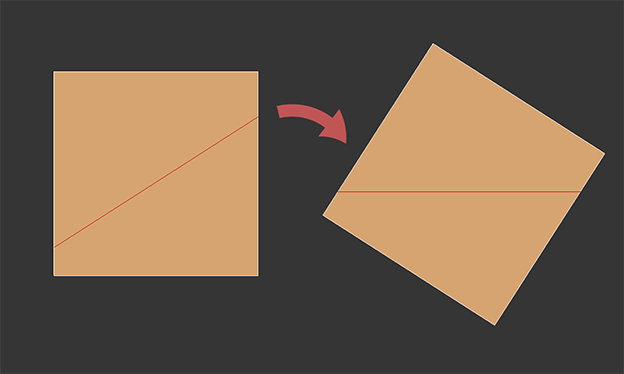
This script allow you to orient object along the edge.

Works both for Edit Poly and Editable Poly

How to use it:

Take an Editable Poly object or apply Edit Poly modifier. Select one edge. Call the script.

Object will be aligned to a closest axis along the edge using face normals almost the same way as Align to Edge works in Unwrap UVW but in 3d.

Quick Clouds Generator

1 vote

QUICK CLOUDS GENERATOR is a script that is efficient in automatically creating sun/ sky & clouds in 3dsMax. It can be applied flexibly in Archviz projects while saving a lot of time for 3D Artist.

.: Compatible with 3dsMax 2018 & higher

.: Compatible with V-Ray 6 & Corona Renderer 9 & higher

.: Compatible with System Units: Millimeters, Centimeters, Meters, Inches & Feet

.: Version: 2.0

.: Author: Wuan Hyu

If you have any comments or questions, please don't hesitate to contact us via email: [email protected]

We will respond as soon as possible.

---

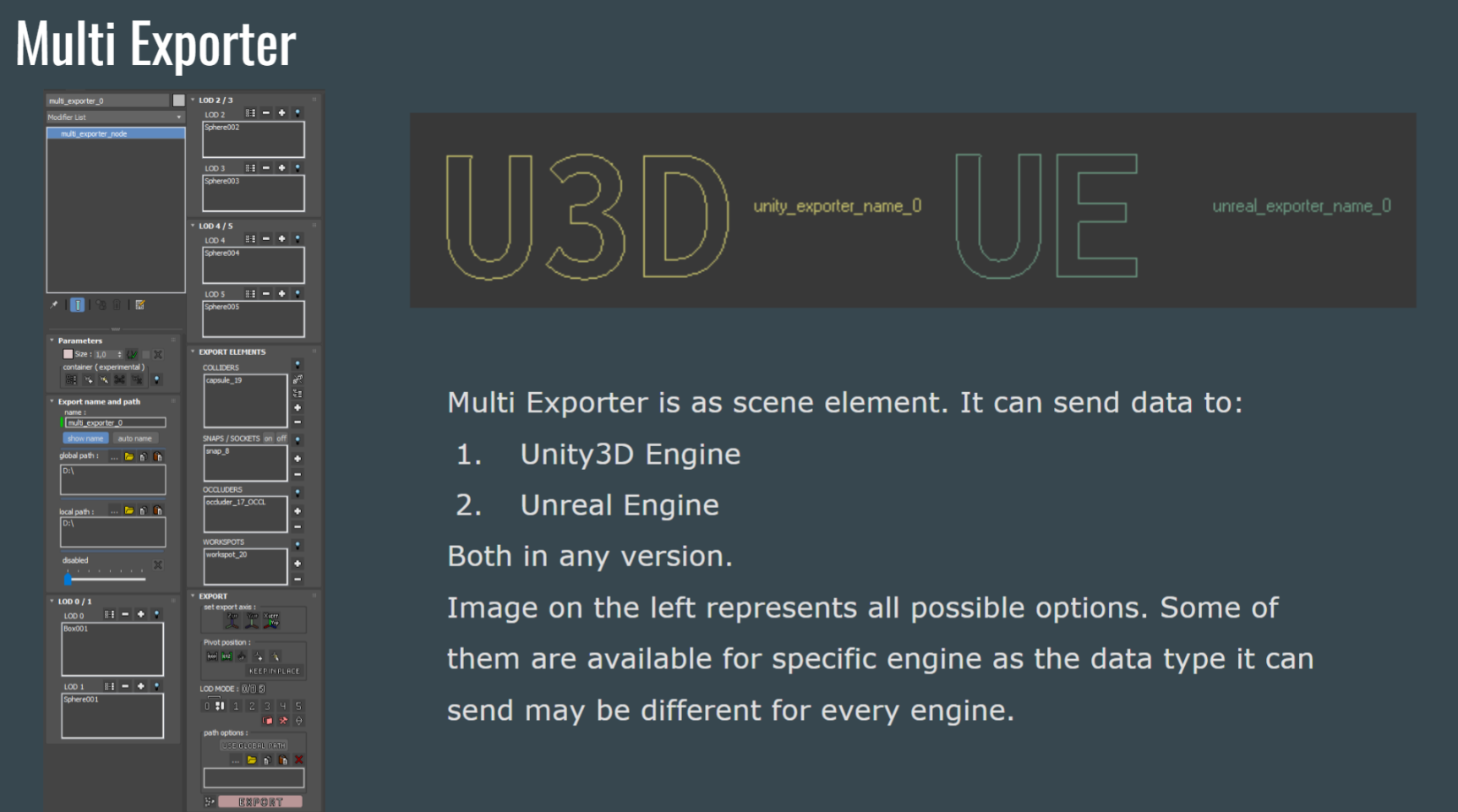
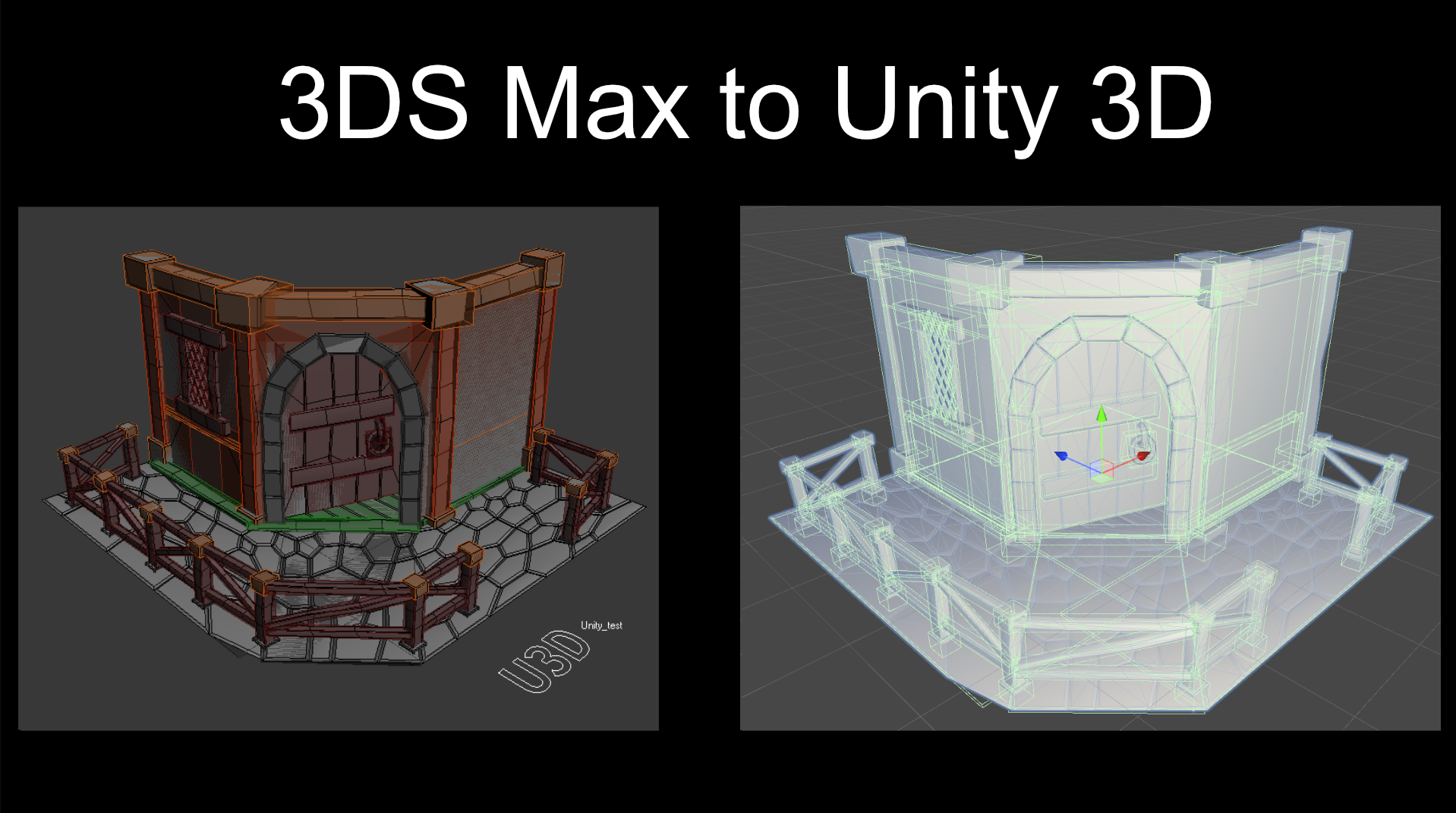
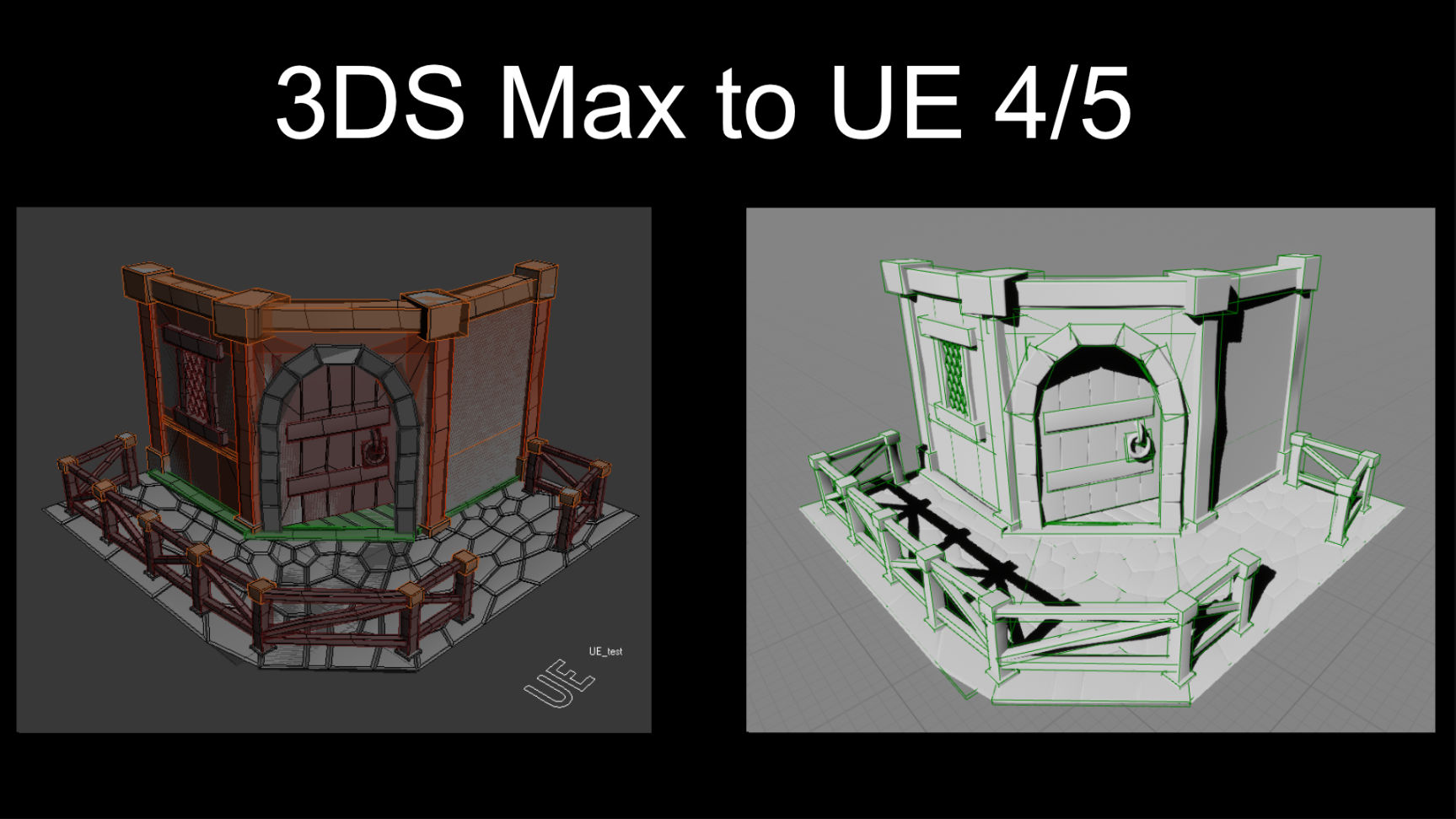
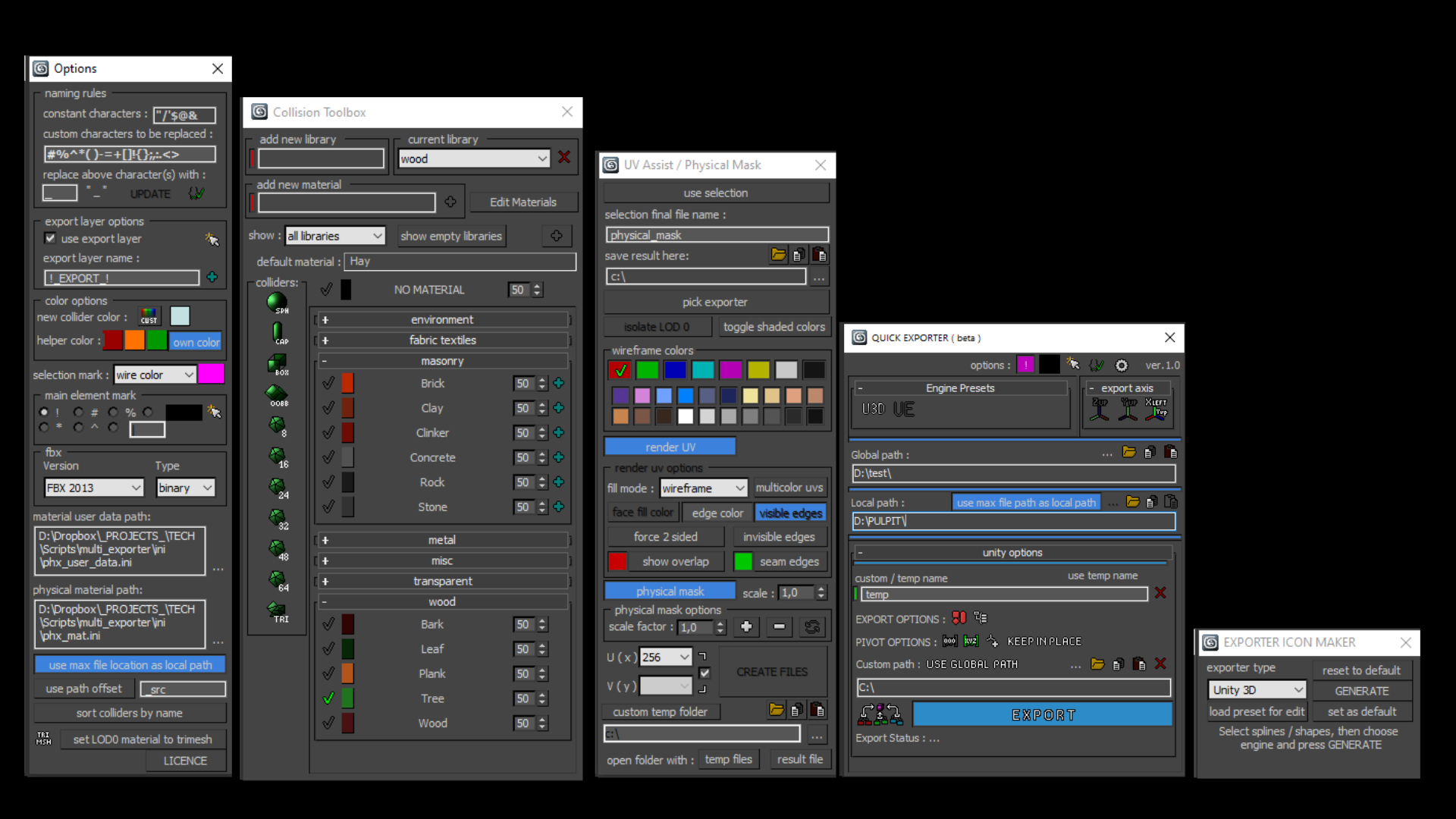
Multi Exporter

2 votes


Populate Material Editor

2 votes


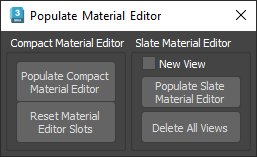
This script will, load selected objects materials in the chosen material editor ( slate or compact ),

there is also a "Reset Material Editor Slots" button, that clears the material editor and replace each slot by a new material of the current renderer, it works for Vray, Corona, Arnold, F-storm and Octane, else it will create some 3dsmax physical material instead.

Viewport View Selector

1 vote


What this script do:

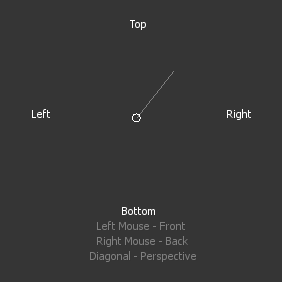
This script allow you to select viewport view using gestures and left/right mouse button.

How to use it:

 Assign shortcut. Press a button an interface will appear.

Syndicate content