3ds Max | Scripts

JB Morph ui

3 votes


A maxscript to Auto create ONLY morph UI.

  • 5 UI types
  • Custom Name
  • Change color
  • Change size
  • Easy controler and base selection
  • Auto Set skin pose

Note: Beta version

Restore Imported Objects Wirecolor

1 vote

A little fix code for imported objects from AutoCAD. Inspired by this post
http://jamiecardoso-mentalray.blogspot.co.uk/2013/04/correcting-viewport... by Jamie Cardoso

Morphica Tool

3 votes

Here s my first contribution script , it is pretty similar to many existing scripts over here used in connecting morphs to UI ,but it deserves a trial , it is weel production proven for 2 yrs so far .
i ve made a video demoing its usage here :https://vimeo.com/63446923

Select instances objects

2 votes

Small but very useful script for selected instances objects

- select only visible instances objects
- work fast, support undo
- work of script would be broken by pressing Escape button

for install you should drag&drop script into 3ds Max
Find it in Customize -> Customize user interface -> Toolbars.
Category: # Scripts

Tested on 3ds max 2012

Ambient Occlusion Pass Switcher for Mental Ray

0 votes

The script will set up the scene for the calculation of Ambient Occlusion Pass.

The script will switch off lights, Final Gathering, GI, Exposure, Enviroment map and create Standard material customized for AO pass and put it into override material slot in "processing" tab. AO map parameters should be set up by user himself.

After creating AO, you can return the initial state of the scene by turning off AO rendering mode (click again on the button).

------------------------------------

installation:

1. Run the script.

open/close all/selected groups

1 vote

open-close-group

This macro-script is meant to use as a shortcut. It can open or close all or all selected groups in the scene.
I use "STRG + SHIFT + G" to open all groups and "STRG + G" to close all groups but you can change it to whatever you prefer.


Uni-Grow-Shrink

8 votes

2.7.3 Fixed Decrease steps in splines
2.7.2
Fixed bug of grow subobjects and conflicts of functions
add

2.7
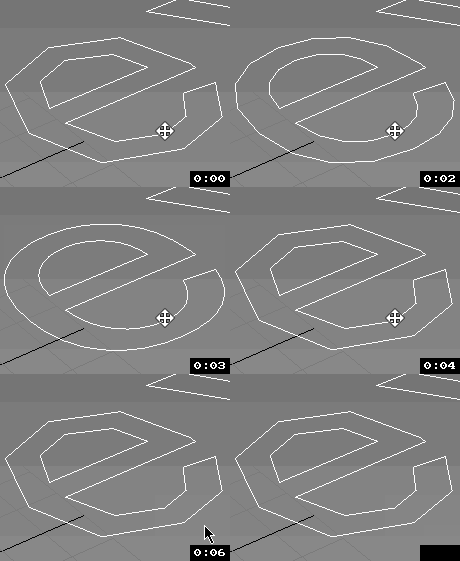
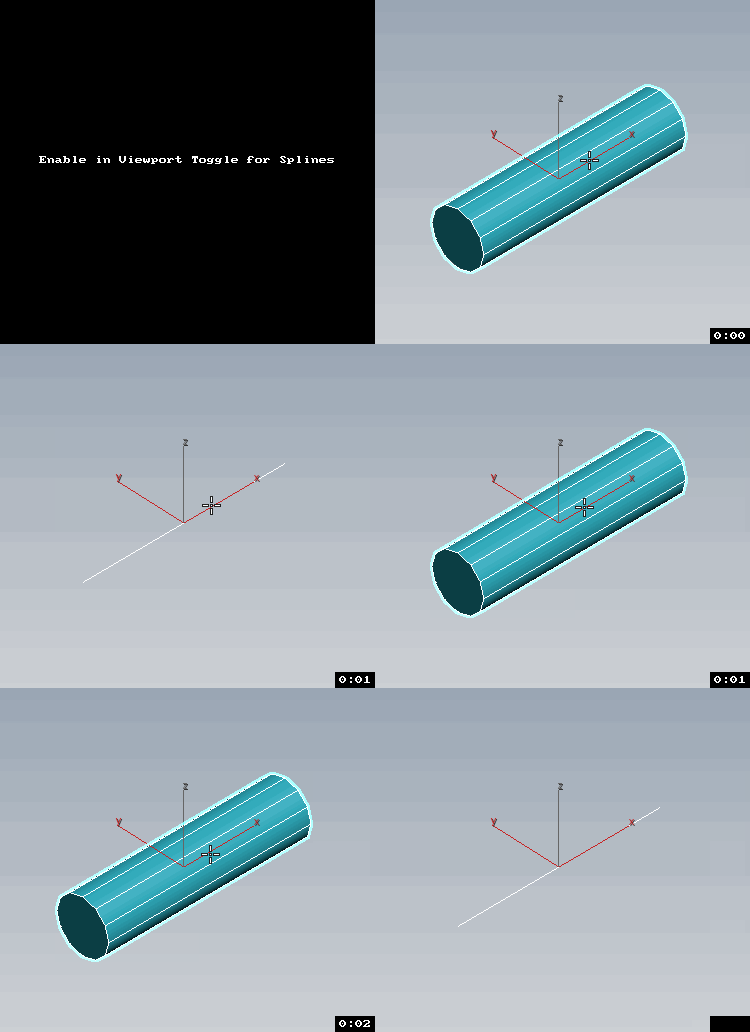
Esc+Grow = Splines as mesh with Thickness Toggle

v2.6
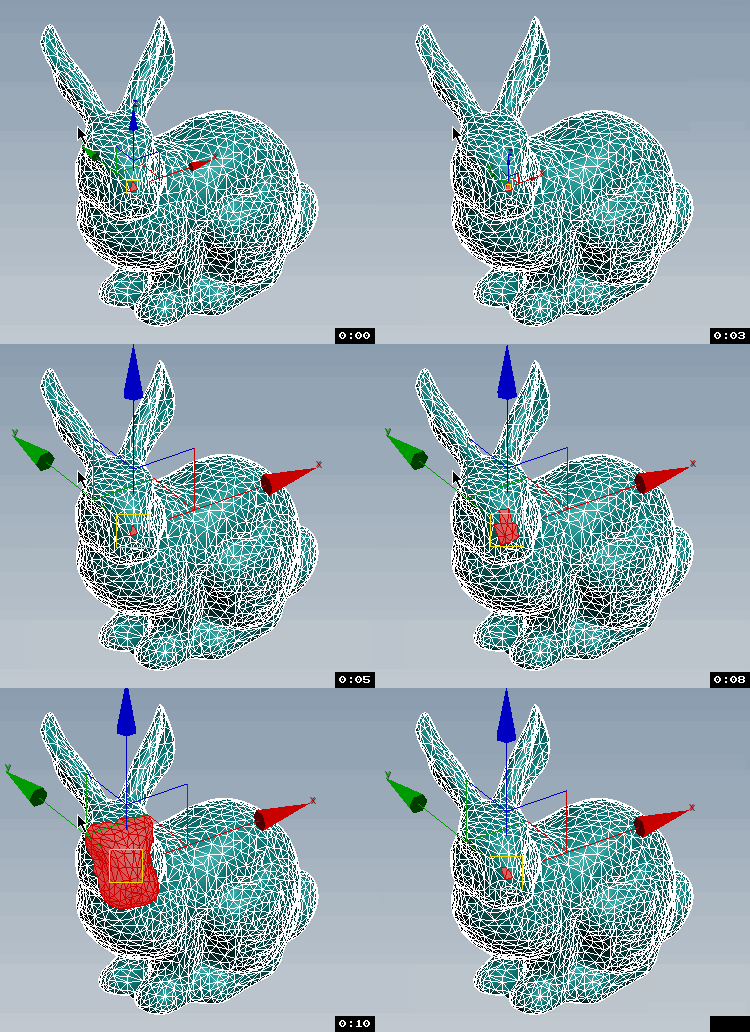
Transform Gizmo Size Up/Down If Esc + Any Button of Script pressed.

Subobjects Converter

9 votes


v3.07
Fixed Shift+1 Shift+2

v3.01
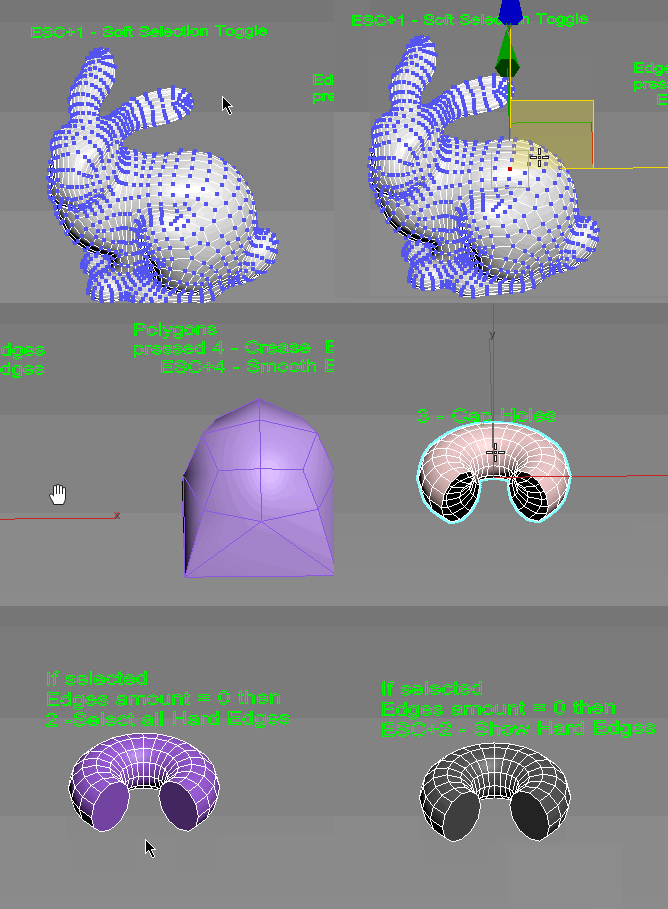
If Esc+Key of script keyboard pressed and current subobjectlevel is 4 or 5 (Face or Element) and selected all faces then will run Smoothing Groups floater (a separate special window)
Если нажата Esc+кнопка скрипта и текущий подобъект 4 или 5 (Грани или Элементы) и все грани выделены, то будет запущен Smoothing Groups floater (отдельным специальным окошком)

Fixed bug of switch from subobject 5 to 4
Added Extended Subobjects:

UnwrapUVW Editor AutOOpen

4 votes


v.2.3 Now, when you run Unwrap UVW_Editor_AutOOpen on an object where Unwrap already exists anywhere on the stack, it will become active in the editor. A new modifier will only be added if there is no modifier at all.

Теперь при запуске UnwrapUVW_Editor_AutOOpen на объекте, где в любом месте стека уже есть Unwrap, именно он станет активным в редакторе. Новый будет добавляться только если модификатор отсутствует вовсе.

Script makes. Скрипт делает
1) Assigns unwrap UVW. Назначается unwrap UVW

Camera_Map_Per_Pixel compositing

0 votes

Syndicate content