3ds Max | Scripts

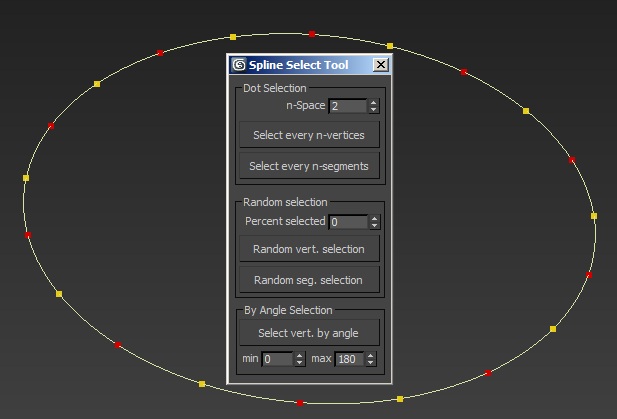
Spline Select Tool

4 votes

This script gives some new options to select splines vertices and segments : selection with gaps, random selection and selection by angle.

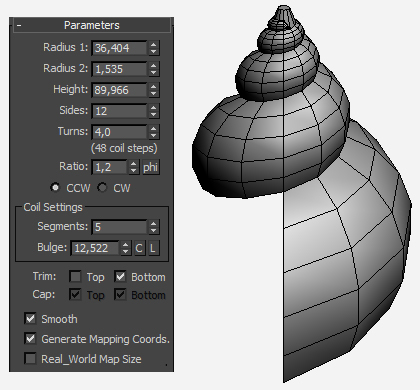
Snail primitive

15 votes

A simple primitive based on a logarithmic spiral.

Quick Parent Link

4 votes

Quick Parent Link is a script to allow you to quickly pick a chain of obects to set them into a parent/child hierarchy. It works a little more efficiently than the native Select and Link tool (which requires you to click child, drag to parent, let go, then select that parent as a child again and drag to its parent, etc).

AutoPlace

8 votes

This is a script like autogrid. You can move, instance and copy objects all over the place! ShiftPress the button for options (move, instance, copy, lock rotation and lock scale)

How it works: select an object and press the button. click and drag (left-right = scale, top-down:rotation)

If you select multiple objects it will choose a random one.

tested on Max 2012/2013

Log :

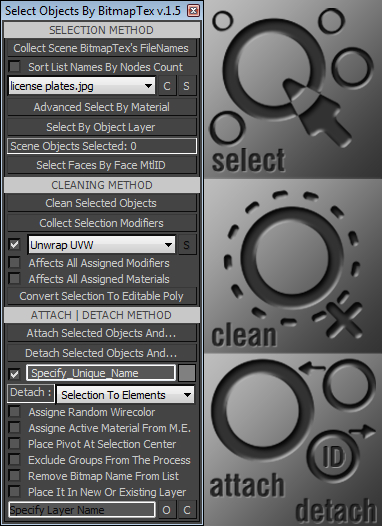
Select Objects By BitmapTex

17 votes

•••••••••••••••••••••••••••••••••••••••••••••••••••••••••••••••••••••••••••• VERSION 1.6
v15
With this tool you can quickly perform certain operations that normally require more time to perform, such as:
. Selecting all scene objects by choosing a specified bitmap texture used in the current scene file. >>>
. Selecting objects with the same material as the first object in the selection.

Render Holder Zorb

3 votes

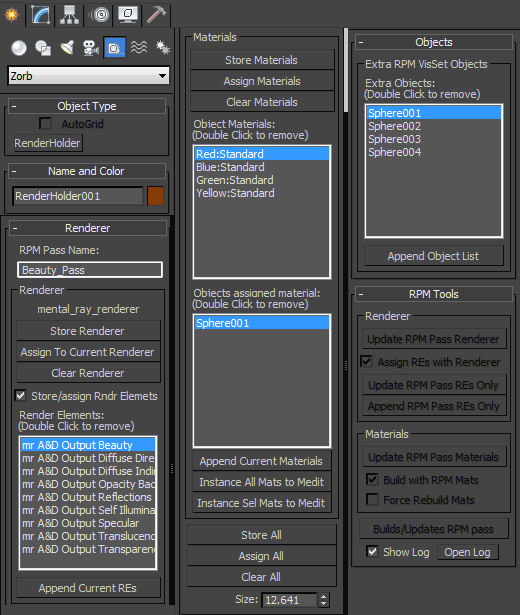
Render Holder Zorb is a max helper that is designed to help you manage, share and build render setting, render elements, material assignments and RPM passes. The main use for this is to us one or mutiple Render Holder with an asset file to store per pass render settings and materials.

You can store and restore the current Renderer, Render Elemants and object materials. Also there is a suit of RPM tools to help build and manage passes based on the settings stored on the Render Holder.  Including an object list to create the visability set with.

to install just extract to the 3dsmax root, or put the .ms file in scripts/startup or the plugins folder

For more help, hover your mouse over a button or checkbox in 3dsMax
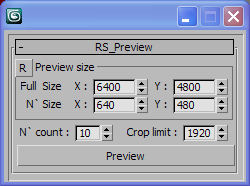
RS_Preview

0 votes

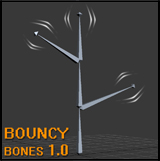
Bouncy Bones for max 2009-2010-2011

2 votes

Bouncy Bones 1.0

Bouncy Bones 1.0 by Jonah Shafer

The script is compatible with max 2009, max 2010, and max 2011.  I have not tested with 2012, but the 2011 version might work for that as well.  If someone can confirm this for me that would be great!  The files are available for download on my website in the sharing section.

Log Console Zorb

3 votes

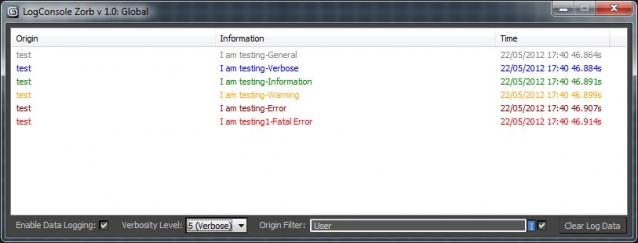
This script is a general Log Console to be used by max scripters, a great way to quicly add information logging to your script Once installed you will have access to the LogConsole by creating an instance (you can create as many as you want) by using something like:

foo = ZorbConsole title:"Log A"

You may open the log by using: foo.showme() And write to the log with the AddLog function like so:

foo.AddLog #("test", "I am testing-General", 0)

The Information may then be filtered by verbosity or by the information origin (handy to add what function is sending the log info)

Face Breaker

6 votes

This is a short script to automatically detach faces from an object.
Select as many objects as you like at the same time.
The script will preserve the local rotation of each face so that an object can be easily "exploded" along its normals.

Installation:

Syndicate content