3ds Max | Scripts

miauu's Polyline

16 votes

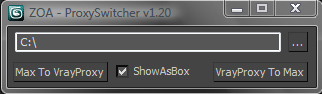
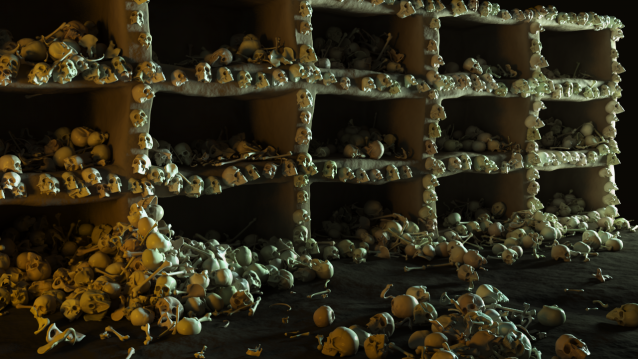
VrayProxy Switcher

35 votes

Select a bunch of objects and put unique nodes to a specified directory as separate max files with the related vrayproxy data saved next to it.
Istance copies will be replaced with the new vrayproxy object.
Get previously saved objects back to max whenever you wish.

User Interface

PhysX Painter

6 votes

Obj2Spline Align

54 votes


A script that aligns objects along a path or spline. much more editable than the spacing tool. see how it works here or download complete package (with mini tut).

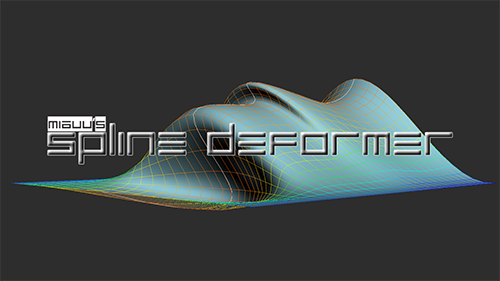
miauu's Spline Deformer

10 votes


Batch Exporter

9 votes

Multi Scatter

10 votes

With this tool you can Scatter object on top of other object up to 8 level,
you can use different object for each level and you can record face to use
for each level.

" Faceengine " facial bone creator for 3ds max facial animations

7 votes

FACEENGINE TUTORIAL

To run the facial script :

1- Un-rar the "faceengine.rar" into your 3ds max programm folder.
for example ,

c:\program files\3ds max\faceengine

2-in 3ds max environment , run the "vertex recorder" script, if you have problems like " runtime error ..." , you need to run "3ds max.exe" as administrator , and re-run this script

3-With first button , select your 3d head model

4-With second button , select the vertices one by one according
to the visual quide on script window ( red dot on the quide model ) ,

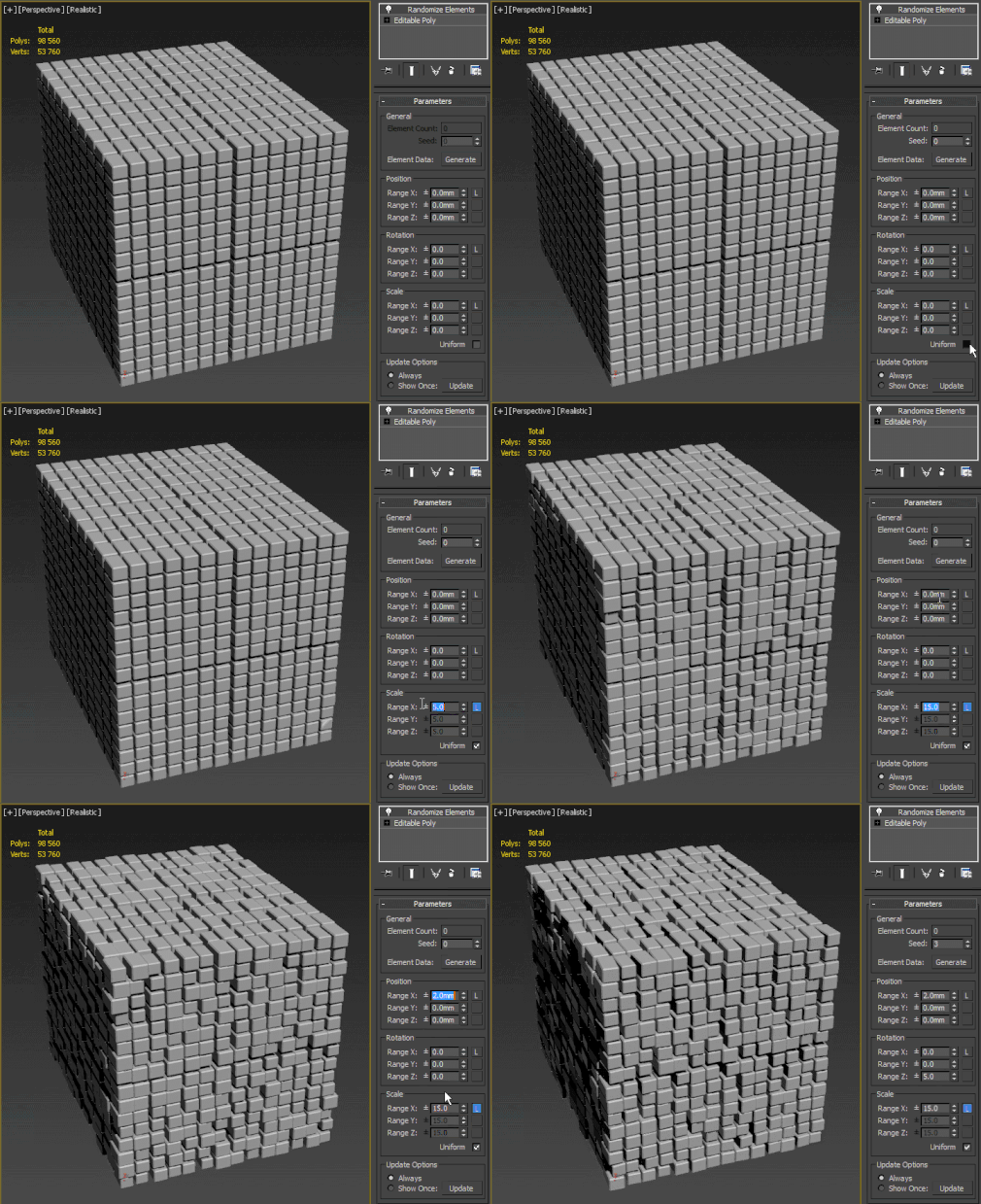
Randomize Elements

19 votes

 Randomize elements the easy way. Slow as hell with complex models (500k poly and more).

Viewport Align

20 votes

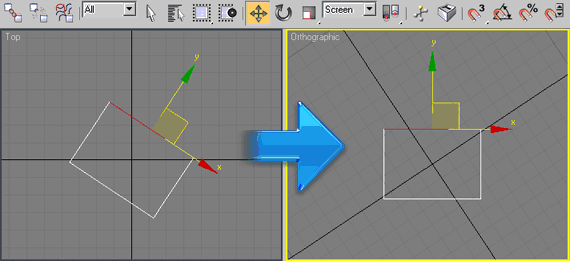
Rotates your top view to your selection. Go to top view, select 1 edge or 2 verts, run the script (and switch to coordinate system "screen" if you like). Click once to align horizontal, click again to align vertical. Good for architectural modeling with non-orthogonal walls.


Syndicate content