3ds Max | Scripts

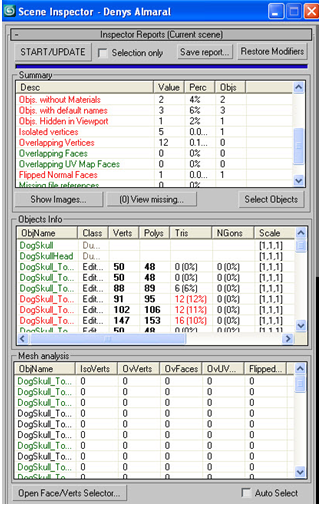
pX Scene Inspector (Award winner!)

5 votes

Analyze object properties and mesh topology to detect potential problems. This Script wins the second prize at TurboSquid.com CheckMate contest! :) 

Detects: Isolated vertices, overlapping faces, overlapping vertices, overlapping UV faces, flipped faces, ngons, and a lot more...  the download include docs instructions  for use.

RIBit

13 votes

This is a free Renderman exporter for 3DSMax. It enables you to render your scenes using any Renderman complient renderer. For now - it doesn't do very much. It is after all a first alpha version - but it is usable to some extent. It exports you camera - lights and geometry (currenty - all geometry is exported using either polygons or subdivision meshes.) It does not export particles - though I would like to add them at some point. A lot of max attributes are not supported yet.

Pipe Generator

-8 votes

Bone copy

7 votes

Swaps the weights from one bone in a skin modifier to another

Spinner

0 votes

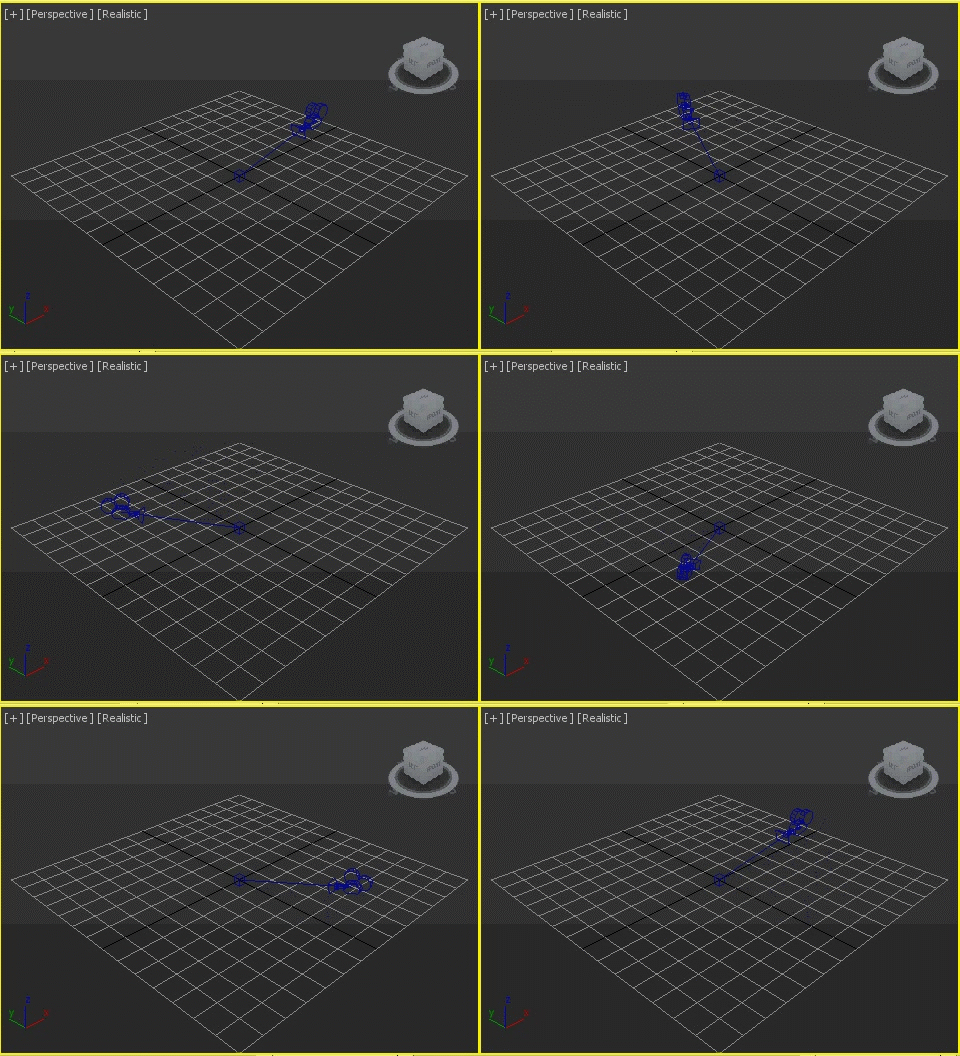
Animates a object spinning around the choosen center.

Mirror Animation Modifier

86 votes

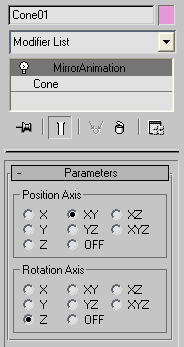
Mirror position/rotation animation tool written as modifier.

Mirror Animation

zsLightingTools

3 votes

A little lighting-helper...

- rollout "On/Off"

  • MULTIPLIER: set the global multiplier to apply with the buttons below
  • ISOLATE: turn selected lights on, all others off
  • ON / OFF: turn selected/all lights on/off
  • SET MULTIPLIER: apply the global multiplier to the current values of selected/all lights

- rollout "Properties"

State Sets Render v2

0 votes

State Sets Render plugin allows you to rendering the State Sets using an alternative way, in Local or Network mode. User-friendly, Easy-to-use and faster than standard State Sets.

-- FREE DOWNLOAD, INFO & DETAILS --
http://hmelo.com/store/statesetsrender.html

"View and Zoom Extents Selected" macro buttons

0 votes

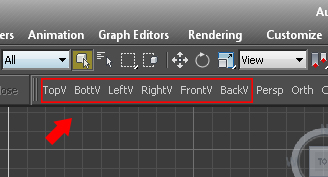
Simple macro buttons to set active view and run "Zoom Extents Selected" command. (If no object selected, "Zoom Extents" instead.) So you don't lose track of objects while switching views.


Bounding Boxer

6 votes

"Create a sub-object selection and use Bounding Boxer to create a fitting box around the selection. You can then use the created box(es) for a Linked X-Form or as a bone. The various Bounding Boxer options include the possibility to automatically create a link hierarchy between created boxes."

Syndicate content