Tagged 'edge'

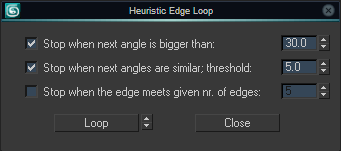
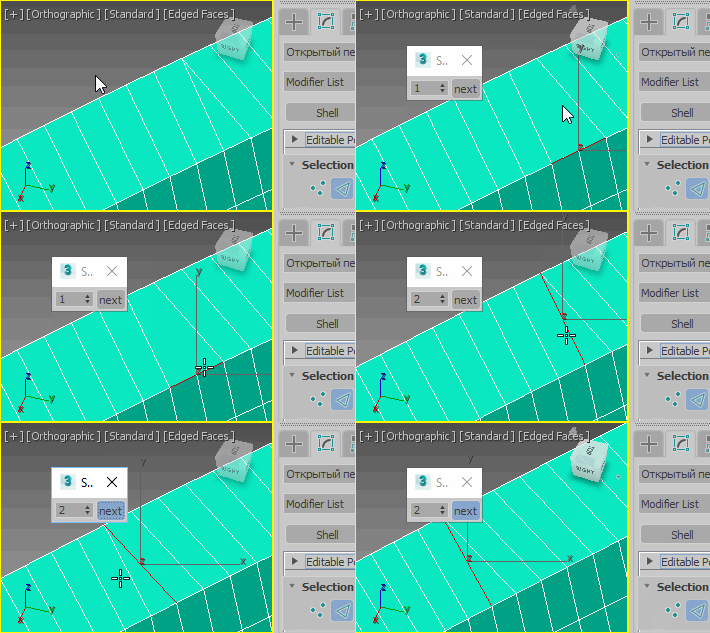
Heuristic Edge Select

10 votes

Select a loop of edges both on quad and non-quad geometry. Both a command without GUI and a settings dialog to fine-tune the stop cases are available.

Heuristic Edge Select Dialog

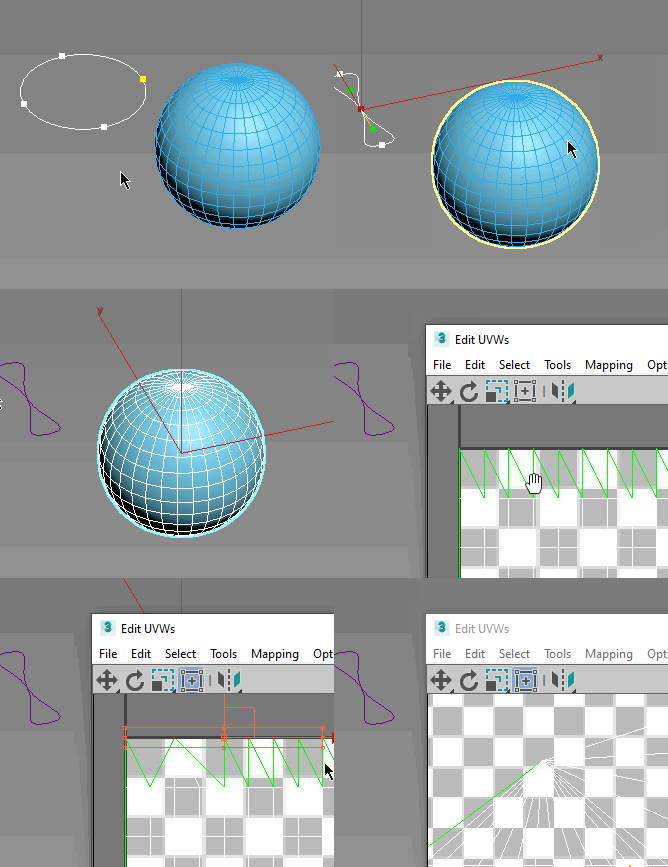
UniCollapse

12 votes


ESC+KEY SCRIPT

v2.6: Collapse on Edit_Poly modifier using Scale Transform Type-In

And all this works by single button

LiveMeasure

14 votes

Measure and show edges length, segments length and faces area in real time. Work with Splines, Editable_Poly and  Editable_mesh objects and Edit_Poly modifier.
--        In Polygon/Element sub-object level will show the selected faces area in generic units only.
--        In Edge/Border sub-object level will show the length of selected edges in user defined units.

Connect Edges

1 vote

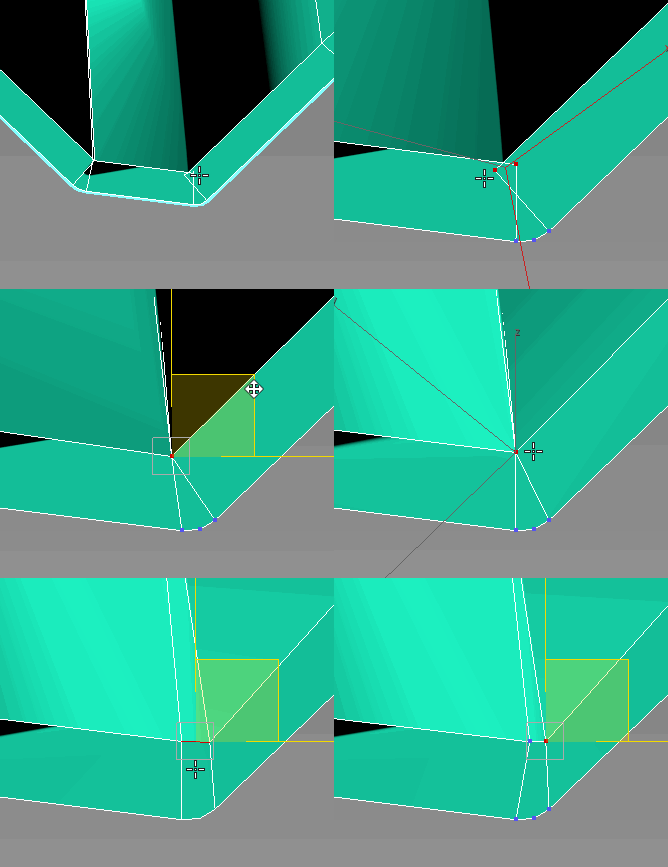
Just a simple modifier to connect edges selected with the previous "edit poly" "editable poly" or "poly select" modifier. Currently I tested my script on 3dsmax 2020, I will try to test it on older version of 3ds max and update this page if I can. If you have any question or any requirement, don't hesitate to ask me or to contact me. I will be happy to answer you.

Extend Borders

25 votes

[UPDATE!] See description below for more

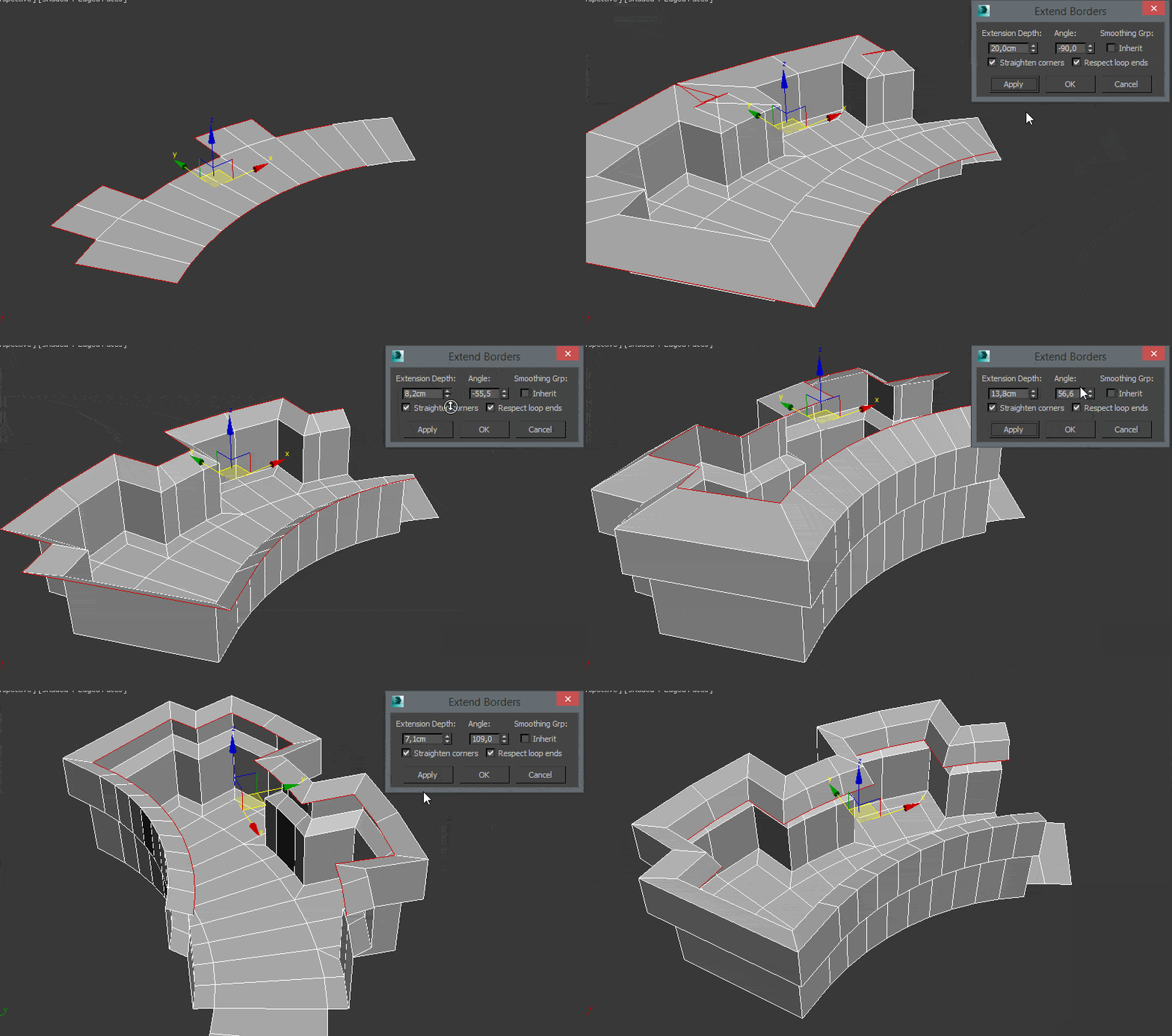
This Tool is useful for extruding border edges of an editable poly. You can also add a tilting angle and choose to use corrected corners.

SpinEdgeSpiner

0 votes

miauu's Edge Cutter

79 votes


Version 1.6 - added installator. Now the script is properly installed in OS: Windows VIsta, 7, 8

Version 1.5 - added Compact UI mode - idea by @Silix

Version 1.4 - added support for 3ds max 2012.

Skip Every N-th

61 votes

Skip every vert/edge/face. In Loop mode, you can skip edges and polygons. In Ring mode you can skip vertices,edges and polygons. To make poly loop select 3 faces(the middle one is starting face), check PolyLoop checkbox, set "Skip V-E-P" spinner to value greater then 2 and start skiping. You can't skip one face, only 2 or more. Ring mode does not have this limitation. "For Steps" spinner works only with edges. If you want to skip every 2 edges five times, set "Skip" spinner to 2 and "For Steps" spinner to 5. Instalation: Drag-n-drop SkipEveryNthVEPRingLoop.mzp to 3ds max.

Make parallel edges

29 votes


This macro will produce parallel edges along selected edges, may be useful for subdivision modeling.

To set distance print plDist = <number> in MAXscript listener.

DO NOT expect to much, it's still in development but may be helpful.

DO NOT ask me how to install it, read here, http://www.scriptspot.com/script-installation-in-3ds-max

Step Gap Vert/Edge/Poly Ring (like modo selection)

73 votes

Modo selections style in 3ds max. Assign a hotkey(or button), select 2 verts/edges/faces woth desired gap between them and start pressing your hotkey. :)

Instalation: Drag-n-drop StepGapVEPRingLR.mzp and StepGapVEPRingLR.mzp in 3ds max. Go to Customize - Customize User Interface. Under "miauu" category you will find "Step Gap VEP Ring Left-Right" and "Step Gap VEP Ring Right-Left"

Big thanks to Anubis for his help.

Syndicate content