3ds Max | All

3DS Max Hot Box

201 votes

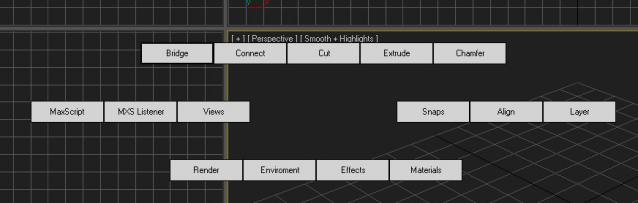
After being inspired by the video I saw of a Max hot box here on Script Spot I decided to work on my own. So here is the first version, its only a beta so some bugs or problems are to be expected. I am giving it out early as I want to get as much feedback as possible  I am currently debating whether to follow the Maya route or do something a bit different. 

3DS Max Maxscript How to install a macroscript

0 votes

In this Tutorial,for total beginners, we will learn how to install
a macroscript into 3DS Max.

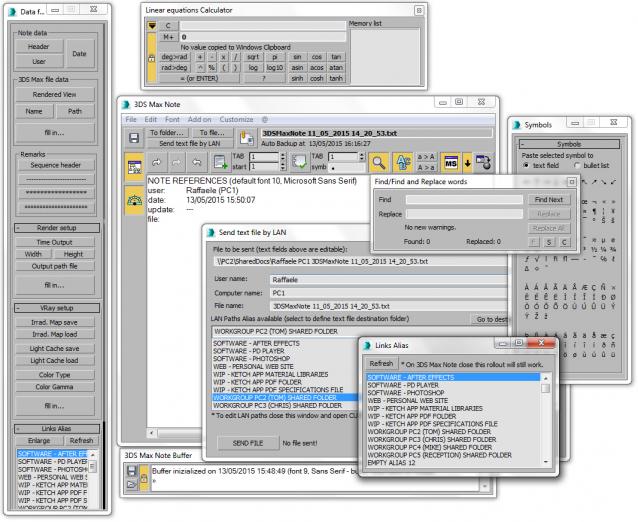
3DS Max Notepad

2 votes

3DS Max Numerical Expression Evaluator

1 vote

Whenever you have a numeric field in 3DS Max, you can use a nice little feature called Numerical Expression Evaluator. Just click inside that field and press CTRL+N to open Numerical Expression Evaluator Dialog.

3ds Max password Creator

2 votes

Create password for 3Ds Max files

Create password for 3Ds Max files

warning: Do not forgot your passwords.This script allows the user to open and modify the existing file, but it can not be rendered.

3DS Max Plugin - Multiple Sections

1 vote

In this video, I will present you with a new plugin I created for 3DS Max that allows the user to create multiple 2D sections on the 3 axes. The script has many options to control this operation, like the number of sections, the spacing between sections, offsetting the start of the operation, flipping the axis so that, for example, if you choose the Z axis, flipping means the creation of the sections will begin from top to bottom, also you have the option to Weld the vertices.

3DS Max Plugin Rename Modifiers

0 votes

In this video i will present you with two small scripts i created. one of them will reset the modifiers names to their default names. The second one will add the default names to the custom ones.
this is useful in case you have objects with many modifiers applied to them and these modifiers have custom names.

You can check my demo video on YouTube: https://youtu.be/ijK_BhxBAf8

3ds Max Programming Contest - $1000 Prize

6 votes

TurboSquid is holding a programming contest with a first prize of $1000. The contest calls for a utility that checks 3D models for certain attributes. Entrants can use MAXScript or any other programming language to write the utility.

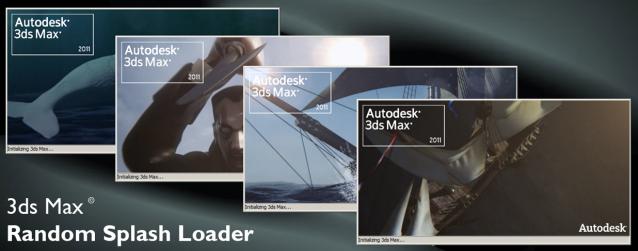
3ds Max Random Splash Image Loader

32 votes

3DS Max Rotate A Polygon Around An Edge

0 votes

In this tutorial, we will learn how to rotate a polygon around an edge.
We will demonstrate two scenarios, in the first, we will use the Hinge From Edge feature, and in the second one, we will use the Working Pivot feature.

Syndicate content