3ds Max | All

Point3 Manipulator

2 votes

"Point3 Manipulator is a three-value scripted manipulator with the following features:

  • Multiline Text Field for long descriptive names
  • A Point3 and separate X -Y -Z values with own Min. - Max.
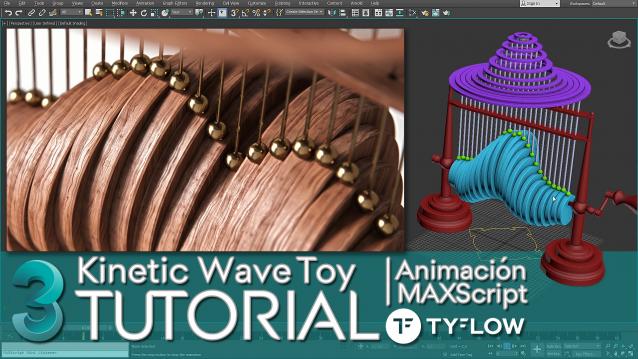
  • Kinetic Wave Sculpture | 3dsMax Tutorial

    1 vote

    In this tutorial I explain how to do in 3ds Max, the animation system or RIG of the "Kinetic Wave Toy" → https://youtu.be/F6MTOZWviAU

    A step-by-step tour of all the techniques and tricks, where we also see many important concepts that every 3D animator or generalist should know.

    From the basic 3D modeling of the RIG to the animation and programming of a User Interface (UI) with MAXScript, which will allow us to easily access all the parameters we need to explore the full power of a small parametric mechanical animation system.

    How to ativate English subtitles: ️Configuration / Subtitles / Spanish (automatically generated) / Automatic Translation / English

    Animated Translucency

    6 votes

    This should probably be a version 0.1 but anyway. This builds translucency data for sequences. Multiple object support. Needs jblib and jbfunctions from www.johnburnett.com. Little testing so far - but it works for me:) Note there is a excessive amount of progress bars right now which gives you a lot of screen flashing on light objects. I can reduce this somewhat.

    Read Mo Cap Data

    3 votes

    Need to get some Motion Capture data into Max? This script might help.

    LinksDisplay

    0 votes

    Place on your toolbar and toggle the button to view hierarchy links. Shows your links like a skeleton.

    Bitmap Browser

    4 votes

    "This set of scripts lets you create two new buttons inside Material Editor - which are actually menu items - that allow you to browse back and forth currently selected bitmap inside the same folder without opening File Open Dialog.

    mmMaxControls

    5 votes

    mmMaxControls is a .NET control library which contains several common controls which look and feel like native 3dsmax UI elements.

    See this blog post for more details.

    Updated to version 1.02. See blog post for details.


    waRp CtrlMtls

    0 votes

    This script simplifies the editing of the textures (that are imported from Mari) within 3ds Max. It changes some basic parameters of all the imported textures.
    It automatically enable only the mapping slots that have textures assigned to them.
    It only works with materials that are assigned in the scene and have the keyword "_tg" in their name

    Options that are included:
    -- Turn on or off a particular mapping slot
    -- Change the RGB offset
    -- invert the textures
    -- Preview the textures in the viewport

    Prepare object for UE4

    1 vote

    This simple macroscript prepare selected objects to export to unreal engine.

    Select objects and execute the macro script will do the nexts steps for all of them:

    - Center pivot on Z base
    - World align pivot
    - Reset Xform
    - Convert to Edit Poly
    - Callapse to Editable Poly

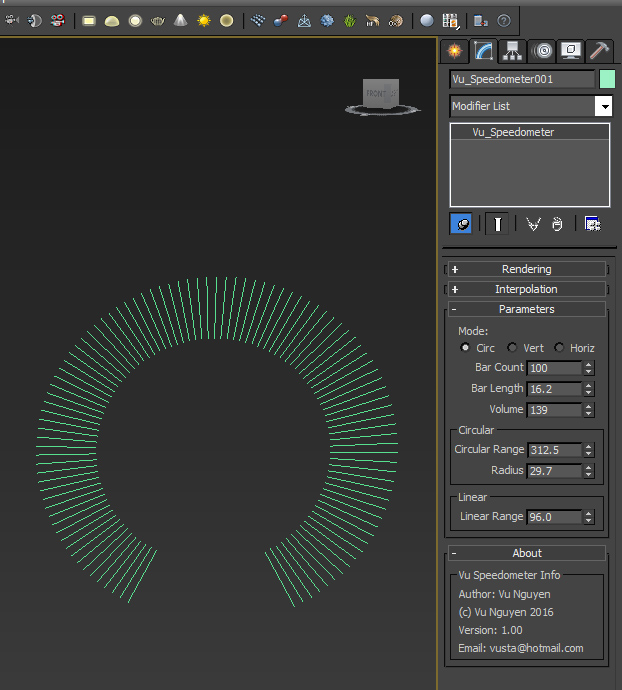
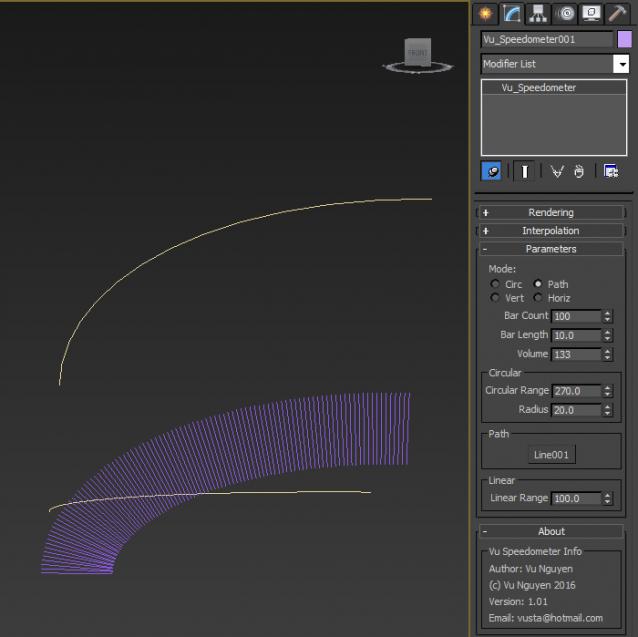
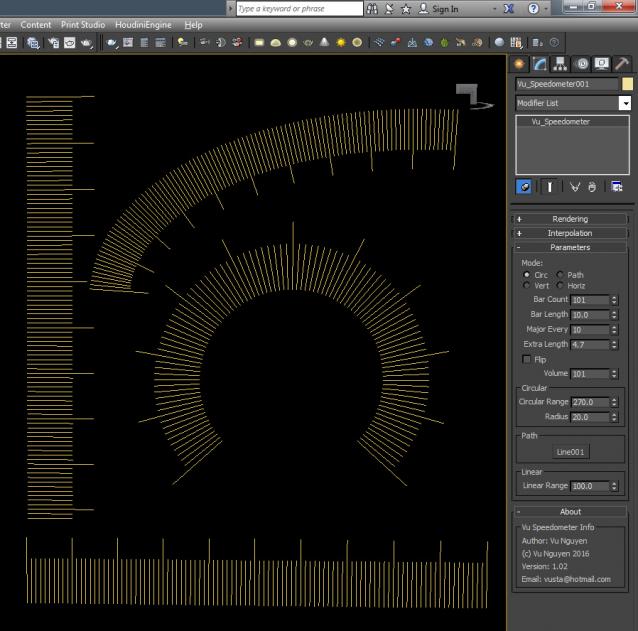
    MCG Speedometer

    2 votes

    Simple Speedometer/Equaliser display with splines. Found in Create Panel>Shapes>Vu

    Ver 1.01: added Path follow.

    Ver 1.02: added Major Increment Markers

    Syndicate content