3ds Max | All

Scene Notes Pro @ Show Notes Only

0 votes

Scene Notes Pro Show Notes allows you to read the notes saved with Scene Notes Pro.

You can't add and/or edit the notes, only to read them in case that you do not own Scene Notes Pro.


ControllerCenter

2 votes

Mass-Assign PRS controllers to selected nodes - copy controllers from reference nodes to selection

Align side by side

0 votes

tool helperpoints --mouse click definition
(
local p
on mousePoint clickp do (p = point name:("point_" + (random 0 100 as string)) pos:worldPoint size: 1 wirecolor:[130,225,40])

on mouseMove clickno do p.pos = worldPoint
)

rollout rlhelperPoints "Helper Points Creation" -- create rollout to fill with buttons
(
button btstart "Start Helping Points" width:125 --this will activate the tool
button snapobjects " Snap objects on Points" width:125
button deletepoints "DELETE all points" width:125 -- this will DELETE the points

-- this STARTS the tool

Control Objects

3 votes

Creates custom spline control objects for rigging characters and other objects. Add the macros to your favorit quad or button bar and drag and drop these controls to place and size them. Due to limitations in creating scripted shape plugins these objects don't have any parameters to size them after creation. Use XForm modifier to size after creation.

Poly Counter

5 votes

A simple multiobject poly counter. Select the object that you wish to count up and press the button. Results displayed in the prompt line.

Collapse and reset-X

5 votes

An export stength reset-X and collapse util. Also tries to detect normal flips and correct then (Although not always successfully). The Script version of reset-X is NOT export proof - and depending on how you export your data will not always work. No accou

Eyeball Generator

5 votes

"A script that creates an eyeball with spinners to control pupil and iris size. based on the modelling in Adam Brody's great eyeball tutorial. As you can tell my scripting ability is non-existant but it gets the job done - just! It has some basic materials applied. The iris has an FFD so you can bulge it after."

P_Layers

2 votes


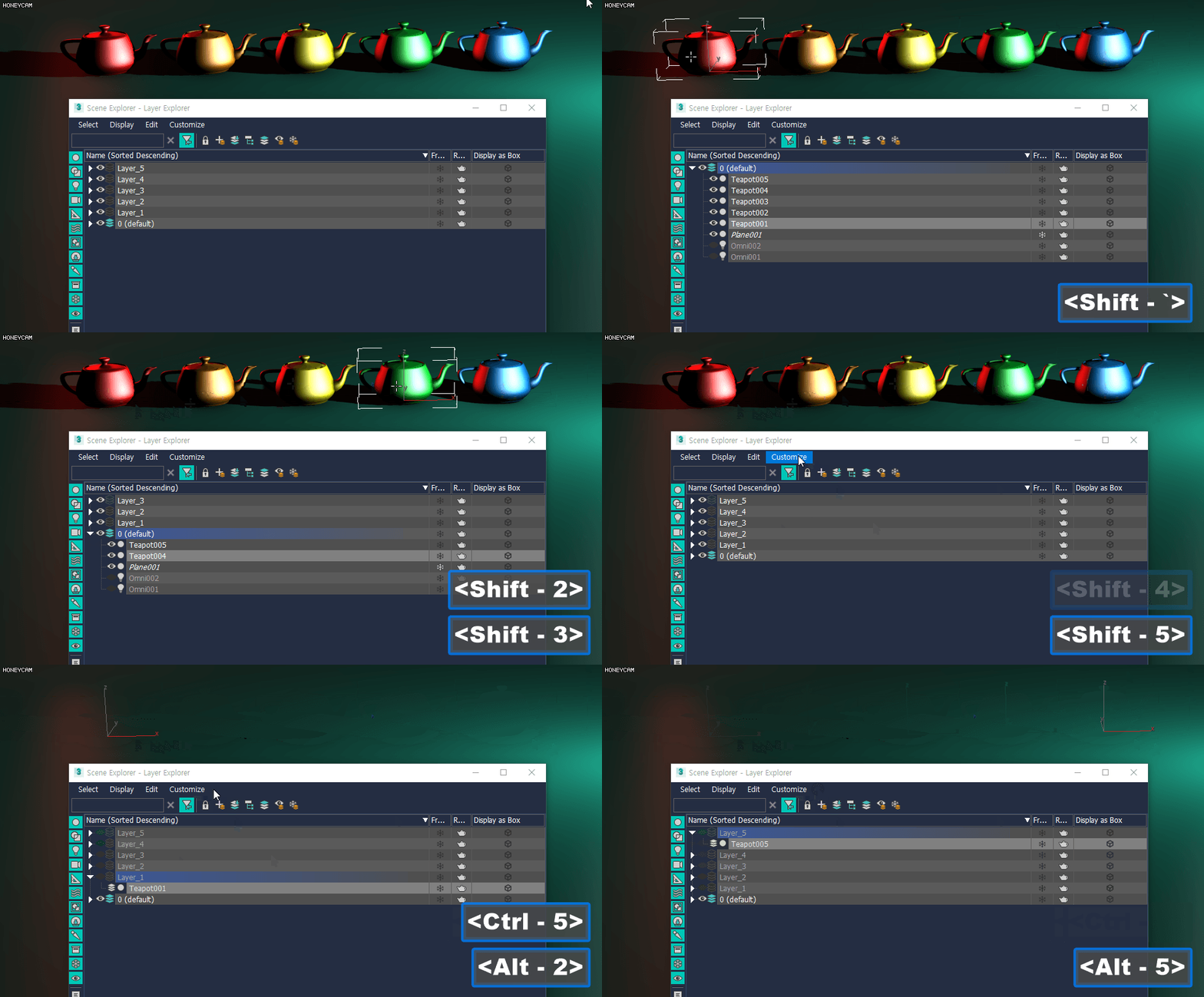
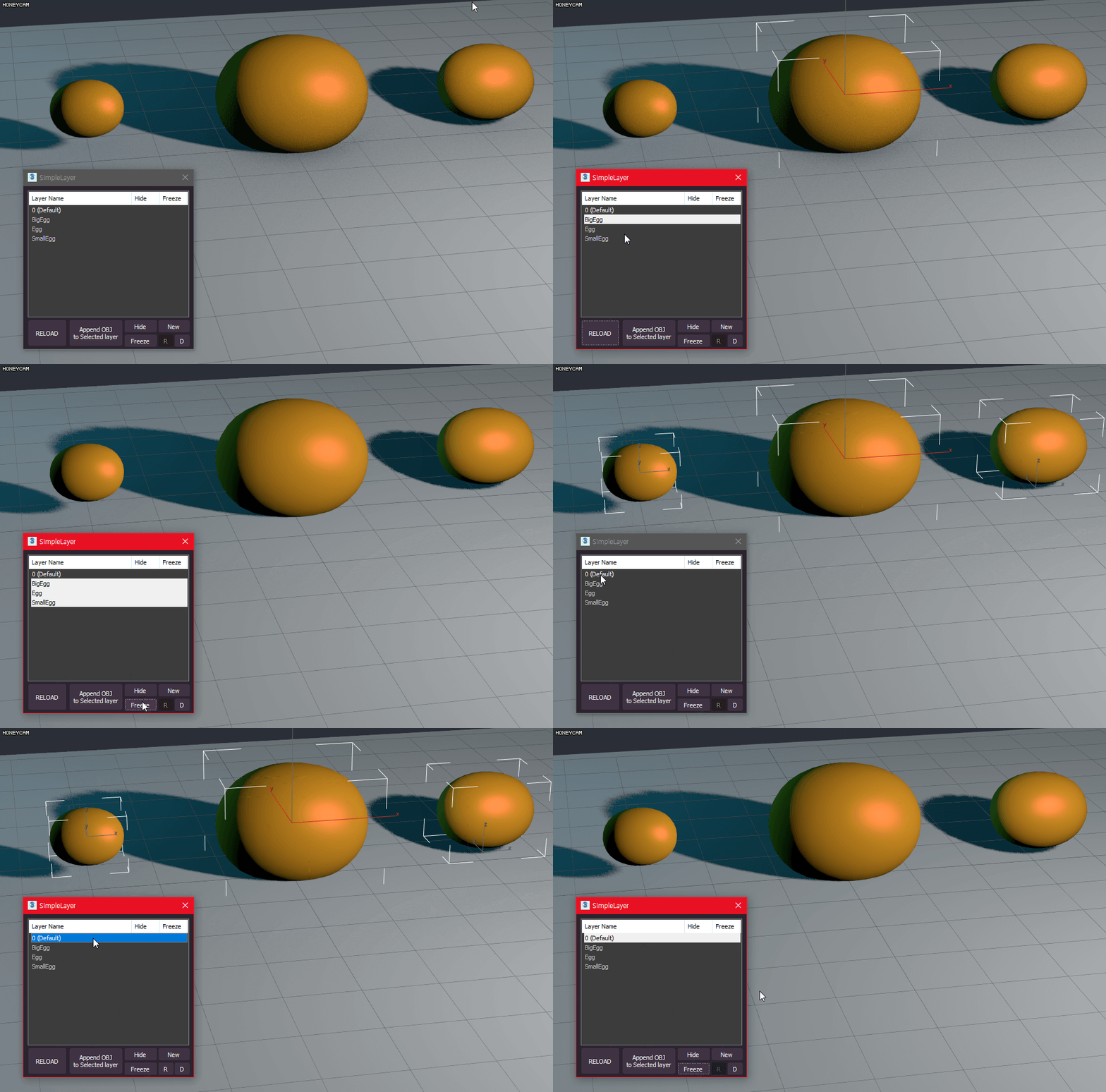
P_Layers is a script for easily registering, selecting, and hiding layers

How to install
- Drag and Drop Script to 3ds Max Viewport
All functions are registered as macro scripts
(Customize User Interface - Category - P_Scripts)

Features include: (recommended shortcuts)

Append Layer (Shift 1~8)
- Append the selected object to the layer of that number

Material Editor Manager, MEM -- updated

I recently updated my MEM macroscript up to version 1.0. It is currently under Alpha2 status and under further development. Any comments and suggestions are very welcome...

--> http://www.scriptspot.com/3ds-max/material-editor-manager-mem

SelectionMan

7 votes

Miscellaneous selection tools (randomly select a set of objects - save/load sub-object selection).

Syndicate content