3ds Max | All

CenterPivot2Origin

2 votes

"This one was made by request. It's really simple. It just centers the pivot of every object and moves it to the origin."

TexMan

6 votes

"TexMan is a simple interface for texture assignment. It is optimized for the workflow that comes with making video games. You can easily work with many texture maps - assign them quickly and safely. TexMan avoids creating dupilcate materials with the same texture.

Wire_Chain_Rotations_To_Ctrl_Object.ms

6 votes

Use this script to wire the rotations of a bone chain to a control object. The rotations will be spread evenly along the chain with the last link having the most rotation on it.

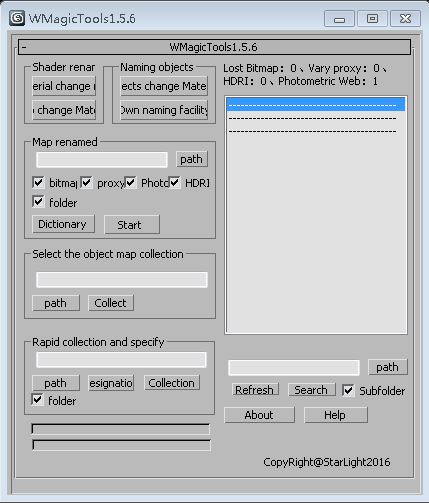
WMagicTools

1 vote

WMagicTools-v1.5.6

Instructions:

1. It used to find  bitmap, vary proxy, hdri, Photometric Web path.

2. I use less texture modification, please test yourself.

Morpher_Keys

5 votes

Two scripts - Morpher_KeyAll and Morpher_KeySelected let you generate keys for all or some of the Morpher modifier target channels at once.

SafeSaveTools

4 votes

"Due to a bug in max 4.x it is possible to overwrite files that are marked as read-only. safeSave tools are a set of tools to replace the max internal save functions - and solve this problem (until Discreet with fix it in future versions of max). safeSave tools consists of four save tools:

  • safeSave - replaces the max save (file > sae).
  • Cut-n-Paste

    1 vote

    "Quadmenu item allows you to copy a transform from one object and paste it into another. Uses Chugg_globals(see help txt)(Max4.x only)"

    Turbo Squid Max Scripts

    6 votes

    "Allows you to prepare and package your models from directly inside Max. They will cut thumbnails - count polys - and zip up your assets quickly and efficiently."

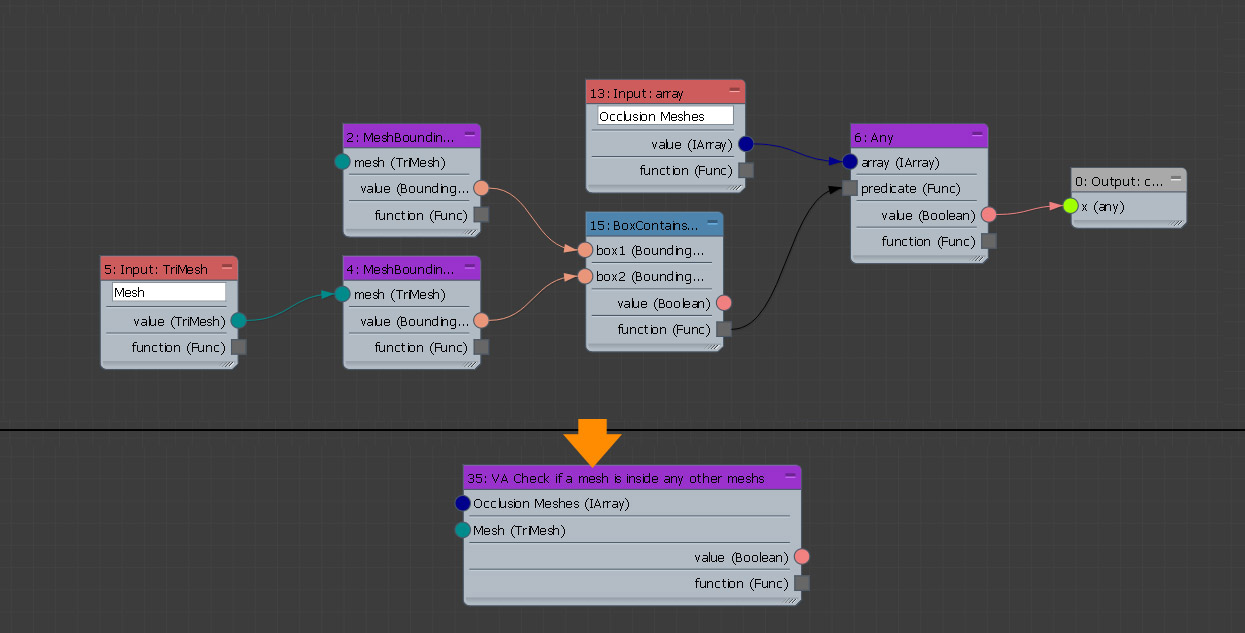
    VA Check if a mesh is inside any other meshes.

    1 vote

    Gives true if the tested mesh is in contact with at least one of the meshes in the array.

    Regards

    Alaa Al Nahlawi

    animhelp

    3 votes

    Animation helper script to dynamically add animation ranges. By clicking on a stored range the active range is set back to the stored range.

    The animation ranges are stored within the scene, no additional files are used. Animation sequence can be changed, exported or deleted.

    Syndicate content