3ds Max | All

QuickMat

1 vote

Change different values of one or more materials at the same time.

UI_Align_Pos_Z_Pivot_To_Pivot.ms

2 votes

Align Position Z of selection to target from Pivot to Pivot

Organise Specified Scene Selection Sets

1 vote

This script is very similar to the “Organize Scene Selection Sets” script except it creates buttons to hide/unhide objects based on the prefixes of object names in Max. If you have a selection of objects beginning with the letters 'GNW_' or 'GNE_' it will automatically create buttons to hide/unhide such objects.

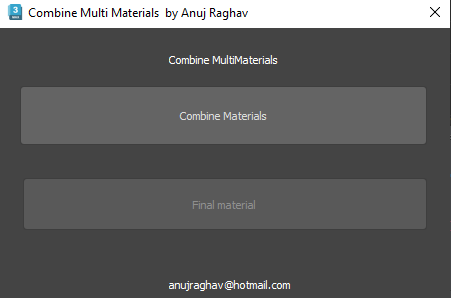
Combine Multiple Materials

1 vote

Combines multiple materials on different objects and creates single multi sub object material.

PivotAlignTool V2.0

1 vote

https://www.youtube.com/watch?v=9JdOjsukmuk
show case video

A handy tool to help Align pivot point to object selection cage

SmoothSplit

5 votes

Creates EMesh copies of selected objects and splits them to Elements. To be used prior VertexColor assignment.

Interlace

4 votes

"This script is based on Borislav Petrov's TVfields. I've rewritten the code - so it should run a bit faster. I've also added interlace color picker and mix amount slider. Interlace line doesn't have to be always black. I think that best results are with interlace color set to black and mix amount to ~30%.

IWantMyMom

7 votes

Selects all objects visible in the scene that are parented to the world (ie - that aren't linked to any other object). Useful for linking a set of objects to a dummy without destroying their original hierarchy.

HoldTheChildren

7 votes

Can be used to animate Pivot Points. Use a parent dummy as pivot point. Press hold; animate it to another position; press restore. Voila fake pivot point animation

Watcher

3 votes

Here you're - little value watcher in it's own floater. Think it will be usefull for all of you scripting people. You may watch any MXS values and statements - for ex.: 'x' - 'currentTime' - '$.pos' -'sceneMaterials[1].diffusecolor.keys[2].time' - etc.

Syndicate content