3ds Max | All

Lesson 15 - 3DS Max - Total Beginners - Intro To Array Tool

0 votes

In this tutorial for 3DS Max total beginners, we will take a look at the Array tool, a powerful feature to create copies from objects based on 3 modes: 1-Array based on the X, Y, and Z coordinates, 2-Polar array, 3-Array based on a scaling factor.

Inheritance_Rotation_On_Z_Toggle.ms

3 votes

Toggle Z Rotation Inheritance for the selected objects

COPYPRO

0 votes

I would like to offer you my new Maxscript, which helps copy objects from one file to another without the need to relink paths. The Maxscript works with Vray, Corona, and Fstorm. It has been tested on 3ds Max 2022 and 2024. If you find it useful, please buy me a coffee

All Statistics

2 votes

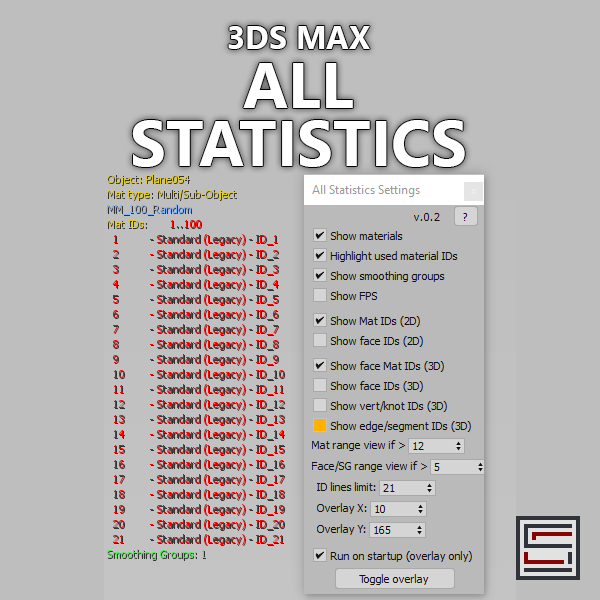
Description: Displays different statistics in real-time. 

VertexColor Blend Material

0 votes

Shows DX material with textures blended by vertex color in viewport. Has interface that allows user to switch between Standard and DX versions and also toggle display of ARGB channels.

Add Cebas RenderElements

0 votes

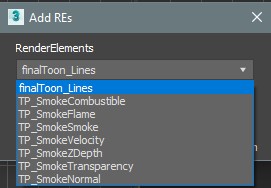
Quick script, that allow user to add Cebas Render Elements to list (FinalToon_Lines, and tP smoke Renderelements). The script will take care if the pluggin are installed or not, so no need to have both installed to use it...

Very usefull, specially when using Vray as renderer, since these REs will not be listed on RE manager...

Make Objects Name Unique

0 votes

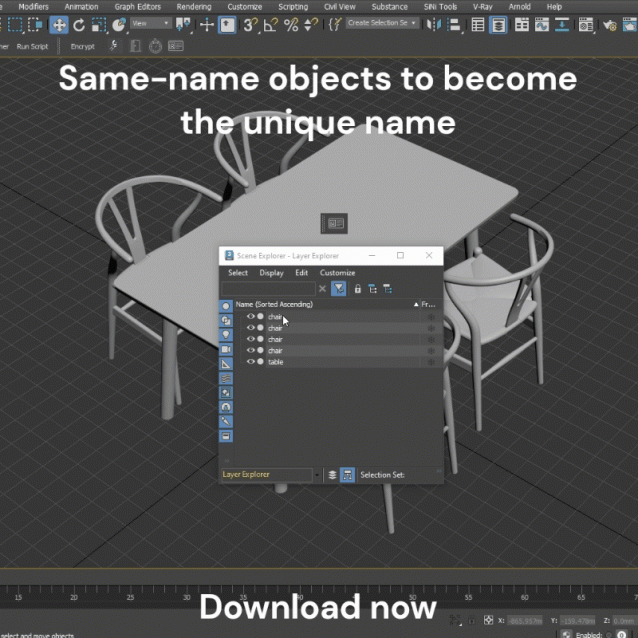
One-click will rename any objects with duplicate names to make them unique.

3DS Max 2023 - Rotate And Scale Using Working Pivot

0 votes

In a previous tutorial: https://youtu.be/ZDW0SOLPtrk I've done 3 years ago,
I explained a technique to Rotate And Scale an object using Snap, where the snapping point can be on the object itself or on another object. In Max 2023 that technique doesn't work anymore. This tutorial will show you another way to do that, using the working pivot.

Shrink Vertex Selection

5 votes

Shrink vertex selection leveraging the Data Channel modifier.

This is a self-contained modifier and is applied as such, it's not a Data Channel preset.


MatSnap AI

0 votes


MatSnap AI - AI Material Generator


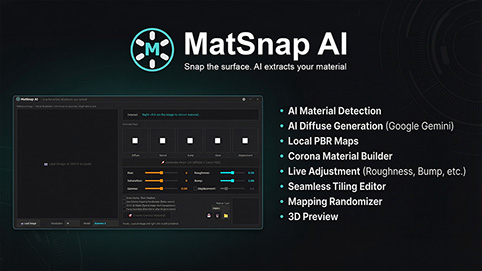
MatSnap AI is an AI-powered script for 3ds Max that turns screenshots, photos, and text prompts into fully seamless, high-resolution PBR materials in seconds. It bridges the gap between AI texture generation and 3ds Max, allowing you to create production-ready materials without ever leaving your workflow or searching through texture libraries.


Syndicate content