3ds Max | All

EIndicator

3 votes

Introducing the EIndicator:
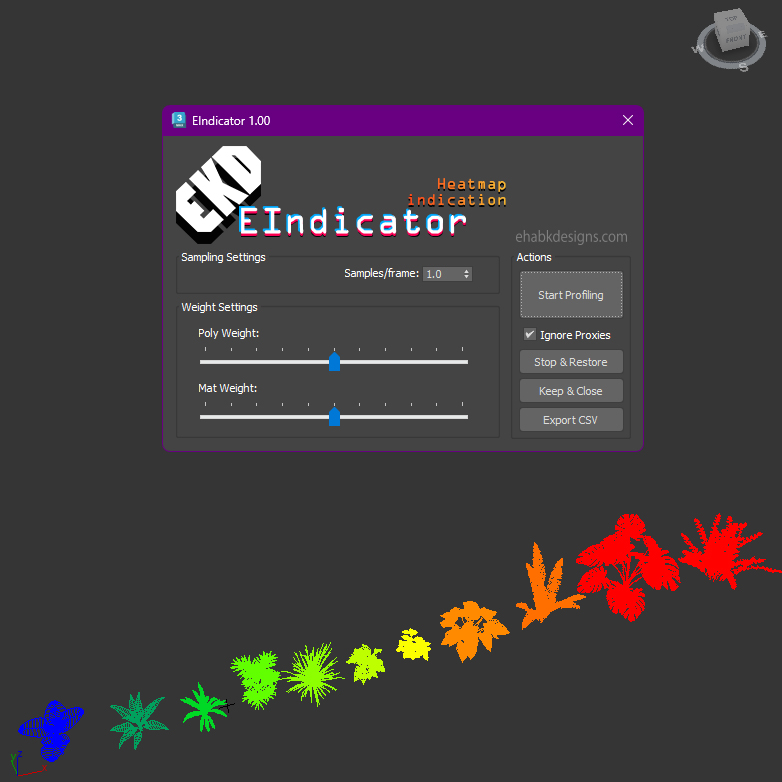
An advanced performance analysis tool designed for Autodesk 3ds Max versions 2020 through 2024. This script empowers users to evaluate and visualize scene performance by analyzing polygon counts and material complexities.

EIndicator UI

Key features include:

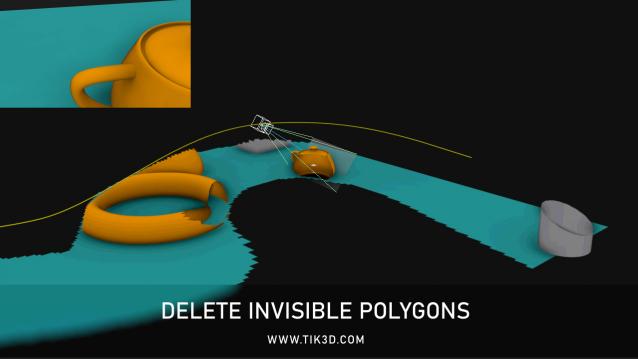
Delete Invisible Polygons

1 vote

Simple and free script for deleting invisible polygons.


Null Objects Cleaner

0 votes

This is a 3ds max video tutorial to show you clean null ( empty ) Objects from your 3ds max scene.

Switch Knot Type

1 vote

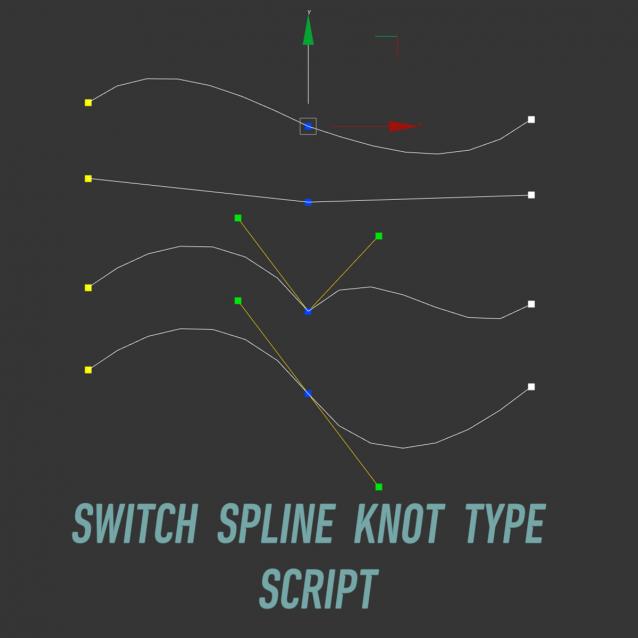
Switch SplineKnot Type

Switch Spline Knot Type is a script for 3ds max, adds the ability to assign hotkeys to switch the type of point in splines: Bezier Corner, Bezier, Smooth, Corner.

Switch Spline Knot Type - скрипт для 3dsmax, добавляет возможность назначить хоткеи на переключение типа точки в сплайнах: Bezier Corner, Bezier, Smooth, Corner.


Attachobjects and move pivot to world origin

0 votes

3DS Max - Hidden Feature - QClone - Clone By View

0 votes

In this 3DS Max tutorial, we will learn about a nice hidden feature called QClone, that will allow us to clone objects based on their bounding box and the viewport's axis we are perpendicular to.

3DS Max - V-Ray - MultiMatteElement Render Element

0 votes

In this video, we will learn about a powerful render element, used for masking, called MultiMatteElement. This render element has an advantage over other masking tools, and that is its ability to include the Antialiasing part. We will learn how to set it up, how to use it in Photoshop, and its various parameters.

Align Points

1 vote


Free Tool

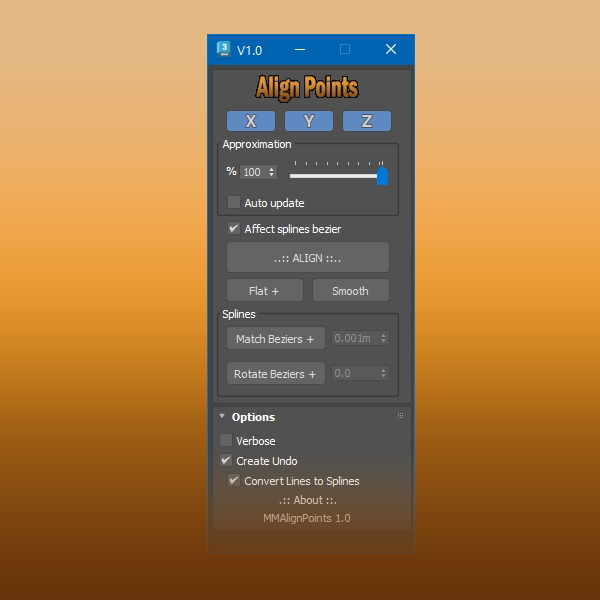
This tool aligns selected mesh vertices and spline points.

With splines you can align bezier vectors too.

available here


3DS Max - ShapeBoolean - Part 1

0 votes

In this series we will learn about the powerful 2D tool called ShapeBoolean, where you can combine multiple shapes, closed or opened, to form a resulting shape using various methods. In this first part, we will learn 3 different methods: Union, Subtract, and Intersect. Also, we will see the importance of the order we choose the combined shapes, plus the nice feature of adding Fillet or Chamfer to those combined shapes.

Adjust Key Time

0 votes

This is a NOT maxscript but AfterEffects script.
But this script related to StateSets and is very useful for 3dsmax users.

This script corrects subtle errors in the time set for layer keyframes in AfterEffects.

There is a function called StateSet that links 3D information such as cameras, lights, and planes in 3dsmax with AfterEffects.
However, there is a problem that keyframes have errors for information from beyond 10 seconds in time within 3dsmax.
(For example, after 2400F for a 24FPS setting, or after 3000F for a 30FPS setting)

Syndicate content