3ds Max | All

miauu's PinMyFiles

0 votes


Lesson 17 - 3DS Max - Total Beginners - Lathe Modifier

0 votes

In this lesson for 3DS Max total beginners series, we'll learn about the Lathe modifier, we will learn how to use it properly, plus all its parameters, also we will see how to set up a background image to use for drawing the outline needed to model the geometry. We will learn how to draw the outline, fillet the corners, outline the segments,... At minute 15:17 we will learn the concept of Implicit geometry vs Explicit geometry.

Expose Table

1 vote

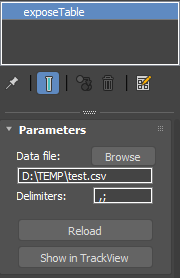
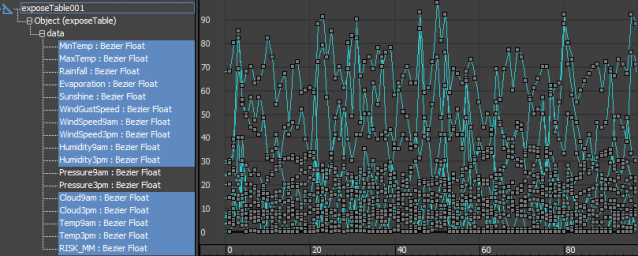
Expose Table is a helper object which can load a CSV file and expose its columns as tracks that you can use copy-paste or use for parameter wiring and anywhere you would use a controller. First row of the CSV file is used for the track names, which means the headers have to be unique, all the other rows have to contain numbers.

 Expose Table 

FStorm ToolBox

2 votes

This is an adaptation of VrayToolBox or CoronaAutomator for Fstorm. http://www.scriptspot.com/3ds-max/scripts/vray-toolbox http://www.scriptspot.com/3ds-max/scripts/corona-material-automator Install by drag and dropping in viewport, then go to customize, customize user interface, tool bar, category "SimonScripts", create a new toolbar if you haven't got one already, then drag FstormToolBox inside it.

update 0.0.2 :ColorCorrection Dropdown menu wasn't updated properly when unchecking any checkbox.

RXF_Group

0 votes

With this tool, you can Reset XForm of objects (members) inside any nested group

Cycle Extrusion Type

1 vote

Cycle Extrusion Type

Cycle Extrusion Type - скрипт для переключение режимов Extrude, Inset и Bevel в Editable Poly и Edit Poly одной кнопкой.

просто установить и назначить хоткей,

ищем в категории This Macros - Cycle Extrusion Type

спасибо @Tolstykh3D (https://t.me/TPV13)

___________

Cycle Extrusion Type - is a script for switching the modes Extrude, Inset and Bevel in Editable Poly and Edit Poly with one button.

ECamera2Batch

1 vote

ECamera2Batch – Professional Camera Batch Render Manager for 3ds Max

Streamline Your 3ds Max Rendering Workflow with Intelligent Camera Processing

ECamera2Batch is a powerful MaxScript tool designed to revolutionize how you handle multiple camera renders in Autodesk 3ds Max. This professional-grade solution automatically creates batch render views from selected cameras while intelligently parsing camera names for custom render parameters.

3DS Max Easy Modeling - Simple Chair - Part 1

0 votes

This is a two-part tutorial on how to model a simple chair. You will learn multiple tools and techniques regarding polygon modeling. In this first part, we will model the upper part.

Faster File merging into 3ds max

1 vote

3ds Max always saves a backup file when merging file into it.
Disabling the Auto-Backup function does not solve the issue.

To stop the saving behaviour of 3ds Max at opening/merging a scene file:
Open the Scene Converter at: Rendering > Scene Converter
Disable the function Backup Original Files:

BUT, some max versions just do not save this settings, so you have
to, always for every scene, over and over, check this settings.

This small startup scripts save the time and nervs!

Just put it into

Easy Spin

2 votes


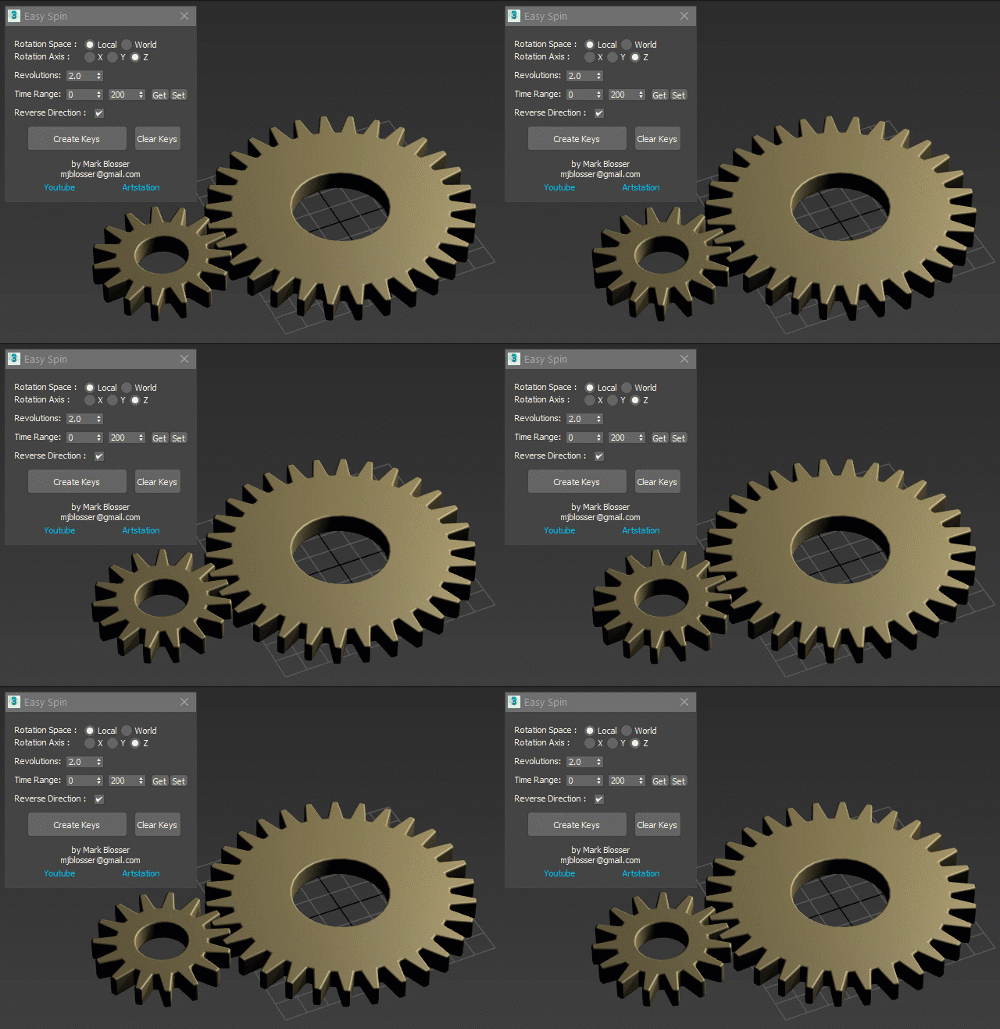
Easy way to animate linear rotations, for things like propellers, fans, and gears.  Works on multiple objects simultateously. Works on objects in heirarchies.  Works in both local and world space.  Simply set your desired amount of revolutions/rotations and time range and click "Create Keys". 

Syndicate content