3ds Max | All

How to rig a sping in 3ds max with Expressions

0 votes

In this tutorial you will learn how to rig a spring in 3ds max with Expressions.

miauu's Layer States

0 votes

Bulk UV Tiling Adjustment

0 votes

Bulk UV Tiling

Bulk UV Tiling

This is a small and simple script that bulk adjust UV tiling of all selected node in Slate Material Editor.


Issue

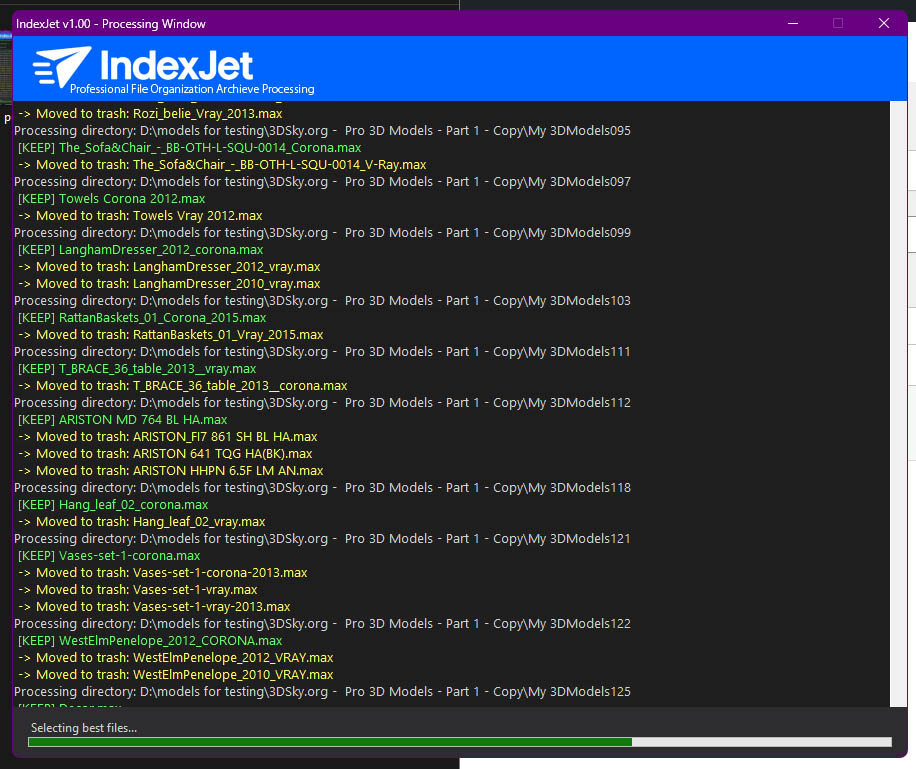
IndexJet

1 vote


Ultra-Fast File Organization & Archive Processing for 3D Artists + Power Users


by EKDtools

Chaos Phoenix Assets Relinker

0 votes

Here is a short script I have written in order to Relink quickly Phoenix Simulator Cache paths and Volume grids. Otherwise you need to select each one and relink them manually one by one which takes a lot of time if you have 3-4 and more of those in your scene. Enjoy and let me know if you have any comments.

Snap to Grid

0 votes

What this script do:

Just snapping the object's pivot to a grid. Nothing fancy.

How to use it:

Select and object call the script - the object will be snapped to a grid.

Tested on 3ds Max 2023 and 2024

Installation:

Drag/Drop the script on 3ds max viewport or run it via 'Scripting-> Run Script...'. Go to "Hotkey Editor" or "Customize User Interface", search for category called 'Custom', there will be 'Snap to Grid'. Assing a hotkey to it or put it on your custom Toolbar.

3DS Max [BUG] - V Ray Sun Created Randomly In The Scene

0 votes

In this video, I will recreate the issue/bug in 3DS Max, that will cause a V-Ray Sun to appear in your scene randomly, explain why this is happening, and then explain how to deal with it.

Note: At minute 3:00 I wanted to say: "...And this file has a V-Ray Sky..." not V-Ray Sun, and just after it at minute 3:06 I wanted to say: "...there is a V-Ray Sun in the scene..." anyway, it's fixed in the video caption if you turn it On.

3DS Max - Set The Size Of A Mesh

0 votes

This tutorial will show you how to control the width, height, and length of objects that are not parametric, which means you don't have access to the spinners that determine these parameters. You'll also learn some additional tips on how to quickly play with values inside spinners and how to quickly change the pivot location.

Procedural Posters and Paintings

0 votes

Description:
VizEasy Procedural Posters & Paintings for 3ds Max is the ultimate tool for architectural visualization. Stop wasting time on manual frame placement and instantly create stunning, custom compositions!

ProceduralFrames

Features:
- Instantly place frames with height control and 12 ready-made composition presets.

Lesson 18 - 3DS Max - Total Beginners - Lathe Modifier 2

0 votes

This is another example of using the Lathe modifier in the Total Beginners series, you can watch the first part for a deeper explanation.
Here we will create a bottle of water with a geometry representing a label(without a texture).
In addition to what we've learned in the first video, at minute 7:05, we will see how we can add an Edit Poly modifier, and subdivide polygons to create the label part.

Syndicate content