3ds Max | All

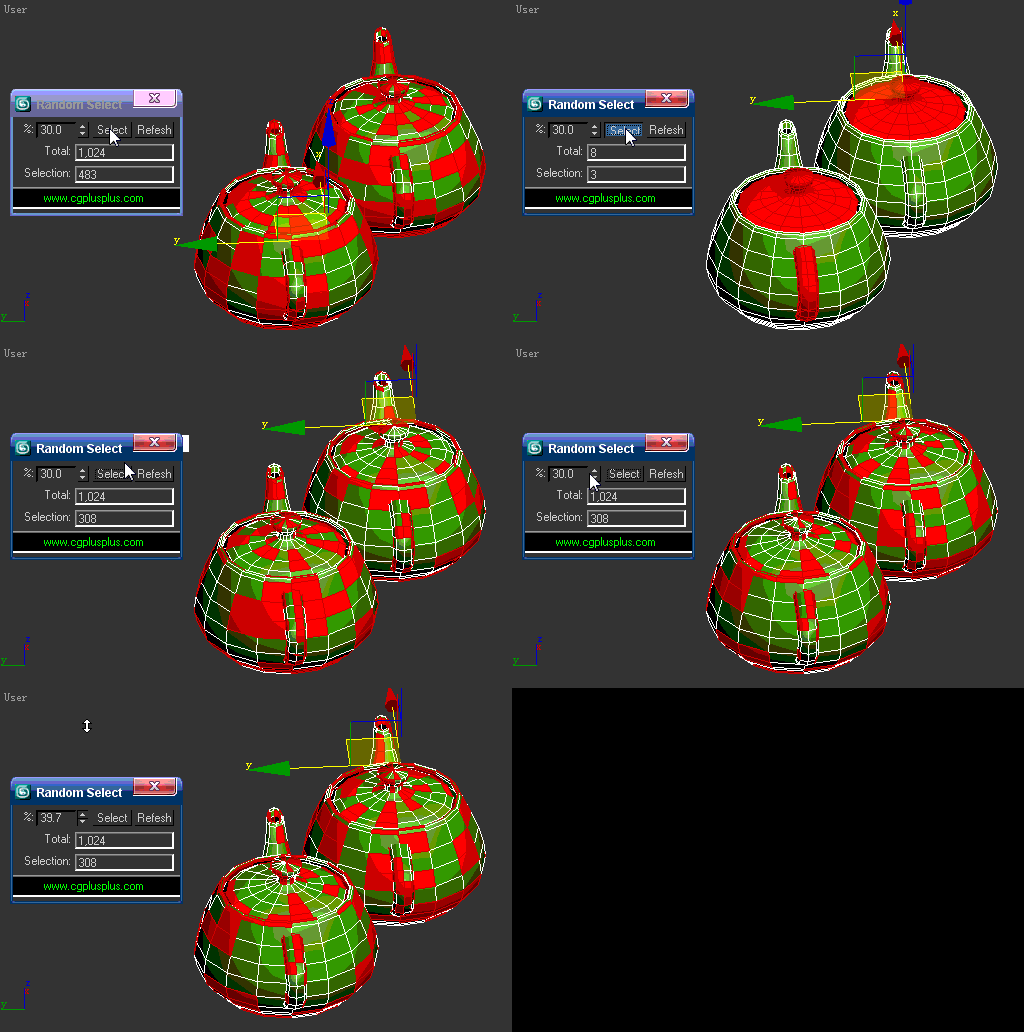
Random Select v1.0

41 votes

random select

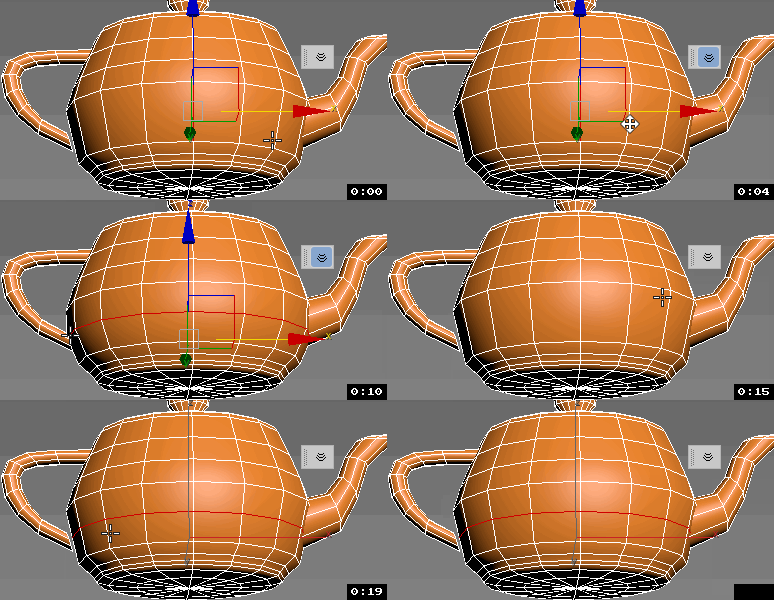
1.If there are no objects selected,this will random select the objects can be seen in active viewport according to the percent.

2.If there are more than 1 objects selected,this will random select the objects in selection according to the percent.

3.If there is one EPoly selected and it's under EPoly modifier,this will random select the subobjects which is active according to the percent.

Obj Sequence Export

9 votes

This script allows to export obj sequences

Polygon Creator

63 votes


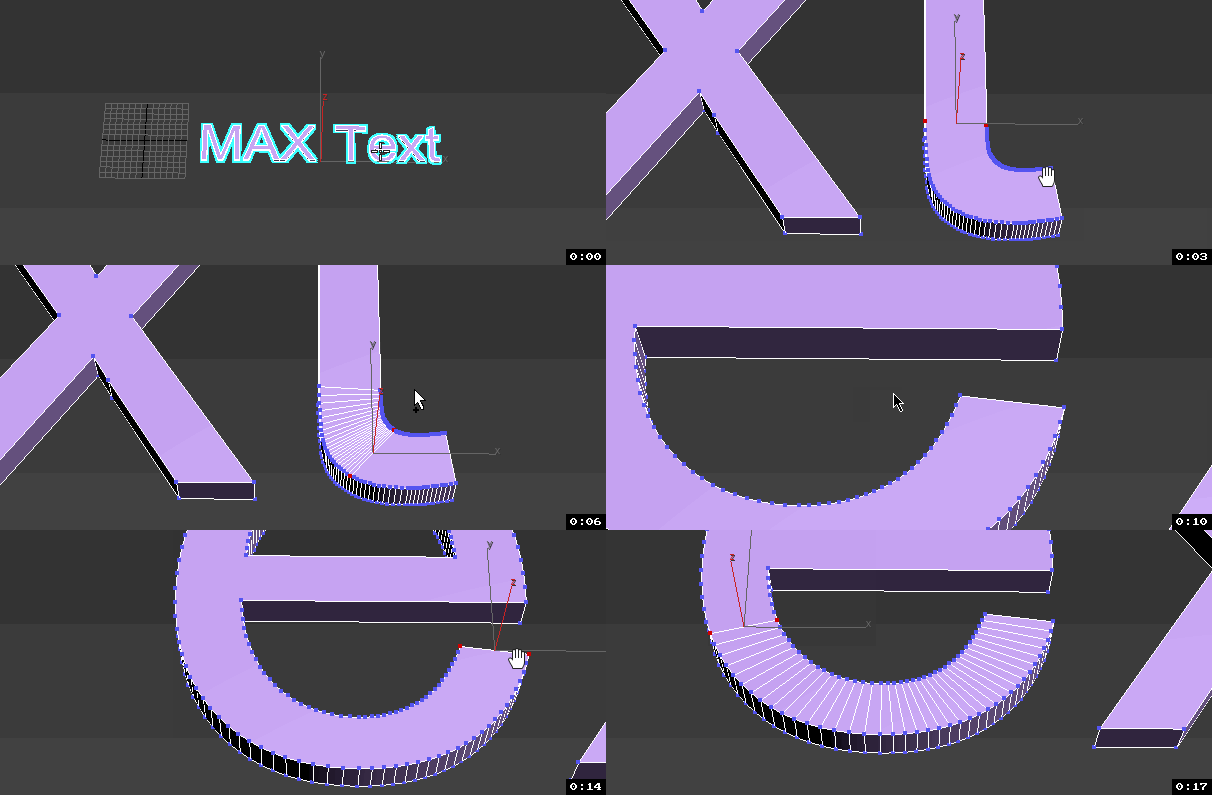
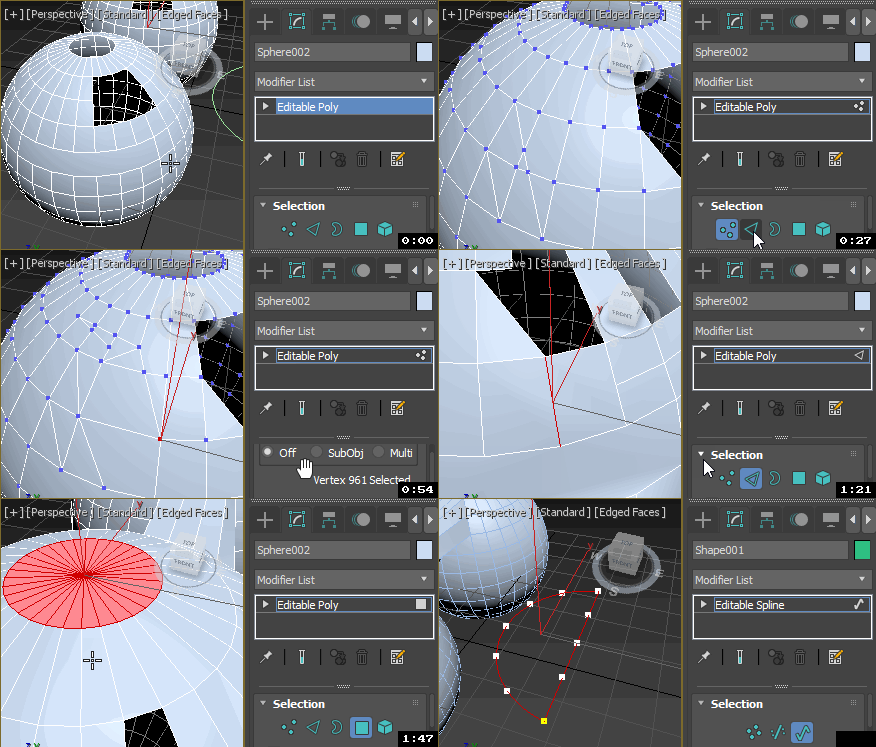
This script is very useful for car exterior modelling. It allows you to create really smooth polygonal surface using splines or NURBS curves to control the shape of the surface. Also allows you to control the edge loops of the surface. With this script you have to draw only the borders of the surface you want. Watch the video or the help page for more information!

Bitmap Tracking / Resizing

70 votes

++ Works with All Assets ++

New: column and filter "In Scene" - to show if bitmap is used in scene or only in material editor
New: columns Channels and Memory - to show bitmap channels and estimated memory load for each bitmap

.
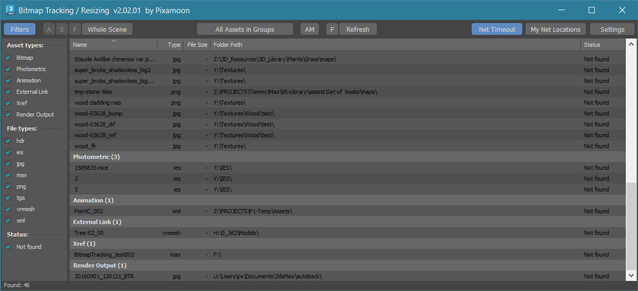
 

Bitmap Tracking / Resizing... is tool similar to Asset Tracking. But it gives more possibility to work with bitmaps:

- Support for All Assets
- Sort files by name, image width, height, file size, path, gamma, texture name, status (Found - network, Found -  local, Not found)
- Resize to JPG selected bitmaps to specified size or to Nearest Power of 2
    - can be used to resize and repath selected bitmaps (by size) before sending to external renderfarm,
    - resize bitmaps in large animation sceens to reduce memory ussage,
- Convert... see below
- Change / Rename paths (with paths history and rename path prefix eg. change only server/drive letter)
      * Choose path from history or scene paths
      * Pick new path
      * Rename paths beginng ( drive letter or paths C:\sample\abc\ and rename them to Z:\3d\sample\abc\ )
      * Find and Replace part of paths - supports Regular Extension
- Multi-threaded Auto-Relink with progress dialog
- And More...

Texel Density Tool

5 votes

A small tool for working with your texel density and scaling your UV-shells.

Some features:
Has a minimalistic Interface (similar to Maya)
Can Get and Set texel density.
Saves all of your settings (including window position) every time you close it.
Shows the most understandable values (px/m).
Works with different system untis (including non-metric).
Can scale UV-Shells horizontally or/and verically using custom pivot.

Requires Unwrap UVW modifier applied and active.

Works bad when:
UV-Shell is not convex (has no seams).

Sergo's script pack

73 votes

SCRIPTS IN PACK:

RotateClockWise,
RotateCounterClockWise,
RotateAround
- three scripts for easy, one-click rotating objects on 90, -90 and 180 degree around active axis and in current coordinate system. Scripts also rotate UVW Mapping gizmo and Slice sub-object.
- to rotate a copy of the object - press shift+script button on the toolbar

3PointScale - script for scaling separate objects by specifing 3 points. Like AutoCAD's 'scale by reference' command. Uniform scaling supported.

Max Hotbox

586 votes


This script is in open beta phase, available for public.

Who creates the best interface for the users? The users theirselves! This tool is inspired by the Maya Hotbox. It is not ment to be a tool collection on its own, its idea is to provide ways to you for accessing and organizing functionality. Build your own interface, customize your workflow to your needs.

Material Texture Loader

7 votes

Description
  The Material Texture Loader loads in textures and instantly creates advanced materials.
  Use pre-defined or customized map and material settings to build re-usable material setups.
  Fully supports Vray, Corona, Redshift, Arnold, FStorm, Physical, Octane, and Standard map and materials.
 
Main Features

  • Automatic texture channel recognition 
  • Parameter linking for all texture mappings
  • Predefined Color-spaces: ACEScg - sRGB - linear-sRGB - Raw - Gamma - Auto
  • Mapping: Tiling - Real-world - Tri-Planar -  Random Rotation - Spherical
  • Live edit settings and disable channels
  • 2-Sided materials
  • MaxScript commands
  • UDIM map loading
  • Drag and Drop
  • Presets

Get it on Gumroad
Latest version: 1.830

Instance Tool

51 votes

Instance tool analyze the geometry objects in the scene and finds groups of objects that could be represented as instances of one of them. Then the user can turn every group into actual instances and choose which object from the group will be preserved. The objects in the group are objects that have the same topology (could be morph targets of one another) and the difference between them could be described with transformation alone.

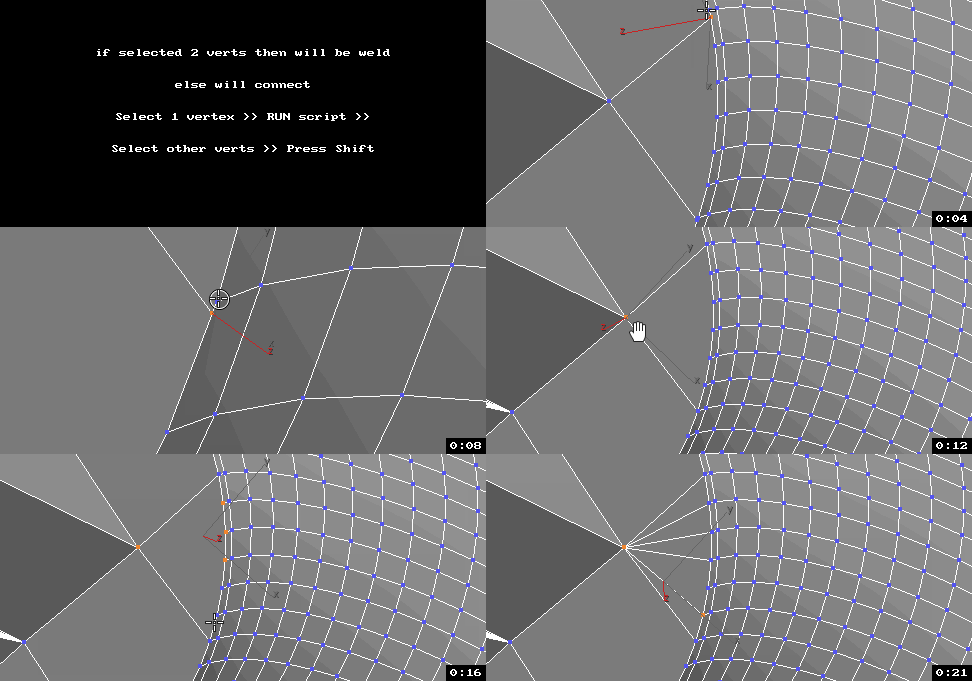
UniConnector

41 votes


All this works by single hotkey.

Syndicate content