3ds Max | All

Voxelizer

41 votes

This is a script i created for convert animated object into voxels, maintaining correct voxel animation, it also support multimaterials (please check video tutorial). i also added a voxel material so it can simulate fillet on each voxel. i hope you find this useful. below is a video of the script in action, and a video tutorial.

NEW UPDATE to version 2.0
i sorted some errors and fix them, please update the script and replace the old one
UPDATE:
Thanks to Anubis for optimizing the code, now it works better.

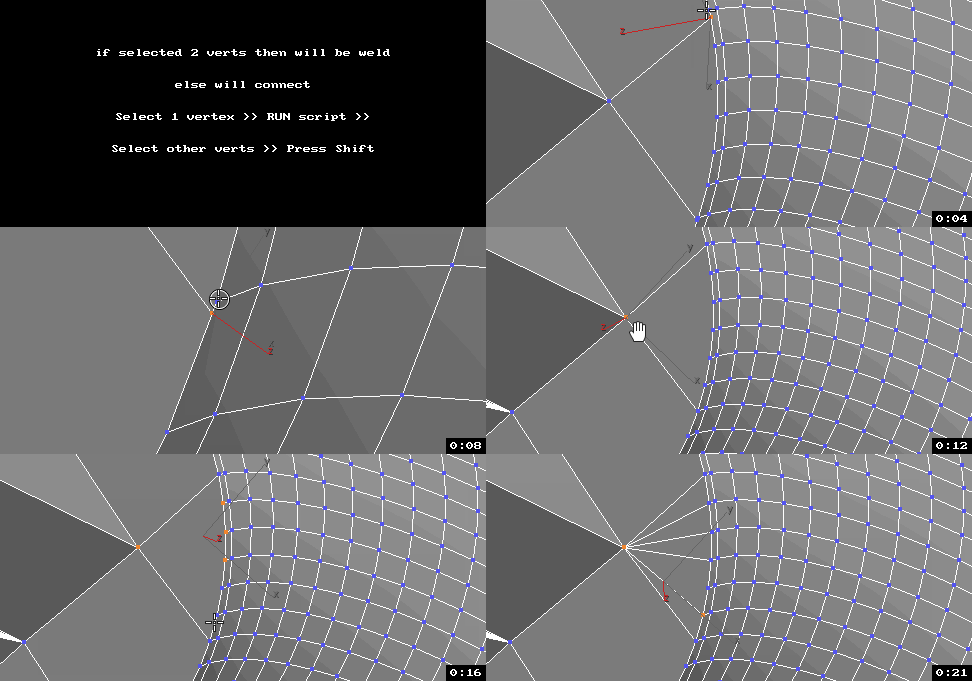
UniConnector

41 votes


All this works by single hotkey.

theOnion

41 votes

The Onion is Layer System that sits on top of the max layering system.

Features

  • Layer Groups
  • Merging
  • Alternate Material
  • Alternate Property
  • Import of REZN8 LayerManager Information

IMPORTANT Notes

PolyUnwrapper

41 votes

PolyUnwrapper is a complete set of professional tools designed for the texture artists, especially for the architectural and game industries.

It contains plenty of features that will greatly help you improve your unwrapping workflow.

PolyUnwrapper


Main Features Features

KeyShifter

41 votes

I'm Masaya Sugimura and working as a effect artist.

This script shifts transform keys applying selected objects
numeric value of objects distance, color or name.

These images are results that the script ran to selected objects which are set same animation.

Simple Traffic

41 votes

Hi All!

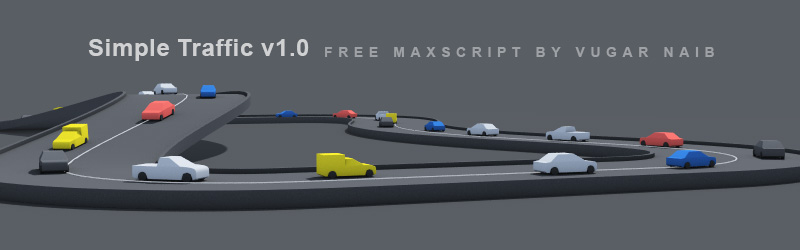
This is my first full-length script, and i hope that it will prove useful.

Best regards.

VrayMultiStageRender ( VrayMultiCamRender )

41 votes

Utility for rendering animation and static scenes in 2 Stages from the animated camera.

At 1st Stage is calculated LightCache in Fly-through mode and

Irradiance Map in incremental add to current map mode for the entire scene,

while 2nd Stage is the final rendering.

This approach allows for all frames receive the same high-quality Irradiance map in less time.
For more information see topic Rendering a walk-through animation from Vray tutorial.

Main Features:

  • Rendering in two stages for to obtain better results in less time.
  • Support for network rendering (BackBurner, Vray Distribute Render, Duma)
  • Ability to exclude from the Global Illumination rendering VrayFur, RPC, some lights and Displace.
  • Automatic creation of animated camera VrayCam.
  • Create subfolders for RenderOutput, RenderElements and irradiance map.
  • Automatized naming LightCache, Irradiance map, RenderOutput and RenderElements.

VrayMultiStageRender v2.0.75

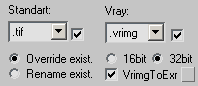
  • Adds ability to auto-convert on the fly Vrimg files to EXR after each frame rendering (supported with network and local rendering)
    It is possible to convert the files into one EXR file with all channels or Render Elements into the separate EXR files.

VrayMultiStageRender v2.0.70

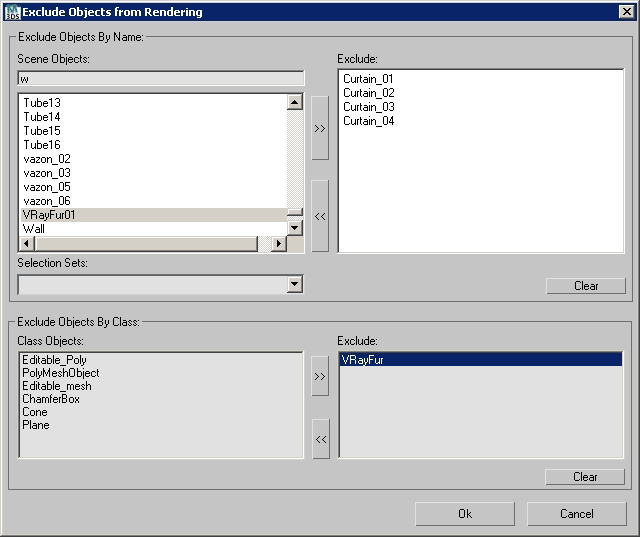
  • Adds ability to exclude objects from rendering per Stage
    (Useful for Exclude from rendering Global Illumination VrayFur,Hair&Fur, Proxy and other Objects)


SoulburnScripts Updated Aug 20th 2008

41 votes

(Copied from Neil Blevins' email list)

Max script update:

Updated several older scripts, here's the major updates:

nameManager: Added a new mode for renaming maps, not just bitmap maps.
texmapPreview:
Added some simple mentalray support.
bitmapCollector:
Now gets maps associated with UnwrapUVW modifiers.
selectionHighlighter:
Now when you turn off the script, it will turn the Preview Selection mode of your objects to what they were before you entered Selection Highlighting mode.
parameterManager:
Now handles the CastShadow property of lights.

Be gamma correct!

41 votes

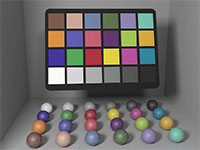
gamma corrected color checker

Gamma correction is one of those buzz words that are really easy in
terms of theory and math but confusing in how they are applied in
practice. As a consequence, it is largely ignored by many graphics
practicioners. This illustrated 10 page article is my attempt at
clarifying gamma correction in the context of 3D CGI by answering most
of the typical questions: "What is gamma? Why do we have it? When should I perform gamma correction? And what happens if I just ignore it?"

Select Vertex Cross-section

40 votes

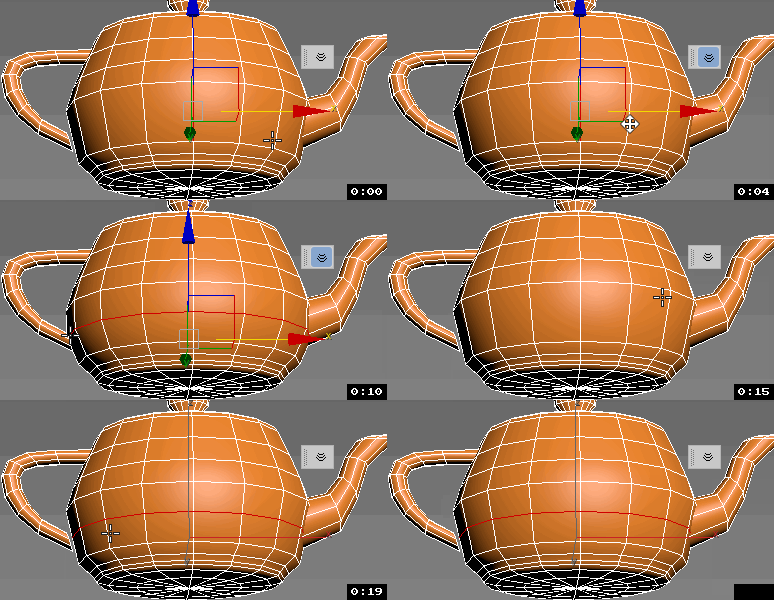
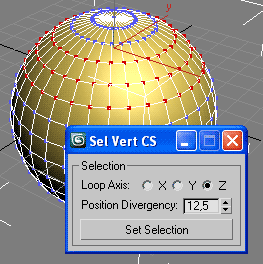
Extend 3ds Max selection features on Editable Mesh and Editable Poly.

Select Vertex Loop

* [Read Notes]

Syndicate content