3ds Max | Scripts

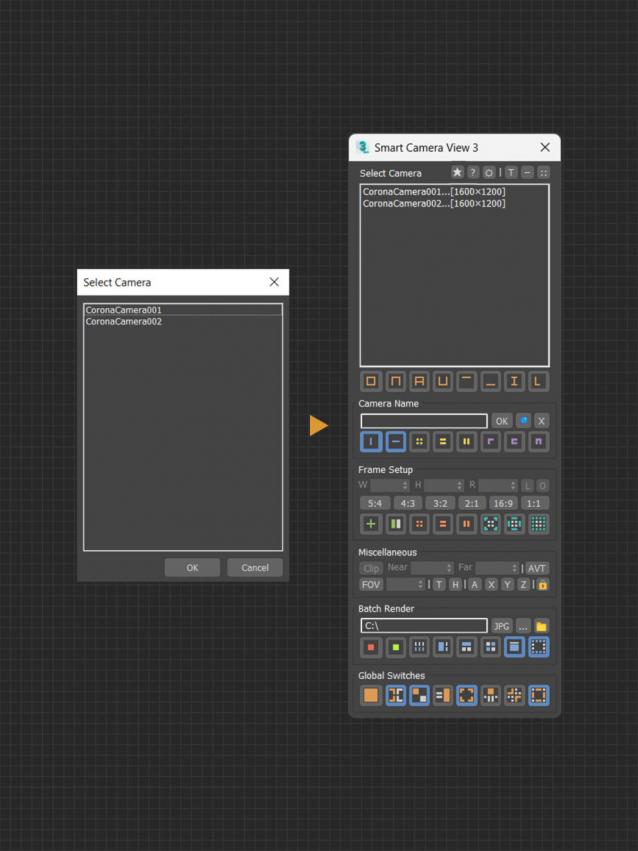
Smart Camera View 3

1 vote

A major upgrade from Smart Camera View 2. While still sharing the same idea as previous version, version 3 actually has been completely rewritten from scratch, based on a brand new algorithm and workflow, for speed and performance, with a lot of new features. This script is intended to replace the default Camera View (C) in 3dsMax with many cool functions. 


MAIN FEATURES

ASvoe Tools 2.0

0 votes

ASvoe Tools 2.0. (kickHotBox 2.0 / ViewHotBox 2.0) - Script for 3DsMAX.

A script for quick access to modeling functions, also access to material and much more.

Скрипт для быстрого доступа к функциям моделирования, также доступ к материала и многое другое.

Max-选择集简易工具 Selection Set Editor

0 votes

PivotAlignTool V2.0

1 vote

https://www.youtube.com/watch?v=9JdOjsukmuk
show case video

A handy tool to help Align pivot point to object selection cage

Render Still Cameras

1 vote

VERY QUICK & SIMPLE BATCH RENDERER for STILL IMAGES. Just 2 clicks and ready to go!

This script is very useful to render many views from a single model or scene when you have already placed still cameras.

It combines many still cameras into one single animated camera that shows all those views sequentially, one per frame.

Then you just need to render the new camera to a sequence of images.


HOW IT WORKS:

The script lets you first select the still cameras to combine into one.

Quick Skybox

0 votes

A QUICK WAY TO GET 6 IMAGES FOR A SKYBOX OR CUBEMAP FROM YOUR 3DSMAX SCENE.


  • Create your SKYBOX or CUBEMAP in seconds!
  • 6 images ready to use in UNITY or your favorite 3D Game Engine.
  • Options: Auto-create or pick custom camera || With or without Alpha channel || Set image Size


USAGE:

Just set the few required options (camera / image size / alpha / output file) and hit 'RENDER SKYBOX'.


INSTALLATION 

Total Animation Baker

3 votes


A POWERFUL TIME-SAVER TOOL TO BAKE THE ANIMATION OF YOUR ENTIRE SCENE WITH JUST ONE CLICK.

This script can bake a complete scene with complex procedural animations and sophisticated rigs, including all kind of objects, controllers and character animations, and set it ready to export to your favorite game engine.


It works on any kind of object with any kind of animation controller!

From simple animated objects to complex animated scenes with deep level of hierarchies and script-driven.

Delete Unselected

0 votes

Delete all non-selected objects in 3dsMax scene, including hidden and frozen ones, leaving just the ones you need in the scene.

This simple script is very handy when you need to re-save only one or a few models from a complex scene, but keeping all the scene setups. It’s also good for exporting objects to external software that requires scene data from 3dsMax.

Pivot point Align managment tool

2 votes

Her is a simple tool i just created to help align the pivot position around any mesh cage, as you can align the pivot point to 27 point around the object cage, and move the pivot point to the scene orgine and rotat the pivot point 90 degree on the X axise if you are exporting mesh to unity 3d that will import the object to unity with out any rotation values.

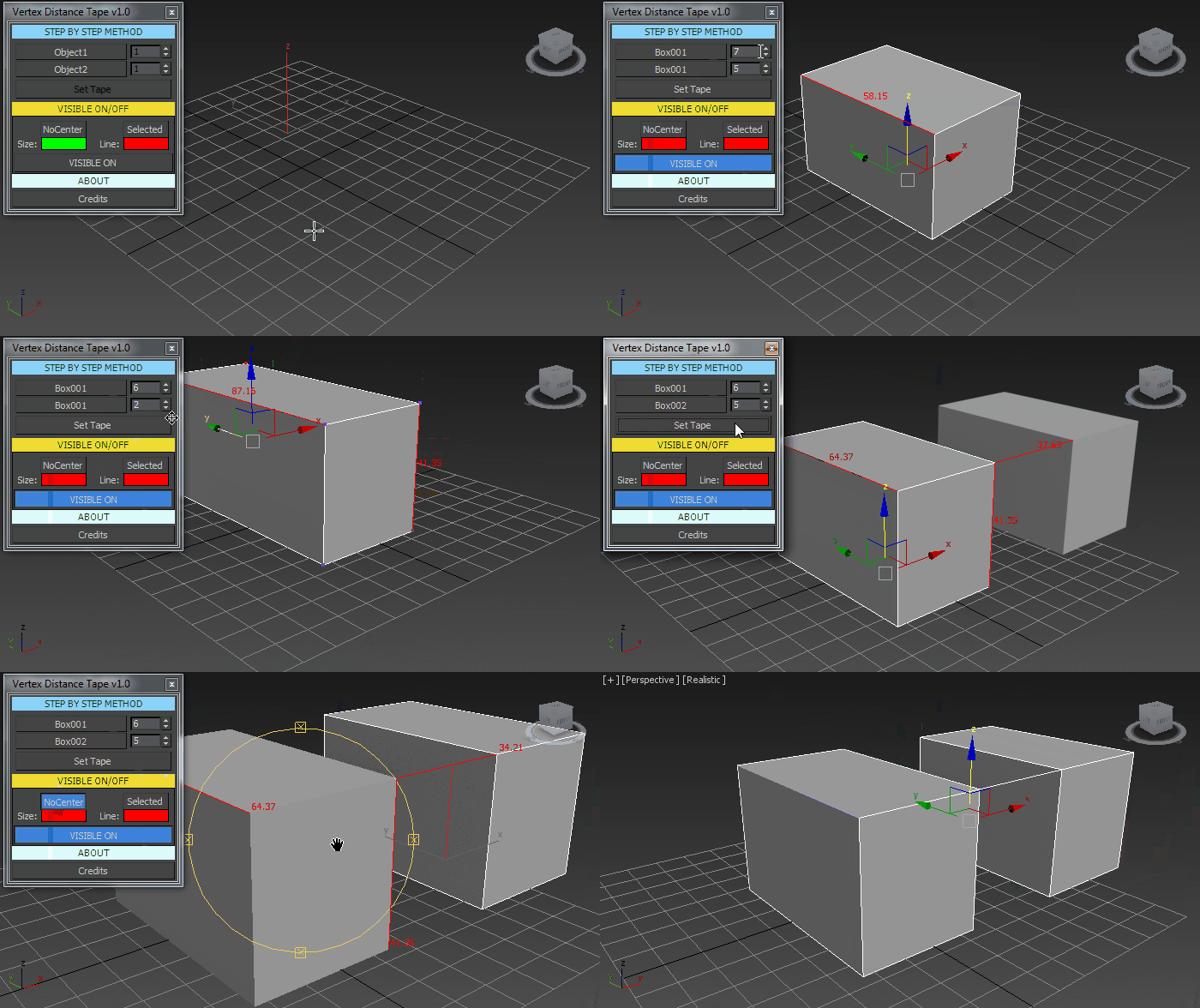
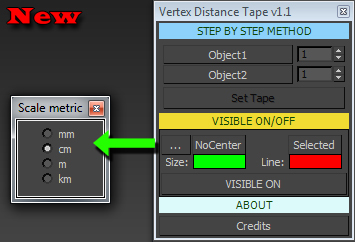
Vertex Distance Tape

3 votes

+Add new update


Syndicate content