3ds Max | Scripts

renderStacks

4 votes

Render Pass Manager for 3dsMax

We offer a free non-commercial version.

It is a render pass/generic task manager for 3dsMax. If you have used RPManager, LPass Manager, Prism, StateSet, Scene State. It is something like that. But, it is aiming to be a lot smarter, faster and more stable.

Polygon Tools

4 votes

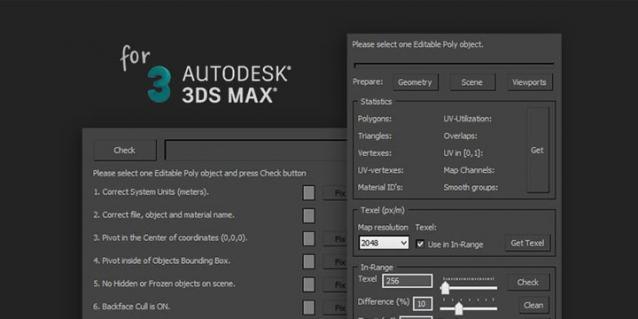
Polygon Tools are scripts pack for checking 3D-model during modeling and UV-mapping process in 3ds max.

Target audience: enthusiasts, beginning 3D-modelers, outsource managers, Art QA, art-managers and etc.

Polygon Tools was created to facilitate common problems search in 3D-models and speed up the work by reducing the amount of routine work.


Short Features List:

Batch Camera Previews

2 votes

This script will render out via "Preview - Grab Viewport" for multiple cameras at once. Useful if you create preview cameras a lot, or need to make multiples at once.

Installation:

1. Run script

2. In Max goto "Customize->Customize User Interface...->Toolbars tab->Category: ColinScripts->OpenGL Previews" and drag "OpenGL Previews" to a toolbar, click to run.

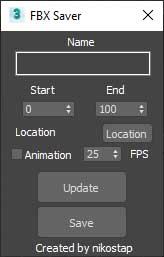
FBX Saver

0 votes


Just help you fast export to fbx.

Preview Smoothing

0 votes

This is a simple macroscript that show three different button , each one to preview it with smooth subdivision level.

cameraLock

1 vote

addCameraLock is a macroscript that will add a new rollout (by means of a Custom Attribute) to your selected camera, which allows to quickly lock/unlock all transformations of that camera, so you don't accidentally move a carefully tracked/matched/animated camera.

Since it is implemented as a custom attribute, it travels with the .max file, so you can safely send the file to others (or to render farms) without having to worry about missing plugin files etc...

Quick Collapse

34 votes

QuickCollapse is a maxscript Struct with a few functions to speed up collapsing large numbers of objects, it provides feedback in the listener window so you can see progress as it goes.

Run script will trigger ‘CollapseSelected’ on your current selection. there isn’t much Error Checking involved, so filter your selection for meshes, and remeber that it SHUTS UNDO OFF for the collapse so that we dont have RAM overruns on large objectsets, so save/hold first eh?

attached point

2 votes

this tool creates point helper with attachment position controller assigned.
and set the position on the surface that mouse cursor hit.

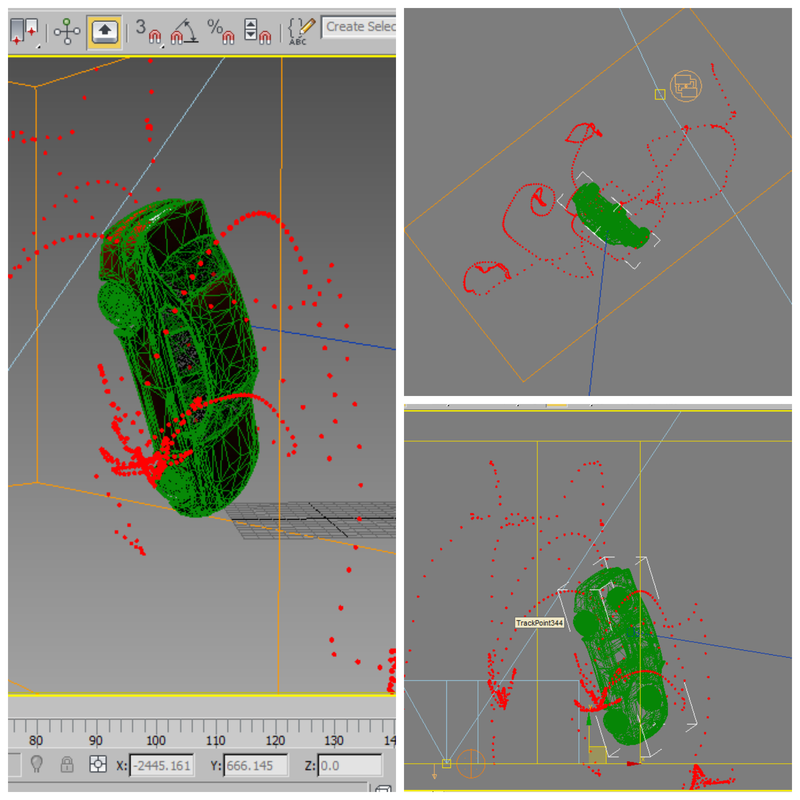
Trajectory Tracker

3 votes


This simple script was created in 3ds max 2013.

I do hope it will work with previous versions... 

What it simply does is to map out the trajectory of an animated object... 

USAGE:

Run the script -> Select the Moving Object & Click on "Track Selected"...

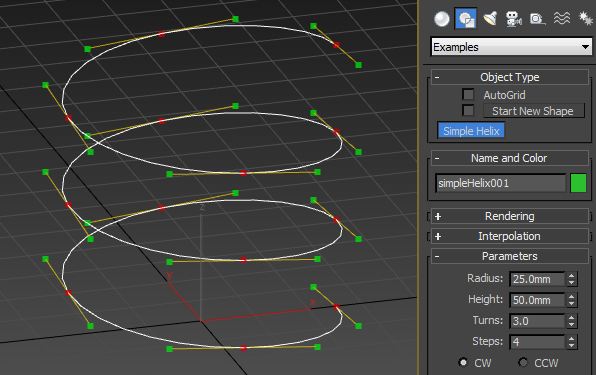
Helix with Bezier Handles

16 votes

Just like the regular helix only with four bezier handles per turn (or more if you would like - you can control that with the Steps spinner) instead of 40 corner-points of the default Helix shape.

Syndicate content