3ds Max | Scripts

objects to corona material

0 votes

Attachobjects and move pivot to world origin

0 votes

refPlane

6 votes

Rapid Edit

8 votes

Automaticly selects the first editpoly/editspline modifier in the list. If no editpoly/editspline modifier can be found it asks you if you want to add one. Also works with groups, if activated it will either open the instanced editpoly/editspline modifier of the group or add one automaticly.

gizmoControl

42 votes

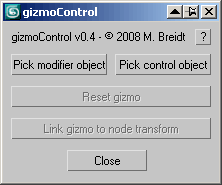
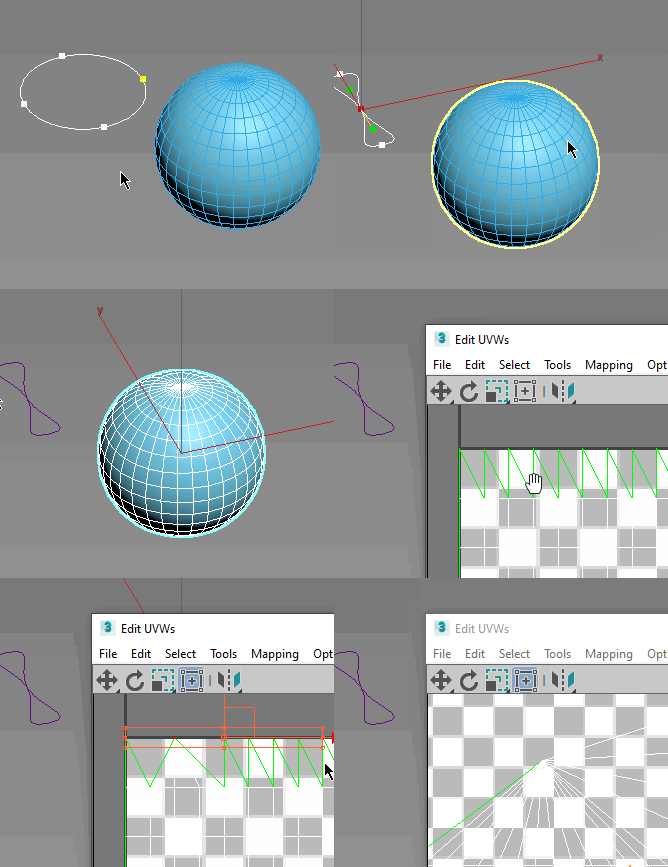
gizmoControl UI screenshot This macroscript (to be found in the "MB Tools" category after executing the .mcr) will allow you to link the transformation of a modifier gizmo to some other scene object. Afterwards, the gizmo will always be fully aligned to that other scene object, which can be freely animated by any kind of controller and linked to any other scene node. In some way this is very similar to World Space Modifiers but it works for any kind of modifier gizmo.

This tool can be very useful for creating complex modifier animations, for example animating a Slice modifier's plane along a path, attaching a UVW Map modfier to some animated helper object, transforming a Displace modifier with some other object, or having an extra node control the- symmety plane of a Symmetry modifier.

rBSymPick – symmetry modifier

1 vote

r-BSym-Pick


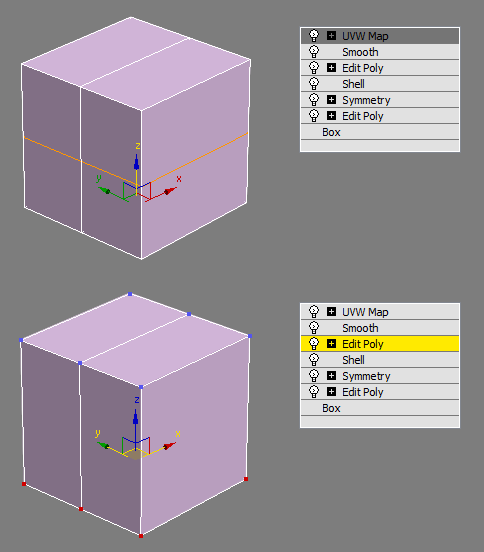
Simple script for add symmetry modifier by clicking point(s). By default when adding symmetry, the mirror position is created at object’s pivot. This script helps to define mirror position automatically by picking point(s).

3 methods:

Magic Mover [Free]

0 votes


Magic Mover for 3D Studio Max


Easy to install and use, please read the PDF available on my website


UniCollapse

12 votes


ESC+KEY SCRIPT

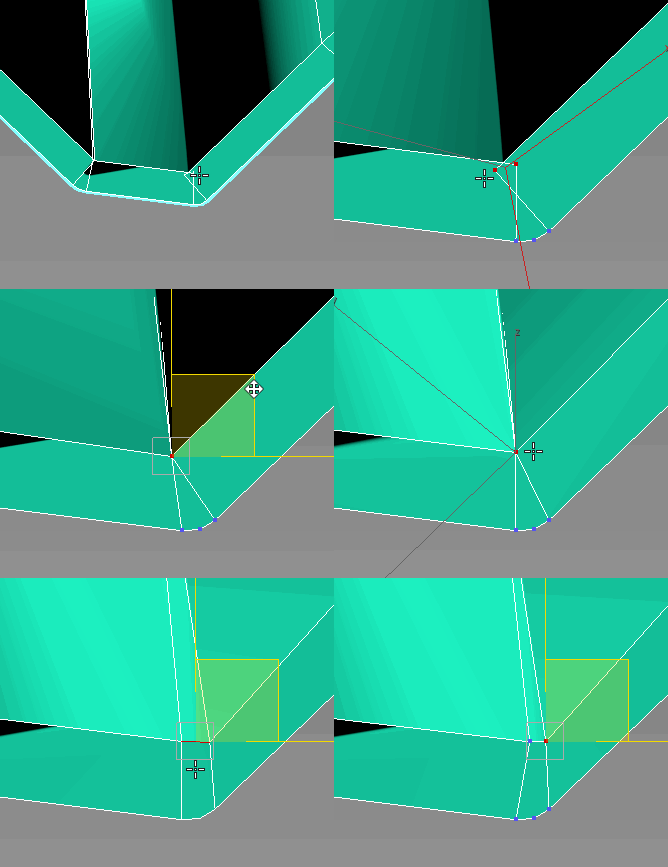
v2.6: Collapse on Edit_Poly modifier using Scale Transform Type-In

And all this works by single button

Kitchen & Wardrobe Creation

0 votes

Easy Creation Kitchen ,Wardrobe,Furniture

-Design Rectangle and merge Rectangle
-Cabinet
-Corner cabinet
-6 Different Covers
-5 Different Handles
-2 Different Shink (circle and rectangle)
-Kitchen Counter
-Accessories(Plate,jar,Glass)
-Pivot Control
-Easy Border
-Place Object

-Easy Material assign - vray,corona,standard

3Dsmax 2016-2021

You can create great kitchen in just 5 minutes

SelectObjectsByMaterial

13 votes

This script extends and improves the functionality of the button in the material editor labeled "Select by Material". I was always frustrated by this button because to effectively get every object with a specific material applied I always had to unfreeze/unhide everything, and on heavy scenes, this proved to be difficult.

Syndicate content