3ds Max | Scripts

Snap to Grid

0 votes

What this script do:

Just snapping the object's pivot to a grid. Nothing fancy.

How to use it:

Select and object call the script - the object will be snapped to a grid.

Tested on 3ds Max 2023 and 2024

Installation:

Drag/Drop the script on 3ds max viewport or run it via 'Scripting-> Run Script...'. Go to "Hotkey Editor" or "Customize User Interface", search for category called 'Custom', there will be 'Snap to Grid'. Assing a hotkey to it or put it on your custom Toolbar.

Sub-Materials ID

0 votes

Sub-Materials ID - это скрипт для 3dsmax, открывает всплывающее окно со списком материалов и их id в Multi/Sub-Object материале примененном к выделенному объекту и возможностью быстро применять материалы по id на выделенные полигоны.
пока работает только в editable poly.
- кнопка Apply - теперь копирует материал с первого выделенного объекта на остальные.
- кнопка Apply - теперь если объект не в Edipable Poly, или не в режиме subobjectLevel, то применяется модификатор Material с выбранным id материалом, если модификатор уже есть на объекте то меняет его id.

Grid Spacing Tool

0 votes

What this script do:

This script allow you to select grid type and manage its size.


How to use it:

There are three scripts included:

Copy Transform to Unreal Engine

1 vote

Copy Transform to Unreal Engine of selected object in 3ds max scene.
Open Customize window in 3ds max and select Hardway category and drag toolbar item into toolbar.

Usage

To copy transform from 3ds max:
* Select object and press button on toolbar.

To insert transform for selected object in Unreal Engine
* Just Shift + Left Click in Transform rollout caption or paste via context menu.

Divide Clone

1 vote

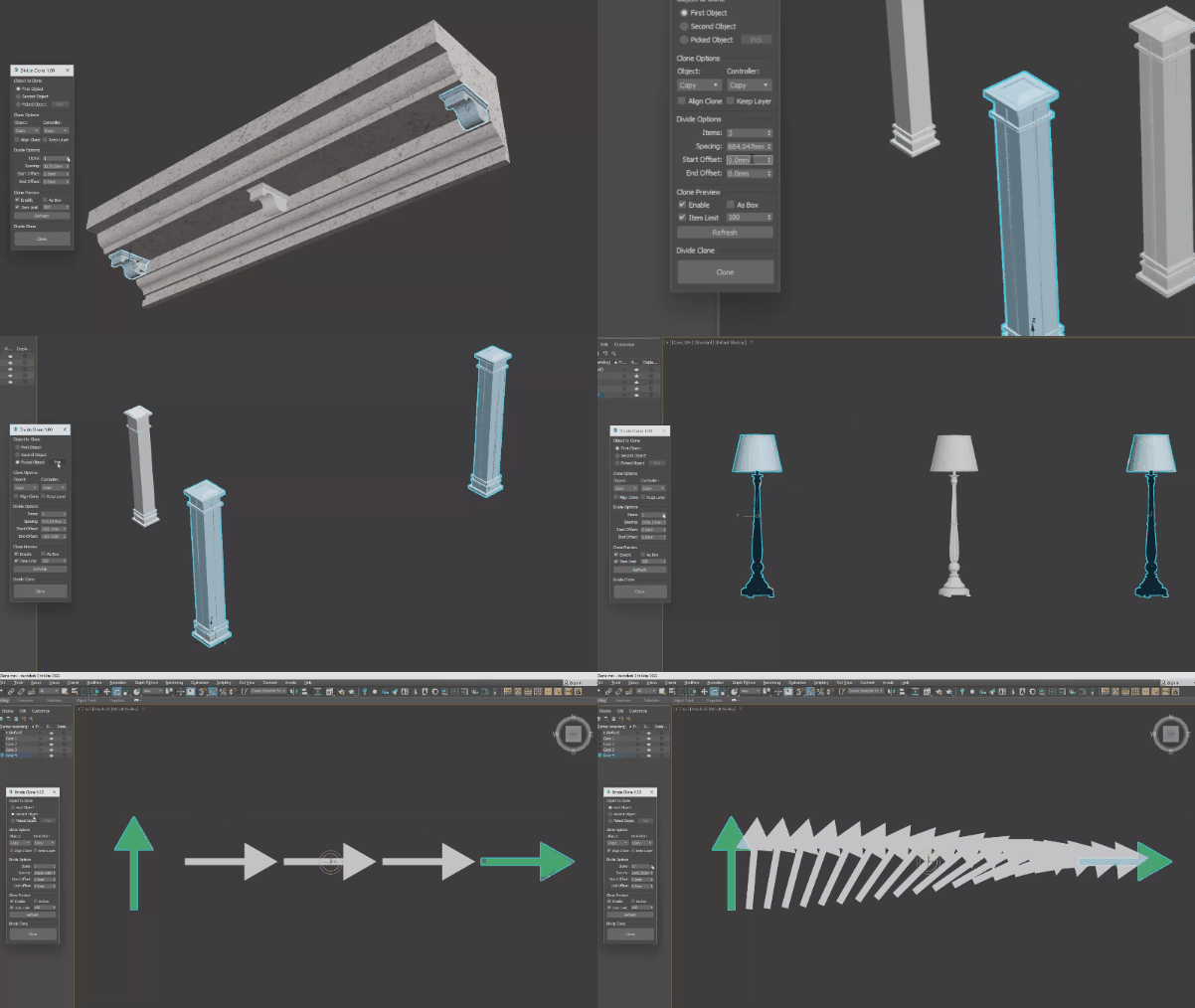
A tool to quickly create clones between two objects. The cloned object can be one of two objects, or it can be an object that you pick. Support lights, shapes, cameras, geometry, and even groups.

SketchUp Linker (free)

2 votes

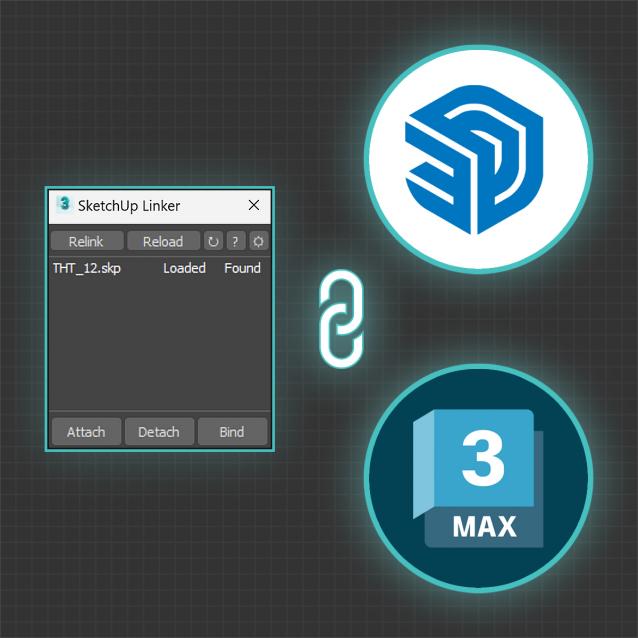
This tool will help you link SketchUp files into 3ds Max via an temporary FBX file. That helps you update your design in 3ds Max without wasting much effort re-assigning materials and modifiers to each object.

When there are changes in SketchUp files, click reload in SketchUp Linker and everything will be automatically updated for you.

to delete

0 votes

Vertex Distance

1 vote

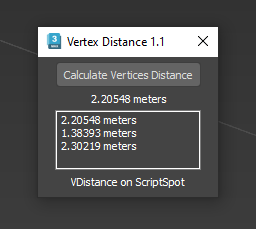
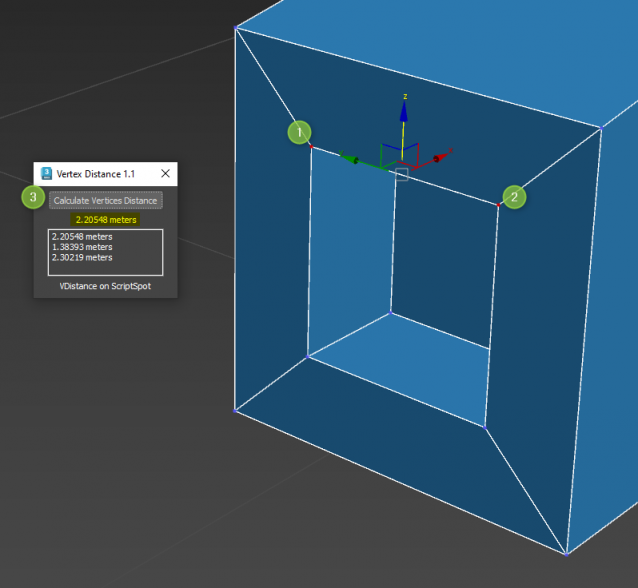
Quick and easy way to know distance between 2 selected vertices

Works on Editable Poly only. Select 2 vertices and Go !

Camera List Navigator

3 votes

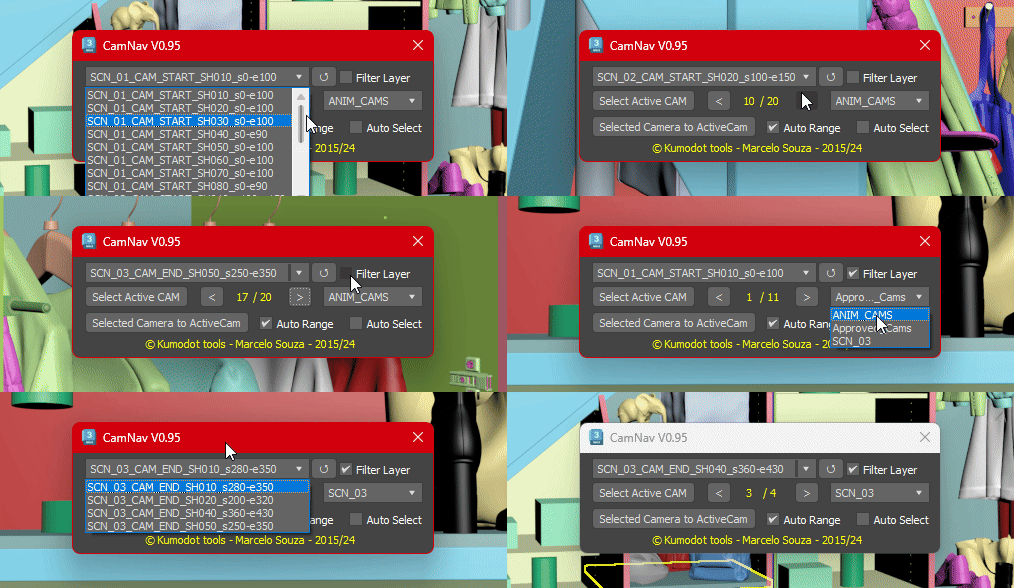
This Simple script just helps you navigate through all cameras you have on your Max scene with a few clicks.
0.95 Features are :

SplineSkin

1 vote

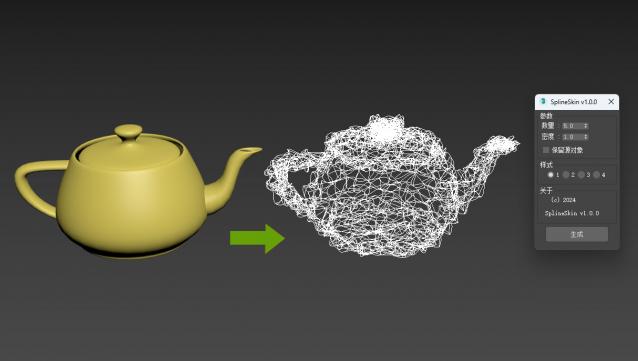
3DsMAX Spline Skin plugin, a plugin that converts 3D objects into spline wrapped shapes with just one click.

Update later

Syndicate content