ScriptSpot is a diverse online community of artists and developers who come together to find and share scripts that empower their creativity with 3ds Max. Our users come from all parts of the world and work in everything from visual effects to gaming, architecture, students or hobbyists.
Handling ObjectIDs in Max can be a hassle. This hopefully simplifies life for you. You can:
- Easily set IDs on all selected objects. - Select objects by their ID. - List all IDs in the scene - Clear IDs - Automatically clear out old MultiMatte Render elements and recreate only the ones you need in the scene!
v2.0:
- Refined UI - Added incremental add and use next available ID option
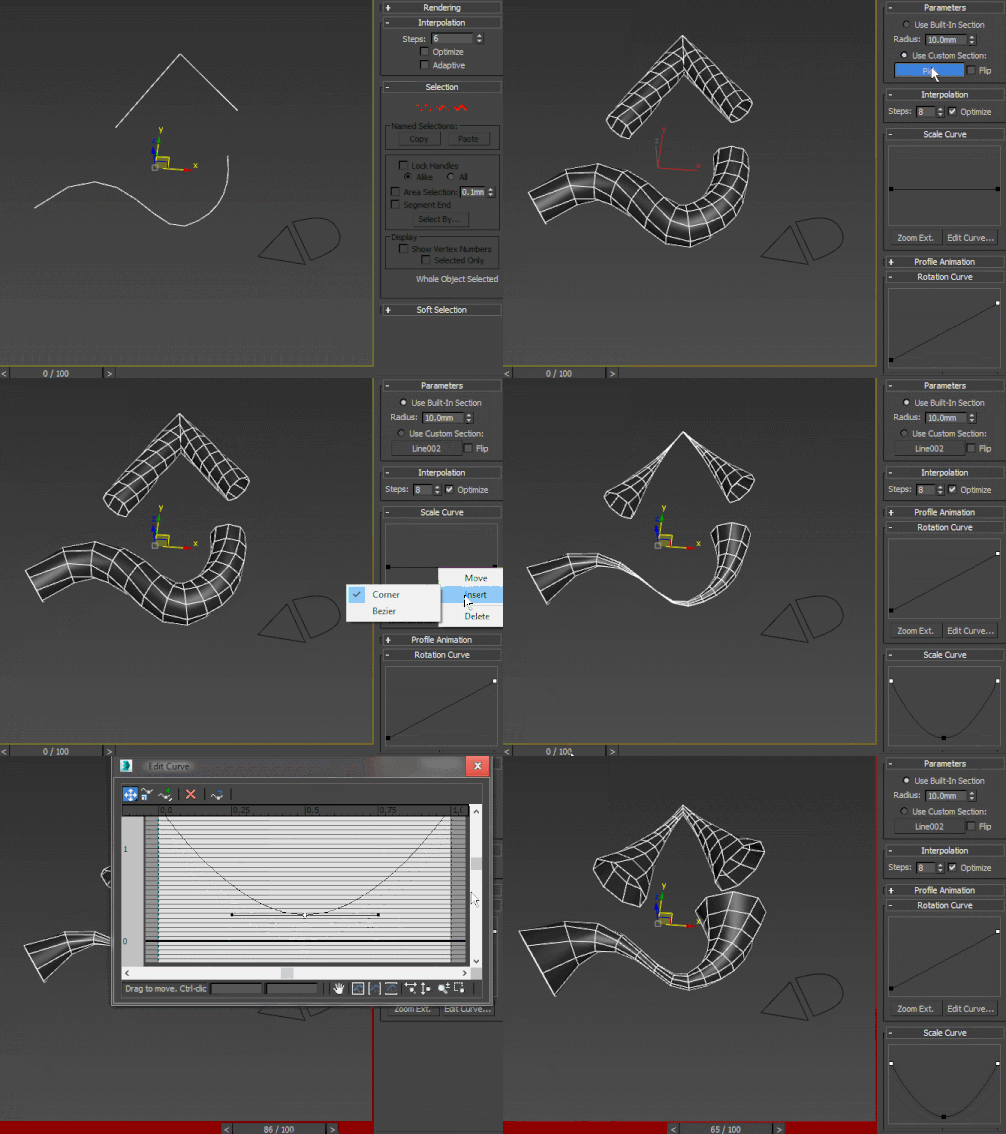
A curve-controlled scripted sweep modifier. As of now, both the Interpolation and Profile animation rollout UI items are just placeholders for non-implemented stuff. Using curve controls this way is pretty much experimental and as such, I wouldn't advise using this in production - better collapse it or make a pointcache and use that instead.
Material IDs are blank by default. This populates the blank names by copying the names of the current submaterial, ignoring undefined materials and slots that already have names in them.
Written in Max 2016, but should work in all other recent versions as well.
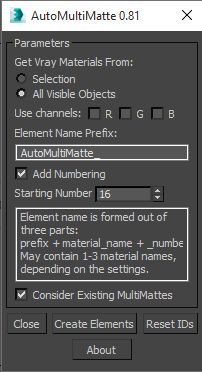
This script utilizes new EffectID property of the VrayMaterials in Vray 2.0 and creates MultiMatte render elements for the all or for the selected objects' Vray materials and assigns proper values to their Effects ID property.
ABOUT THE SCRIPT:
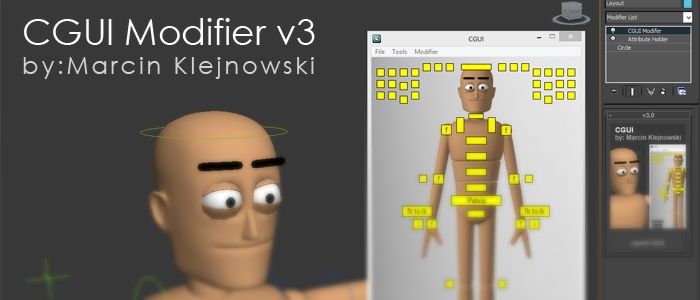
It's a tool for animators to save key face poses and speed up work. It's gets the position of the selected sliders and do a snapsot on the viewport and save as a button. First you have to set the "CHR" as the charachter name and set the path where the picurates begin saved.