3ds Max | Scripts

Quick Clouds Generator

1 vote

QUICK CLOUDS GENERATOR is a script that is efficient in automatically creating sun/ sky & clouds in 3dsMax. It can be applied flexibly in Archviz projects while saving a lot of time for 3D Artist.

.: Compatible with 3dsMax 2018 & higher

.: Compatible with V-Ray 6 & Corona Renderer 9 & higher

.: Compatible with System Units: Millimeters, Centimeters, Meters, Inches & Feet

.: Version: 2.0

.: Author: Wuan Hyu

If you have any comments or questions, please don't hesitate to contact us via email: [email protected]

We will respond as soon as possible.

---

Quick Collapse

34 votes

QuickCollapse is a maxscript Struct with a few functions to speed up collapsing large numbers of objects, it provides feedback in the listener window so you can see progress as it goes.

Run script will trigger ‘CollapseSelected’ on your current selection. there isn’t much Error Checking involved, so filter your selection for meshes, and remeber that it SHUTS UNDO OFF for the collapse so that we dont have RAM overruns on large objectsets, so save/hold first eh?

quick create dynamics

4 votes

creates particle system - force - or deflector at the origin without having to drag your mouse

quick create primitives

7 votes

creates a primitive at the origin - without having to drag your mouse. A bit Mayaish. :)

Quick Encrypt

3 votes

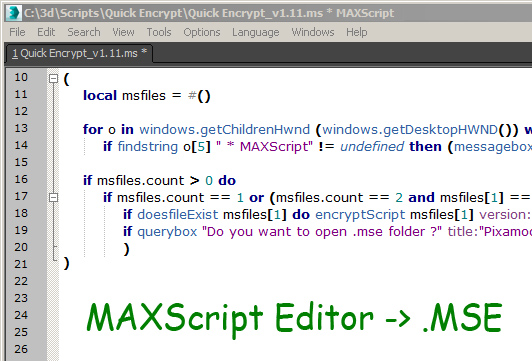
This script is useful only for script writers.

It recognize currently opened script in MaxScript Editor and save it as encrypted mse.

Quick Environment Script

2 votes

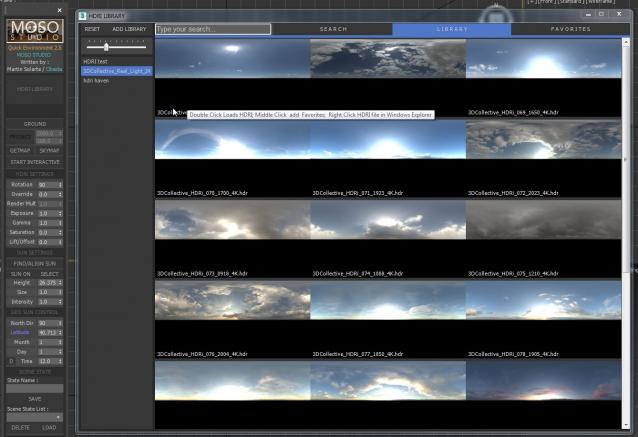
This tool was written for internal use at Moso Studio, with the purpose of streamlining the process of working with HDR files.
QES will allow you to streamline your lighting  process and many additional things very quick like:

Quick Environment Script V2

5 votes

Quick Include/Exclude Lights

30 votes

qIEL_1.1

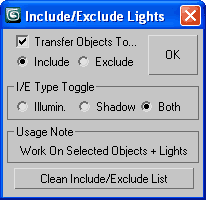
Select your objects and lights, choose I/E ops and check "Transfer..."
(if you like) to move existing obj(s) into the new I/E List.
Works on all geometry + renderable shapes (as original I/E feature designed).

Quick Isolate Object

66 votes

With this useful and funny script, you can isolate in a ListBox, the category object in Geometry, Shape, Light, Helper, Camera and Space Warp in the viewport.  We can select, rename and count the items in the scene.  Useful in many work situation.

qio

Quick Layer Organizer

31 votes

Simply create a layer and name it specific to what should go into the layer, for example "CHAR" for character geometry. Any character geometry you make you just need to remember to include "CHAR" in the object's name and when the Quick Layer Organizer is run it will find any objects with "CHAR" in the name and put them into the "CHAR" layer. Any objects that don't match the name a layer will remain in whatever layer they are currently in and the default layer is ignored during the organization.

Syndicate content