3ds Max | Scripts

Kuka Hotwire CNC

2 votes

This script allows you to specify two splines to create a segmented surface. It then derives the necessary KRL code (.src and .dat) files to drive a Kuka Robot equipped with a hotwire cutter. For more information, please see the YouTube video (slightly outdated version of the script, but illustrates similar functionality).

LH | Auto-Rig

6 votes

Automatic quality rig for all lovers of animation on 3ds Max !

WHY ?

Maya already has a wide selection of quality rigs, but 3ds Max doesn't.

So for the animation fans looking for a quality rig for 3ds Max, without any notion of rigging required, LH | Auto-rig, an automated rig, was developed. Powerful, it works with all kinds of characters (biped, quadruped or others), with a UI for animating as well as other animation scripts.

OPERATIONS :

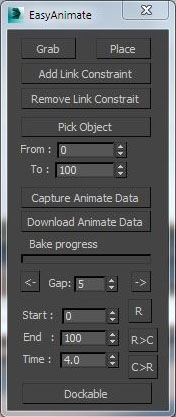
Easy animate

6 votes

Pillars

6 votes

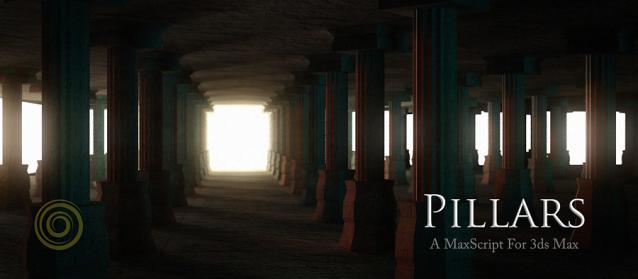
Pillars is a MaxScript for Autodesk 3ds Max. It creates 3d models of pillars, columns, railings, fountains and a variety of similar shapes. It also breaks them.

The UI is minimalistic and you can try out a number of designs very quickly, the script does all the creative work. Pillars is totally free for any kind of use and modifications, and is open sourced.

Features:

VRayMat Resampler

3 votes

.............................................................................................................................................................. version 1.2

Whit this tool you can easely control subdivision value according to Relection or Reflaction glossiness values.
Idea by John O’Connell

Camera resolution tool

6 votes

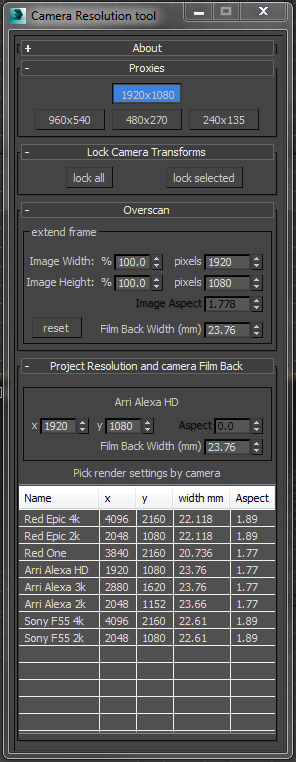
Frankly the default 3dsMax render settings bug me. They don't deal with modern cameras. The proxy settings are hard coded and can't be changed. There's no easy way to create over-scanned frame without a calculator. So I've written my own tool to fix these problems.

Tweak Camera Dialog

There several rollouts in this tool, each dealing with a separate task.

3dsMax SWEEP

2 votes

Show Active Constraint

8 votes

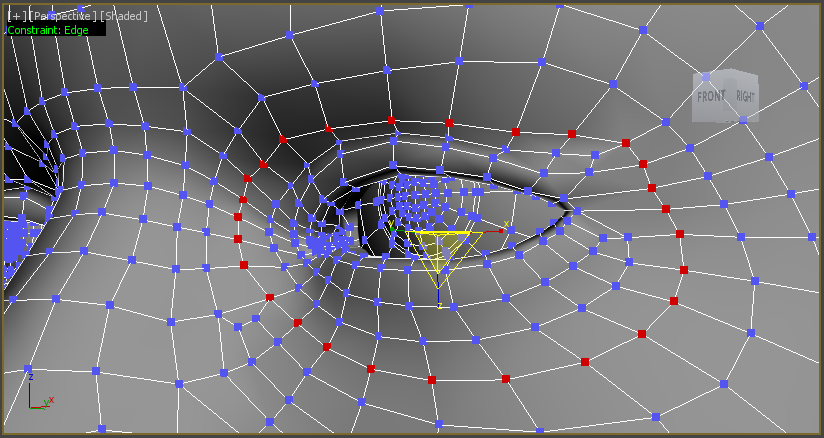
This script will show in the left corner of the active viewport the currently used(active) Cosntraint type. It supports Editable Poly object and Edit Poly modifier.

The script works as a toggle.

Put miauushowactivecosntraintinviewportStartUp.ms in maxroot/scripts/Startup folder so the constraint always shows.


MorpherMirrors

1 vote

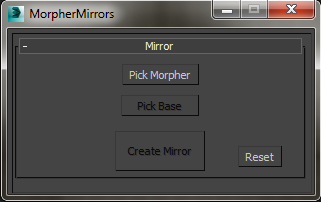
This script allows you to create a mirror of an object to be use by the morpher modifier. It is important to note that this script does not mirror the entire object but only the changes done between the base object and the morpher object, also make sure that the areas that you want to mirror are symmetrical. You can install the icons in the following folder:

C:\Program Files\Autodesk\3ds Max yourVersion\UI_ln\IconsDark

VZ Renamer

0 votes

Syndicate content