3ds Max | Scripts

Unreal Engine 4 - Camera Animation Exporter

5 votes

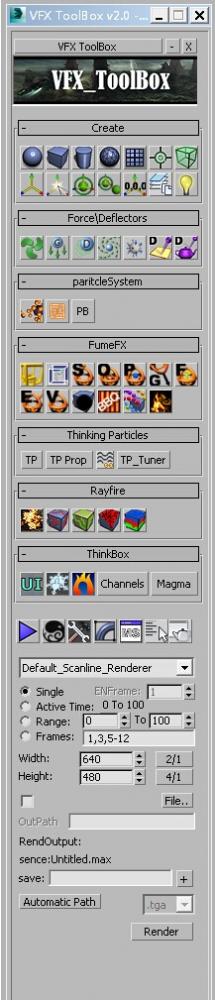
VFX_ToolBox

4 votes


update:

v 2.1

Create geometry:Left-click to create conventional standard, right is created in the center of the grid

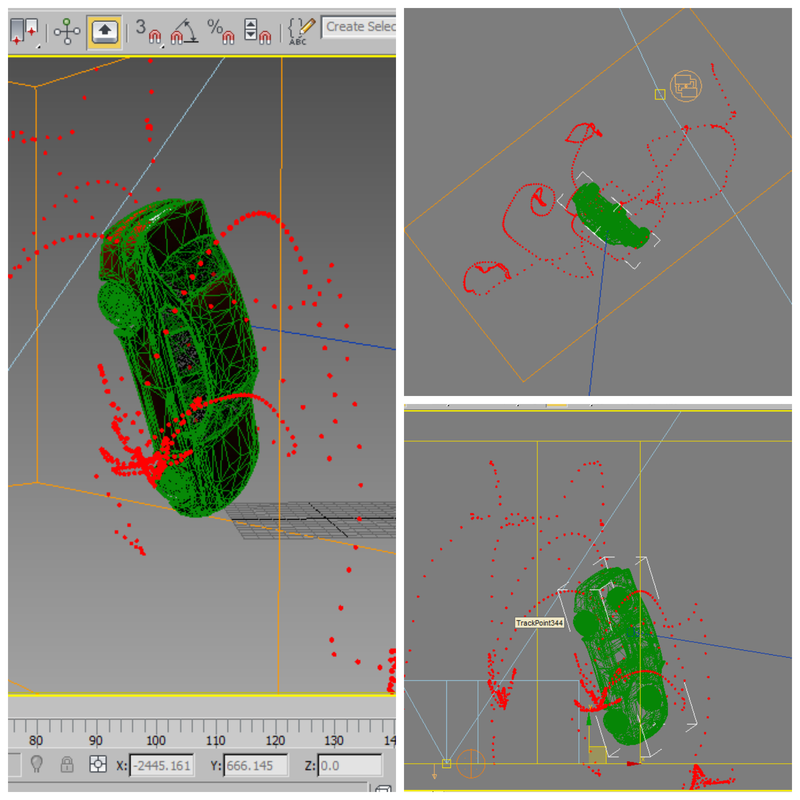
Trajectory Tracker

3 votes


This simple script was created in 3ds max 2013.

I do hope it will work with previous versions... 

What it simply does is to map out the trajectory of an animated object... 

USAGE:

Run the script -> Select the Moving Object & Click on "Track Selected"...

3DS Max to Nuke FAG

1 vote

I did this script to easily send geometry and cameras to nuke.

Warning: Use the script only for export. Save your project before and after return.

id_changer

7 votes

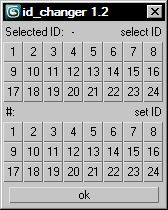
Selecting or applying material ID's with one click!

Rollout with button grid for selecting or setting material ID's of selected polys up to ID 24. Works with editable poly only. Displays selected poly's material ID if they're same.
Ctrl + click add specific IDs. Alt + click deselects specific IDs.

Examples:
Want to set some specific material ID up to 24 to selected polys? One click.
Want to select polys with same material ID's of selected poly? One click.

Reference Manager

2 votes

no more headaches unfreezing and unhiding refplanes manually
the RefManager does it for you and lets you focus on the modelling

A reference manager that automatic hides and shows reference planes based on the current viewport

by default it uses the following names, but you can click on >> to get acces to the pick buttons and pick your own reference planes

ref_top
ref_front
ref_back
ref_left
ref_right
ref_top
ref_bot

------
plans for next version : add refsetup: auto creates planes in correct size based o nthe resolution of the images

xNormal remote control

2 votes

With script acts as a remote control for xNormal from 3ds Max. You can bake a a maps from models in Max with xNormal without leaving the program.

Currently this script does not support all options of xNormal, but you can bake the most important maps. The script will copy the generated maps into the same folder where your current Max file is located.

Installation:
- Copy the files into your Maxscript-startup folder
- change line 54 to the path of your xNormal installation
- restart Max
- you can find the script in "Customize User Interface" under "Candygun / xNormal"

Usage:

Rename russian textures

2 votes

Replaces Russian and Ukrainian characters English characters. Just replace the spaces with underscores.

Транслитирирует русские, украинские символы в текстурах. Так же заменяет пробелы на подчеркивание

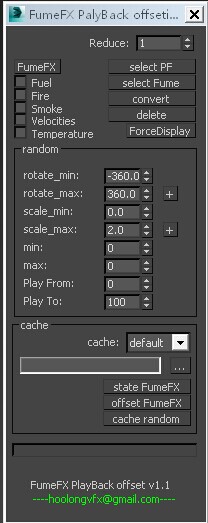
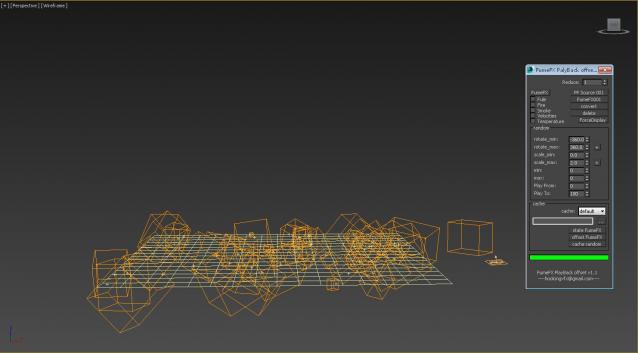
FumeFX Palyback offseting

2 votes

update:

V1.1 - increased according to the position of the particle generation FumeFX PF - the June 28, 2014

BookcaseMaker

1 vote

Syndicate content