3ds Max | Scripts

Zero

2 votes

A simple Script for moving the selected object to 0,0,0 at the touch of a single button.

To install simply copy the downloaded macroscript file to
C:\Users\(Username...)\AppData\Local\Autodesk\3dsMaxDesign\2013\ENU\usermacros

You may need to enable show hidden files to access the folder.

After that you open 3ds max, go to customize> Customize User Interface> Toolbars. Under category find Oliver Emley and then drag Zero to an existing toolbar or create a new one.

Morpher Floater

3 votes


Rubik

3 votes

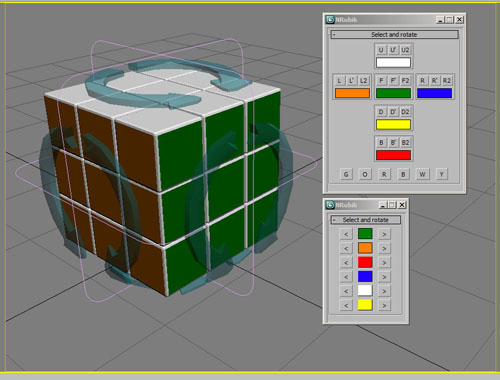
Animatable open source Rubik.

Script Runner

2 votes

Script Runner

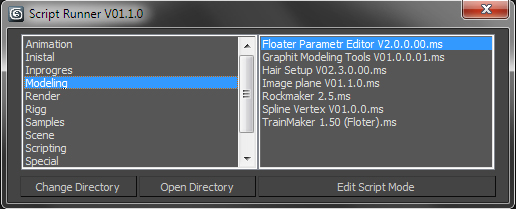
Simple tool for manage your own scripts.

V01.2.0 .mse .msr .mzp files can be list too by script now

Hide | Unhide MtlID Faces

3 votes

••••••••••••••••••••••••••••••••••••••••••••••••••••••••••••••••••••••••••••••••••••••••••••••••••••• VERSION 1.2

With this tool you can easely hide-unhide, set-get or select E-Poly object faces by material ID.

Crude Biped Key Reduction

0 votes

CrudeBipedKeyReducer

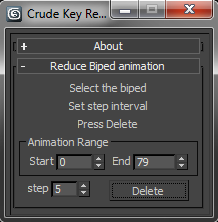
This will dismantle that wall of motion captured key frames into something more manageable. It’s not the most sophisticated of algorithms. But, it gets the job done and leaves you with nicely lined up key-poses. To use simply:

Renderlayers

2 votes

Save performance in viewport while modeling and make layer only visible on rendertime by adding the word "renderlayer" behind the layername. You can turn renderlayers on and off with the button. Script supports local rendering and network jobs.

UniRemover

24 votes

And all this works by single button

v.10.61 изменена для быстродействия функция удаления рёбер вместе с вершиной. the function of removing edges along with a vertex has been changed for speed.
v.10.6 Fixed bug of convert to poly (Previously, on highpoly objects, after the conversion, there was a terrible braking in vertex mode)

Views Rotation + Auto Zoom Extents

7 votes

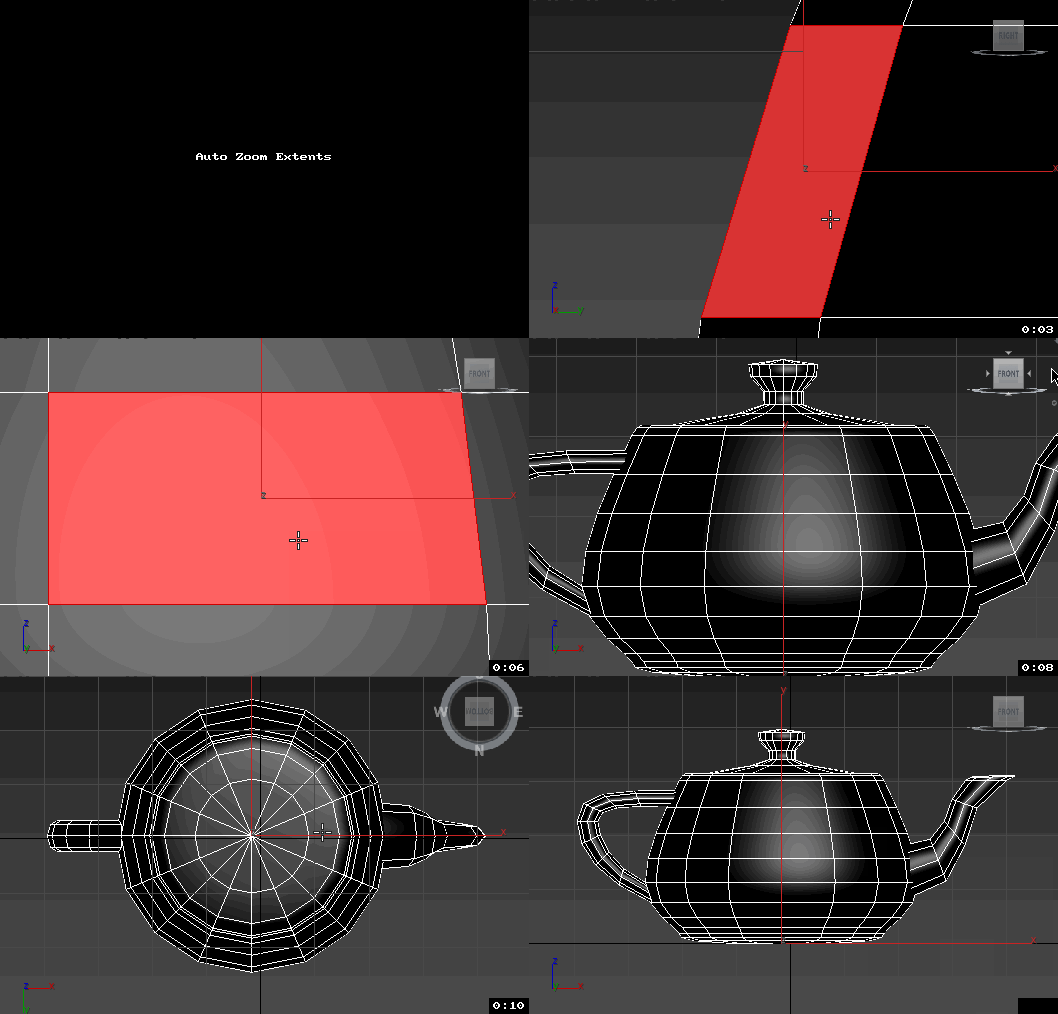
Assign these scripts to buttons of NumPad. Left=Num4, Right=Num6, Front=Num5, Top=Num8, Bottom=Num2.
Удобно назначить эти скрипты на кнопки NumPad таким образом, что Left=Num4, Right=Num6, Front=Num5, Top=Num8, Bottom=Num2


Now is not necessary to press the Zoom Extents Selected, when switching of view.
Теперь не надо нажимать Zoom Extents Selected когда переключаешь вид.

A CMD utility to externally re-path 3ds Max files

0 votes

This is a simple tool I wrote in IronPython and compiled to a usable .exe program for re-pathing or examining 3ds Max (.max and .mat) files without actually running 3ds Max.

It's pretty useful for batch re-pathing before rendering on render farms, for example. Or just to view what type of files are being linked in your .max and .mat scene files and material libraries, respectively.

Syndicate content