3ds Max | Scripts

AutoPlace

8 votes

This is a script like autogrid. You can move, instance and copy objects all over the place! ShiftPress the button for options (move, instance, copy, lock rotation and lock scale)

How it works: select an object and press the button. click and drag (left-right = scale, top-down:rotation)

If you select multiple objects it will choose a random one.

tested on Max 2012/2013

Log :

EdgeSmooth

14 votes


EdgeSmooth is a free, open source plugin that makes smoothing in 3dsmax a lot easier. It allows you to smooth an editable poly by setting edges to "hard" or "soft". A "hard edge" means that the faces using the edge share no smoothing groups, a "soft edge" is the opposite. This will probably feel familiar to Maya users!

Remarks:
-The plugin uses smoothing groups, so you can mix it with using traditional smoothing. It may however change the smoothing groups on all faces in the object!

Unwrap Tools

32 votes

A great update to the toolset that ships with the max 5 unwrap modifier that fixes the features that didn't work and adds many new ones to complete the set.

2008-08-05 Admin: updated broken DL link
...

Material converter 1.xx

6 votes

Description:

Simple utility to make it easier to move scenes from a rendering engine to another. Some work have to be done in terms of materials or types of engines, but it will progress step by step. In the following table you can appreciate the possibilities of the script at this moment:

Help file explaining the whole process included with script.

UPDATED v1.24:
· Many Internal fixes

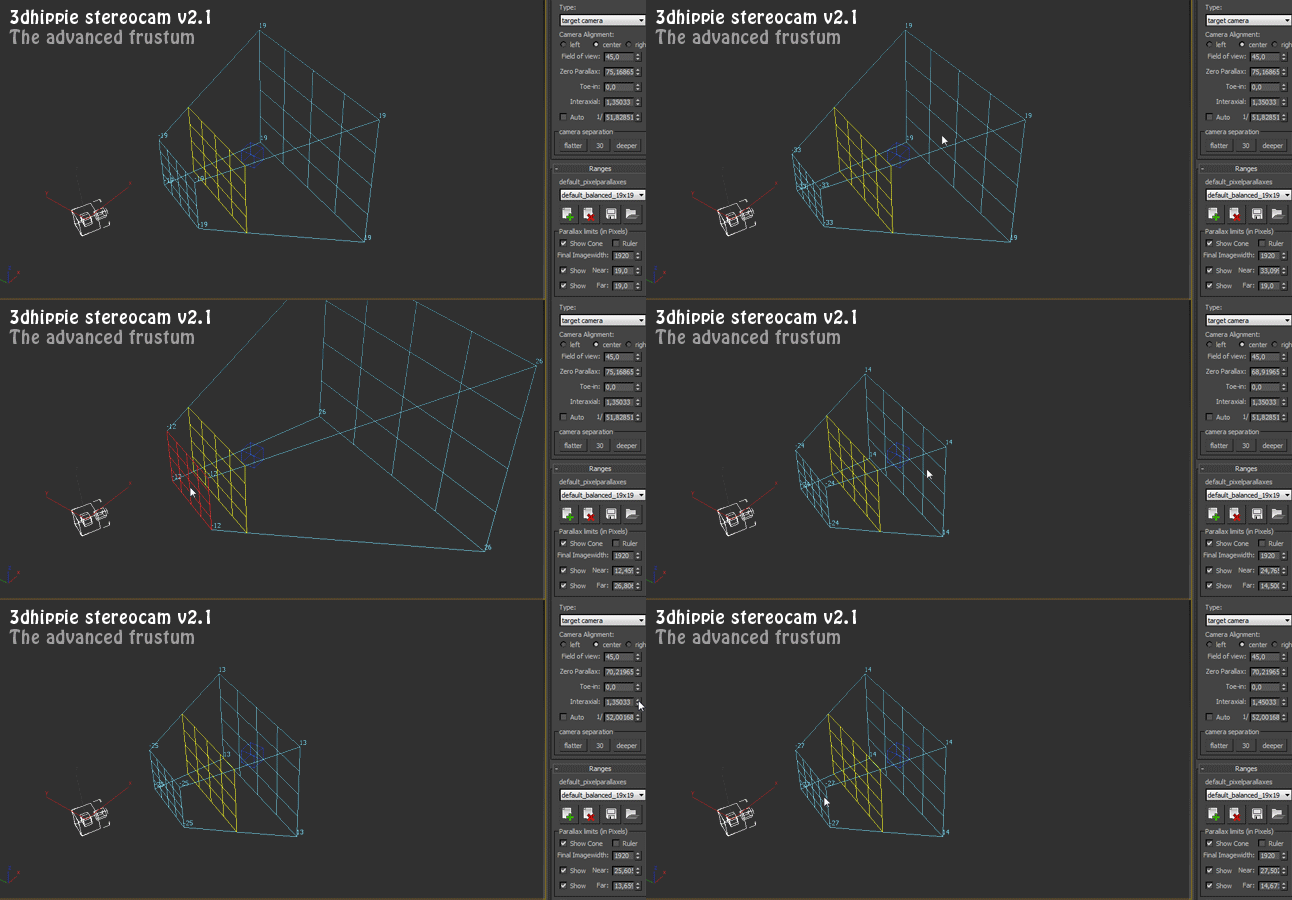
3dhippie_stereoCam

50 votes

VERSION 2 AVAILABLE:
Get 3dhippie stereocam v2

ADDED in 2.1.2
Camera Clipping.
Bugfixes.

ADDED in 2.1.0

Affect Pivot and Center Pivot

28 votes

This script contains an Affect Pivot - and a Center Pivot. It works similar to Maya's Affect Pivot. You need to assign it to a hotkey - or put it in a Quad Menu.
Once you have executed Affect Pivot - click anywhere you want the pivot point to be located. TIP: Works great with snaps. Center Pivot does just that. It also works with multiple selections.

MaxMounts

21 votes

MaxMounts 1.3.0

MaxMounts is a MaxScript for creating realistic mountains in 3ds Max, in a single click. Several tweakable parameters have been provided to get an infinite variety.

Update : Newest version 1.3.2 is now available. Support for 3ds Max 2015.


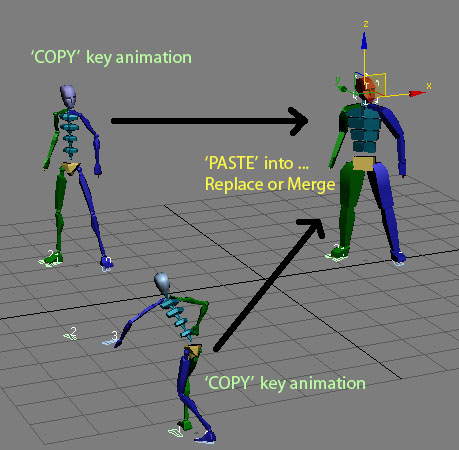
Copy \ Paste Biped animation

63 votes

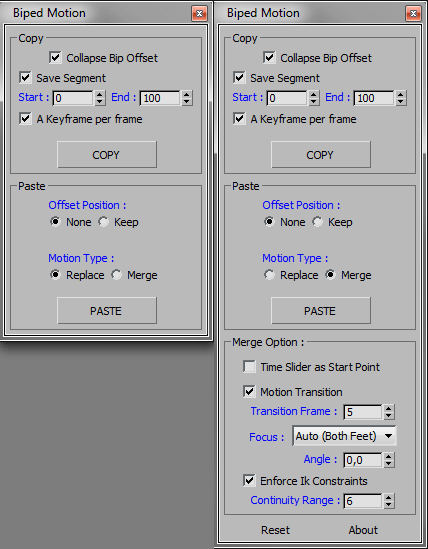
Quick copy and paste Biped animation to another biped from one instance of max and paste them into another.

History:
Copy/Paste Biped Animation V 1.0
- Main idea Tools.
- macroscript file.

Updated :
Copy/Paste Biped Animation V 2.0
- Added some option for copy or paste.
- Added paste replace or merge bip motion as option.

HCG Asset Browser

38 votes

NEW Video!!!

HCG Asset Browser Interface

Features:

BipedKeyer v1.4

47 votes

This script can set Key parameters "Ease To", "Ease From", "Tension", "Continuity" and "Bias" to ALL selected biped bones (including COM) - AT ONCE! If biped bone in selection does not have a key in the current time (frame), nothing happens with that bone.

BipedKeyer_scr1

New in v1.1: Possibility to set custom values. COM - EaseTo, EaseFrom and Bias (for vertical, horizontal and turning controller) parameters now also changes.

Syndicate content