Tagged 'save'

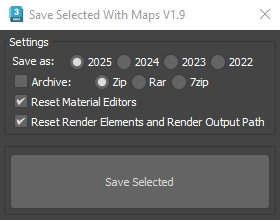
Save Selected With Maps

6 votes

It will collect/relink all selected objects bitmaps to the chosen folder, even if the bitmaps are just flagged "found" in the asset tracker, and it will save your selected objects to that same folder.

If path are missing or unsolved those maps will keep their missing or unsolved path, it will be easier to try to find them.

It is compatible with Vray bitmaps, Corona bitmaps and IES files in Standard, Photometric, Vray and Corona Lights.

OutFiler file browser

8 votes

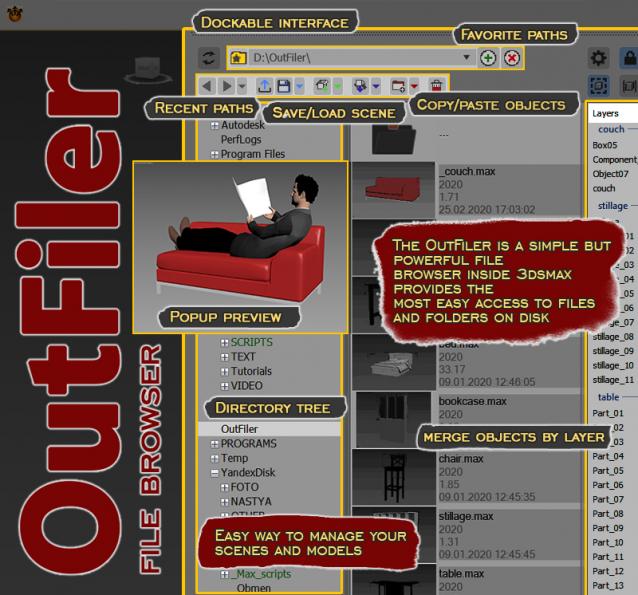
The OutFiler is a simple but powerful file browser inside 3dsmax that completely replaces standard save/load/save selected/merge/import/export dialogs. I believe folder tree much more comfortable and transparent.

The OutFilers provides the ability to quickly find the necessary folders, save the history of movements along them with back/next buttons and recent list and the favorite paths for quick access to working scenes.

miauu's Folder Bookmarks

1 vote

miauu's PinMyFiles

0 votes


Copitor

120 votes

Copitor allow you to quick copy/paste selected objects to another Max scene or in another Max if you have 2 3dsMax open. I also like to use it like as a "quick backup" for try something, and to be sure to loose nothing :)

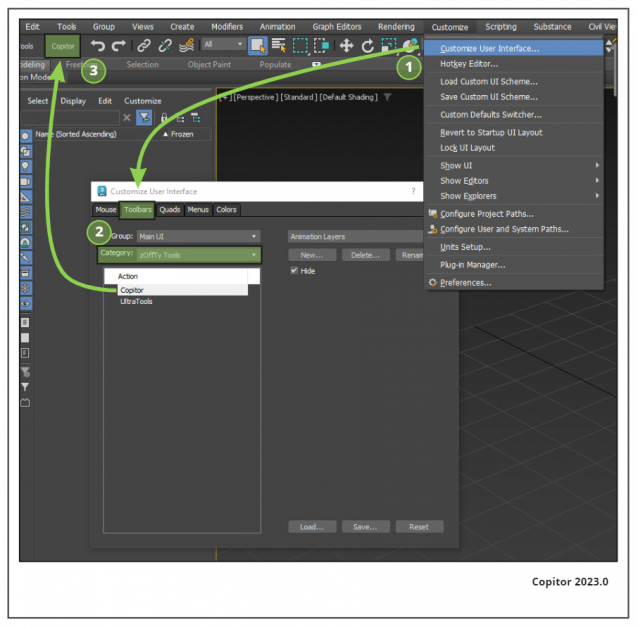
Installation: Drop The file in max viewport and go to Customize ==> Customize User Interface ==> Category: zOffTy Tools ==> Copitor

Copitor installation

miauu's Script Pack vol.1

14 votes

miauu's Script Pack is a set of scripts that will help you to make faster and easier some of the tedious task when you use 3ds Max.

miauu's Script Pack include:

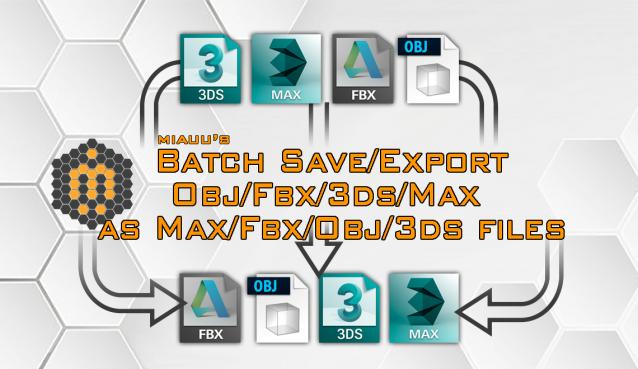
miauu's Batch Save/Export OBJ/FBX/3DS/MAX as OBJ/FBX/3DS/MAX files

6 votes


Batch save or export selected .obj, .fbx, .3ds or .max files an .obj, .fbx, .3ds, .max files.

Save & Restore Views

7 votes

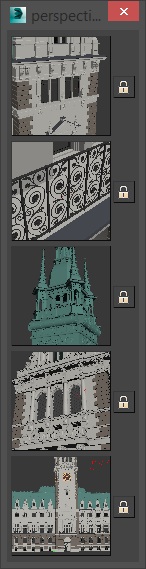
A simple script that is pretty similar to max's own "Save active perspective view" and "Restore active perspective view" functionality just that there are 5 slots with preview images. Un-comment the first 2 lines to install it as a macroscript. Click the little lock symbol to save a view, click the image button to restore it. 

RailClone 2 File

0 votes

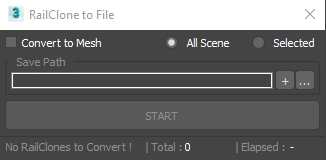
3dsMax Script for Saving RailClone Objects to External Files .

NOTE : The Total Number Contains 2 Numbers the First is the total railclone objects , Second is railclones that will be saved .

UPDATE 1 :

  • The Script Now Will Ignore RailClone Objects with the Same Segments (Only 1 RailClone will be Saved) .

Save button

6 votes

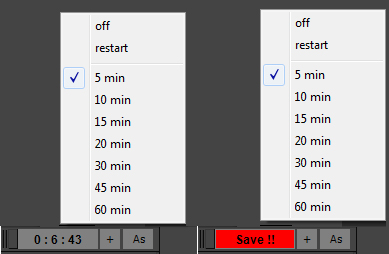
If you're tired of 3dsmax Auto-saving and freezing when you are working, this script is for you.

It's based on an idea of Vincent Lacour.

installation :

Put the file in the Scripts/startup folder of your 3dsmax installation.

Restart 3dsmax How it works :

When you start 3dsmax you'll notice a new tool at the bottom left of your UI.

If you right clic on the biggest button, you'll see a few options :

Syndicate content