3ds Max | Scripts

Select Similar Edges

0 votes

Select similar edges of an editable poly object.

You can define similar edges to select by up to percentage larger and smaller.

Installation:

  • Place in scripts folder
  • Go to "Customize User Interface"
  • Go to tab "Toolbars"
  • Go to category "Westmark"
  • Drag "SelectSimilarEdges" to a toolbar of your choosing

Bookmanager

8 votes

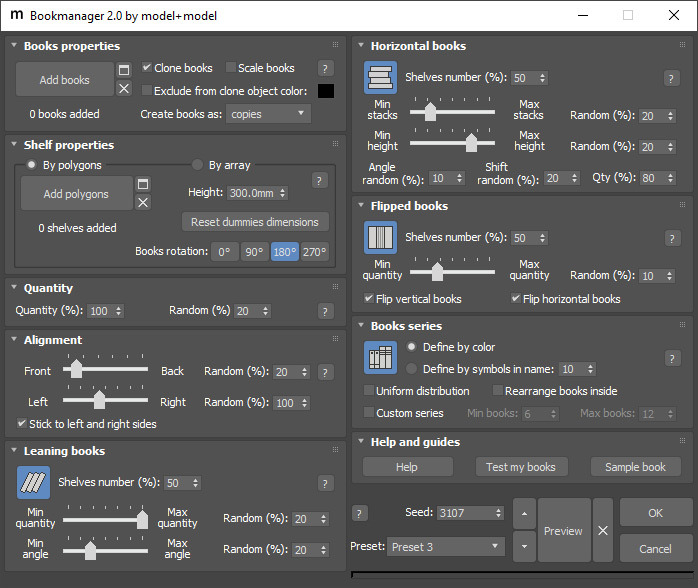
Bookmanager 2 is a great tool for automatic process of books placement. It is written in MAXScript for use in Autodesk 3ds Max software. It has a wide range of features and easy to use interface. Try free demo version and if you like it get the full version.

Select Objects By BitmapTex

17 votes

•••••••••••••••••••••••••••••••••••••••••••••••••••••••••••••••••••••••••••• VERSION 1.6
v15
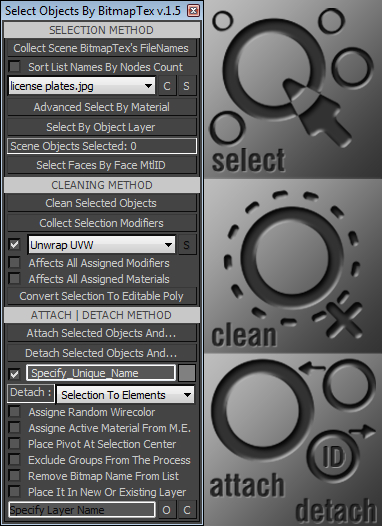
With this tool you can quickly perform certain operations that normally require more time to perform, such as:
. Selecting all scene objects by choosing a specified bitmap texture used in the current scene file. >>>
. Selecting objects with the same material as the first object in the selection.

Decal Script Object

10 votes

Cleaner

88 votes

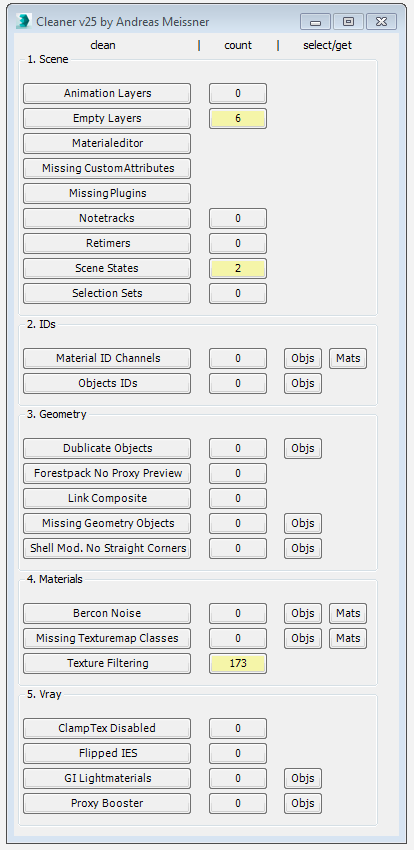
This tool can help you to clean and speed up your scene. Hover with your cursor over the clean-buttons to see tooltips for further information.


Massfx Rope Creator

1 vote

Massfx Rope Creator 3ds max plugin

The fastest solution to create ropes for your Massfx simulation which allows you to create a rope between 2 objects automatically!

ColorsForCGArtists

1 vote

Make Spline Knots Planar

1 vote

Make Spline Knots Planar

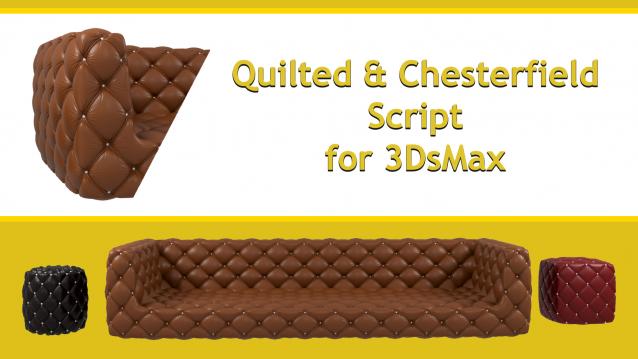
Quilted & Chesterfield Script

2 votes

http://www.scriptspot.com/files/u105687/anagoruntu.jpg

Quilted & Chesterfield Script

Properties
-3Dsmax 2013-2021 Support
-2 Type Model Selection(Diamond and square)
-Button Add
-Line Add
-Vray and Corona Material automatic assignment
-diffuse And bump Map
-Polygon Selection
-Vertex Selection
-Simple Design
-Chesterfield Model Create
-Easy to use

Create your model with just one click..

Give me back my dialogs!

320 votes

Window box is a script (and tutorial) to show you how you can use Dotnet and Win32 methods to get back dialogs you have lost from using multiple monitors.

UPDATE 2.4.2

Fixed an issue with monitor data, it now centers correctly on all screens. Sorry for the delay in finding that one. 

Syndicate content