3ds Max | Scripts

Create Hung Window

5 votes

Creates a sliding window from a selection of Rectangles. This script takes the rectangles and fills the interior with a Sliding window flush with the rectangle. Make sure to change the 'include script' path statement to reflect you 3ds max location

Spline in Middle

22 votes

This script was requested in this thread.

The main purpose is to get edge selection, create spline and put it in center of a tube.

Work only with Editable Poly objects.

Watch the video demonstration.

Installation: Drag and drop the script file in 3ds max. Go to Customize-Customize User Interface - "miauu" category.

Region between two points

2 votes

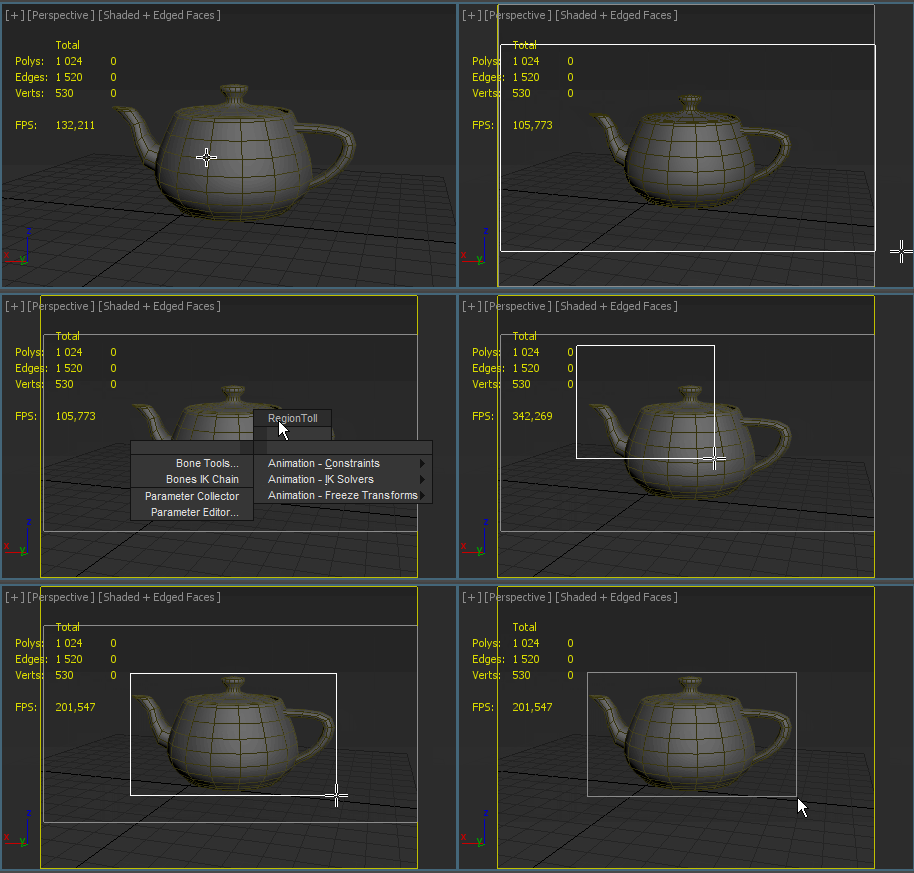
Note: .Drawing Render Region between two points in Viewport.
If you press the Ctrl key, So you can move the whole selection in active viewport

Region between two points

jbfunctions

4 votes

jbfunctions.ms is a library of miscellaneous handy MAXscript functions. This script only contains support functions for other scripts, and does nothing useful in and of itself.

Note from Admin: If you're not sure if you need this, then you don't.

MassFX Util

1 vote

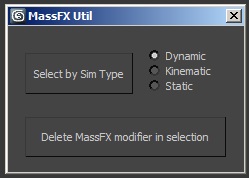
When working with MassFX, this script provides two functions:

- Select objects by simulation type (dynamic, cinematic, static)

- Delete the MassFX modifier in the selected objects

Copy and Acquire

0 votes

This is a simple maxScript to make a copy from a base object and Acquire Position Rotation Scale and Material from the targets.

copy and acquire v1.0

VrayMultiStageRender ( VrayMultiCamRender )

43 votes

Utility for rendering animation and static scenes in 2 Stages from the animated camera.

At 1st Stage is calculated LightCache in Fly-through mode and

Irradiance Map in incremental add to current map mode for the entire scene,

while 2nd Stage is the final rendering.

This approach allows for all frames receive the same high-quality Irradiance map in less time.
For more information see topic Rendering a walk-through animation from Vray tutorial.

Main Features:

  • Rendering in two stages for to obtain better results in less time.
  • Support for network rendering (BackBurner, Vray Distribute Render, Duma)
  • Ability to exclude from the Global Illumination rendering VrayFur, RPC, some lights and Displace.
  • Automatic creation of animated camera VrayCam.
  • Create subfolders for RenderOutput, RenderElements and irradiance map.
  • Automatized naming LightCache, Irradiance map, RenderOutput and RenderElements.

VrayMultiStageRender v2.0.75

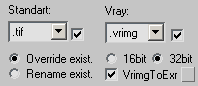
  • Adds ability to auto-convert on the fly Vrimg files to EXR after each frame rendering (supported with network and local rendering)
    It is possible to convert the files into one EXR file with all channels or Render Elements into the separate EXR files.

VrayMultiStageRender v2.0.70

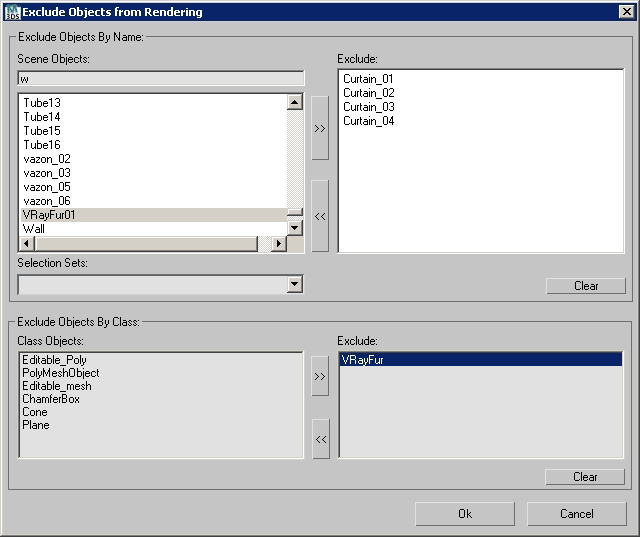
  • Adds ability to exclude objects from rendering per Stage
    (Useful for Exclude from rendering Global Illumination VrayFur,Hair&Fur, Proxy and other Objects)


Max2013 - StateSets to NetRender

2 votes

I was using 3ds Max 2013 and I realized that you cannot setup State Sets to send all StateSet to Backburner automatically, like in 3ds Max 2012 (with button "Net Render" at Render Setup), you must activate each StateSet by hand and send to Backburner. stupid, right?

It’s a very basic script but works perfectly. This script load all StateSets into a listbox (except Objects StateSet). After you click at "Render All State Sets", it will do a loop inside StateSets to activate each StateSet and open NetRender Dialog.

Vray Cubemap Generator for Unity

4 votes

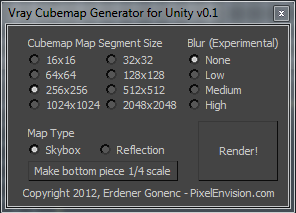
With this script, you will be able to easily render cubemaps ready to import to Unity for use as reflection maps or skyboxes. After execution, script will generate 6 image files with the correct naming scheme for Unity.

Bitmap List [ .NET ]

7 votes

The script "Bitmap List [ .NET ] - Version : Beta 1.0 " use dotNetClass ListView and Maxform.
The script for use change location bitmap and stuff in 3ds Max.
The script support 3ds Max 2009 - Higher.


Syndicate content