3ds Max | Scripts

copy/paste

19 votes

new in ver 1.1:
-copy
saves selected object in the file "copy_paste_buffer.max"
in default scenes directory and make
a backup of old file /"copy_paste_buffer_backup.max"/
-paste
merge "copy_paste_buffer.max" in the current scene

script goes in the category “Georgy Chakarov”

subobject level 0

17 votes

set shortcut key for this script
and use it to exit from subobject level

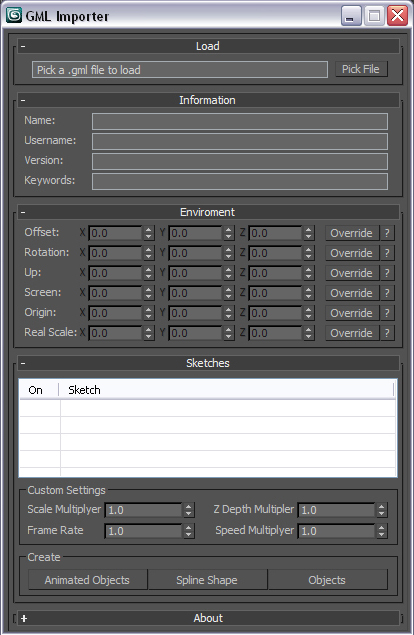
GML Importer

19 votes

GML Importer will let you import GML data generated by graffiti capture software such as Graffiti Analysis.


MiscBox Toolset Script

15 votes

(Main UI interface)

UI Minimized ( Minimize UI )

This is collections of script that I found in scriptspot.com and tweak it a little, I compile it into one file and add to it some of my tool ....so here is some of what this script can do

Polygon Edge Summary

19 votes


The info box will show when you press the corresponding button.

Here is a little script that displays how many x-edged faces you have in your editable polygon object, where x ranges from 3 to the maximum number of edges bordering a face that can be found in your object.

JOINT BEND-RIG

68 votes


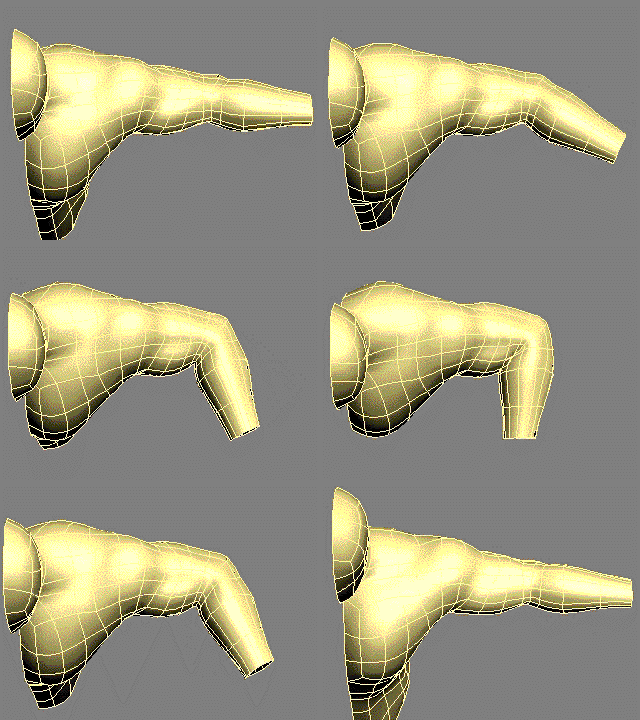
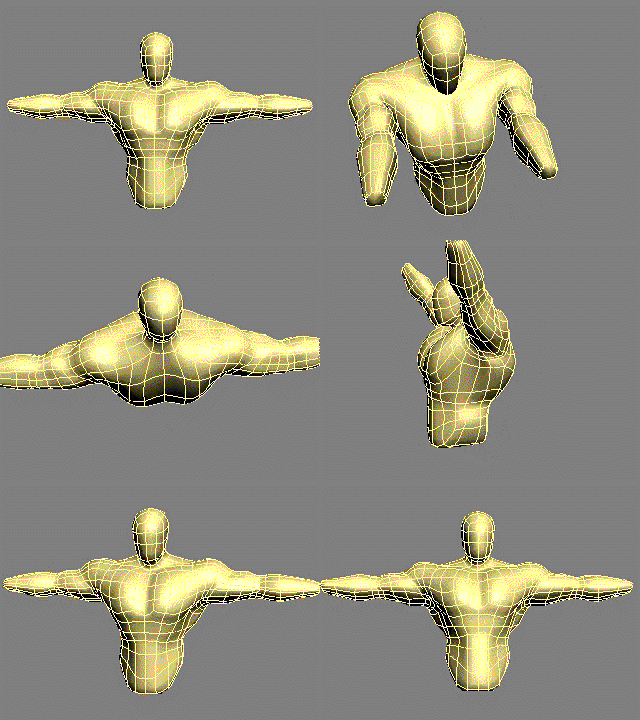
 Joint Bend Rig Elbow Setup PreviewJOINT BEND RIG Shoulder Setup Preview

A Tool to greatly speed up and simplify the process of skinning the joints of characters,especially shoulders and hips which are notoriously difficult to skin. THE NEW VERSION 2 OF THE JOINT BEND RIG HAS A BIAS CONTROL TO CONTROL THE AMOUNT OF TWIST IN THE JOINT

"

Camera Rigger

19 votes

Simple script that links a free camera of your choice to a hierarchy of dummy objects. I saw this little rigging example on a max tricks session at siggraph and I thought it would be good thing to script.

It will install as a macroscript under the mikes scripts category.

Material Converter

19 votes

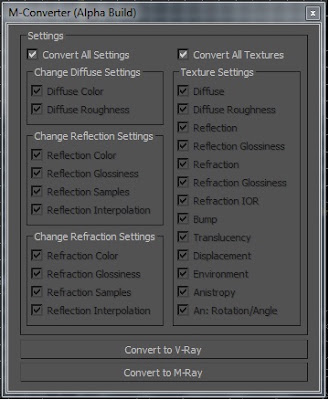
M-Converter UI

I made a Material Convert that converts Arch & Design materials to Vraymtl. I created this in my free time so its a BETA script. For now M-Converter only converts Arch & Design materials to Vraymtl. I hope you guys like this script.

Quick Include/Exclude Lights

30 votes

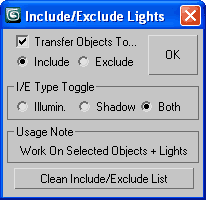
qIEL_1.1

Select your objects and lights, choose I/E ops and check "Transfer..."
(if you like) to move existing obj(s) into the new I/E List.
Works on all geometry + renderable shapes (as original I/E feature designed).

Point Cache Lag Tool

7 votes

POINT CACHE LAG TOOL 1.0
Created by Chad Ashley and Tim Little
www.chadashley.com
www.artoftimlittle.com

USAGE
Working with hundreds of rippling objects that carry complex modifier stacks can be slow. Why not point cache the first object and then simply offset the timing of the rest? This small script was developed during internal animation tests at Digital Kitchen to expedite the creation of time-delayed animations.

INSTRUCTIONS
Create an object and apply a point cache modifier to it.
Duplicate that object around your scene

Syndicate content