3ds Max | All

Facial Animation Rig

4
votes

Create a complete head rig, with facial animation controls as recommended by Jason Osipa in his book 'Stop Staring'. Starting just with a head mesh, create bones for jaw, head,neck and eyelids. Also create a couple of spline controls for the eyes and the chin. Running the 'eyerig' script creates a rollout with pick buttons for all needed bones and meshes, then sets up the eye and head rigs, as well as placing a skin modifier on the mesh, with the required bones added, ready for vertex weighting. The rig also caters for 'fleshy eyelids' that move with the eye.

VRay Light Lister

42
votes

This script replaces the built-in light lister with one that incorporates support for VRay Lights and VRay Suns.

TeaCup

38
votes


+WHAT IS IT?

Light Lister for V-Ray Advanced 1.50 SP2-SP4a (3dsMax2008-2010 x32/x64)

24
votes

This macroscript replaces the built-in light lister with one that incorporates support for lights from V-Ray Advanced 1.50 SP2,SP3 and SP4a

Add support lights:
- VRayLight, VRaySun, VRayIES and VRayAmbientLight(SP4a).

Add support shadows type:
- VRayShadow and VRayShadowMap

Other additions:
- add button for pick ies file in photometric lights (if distribution as web)

Batch Camera Render

21
votes


New version release - 1.9 beta

R_Buffer - Maya Render Window in 3dsmax

7
votes


Tags:

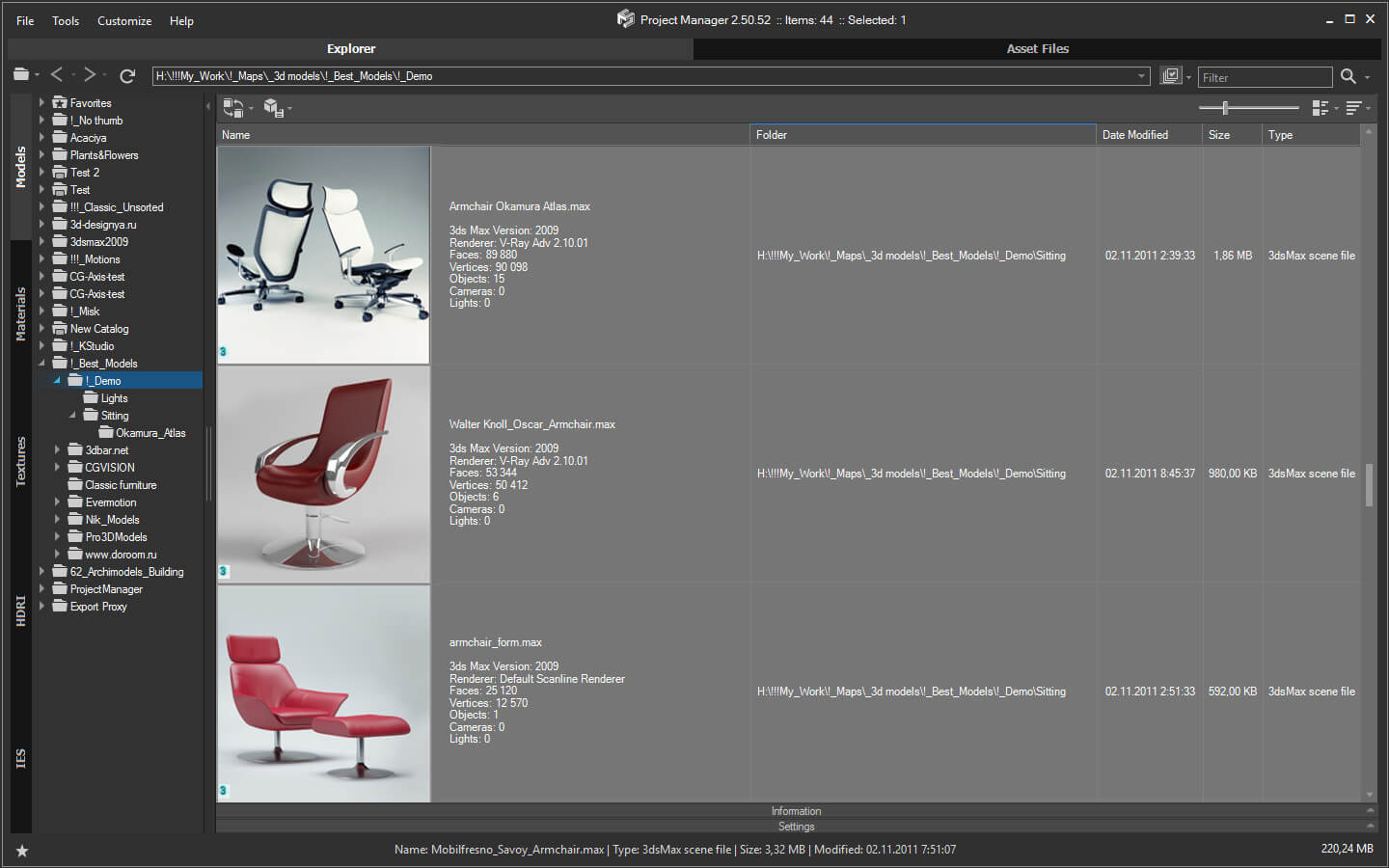
HCG Asset Browser PRO

14
votes

HCG Asset Browser PRO
 
Ver 1.01

FlyWiz - Vray Flythrough animation wizard 1.1

11
votes

This tool manages for you all the boring stuff to achieve a flythrough animation with Max And Vray.
All changes are made in the engine to help you control and render each necessary step.

Finally it can also do all the process in one click ! 

Give me back my dialogs!

6
votes

Tags:

Branchy

16
votes

Call for Python tutorials

9
votes

I've been seeing a lot of discussion about using Python with 3ds Max for quite a while now... I'd love to get some resources up describing Python - 3ds Max integration / workflow / processes. If you've got or would write a beginner tutorial or even an advanced tutorial, please share it with the community!

Some questions to get the ball rolling... What is Python? How does it compare to MAXScript? Why should someone use Python? Is Python best for end users or developers? How do you create a simple "hello world" Python script?

Tags:

Welcome!

27
votes

Welcome everyone to a modestly upgraded ScriptSpot. While all the same data is exposed and much of UI is similarly structured, it's different (and IMHO better) in several ways that I've wanted for the past couple years. Here are a few of the changes:

Tags:

Obj2Spline Align

18
votes


A script that aligns objects along a path or spline. much more editable than the spacing tool. see how it works here or download complete package (with mini tut).

Clear out the dead wood from the layer manager

0
votes

Clear out the dead wood from the layer manager

Occasionally, you end up with a load of layers in your scene that are no use to anybody, serve no function to society, and end up taking valuable space like an unwanted uncle at a wedding.

Tags:

Get your lost dialogs back

Tags:

How to create a realtime feather system with ParticleFlow

3
votes

this is a very optimized solution to drive the behavior of particles by the deformation of a surface without to use script or complex rigs, this system can be useful not only to animate but just to model objects that have a large number of elements like tiles on a roof or to drive fractured objects to follow a deforming surface and so on, if you like this please let me know so I will produce more tutorials about the various implementations of this system

FumeFX Partitioner

3
votes

This script will divide a fumeFx grid into partitions. This can also be used to simulate a batch of fume grids locally or via backburner.

More info and sample usages here.

Dotnet Property Inspector

1
vote

.Net Property Inspector

Detach Elements

3
votes

Detach all elements on multiple objects with a few options for better scene arrangement,
including convert to mesh, group by source or link to source or point helper.

Detach Elements

FilePathFinder Pro & Light versions

17
votes


Updated March 15 2010

FilepathFinder Pro v3.1.27


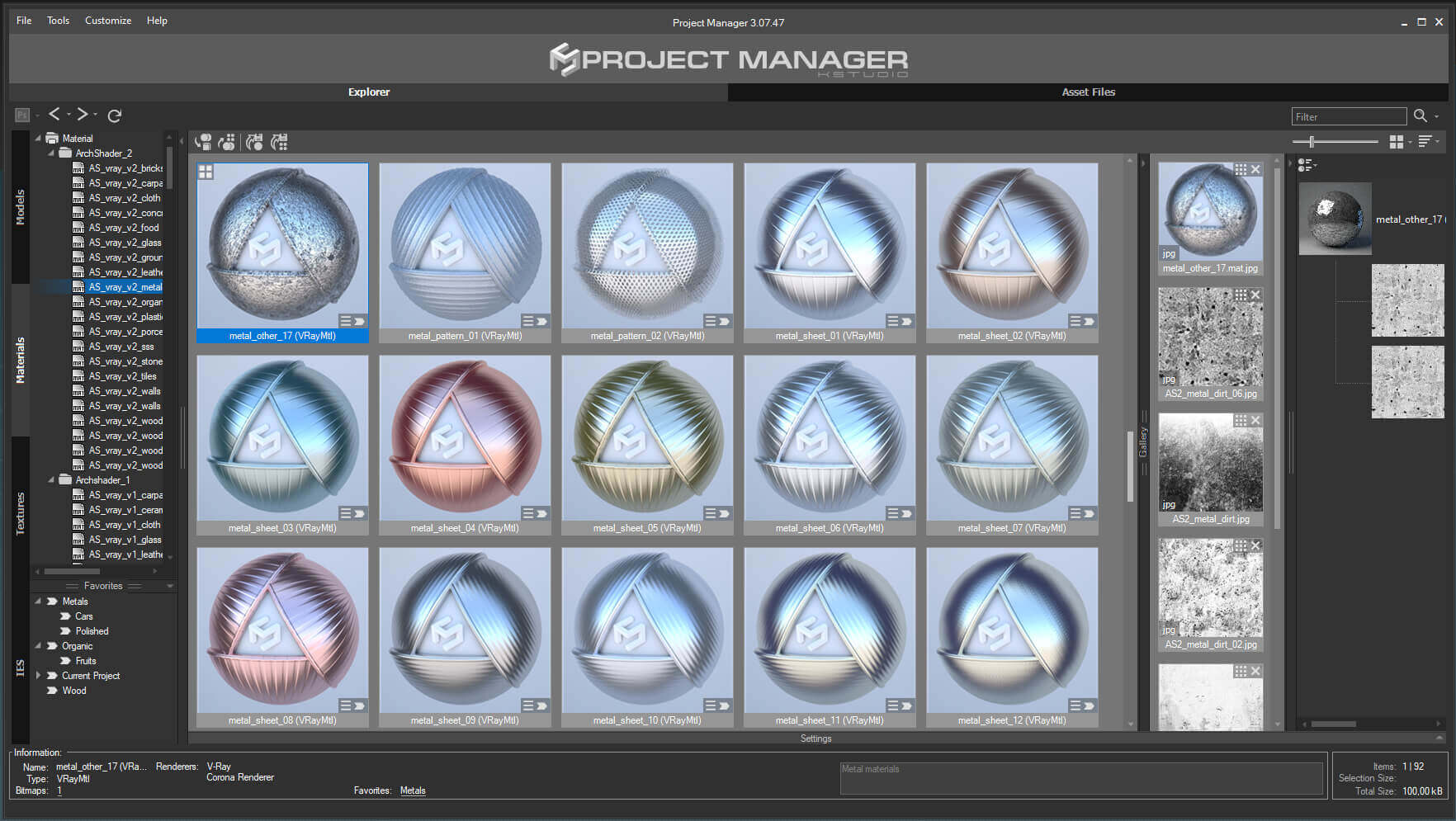
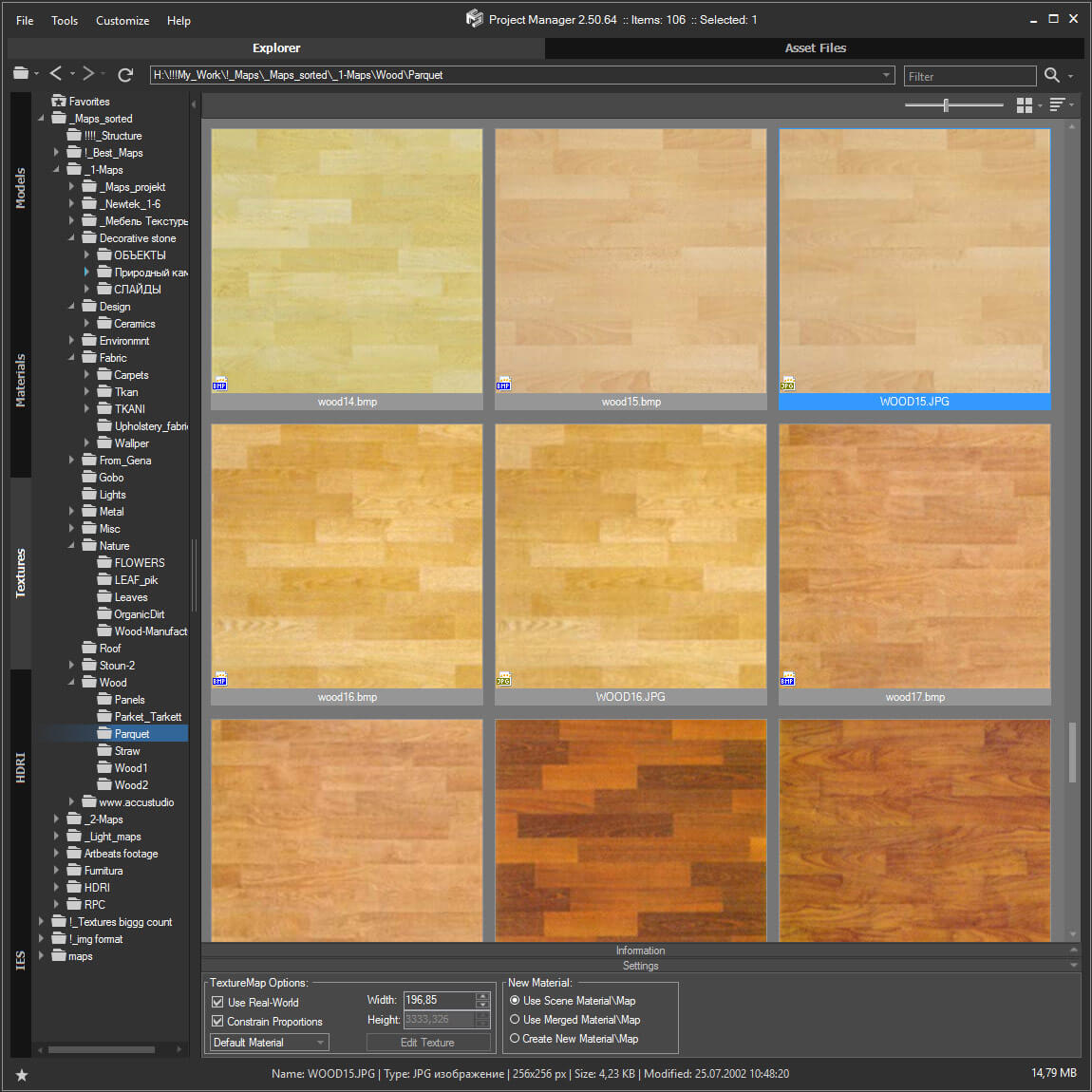
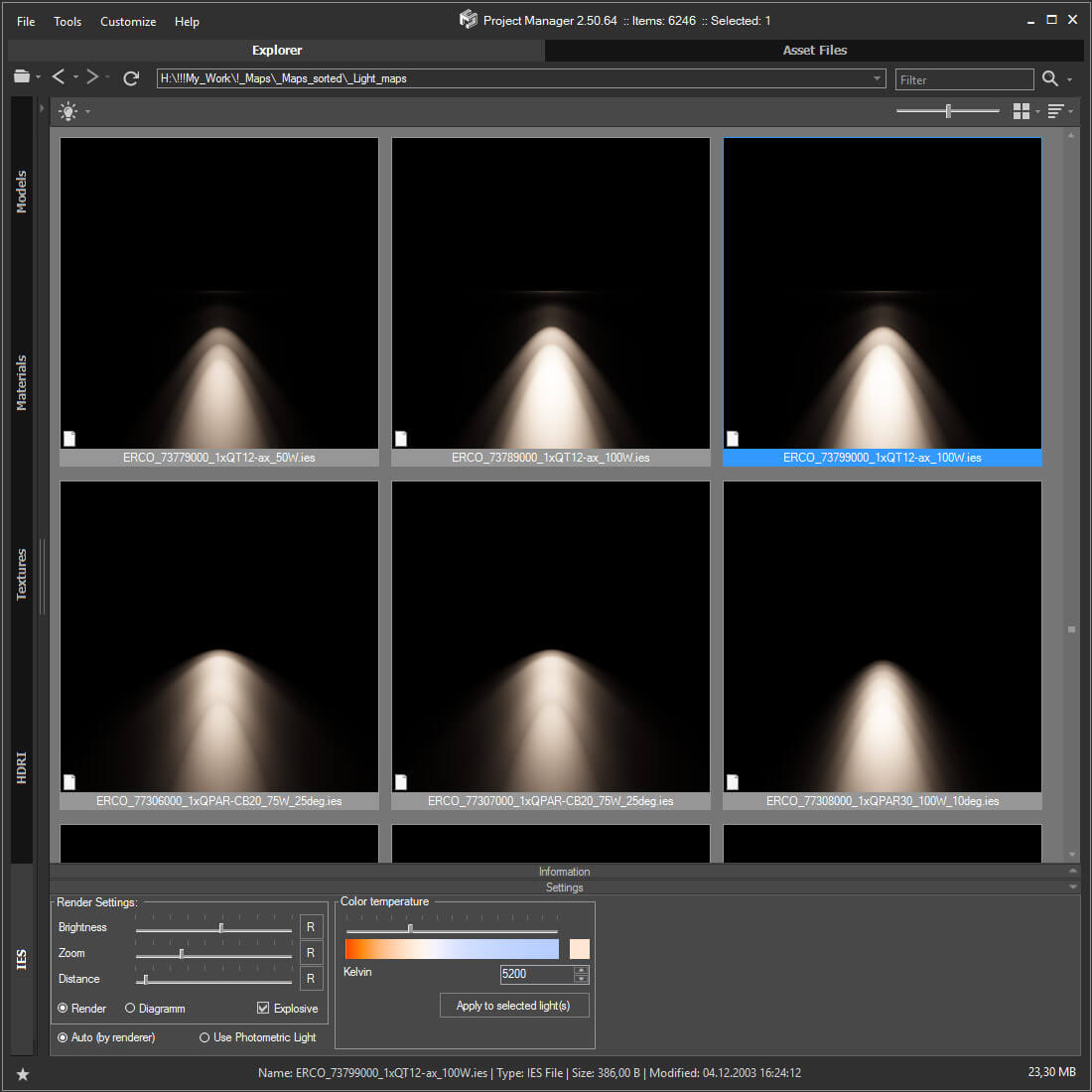
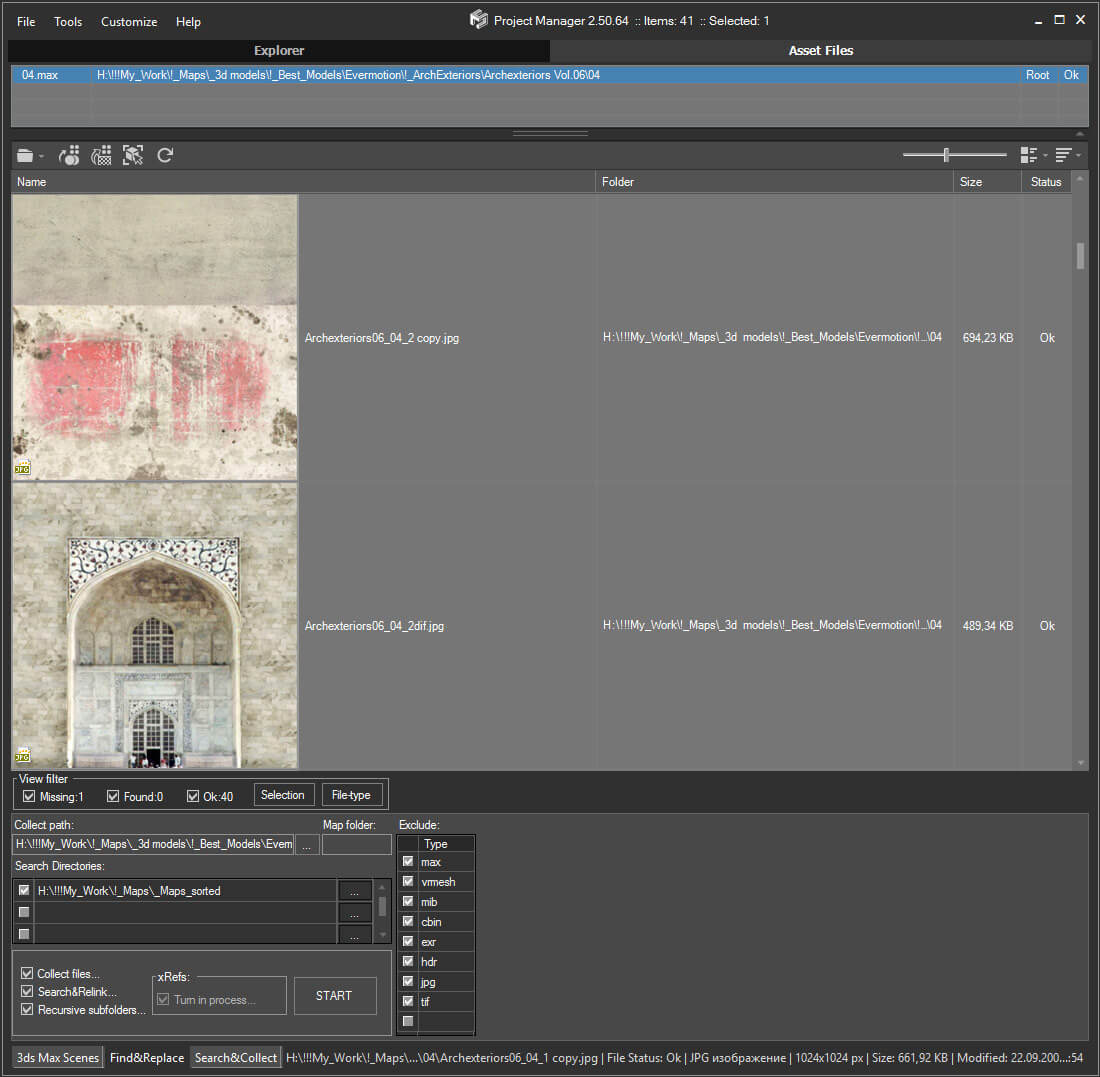
FilepathFinder it is a power tool for working with asset files in 3ds Max.
With FilepathFinder you can easy create or use existing materials, merge 3dmodels and Proxy into your scene.
Also with this tool your can easy find, collect and sort asset files.
FilePathFinder help you quick select objects in your scene or find desired materials and textures and placed they to Material Editor.

New Features:

  • DotNet interface
  • Image preview list (include formats HDR, EXR, PSD and other)
  • Image preview for Mental Ray Proxy, Vray Proxy, Ies,Material and xRef (if to them exist preview image)
  • 3 modes to display files - Details, Details with Thumbnails and Thumbnails
  • Independent from 3dsMax caching of files in formats BMP, JPG, PNG, TIFF
  • New methods of collection of files - via clipboard and drag&drop method
  • Ability to add bitmap files, proxy, Ies, materials and other files to the project
  • Ability to create new materials
  • Creating Multimaterial with dragging of several images
  • Texturing of objects and subobjects
  • Ability to change setting for texture before or after the creating of material
  • New "Render Preview" Tool

  • Fixes issues with retargeting of Custom Dependents in Asset Tracking
  • Object selection has been accelerated (up to 100 times!)
  • "Transparent" demo-version
  •  

    FilepathFinder v 3.1.27

    • Adds ability to drag files of materials (".mat") on objects in viewport and into the Material Editor
    • Adds filter for Images and Not-Images Files
    • Fixes issues with speed for Showing Files in List with filter
    • Fixes issue occurs on some computers when running utility
    Syndicate content