3ds Max | Scripts

miauu's Mini Transform Type-In

4 votes


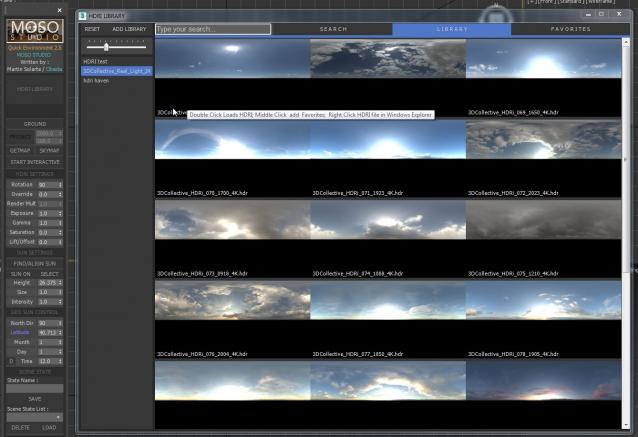
Quick Environment Script V2

5 votes

Universal Material Converter

3 votes

This Universal Material Converter is an enhanced version of the old AMC script. It convert materials between renderengines. It converts from Autodesk Materials and also converts textures as much as possible when needed.
Currently supported renderengines are: MentalRay, V-Ray, iRay, Corona, Scanline, FStorm, ART, Arnold, Octane, Redshift (beta)
Coming up: Maxwellrender (maybe)

You will need at least have a demo version of the renderengines installed if you want to be able to support conversions.

VTrack

2 votes

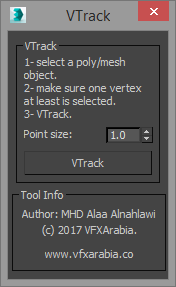
If you work in vfx field then you will appreciate this tool, VTrack is a vertices tracking scripted tool that allows you to track a selected vertex or an averaged vertices position of a deformed mesh (Alembic or point cached) and create a point helper with a backed animation of the tracked position.

You can use it later as a source for your effect ( blood burst, explosion... you name it) or you can turn on that point animation trajectory so you can visualize the animation path of that area in the mesh.

Strip Paths from Bitmaps

3 votes

Removes current paths from all bitmaps in the scene. Primarily for getting rid of irrelevant paths on files recieved from users on other systems.

This functions in a similar way to stripping paths manually in asset tracking, but when doing that I've found that it can lag a lot and sometimes fail to strip some of the paths until you do it multiple times.

Bad paths can cause lag when Max tries to search for the missing textures, especially when they're pointing to a nonexistent network location.

Blinds Object

11 votes

"AEC object - parametric window blinds. The idea is to use them for distance shots of curtain wall office building facades - and use a script to randomize blind type - open % - etc. to make the offices look more inhabited."

Smart Camera View 2

0 votes

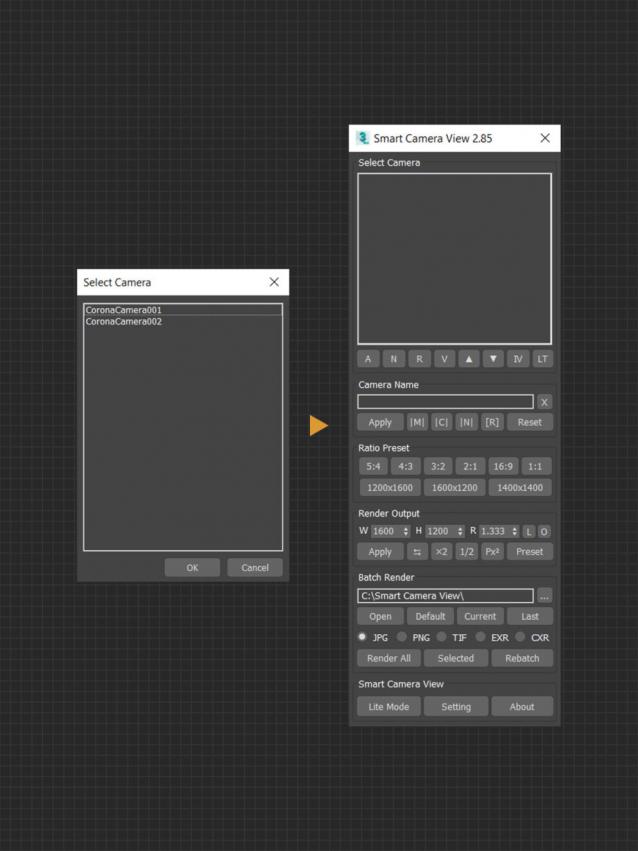
Smart Camera View 2.99 — FINAL UPDATE FOR VERSION 2

A major upgrade from Smart Camera View 1 (fomerly known as D95 Camera View), with many important additional features. This script is intended to replace the default Camera View (C) in 3dsMax with some cool functions. It will save you a lot of time when setting camera, especially in scenes that has multiple cameras with different aspect ratios.

CHANGELOG (LASTED VERSION)

2.99 | 10/01/2022

Auto-save

11 votes

Unzip the files into your scripts/startup directory.

Camera Studio

1 vote

poster1

Camera Studio allows you to animate cameras much faster! You can create an orbit or spiral motion around selected objects with just 1 click and easily manipulate it. There is a number of other motion presets. Add shake to selected cameras when you need.
The motion path function allows you to create a seamless motion between several reference cameras (watch the video).

SnowEffect

3 votes

SnowEffect plugin poster

The plugin allows you to create a global snow effect for the whole scene. You can cover selected objects with snow with just a few clicks. SnowEffect supports V-Ray, Arnold, Corona, and scanline render natively. All other render engines will see it as standard material that you can modify or replace. You can also change the amount of snow and bump/displacement size.
Watch the trailer for more details.

Syndicate content