3ds Max | Scripts

pX LocoRandomizer

41 votes

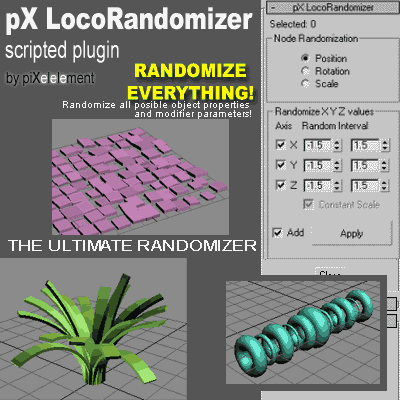
Randomize multiple object properties is something useful, but the randomizer I found in the internet they always randomize only position/rotation/scale.
Then I was working creating this plugin to randomize every property or parameter from multiple objects.


pX Poly Paint

2 votes

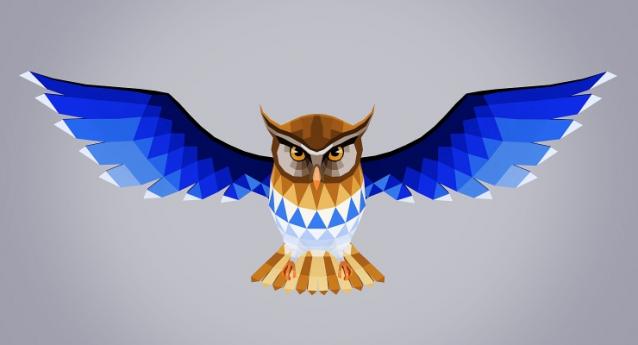
low poly owl poly painted

pX Poly Paint is a macro script to facilitate quick painting (UV Mapping+Texturing) of Low Poly models, read more and download from my blog! 

pX Quick Morph Sliders

5 votes

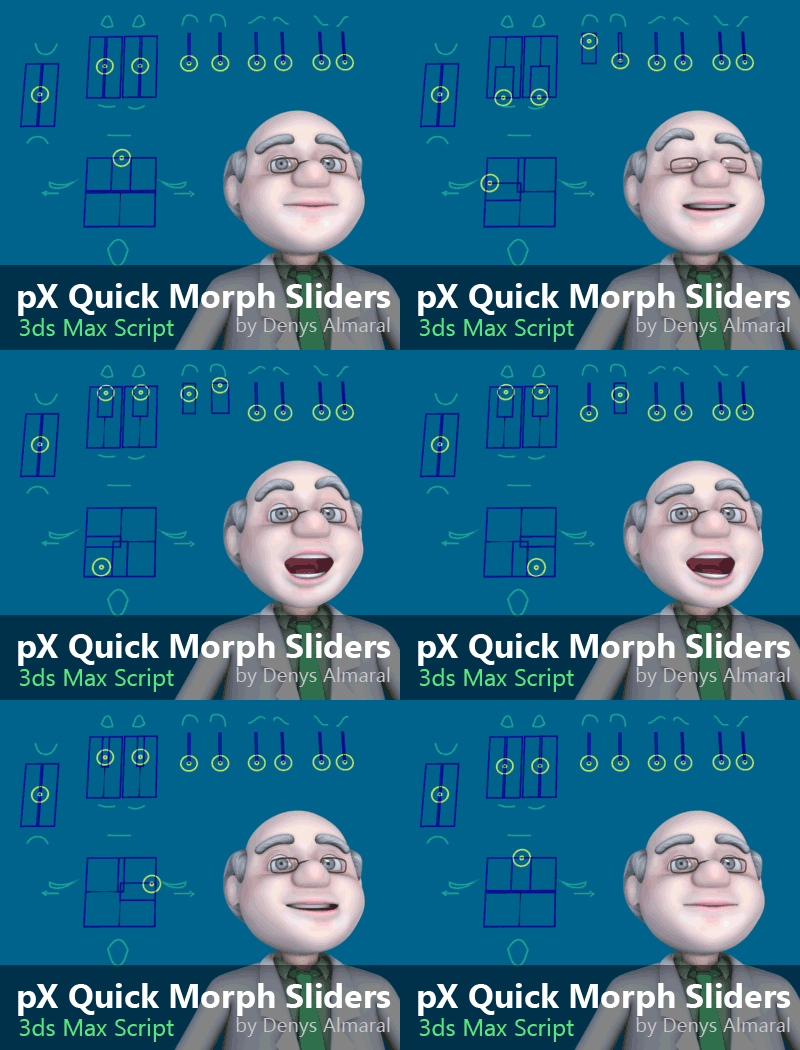
Free MacroScript for automated creation of sliders controls using shapes. Only a few  clicks and you'll have controls wired to morph channels.


pX Scene Inspector (Award winner!)

5 votes

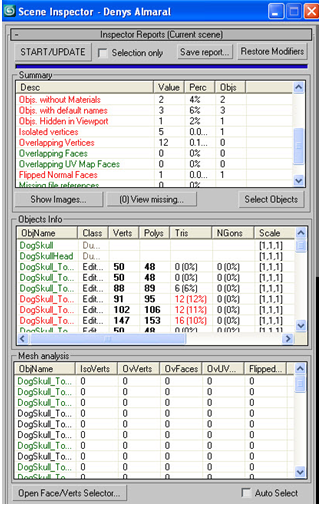
Analyze object properties and mesh topology to detect potential problems. This Script wins the second prize at TurboSquid.com CheckMate contest! :) 

Detects: Isolated vertices, overlapping faces, overlapping vertices, overlapping UV faces, flipped faces, ngons, and a lot more...  the download include docs instructions  for use.

pX SpritesRender

1 vote

Walking Character Isabella Renders different angles of an animation from a character or object for use in 2D games. (Supports Render Elements ) This scripted utility for 3ds Max automate a useful task  that would be tedious manually. UPDATE 2017: Now it join the imges as Sprite Sheet!Click here for Help and Instructions

pX Symmetry Fix

2 votes

This script  fixes non-symmetrical vertices for any Editable Poly mesh.

px3DDisplacer

37 votes

I give this scripted plugin for FREE at TurboSquid.com


pXTreeMotion

53 votes

This is a scripted utility plugin to animate a hierarchy or set of hierarchies with only ONE CLICK!, to simulate smooth and soft tree and plants natural movement.


Pyramid builder

5 votes

This script makes a Pyramid from a number of blocks

 photo Pyramid_zpse3eb015d.jpg

P_BipedPoseSaver

3 votes

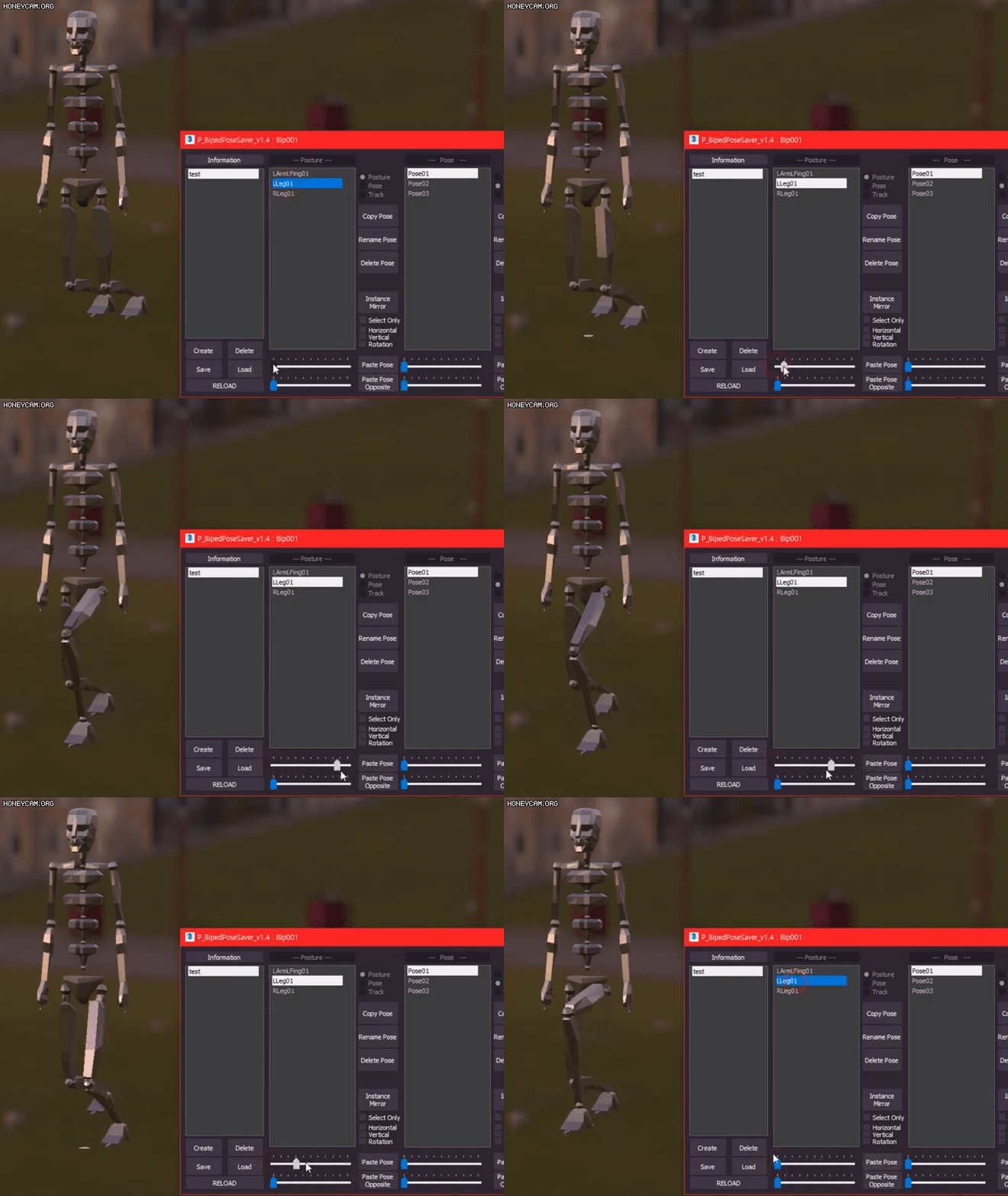
This script helps you to use Biped's Copy/Paste more conveniently.

-Copy Collection (Create / Delete / Save / Load / Rename)
-Copy & Paste (Copy / Paste / Paste Opposite / Rename / Delete)
-it is more convenient to see, and the movement is short and fast.(No need to enter the motion panel)
-Even if you do not select the biped, the dialog maintains the connection with the biped, and even if you select another object (different bone), the copy function works well.

-update-

v1.0 Release
v1.1 Bug Fix

Syndicate content