3ds Max | Scripts

Teague Scene Checker (for V-Ray)

11 votes

Changelog: 1.03 -

  • The previous version did not fully correct the issue 2009/2010 users were having.  This one does.  Apologies.

Changelog: 1.02 - 

SunSystem

2 votes

SunSystem 1.0 for 3ds max daylight system is easy, fun, fast, practical solar positioned and rendering plug-in presets.


Place Objects according to normal

3 votes

This script will place objects according to the normal of the face you place them on.
You can add multiple objects in a list and let the script random pick one of those, or disable the random button and choose yourself.

Script features:

- Add multiple objects to a list and start placing them.
- Place them with the first click, then move your mouse to rotate the object and click again to confirm.
- Cancel placement at any time.
- Random select objects from the list.
- Add a Z-Offset to the objects.
- Place objects according to the normal they are placed on.

mmTransformTypeIn

3 votes

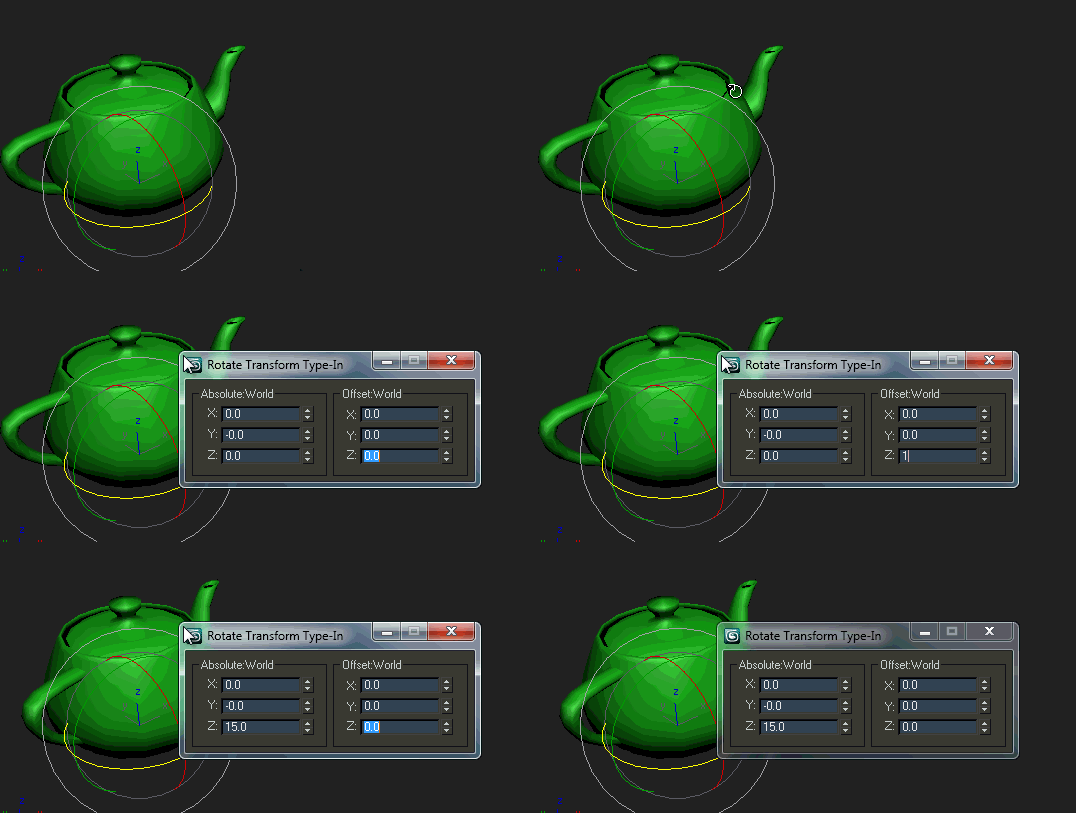
mmTransformTypeIn is a small MacroScript launcher for the 3dsmax Transform Type-In window.

When executed (ideally using a hotkey), it opens the 3dsmax Transform Type-In dialog exactly where the mouse cursor is and sets keyboard focus to spinners. This allows rapid manipulation of scene objects for those users who rely on a fast-paced scene workflow.

nothing

4 votes

For some reasons this project is closed.

Exploder

3 votes

A detachment tool with a few extra options.
Work with (and convert to (if not a)) Edit Poly.
Currently tested on 3ds Max 2009.

mzp builder

-2 votes

When working with large scripts in 3dsMax it's very practical to split the project up in multiple files. When done correctly this loosely resembles an object-oriented approach. Something that maxscript doesn't really support. While working with multiple files is easier than with a single large one, publishing them is more work. This script helps with that.

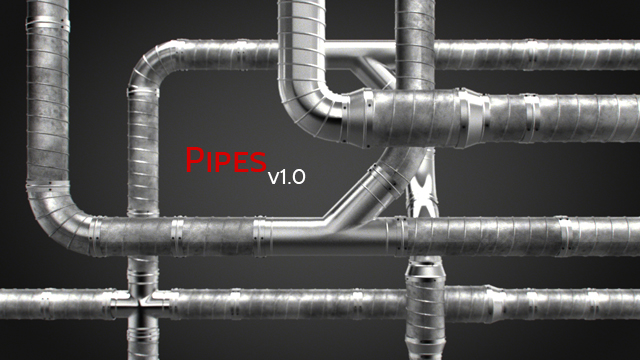
Pipe Generator

-8 votes

Spinner

0 votes

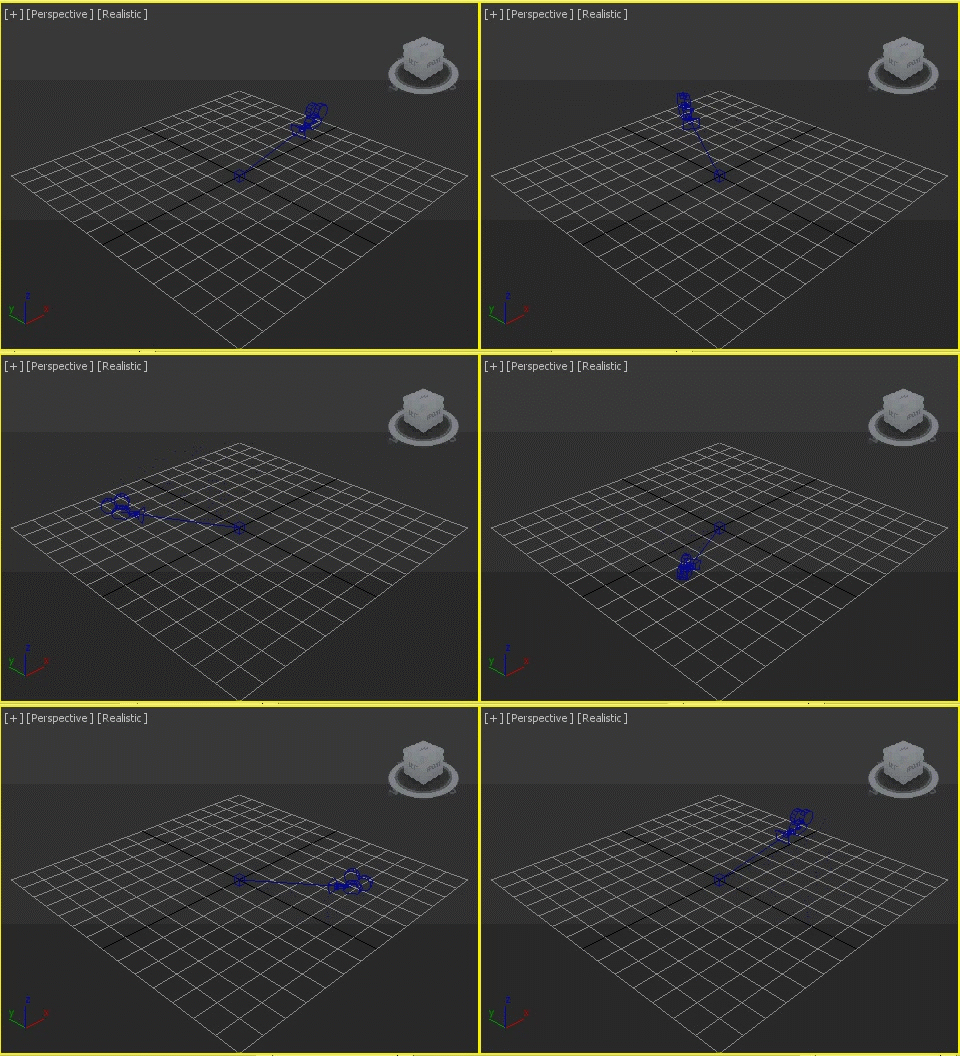
Animates a object spinning around the choosen center.

zsLightingTools

3 votes

A little lighting-helper...

- rollout "On/Off"

  • MULTIPLIER: set the global multiplier to apply with the buttons below
  • ISOLATE: turn selected lights on, all others off
  • ON / OFF: turn selected/all lights on/off
  • SET MULTIPLIER: apply the global multiplier to the current values of selected/all lights

- rollout "Properties"

Syndicate content