3ds Max | Scripts

MiscBox Toolset Script

15 votes

(Main UI interface)

UI Minimized ( Minimize UI )

This is collections of script that I found in scriptspot.com and tweak it a little, I compile it into one file and add to it some of my tool ....so here is some of what this script can do

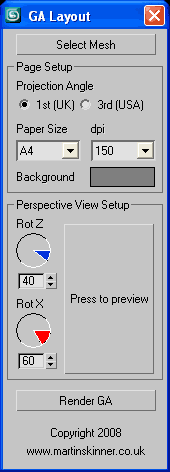
GA Layout - Automated Drawing Layout

15 votes

User InterfaceGA Layout v1.3.ms

Produce GA Layout drawings in either 1st or 3rd angle projection instantly!

Skin Wrap Reset

15 votes

Since the reset function of skin wrap doesn't work via maxscript, I had to create this tool to do it instead. It's not fully tested... it needs the command panel to be open to work, since it's telling max to actually push the button for us. Found some reference on CGTalk for this... so it's not all me!

Align Tools

15 votes


This script has been in my toolbox for a long time, so I’ve taken it out, polished it up, and partnered it with a friend. There are probably other scripts out there that will do this for you but I hope you will find mine intuitive and easy to use.


Vulcania

15 votes

Vulcania is a generator of landscapes entirely integrated to max providing a help to the creation of natural environments. It makes it possible to manage the reliefs and the water levels - the ciels and the effects atmosphetic of fog - the horizon and the sun - the natural materials of the grounds. It is built on the principle of using only the tools available in the standard version of max.

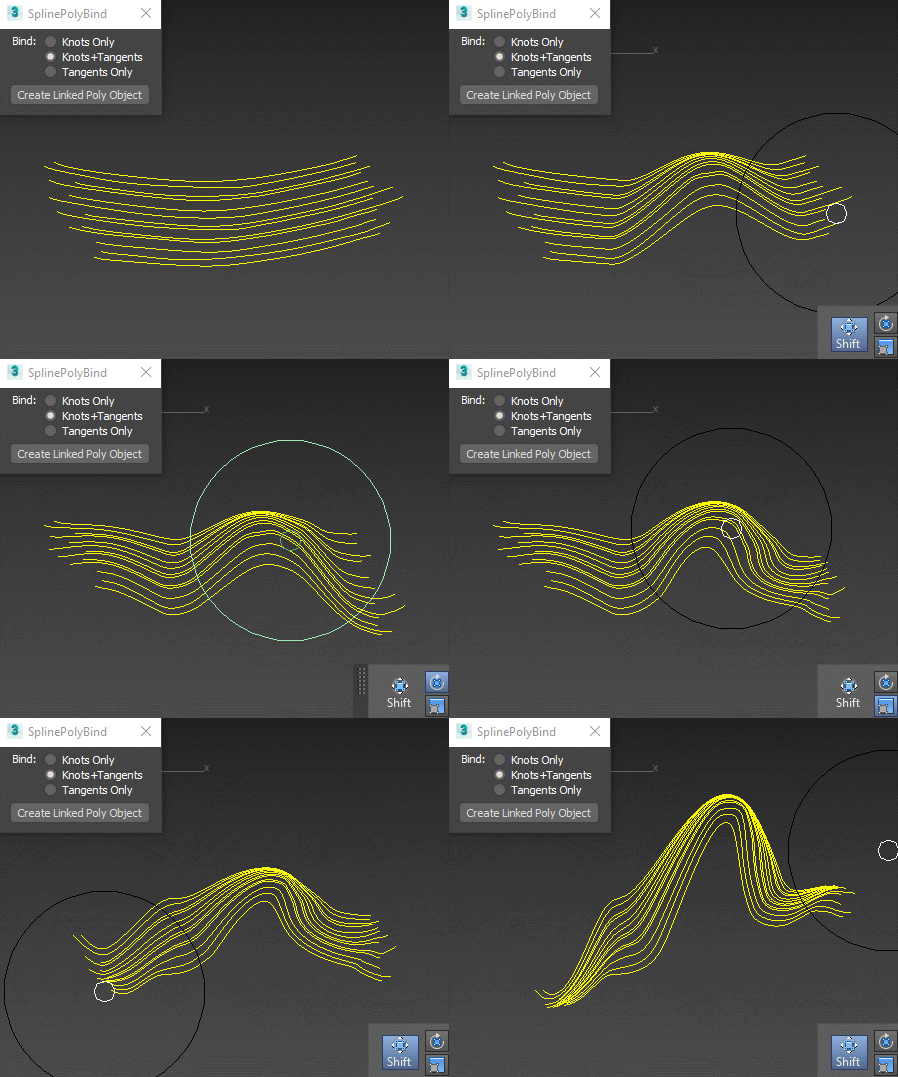
Spline Poly Bind

15 votes

Creates an empty vertex-only object that you can deform with polybrushes (or any other editable-poly-friendly tool), and the splines will follow the deformation:

Spline Poly Influence

Make planar & UV align commands

15 votes

Hey, guys.
Just a simple set of commands you can find in the Algomorph Category under Main UI group once you've put the scripts in your Macro folder and run them. These commands don't appear in either MainUI group / Editable Poly category or in the Editable Poly or the Edit Poly group, although they do appear as on-screen rollout buttons.

As far as the UV align X or align Y functionality goes, this doesn't explicitly exist in Max as a shortcut or button command, which is kind-of an old feature that Max was always lacking contrary to some other 3D apps...

R_Buffer - Maya Render Window in 3dsmax

15 votes


VertexTools

15 votes

Two simple scripts for simplifying work with spline vertices.

  • Connect Two Vertices - connects two ending vertices with new segment.

  • Select First Vertex - selects first vertex in selected spline sub-object.

Grid_Slicer

15 votes

This tool can slice selected faces in mesh and poly at any angle with given step.
Usefull in game development for slicing lightgrids or landscapes.
You can use Slice Plane Helper grid for slicing and set your own custom step. It also has 'Hold' function for undoing results.

Syndicate content