
Project Manager
Version:
4.00.63
Date Updated:
06/29/2026 After a long stretch of development, Project Manager 4 is officially out — the biggest release in the product's history, and now with full 3ds Max 2027 support.
The headline is AI Asset Classification.
Your library gets sorted automatically — by object type, material, and style — no manual tagging.
Project Manager 4 — What's New Since v3
Changelog · 3ds Max 2016–2027
AI-Powered Asset Classification
- Automatic categorisation of 3D models by object type, material, form, and style — no manual tagging required
- Runs entirely on your machine — no cloud, no subscription, your assets never leave your computer
- GPU-accelerated background processing at low priority — won't interfere with rendering or active work
- Reclassify specific folders or categories on demand — no need to reprocess the entire library
- Scale across a team: multiple workstations share the same database and classify in parallel
Colour Tools
- Find assets by colour — pick from a palette and instantly see matching models or textures
- Perceptual colour similarity search — finds visually related assets, not just exact hex matches
- Find Similar by Colour in the right-click menu for models and textures
Find Similar
- Find similar by content — AI matches 3D models by style, shape, and visual look
- Find similar by colour palette — matches assets to a reference image or mood board by dominant colour proportions
Smarter Search & Filtering
- Multi-keyword search: "Chair, Glass" finds a file named Chair.max described as "glass"
- Category filter correctly includes all subcategories — filtering Furniture also returns Furniture → Chairs → Dining
- Combine category and material filters: find glass-and-metal tables, or wooden ones, in one click
- Categorised / Uncategorised quick filters — see which assets still need attention
Gallery & 3D File Browsing
- Three gallery tabs for .max files: Models, Materials, and External Links
- Drag materials directly from the gallery into your open 3ds Max scene
- 3D viewport preview for FBX, 3DS, OBJ, and other formats — inspect geometry before importing
- Edit external links inline — fix or replace missing textures without opening the .max file
- Zoom & Pan for images — inspect textures at full resolution inside Project Manager
Migration & Compatibility
- v3 and v4 share the same database format — point v4 at your existing library and go; no rebuild required
- Run v3 and v4 side by side on the same team; supported from 3ds Max 2016 through 2027
Performance & Other Fixes
- Significantly improved overall performance — faster navigation, filtering, search, and file/folder operations
- Live sync in shared database mode — changes by colleagues appear automatically without reloading
More about new features ⇒ Project Manager version 4
Update History for all versions.
Models 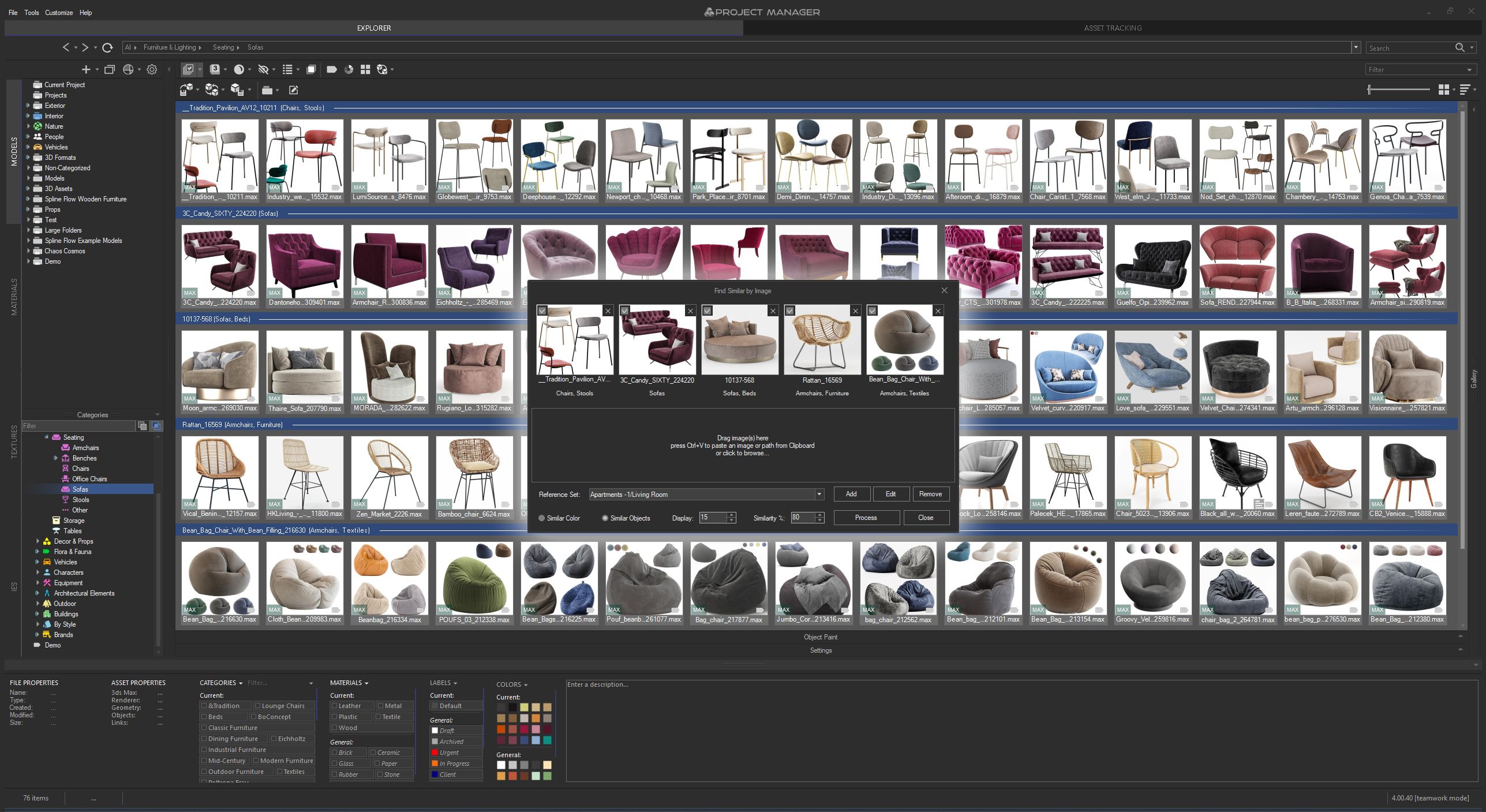 | Materials 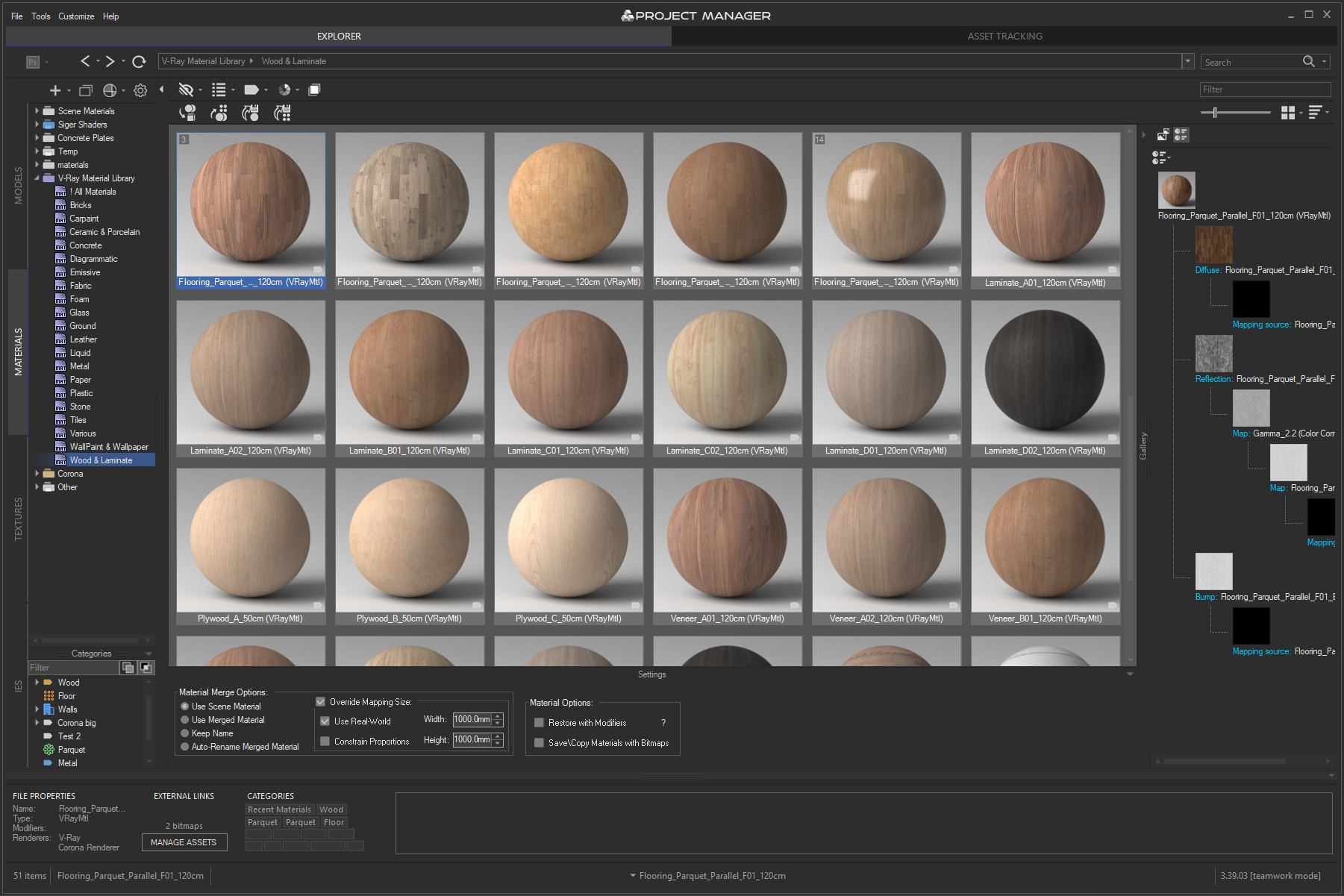 | |
Textures 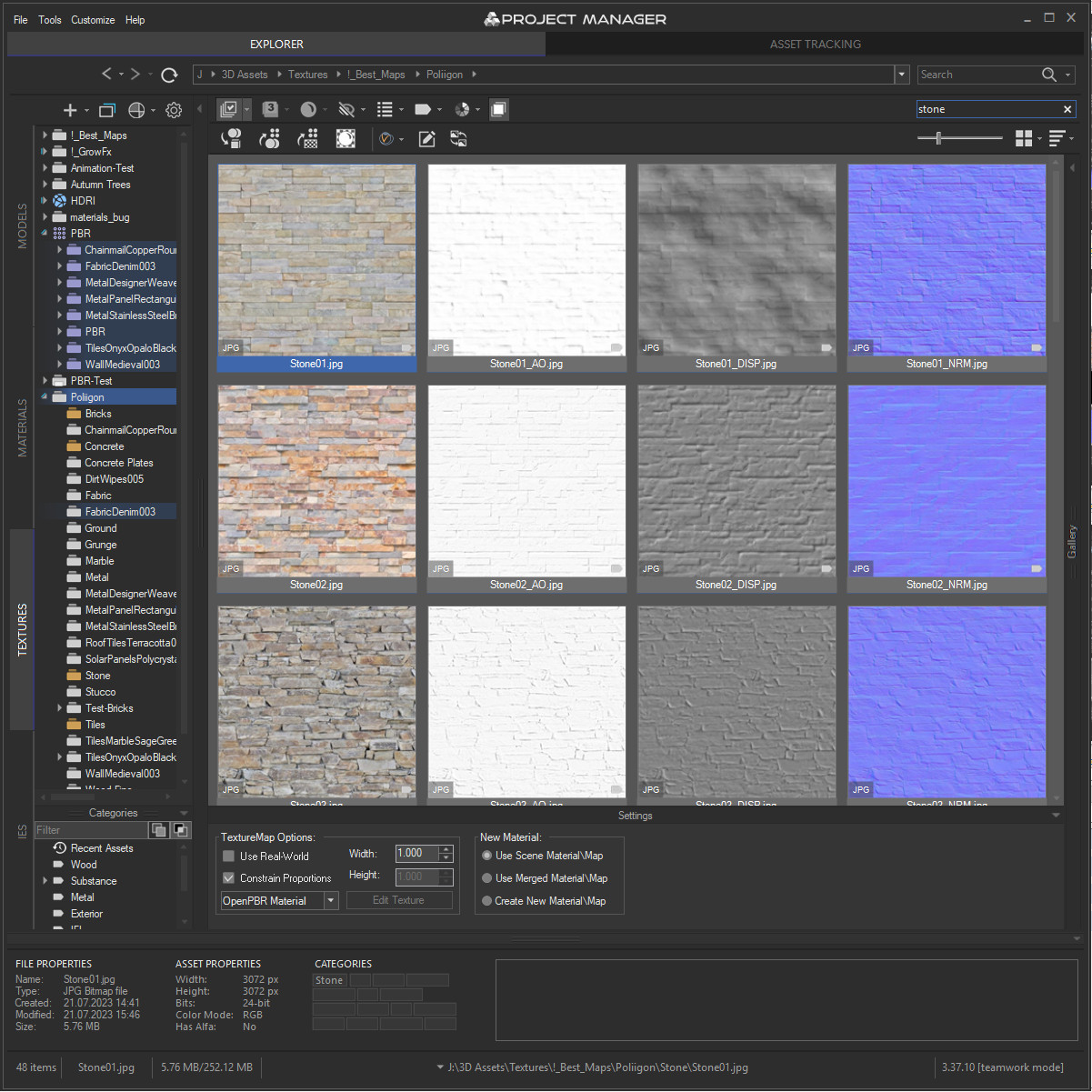 | IES 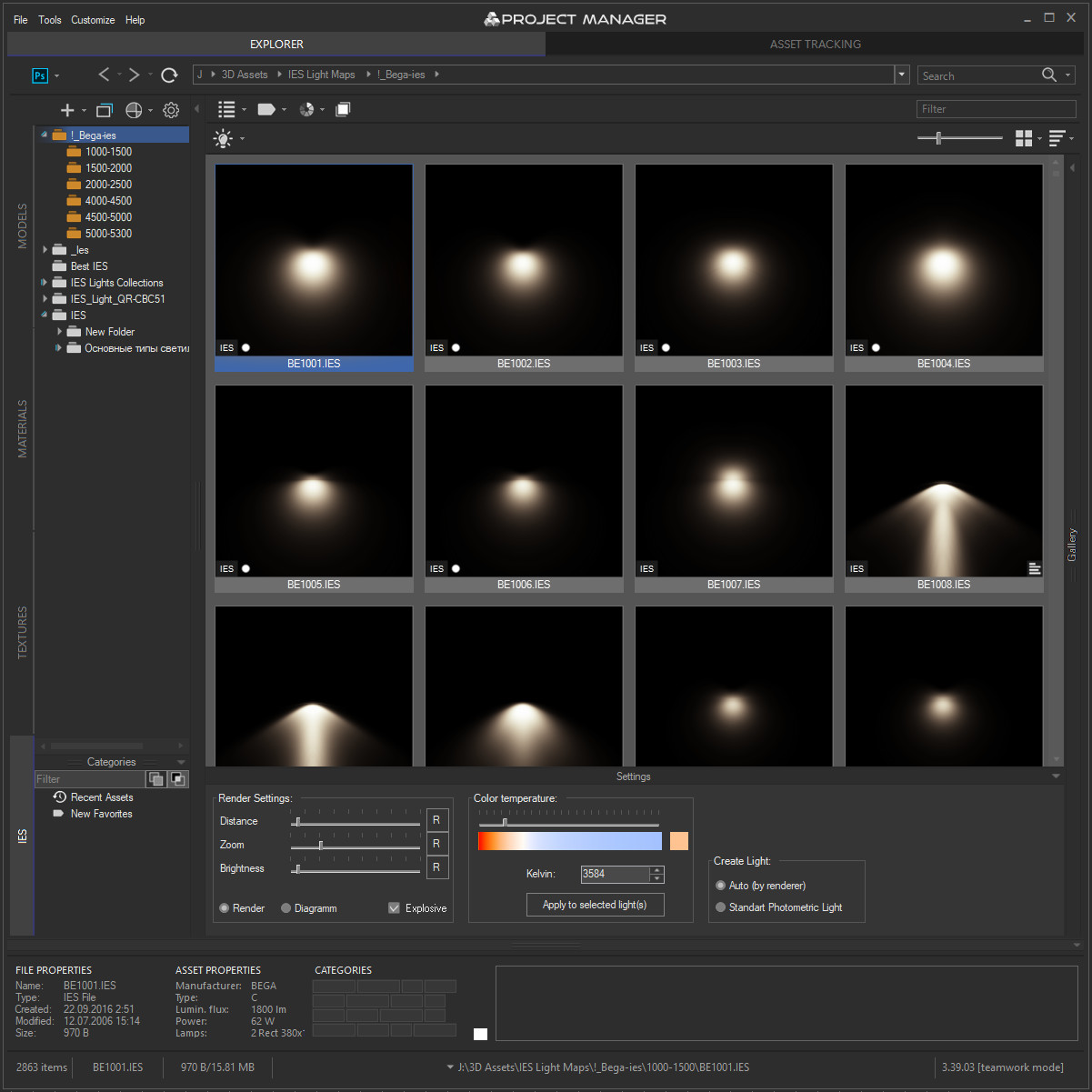 | Asset Files 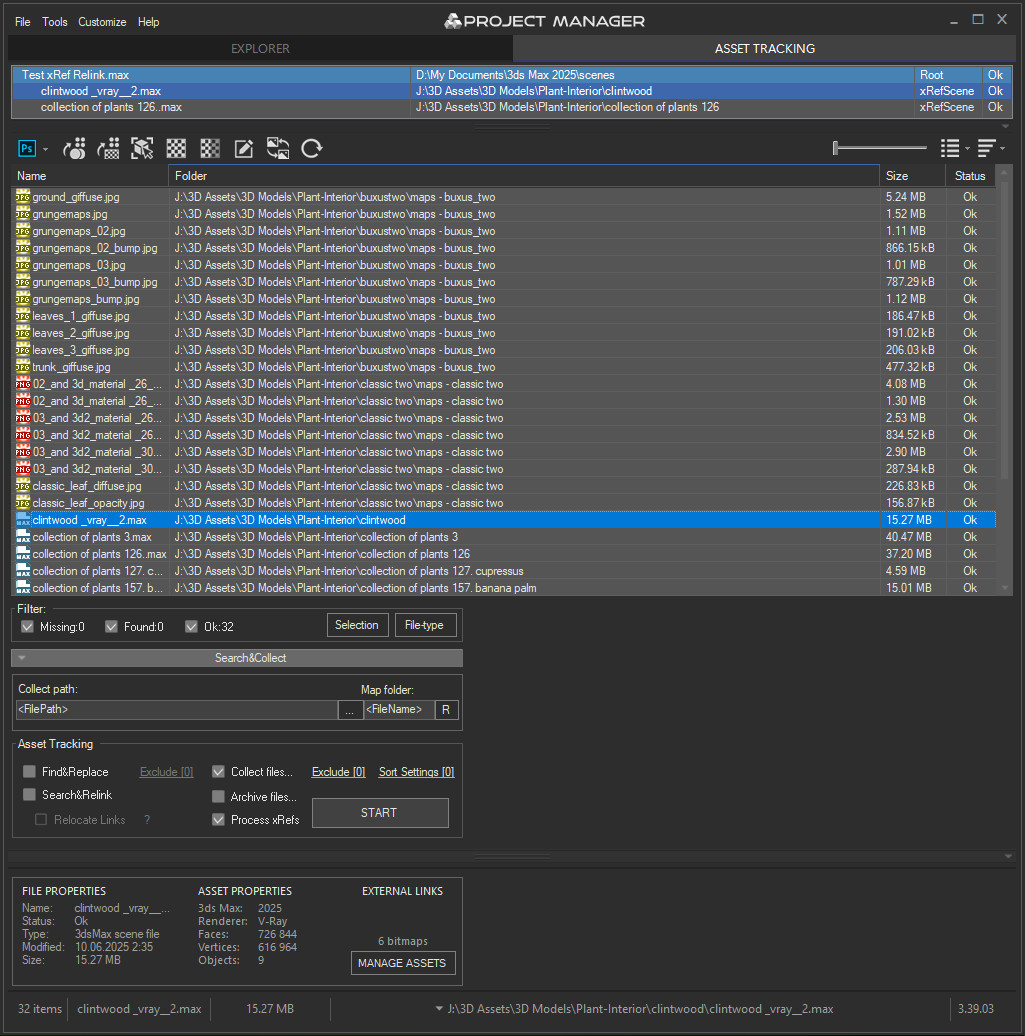 |
Quick Start Frequently Asked Questions
Main Features
- AI Asset Classification — automatically categorises 3D models by object type, material, form, and style. Runs entirely on your machine, no cloud or subscription required.
- Find similar by content — AI matches 3D models by style, shape, and visual look
- Find similar by colour palette — matches assets to a reference image or mood board by dominant colour proportions
- Search by external image — drop in any reference picture from outside your library (a render, a photo, a sketch) and instantly find the closest-matching models you already own. The image is analysed on the fly — nothing is added to your database
- Reference Sets — collect several reference images into a named set, tick the ones you want, and search against the whole mood board at once. Save sets and reuse them across sessions
- Colour Labels — tag assets with workflow statuses (Draft, Approved, In Review, Archived, Urgent) and filter by label. Ideal for team pipelines and asset QA.
- Easy to organise and browse 3ds Max Models, Materials, Textures, and IES Photometric Lights.
- Merge Models, Materials, Bitmaps, and IES using Drag & Drop.
- Three gallery tabs for .max files: Models, Materials, and External Links — drag materials directly into your open scene.
- Interactive rendering previews for Materials, IES Photometric, FBX, OBJ, 3DS, USD, BVH Motion Capture, and other 3D formats.
- Show native previews for 3ds Max files, ArchVision RPC, GrowFx, Revit, Substance, BIP Motion, SketchUp, HDRI, and more.
- Store and create Proxy objects with materials.
- Create PBR (Physically Based Rendering) materials and support for Substance textures.
- Smart search by tags, keywords, categories, colours, and labels — with OR / AND filtering modes and instant results.
- Asset Tracking Management — edit external links inline, fix missing textures without opening the source file.
- Team database support — multiple workstations share one library with live sync; AI classification runs in parallel across the team.
- Supports all major renderers: V-Ray, Corona, Octane, Arnold, Redshift, Maxwell, and more.
Version Requirement:
3ds Max 2016-2027
Comments
Sorry, but I don't understand
Sorry, but I don't understand what you mean. Please clarify your question.
Does this script provide assets?
Does this script provide assets?
Do you support only managers?
This issue is fixed in
This issue is fixed in version 2.96.47
You can download latest version from dashboard.
Auto-updater will be triggered in few days if there’s no critical issue found.
Thanks for your feedback!
Cannot delete corresponding
Cannot delete corresponding thumbnails and folders at the same time when deleting a model
Many thanks! I greatly
Many thanks!
I greatly appreciate your opinion!
Excellent Tool
Hands down one of the best tools you can get for Max. Everyone should get Project Manager!
_______________________
Shawn Olson
Developer of Wall Worm
Project Manager (KStudio) vs Connecter App (Design Connected)
Hey guys,
I'd like to know your opinion about 2 different software.
Have you used Connecter App (Design Connected) or Project Manager (KStudio).
In our Studio we have used Connecter for the last year, but now that they are launching a new Pro version (Connecter Teamwork), I'd like to know if anyone has tried both software and can tell me the differences between them, pros & cons of each software and your favourite.
Thank you,
Victor
Tagging a folder
You can place a folder into a favorite folder or a virtual catalog for organizing your folders.
Tagging the folders is not supported.
Will it be possible to tag a folder?
Will it be possible to tag a folder?
I did remove this ability
I did remove this ability more than two years ago.
You a first who has reminded about it.
Sorry, but i not see any reason for revert it back.