3ds Max | Scripts

Skipped Tools

4 votes

introduction:

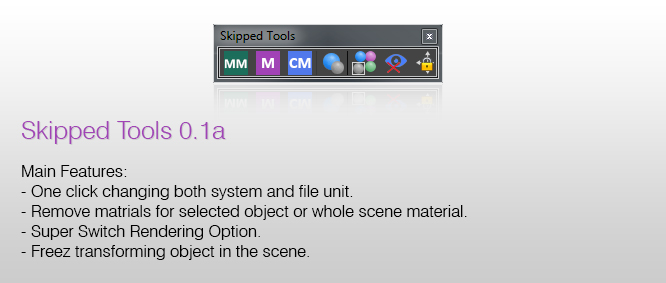
Skipped tools is a collection of scripts that are highly needed in daily works to quickly access some features in 3ds max, for example you can change both the system and file unit with a single click, or a kind of switch rendering option that makes an object unrenderable, and turning its visual style to xray mode for quick accessing that object and navigating it inside the scene ..

Features:

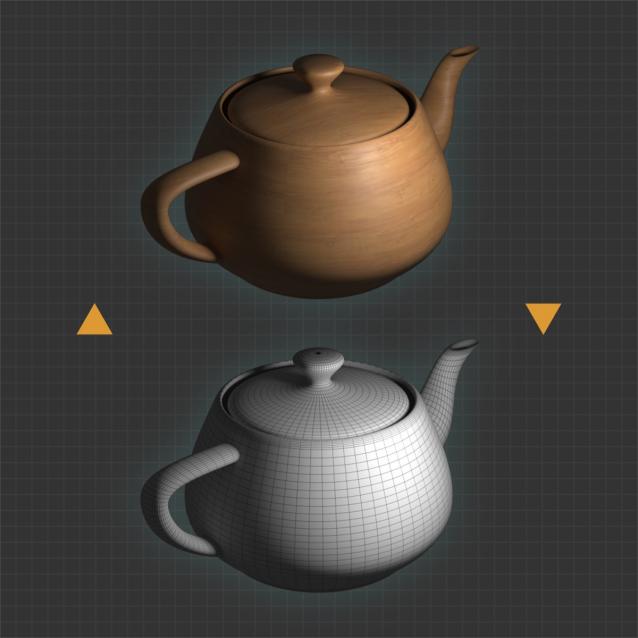
Material Quick Override (free)

1 vote

A small macro that helps you quickly toggle Global Material Override mode off and on. It’s convenient for artists who need to switch between modes to check the current scene. Supports Corona Renderer and V-Ray. Hold shift while clicking the toolbar button to add CoronaWire or VrayEdgeText to the material used as an override.

MoveAI To Biped Converter

1 vote

This is maxscript tool for converting Move AI animation into Biped Motion.
You can learn more about Move AI here https://www.move.ai/ .
you can get The script here : https://ishaksuryo11.gumroad.com/l/tghqe

check my other tools collection here: https://ishaksuryo11.gumroad.com/

MoveAI To Biped Converter

0 votes

This is maxscript tool for converting Move AI animation into Biped Motion.
You can learn more about Move AI here https://www.move.ai/ .
you can get The script here : https://ishaksuryo11.gumroad.com/l/tghqe

check my other tools collection here: https://ishaksuryo11.gumroad.com/

Fence Generator

0 votes

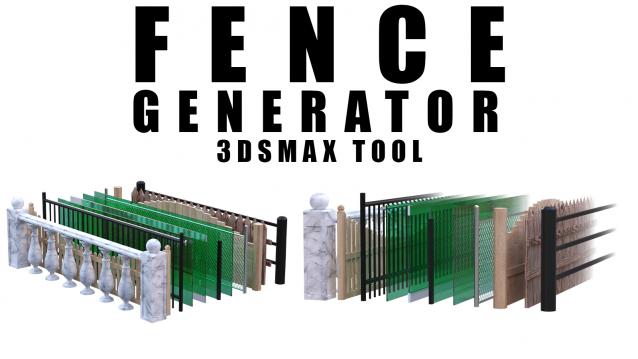
Enhance your 3D modeling workflow with our Spline-to-Fence Converter tool built with Maxscript. Easily transform splines in your scene into realistic fences and posts with just a few clicks. Choose from a selection of 11 fence types tailored to your project needs, and customize specifics such as fence height, number of posts, gap between planks, and more.

Isolate layer

2 votes

** currently only works when layer explorer is open **

Isolate layers by current selected layer or selected object.
Simple script utilizing macro recorder so its nothing fancy or elegant but it works well!

Installation
-----------------------
Run script
Assign shortcut
Done!

Usage
-----------------------
Select layer
press shortcut (for me its Shift+Q)
Done!

or

Select object in scene
press shortcut
Done!

Custom Shortucts List

7 votes

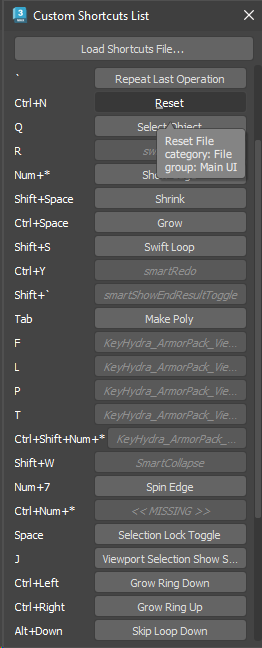
Simple dialog that shows all user-set hotkeys in one list. Hovering over each button shows the category and group of the action. Clicking the button executes the action - unless the button shows as disabled, which means that the action is not available (the macro might have got lost or it may belong to a plugin which is currently not installed).

Hotkey list

Vehicle Rigger

13 votes

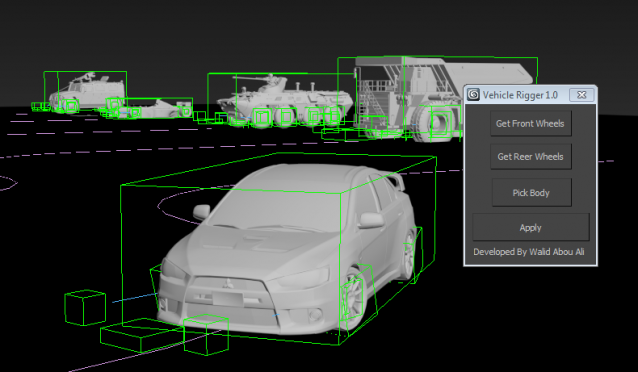
This simple script allows you to rig your wheel based vehicle easily for creating nice vehicle animations in littile minutes


Aligned Box

2 votes

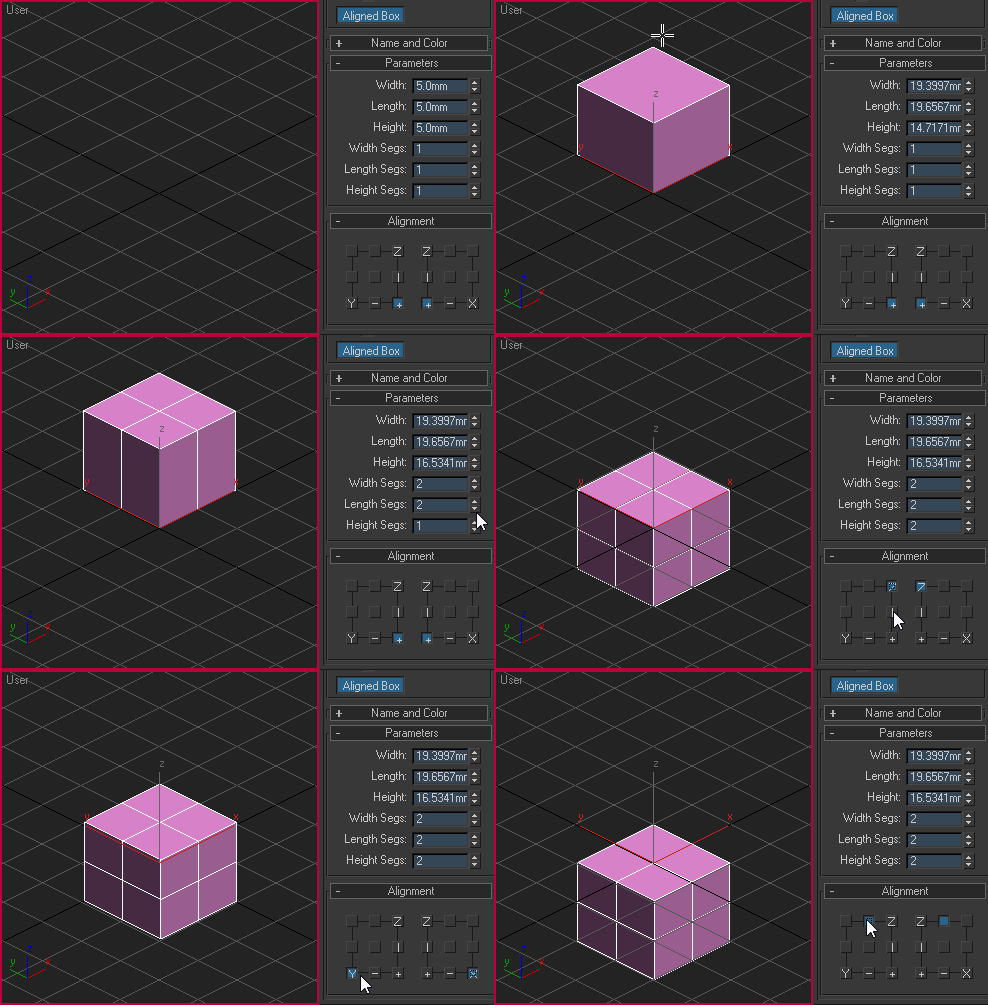
Custom box primitive where you can choose where the pivot point will be located while creating the object. You can place the pivot point visually by picking the location on YZ and XZ plane:

Aligned box

Noors Normal Thief

7 votes

This script will transfer the normals from a source object to a target object, based on distance.

Transfering normals might have several uses : fix shading artefacts, enhance foliage cards look, toon shading...

Pick the source object, select the target object/faces and press steal !

  • Works with any geometry object.
  • Keeps the stack.
  • Adds an Edit Normals modifier.

Script will be found in the customize UI under category "Noors"

Syndicate content